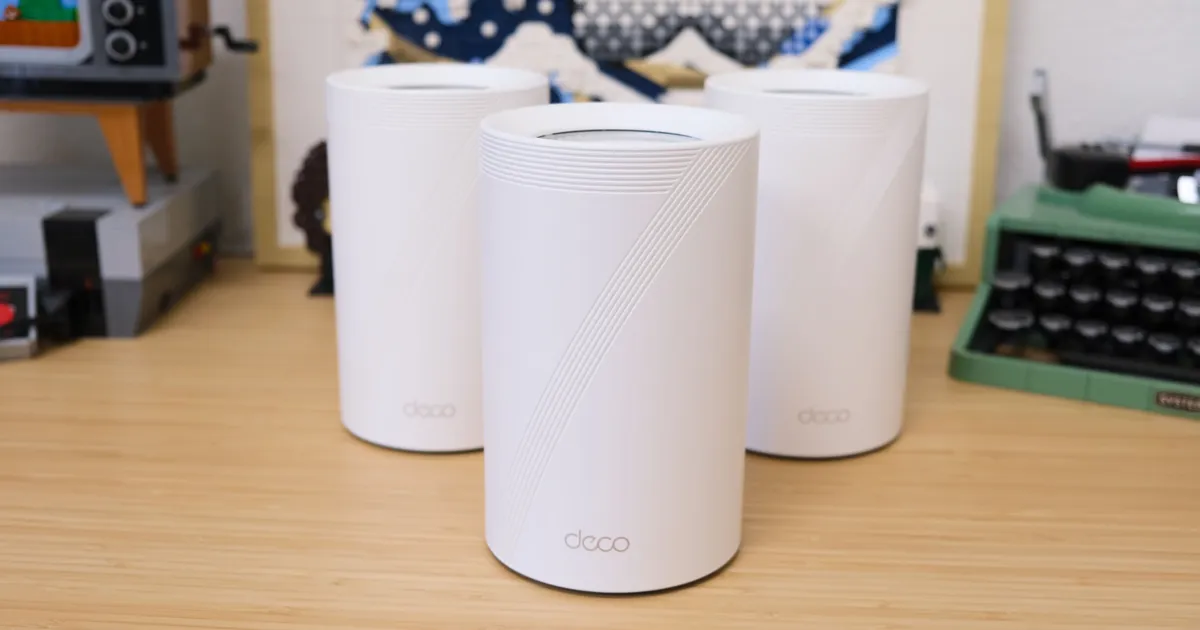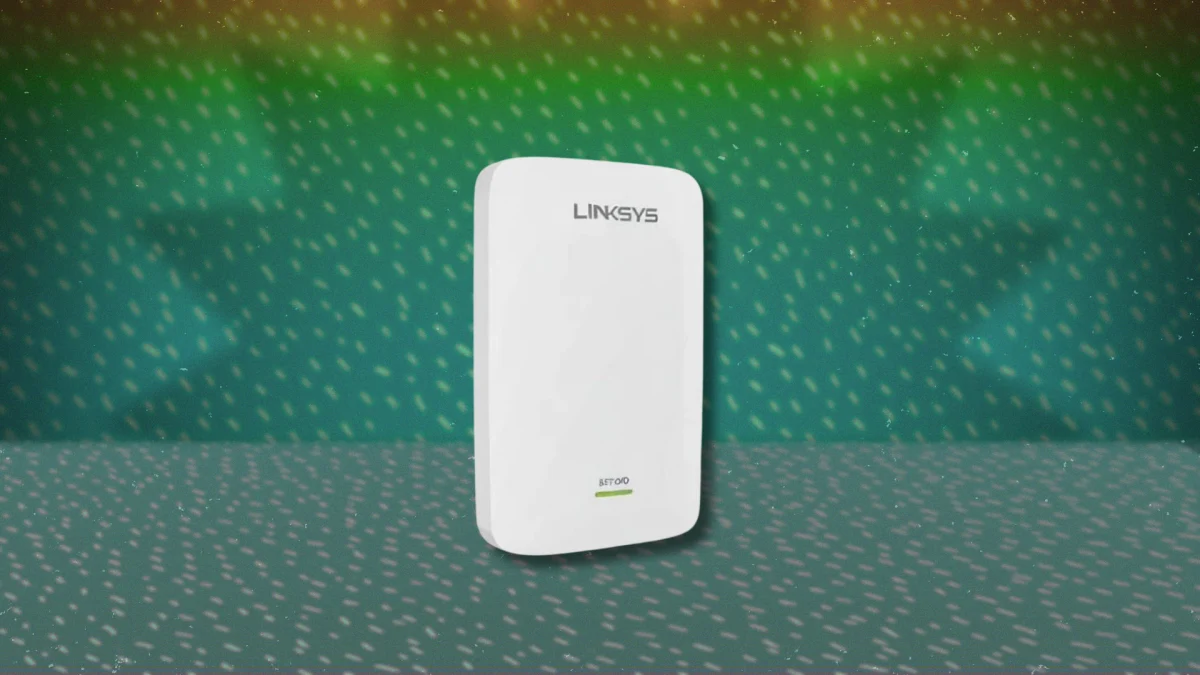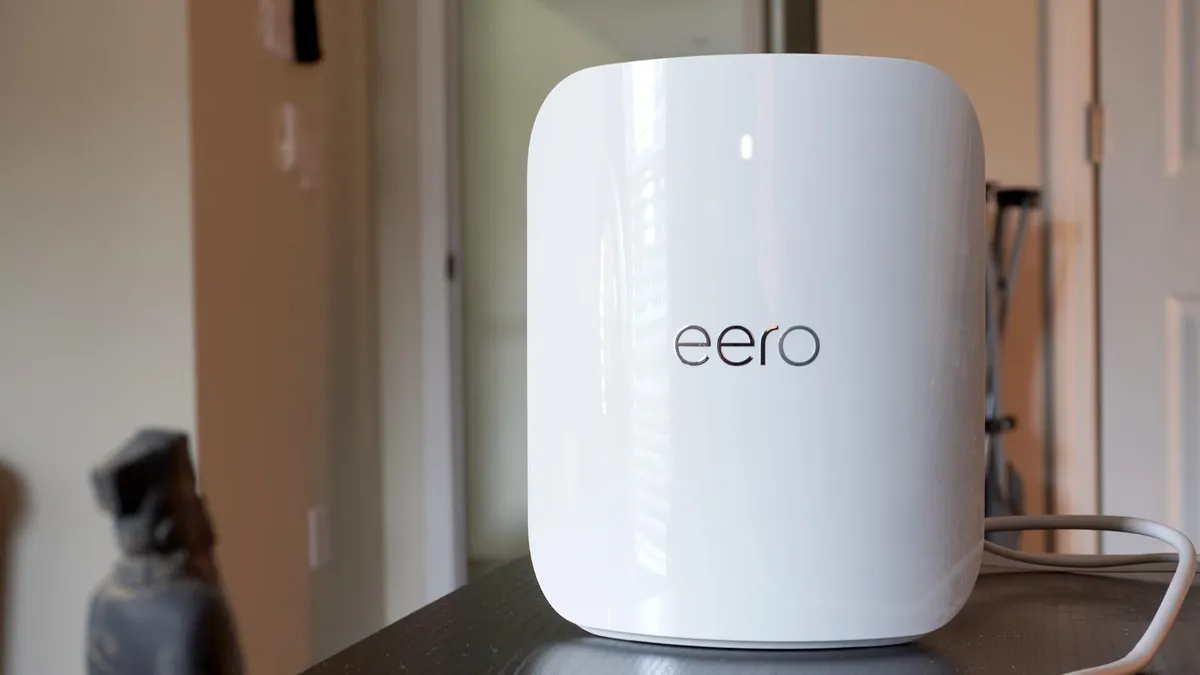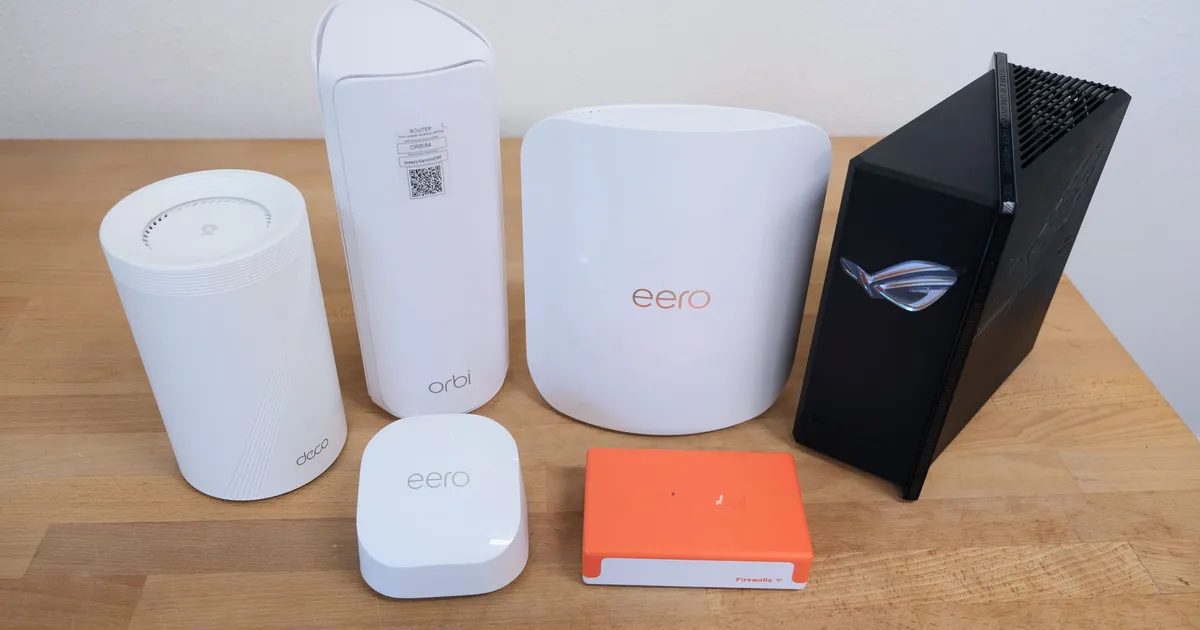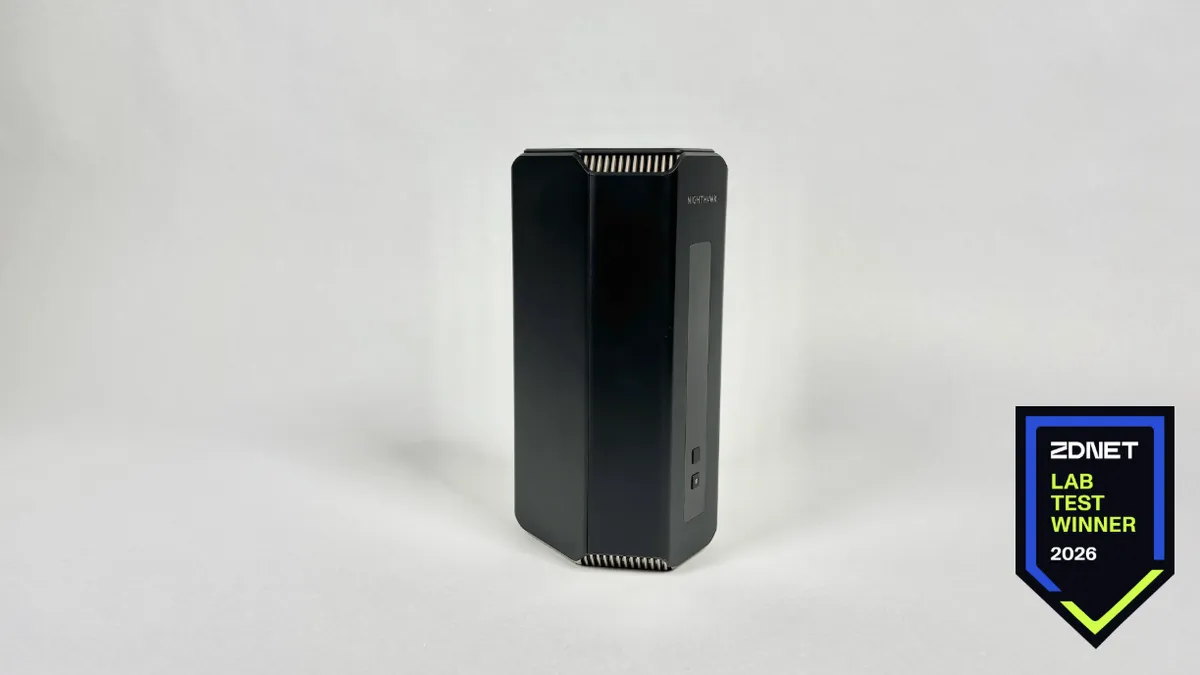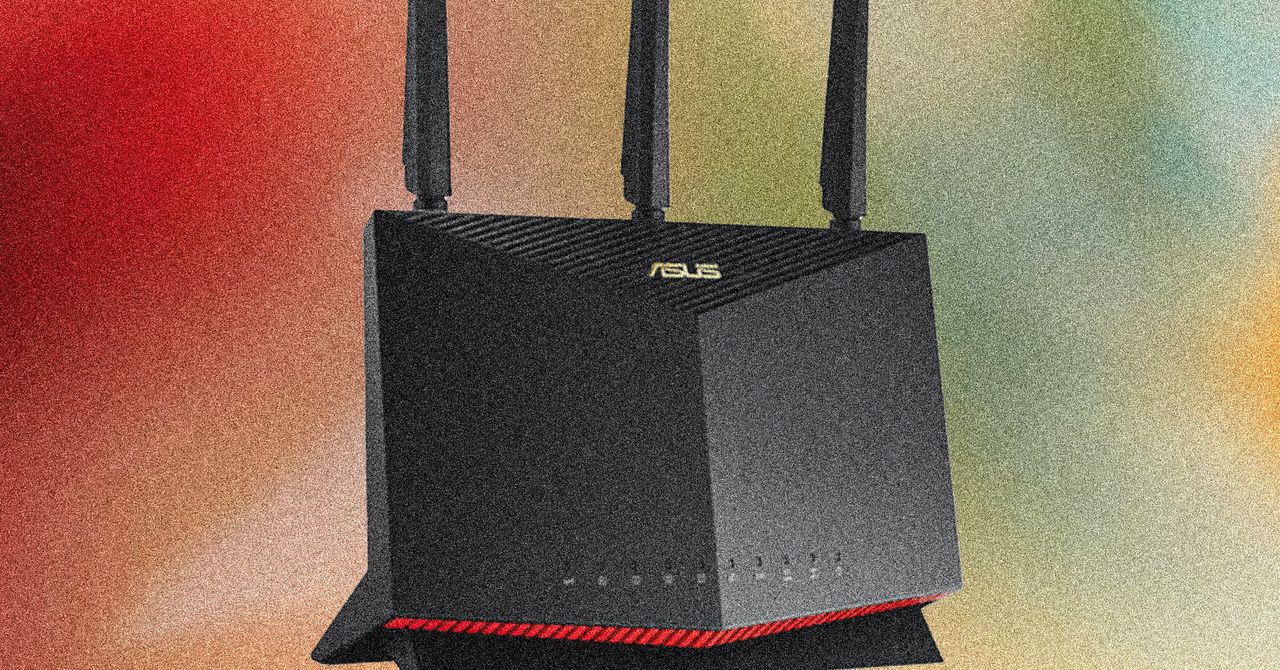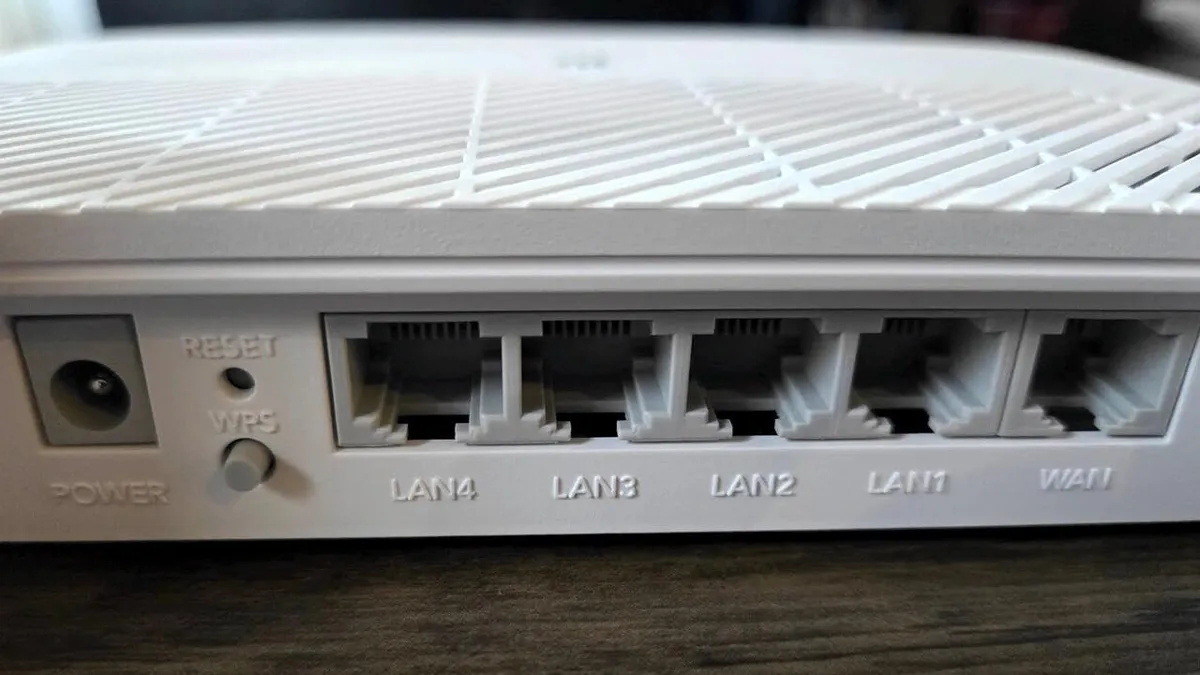
The question Most of us have one wi-fi router: the box from your broadband provider. Because of that, wi-fi can be unreliable/slow/works in only one room of the house. The solution? A ‘third party wi-fi router’ – an additional machine, which boosts your internet connection. But how do you know what to look for and which is best?
The basics The Which? experts tested 23 wi-fi routers ranging from a £30 TP-Link one, to a £600 Amazon unit.
The method First, the Which? whizzes connected a device (a phone or laptop) to the wi-fi to see how efficiently it did things like stream Netflix and download an email attachment at the same time. Experts examined coverage maps showing where the internet was strongest, fastest and slowest in our test home. And they connected several devices to each router at once to measure how speedy the internet remained afterwards. Finally, they assessed how easy each unit was to set up.
The thing to remember Which? buys the products before testing them, which means no freebies, and no biased results.
Find the full range of expert reviews at which.co.uk/wi-fi-routers