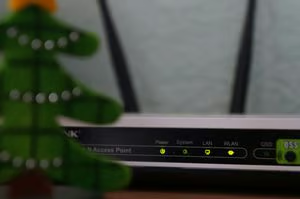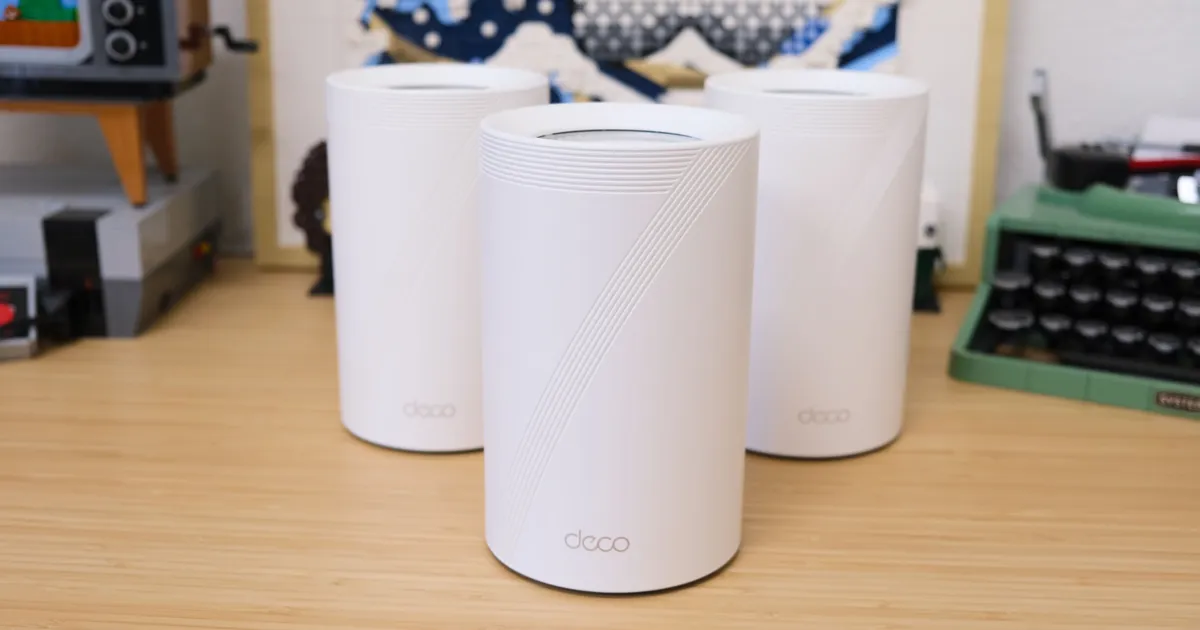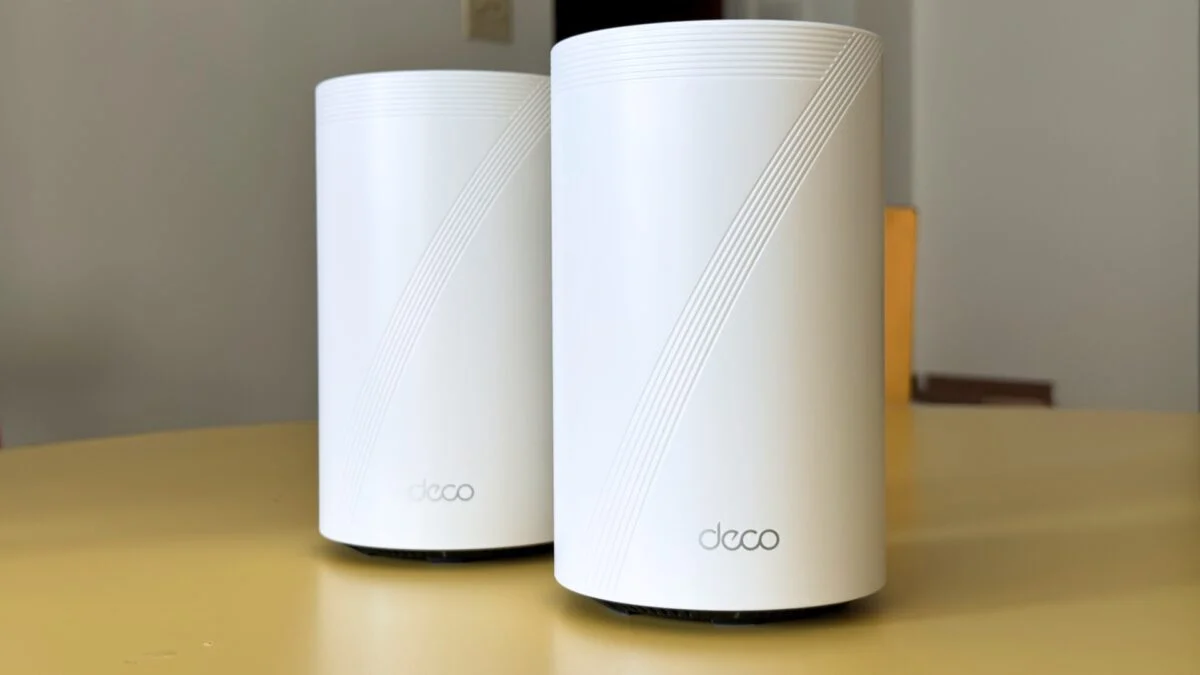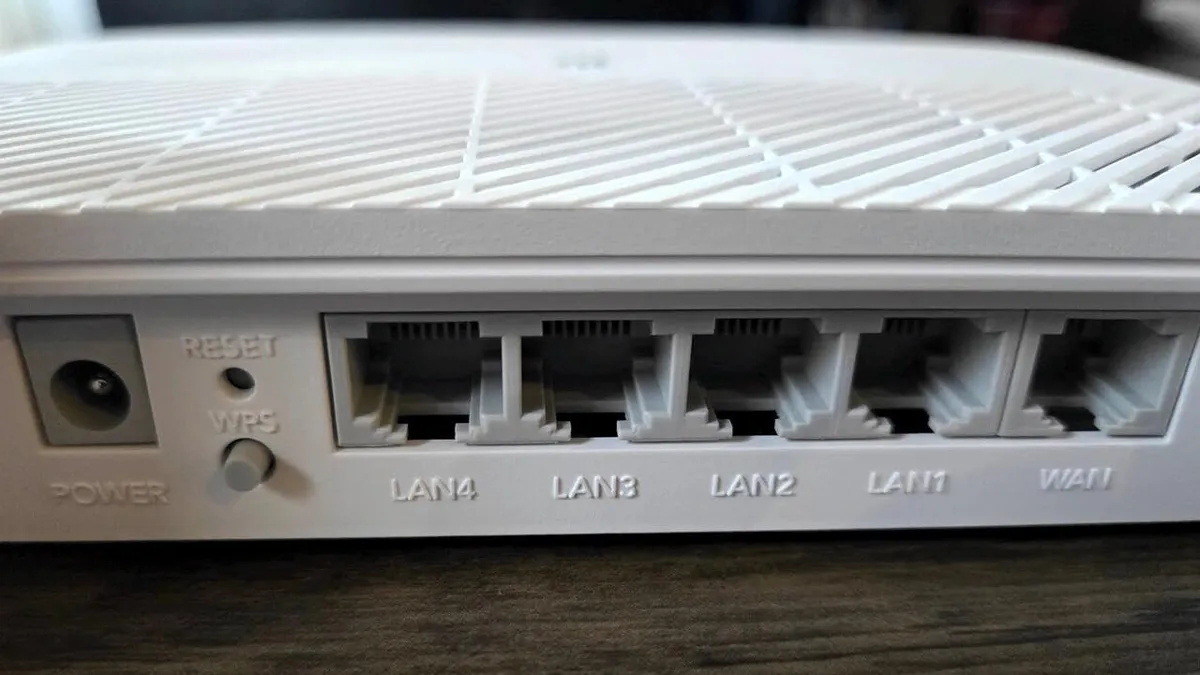
Charlie Osborne/ZDNETFollow ZDNET: Add us as a preferred source on Google. ZDNET's key takeaways Wi-Fi routers are cheaper, faster, and easier to set up.Mesh systems fix dead zones with wider coverage.Choose based on budget, home size, and connection needs.In the era of flexible work, a rock-solid home Wi-Fi setup is a must. Between your laptop, the kids' tablets, and a house full of smart gadgets, your bandwidth demands are higher than ever. That raises a classic tech dilemma: stick with a traditional high-powered router, or upgrade to a multi-node mesh system?The right choice really comes down to your floor plan and where you actually get your work done. Modern routers have become impressively powerful, and for many, a single well-placed unit is all you'll ever need. Also: We tested 15 Wi-Fi 7 routers in our lab, and this one had the widest coverageHowever, if you're dealing with dead zones in a larger house or trying to join a video call from a distant spare bedroom, a mesh network can provide that seamless, wall-to-wall coverage that keeps everything running smoothly.If you're not sure of the difference, that's fine--ZDNET examined both types of connections and consider their pros and cons to determine which one is best for you. What is a traditional Wi-Fi router? A traditional router acts as a central hub for internet connectivity. The router connects to your internet service provider (ISP) and then allows other devices in the home to connect to it, either via Wi-Fi or by plugging in an Ethernet cable. Typically, routers are password-protected so only your household can connect to them. You should buy a traditional Wi-Fi router if... Gianmarco Chumbe/ZDNET 1. You're on a budget Standard routers are generally much more affordable than mesh network products. While you can still expect to pay a hundred dollars or more for a premium router, there are many budget-friendly options stable enough to keep your home office running effectively without further input. 2. You have heavy bandwidth and speed requirements Many routers today, such as the TP-Link AXE5400 are designed with the technology needed to meet heavy bandwidth and streaming requirements. Some, like the Netgear NightHawk RS700S, have wide coverage across various Distance and Interference (D&I) bands to ensure you're getting the most signal strength. Also: 3 signs someone is using your Wi-Fi - and how to kick them offGamers and live streamers, for example, should generally stick with wired Ethernet connections and traditional routers, as they will likely provide improved speeds and stability over wireless-first products. 3. You want a plug-and-play product A standard router is often less hassle to set up than a mesh network. For something that "just works," a typical router might be the best option. Set it up once, make sure updates are automatically applied, and forget about it. 4. You want to separate devices and networks You can set up guest Wi-Fi networks on most modern routers, but if you also want to keep all of your devices on a separate home network in the interests of security, most routers will allow you to do this without much hassle. What is a mesh router? While traditional routers are singular, centralized access points, mesh networking devices are decentralized. Instead of a single device connecting to a single gateway to the internet, mesh networks are built from multiple Wi-Fi nodes that all provide web connectivity. For example, you could have a central hub in the kitchen and satellite nodes in the home office, kitchen, and bedroom. Also: Asus gave us a first look at its Wi-Fi 8 router at CES, and it's nothing we could've expectedWhen you access the internet in the kitchen, you automatically connect to the hub, whereas you jump on a node in your home office, and so on -- and this blanket coverage is why mesh devices are great for larger homes or offices. Most mesh systems will automatically select the best channels and nodes to avoid dead zones and lower the risk of poor connectivity. You should buy a mesh networking system if... Maria Diaz/ZDNET1. You have spotty coverage in your homeThe main benefit of a mesh network is extended coverage. Investing in a mesh setup will remove annoyances, such as coverage black spots or slow connections in larger properties with a lot of square feet. You're far less likely to have dead zones with a mesh system than you are with a single router access point. Mesh networks can often cover up to 5,000 sq. ft., and more, with enough satellites. That's far more than you can expect from one central router. 2. You need a reliable connection, no matter where you are As your device will connect to the nearest satellite node rather than a central point of access, this feature helps ensure that -- no matter where you are in a property -- you are less likely to experience connectivity failures or drops. Also: I switched my high-end Wi-Fi 7 router to a more affordable option - and don't regret itIn this manner, mesh networks are particularly useful if you have a home office in a garden area separate from your house, for example. Another benefit is that mesh systems and satellites are often designed to look modern, sleek, and may be more discreet than bulky, traditional routers, giving you more options for placement. 3. You want additional controls Once a mesh network is active, many vendors allow users to control their system through a mobile app. This could include keeping an eye on network traffic, rebooting, or even turning off the internet entirely -- perhaps an appealing prospect for parents who don't want to mess with a typical router's configuration. In addition, some mesh networks also act as smart hubs and are compatible with voice assistants. A note of warning, however: you may need to spend some time tweaking configuration settings when setting up a mesh network for the first time. There are three key disadvantages of using a traditional Wi-Fi router:Coverage issues: As internet access is distributed through a single point, this setup can mean that areas far away from your router will have slow or spotty connections that drop. Range extenders can help remove this barrier, and while they can still be cheaper than investing in a mesh network, it's an additional expense. Overload: Unless extenders or channel separation features are used, too many connections may result in overloading, bottlenecks, lags, and connectivity drops.Tweaking: If you want to tweak the more advanced settings on a router, this can often require annoying visits to a platform via desktop, rather than the seamless mobile app connectivity we have learned to enjoy for many of our modern services.
Should you replace a traditional Wi-Fi router with mesh? I compared the two, and here's my verdict
Choosing between one access point and full-home internet coverage? Here's the verdict after extended testing.
1,675 words~8 min read