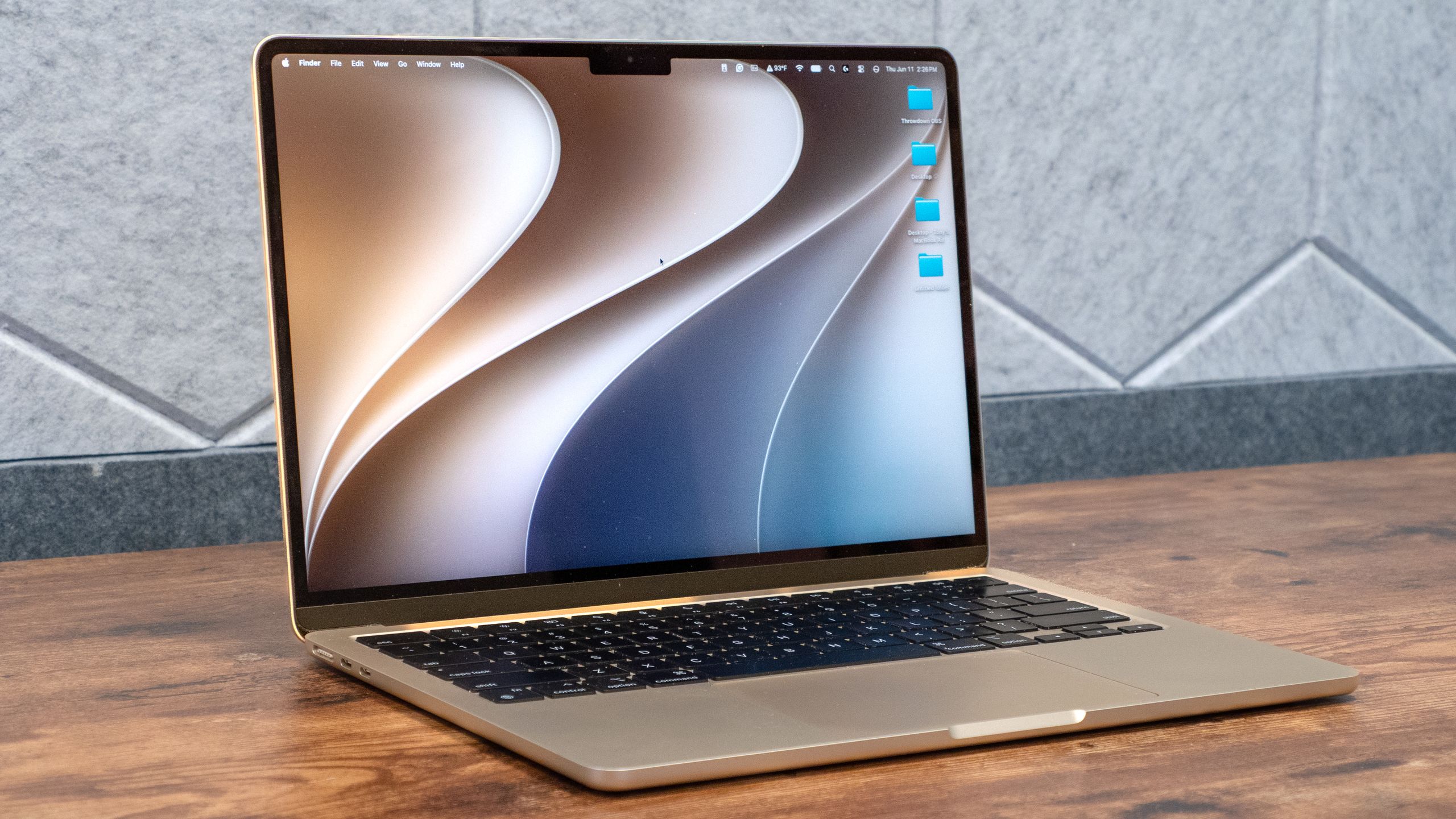
(Image credit: Tom's Guide)
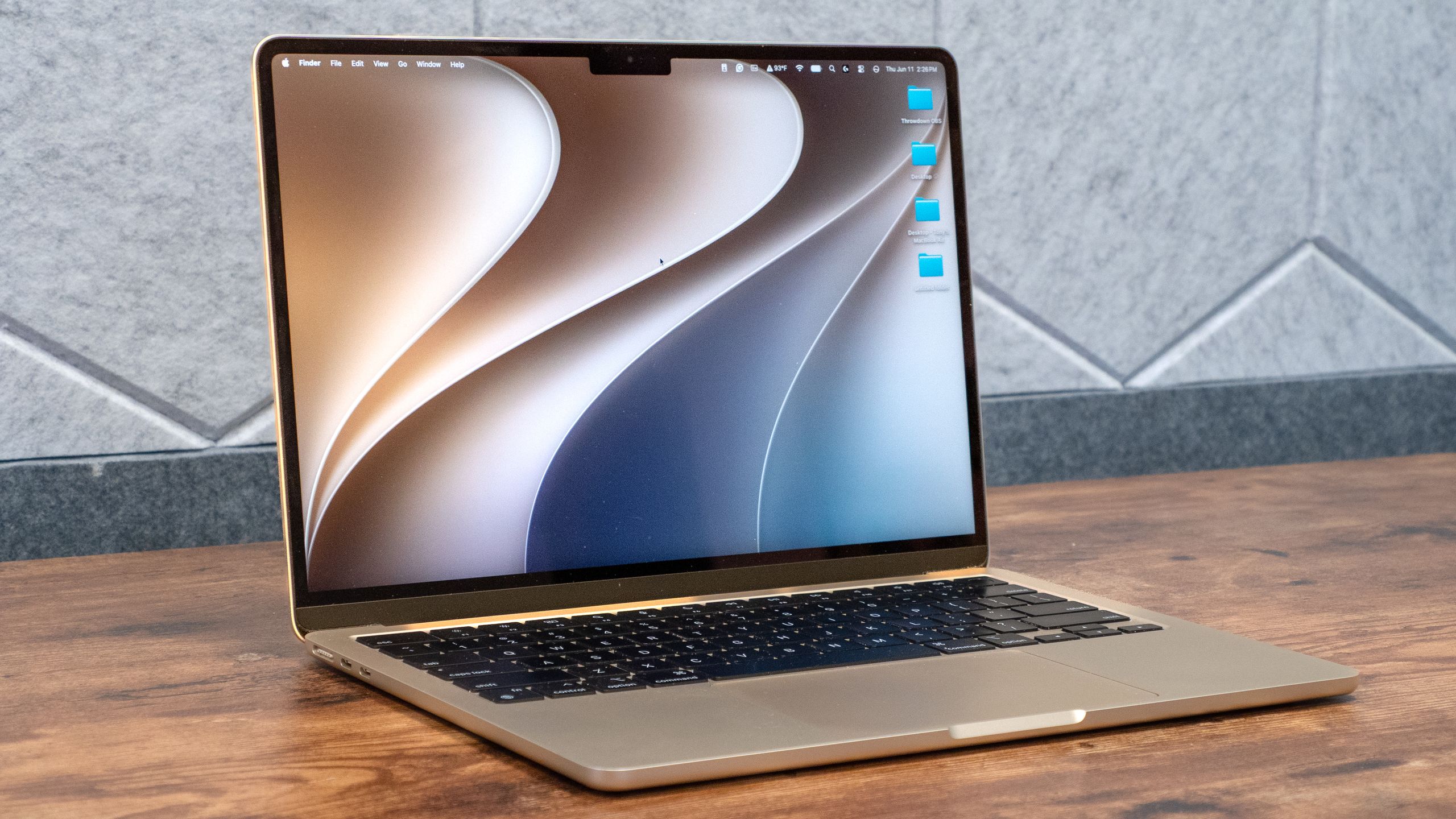
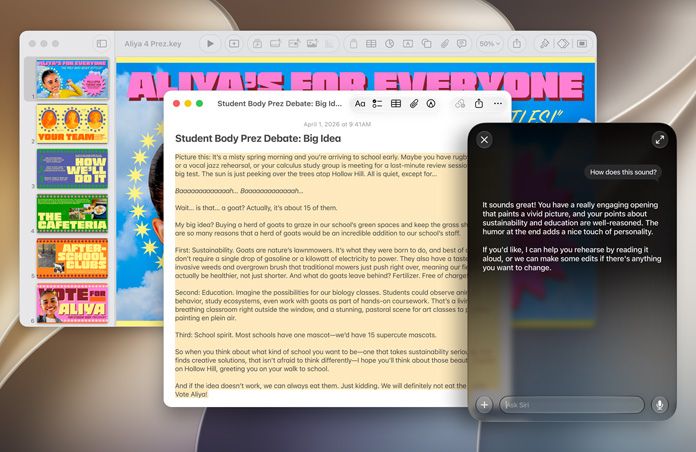
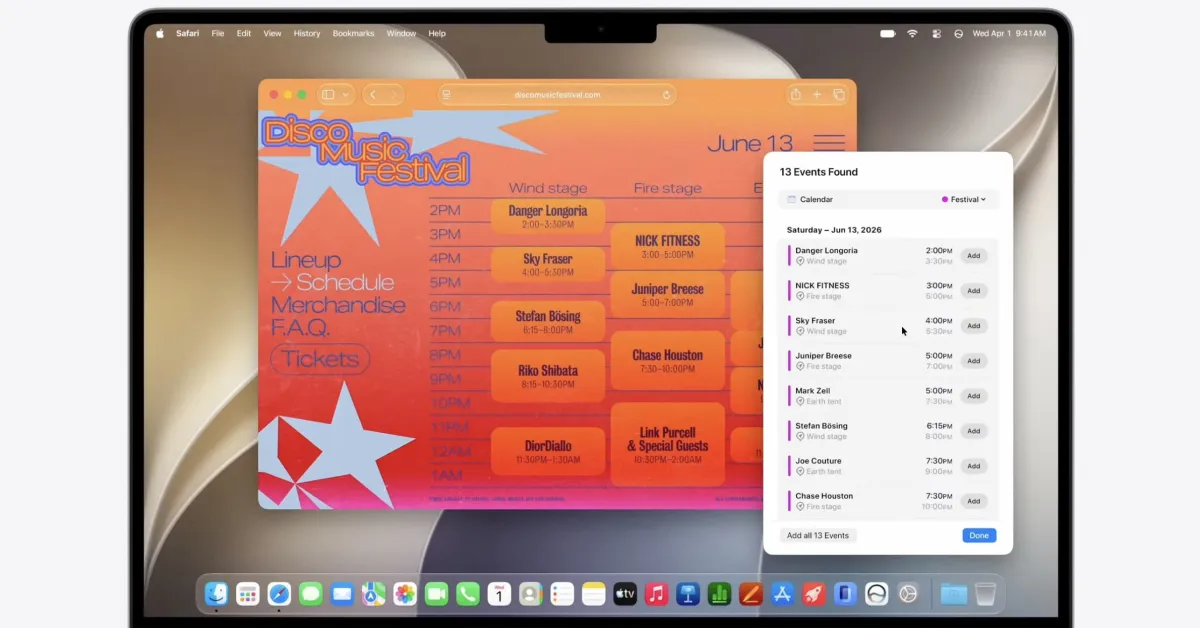
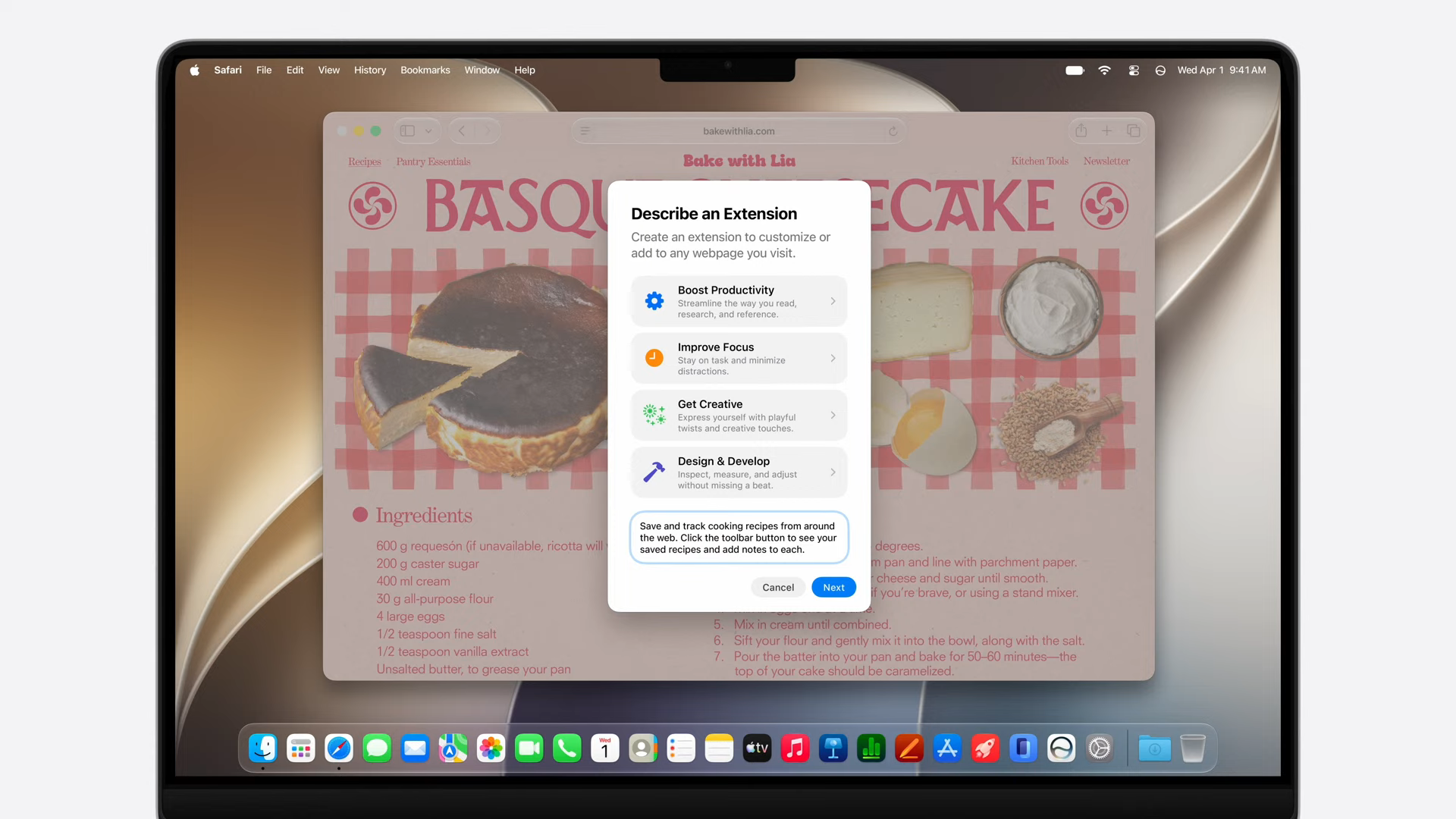
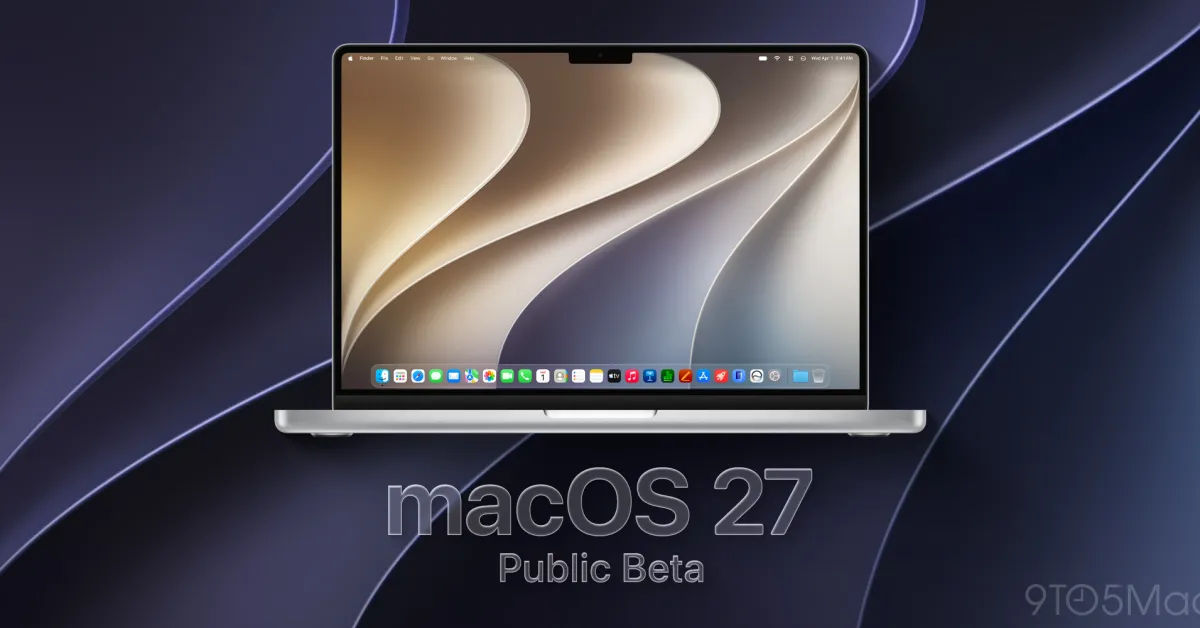
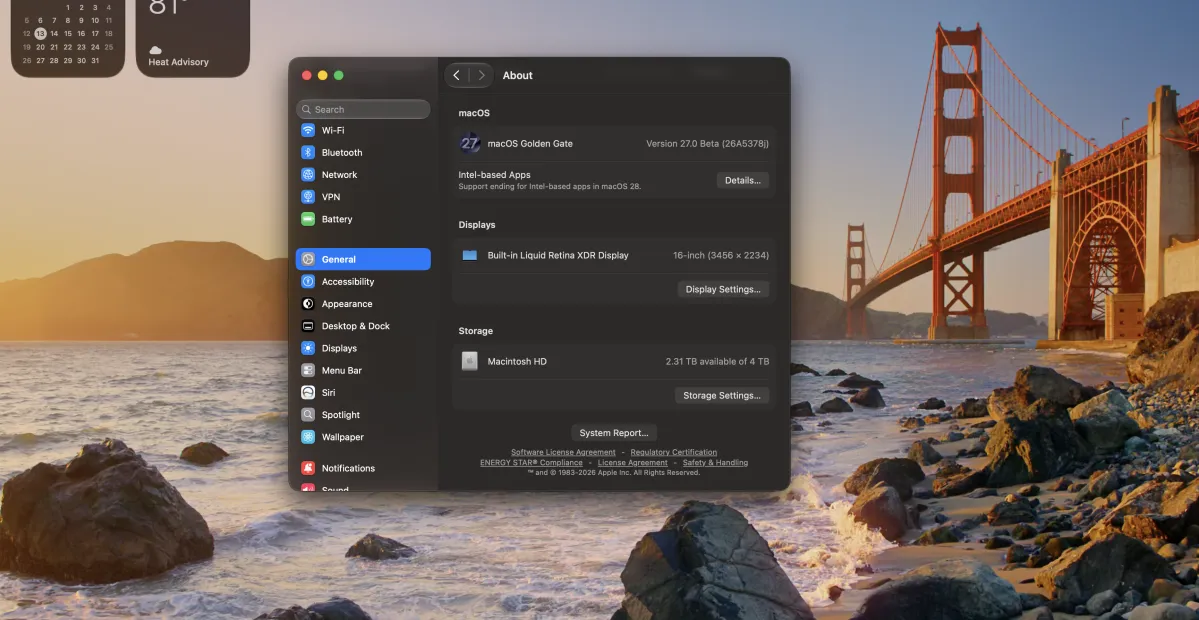
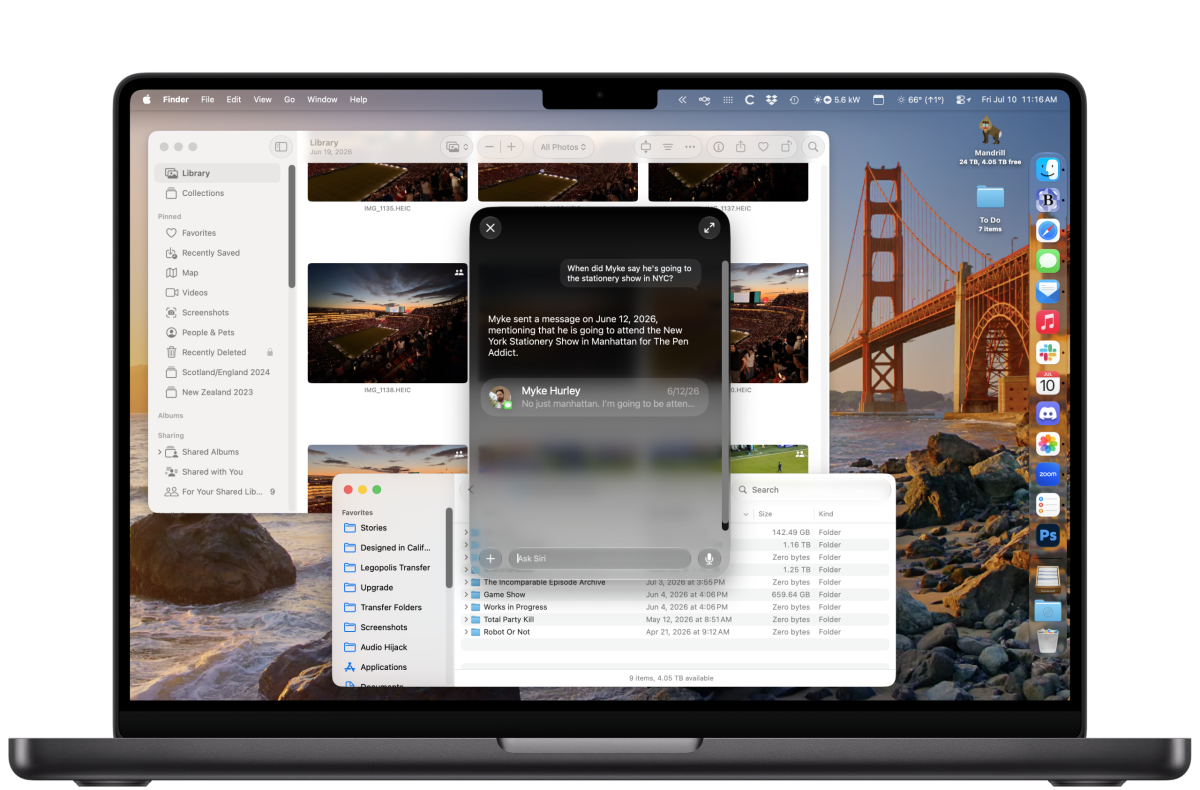
The macOS Golden Gate public beta is now live, giving you a chance to check out all the new features coming to the best MacBooks.Expected to launch this Fall, macOS Golden Gate primarily focuses on updating Apple Intelligence and Siri, with the latter now officially called Siri AI. You don’t get many new features, but improvements to Liquid Glass’s readability, easier customization, and smoother performance make for an overall better experience.While Apple’s public betas are generally more stable than the developer builds, it might still be buggy and could cause issues for your Mac. I’ve never experienced serious issues using any of these betas over the years, but it’s worth being cautious. With that said, here’s how to download the macOS Golden Gate public beta.How to download the macOS Golden Gate developer betaDownloading the macOS Golden Gate public beta is pretty simple. First, enroll your Apple ID in Apple's Beta Program and make sure your Mac is compatible. Here's the full list of Macs that can install and run macOS Golden Gate:MacBook Neo (2026)MacBook Air with Apple silicon (2020 and later)MacBook Pro with Apple silicon (2020 and later)iMac with Apple silicon (2021 and later)Mac mini with Apple silicon (2020 and later)Mac Studio with Apple silicon (2022 and later)Mac Pro with Apple silicon (2023 and later)