(Image credit: Apple)
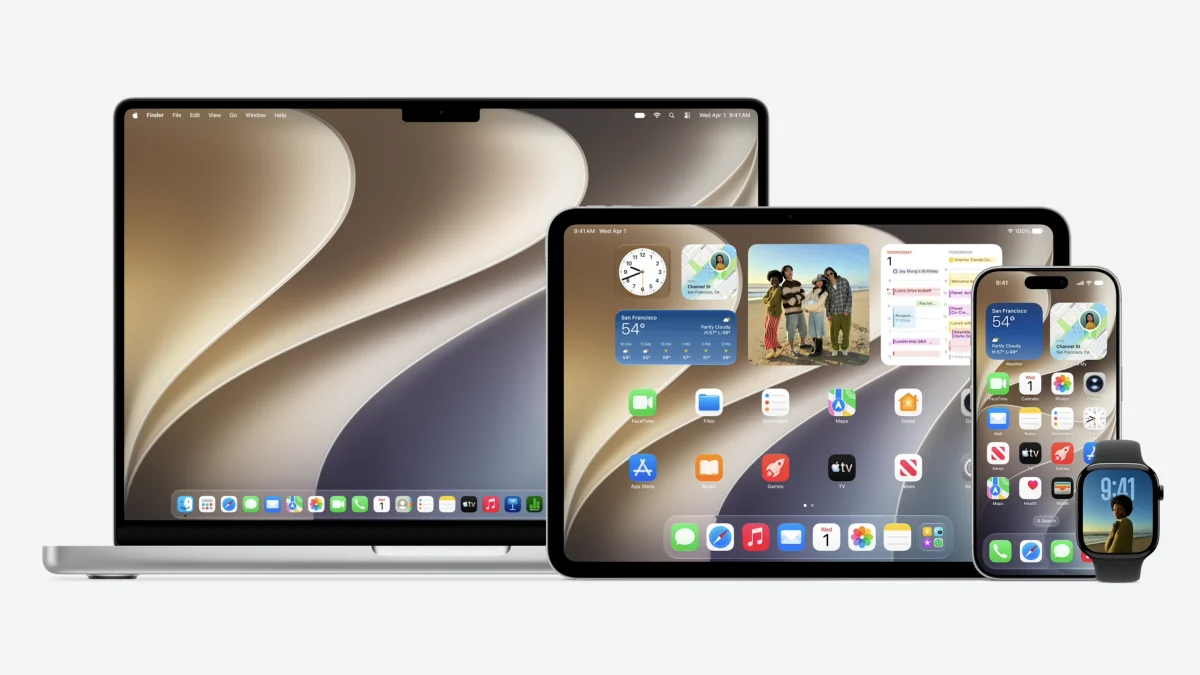
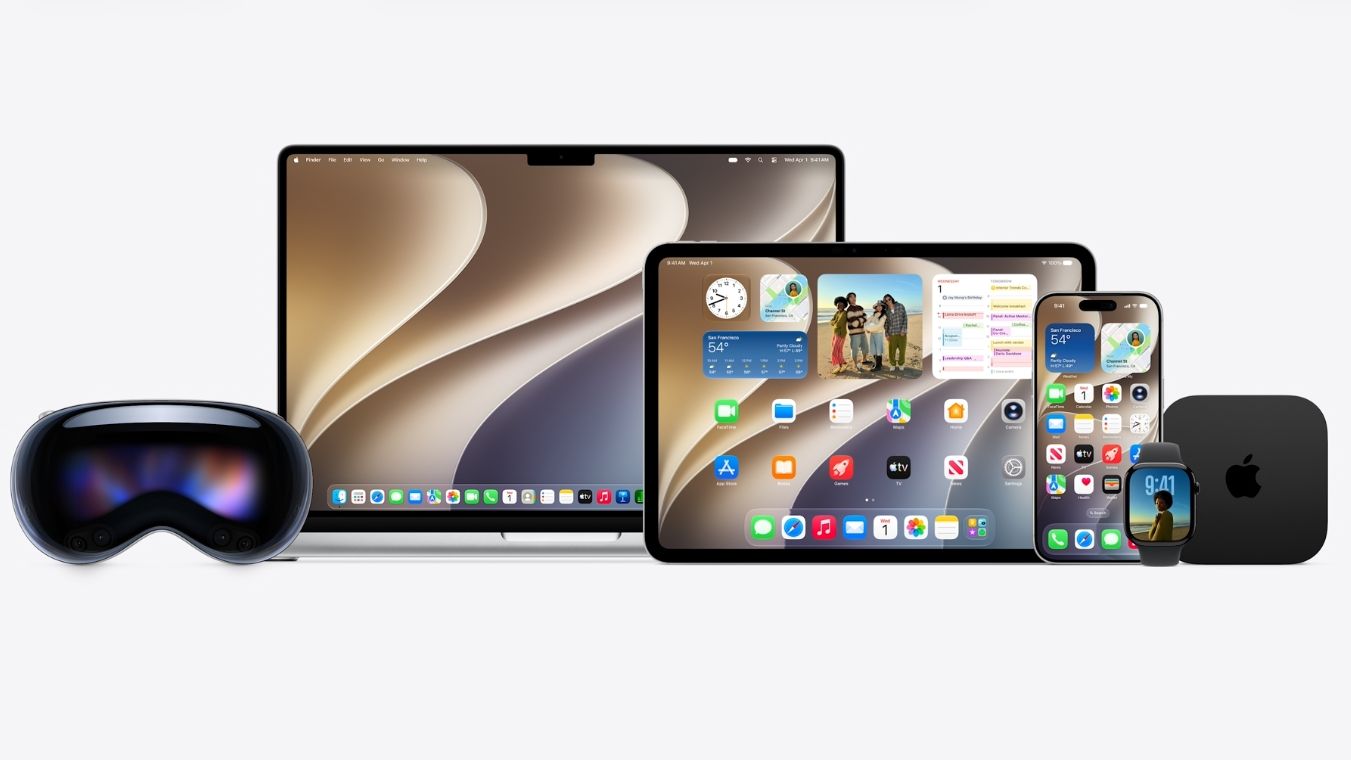
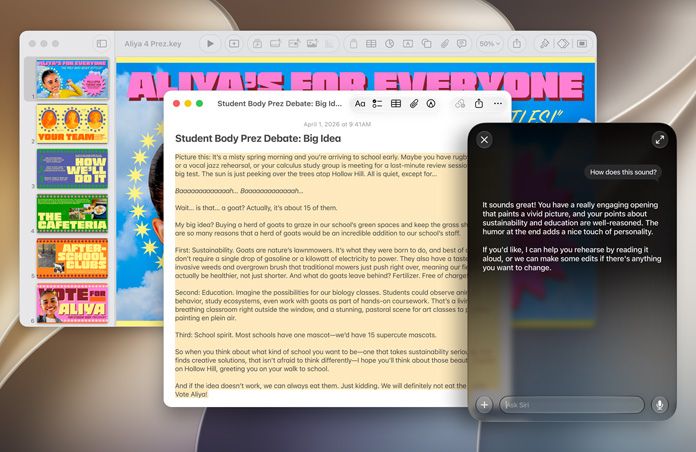
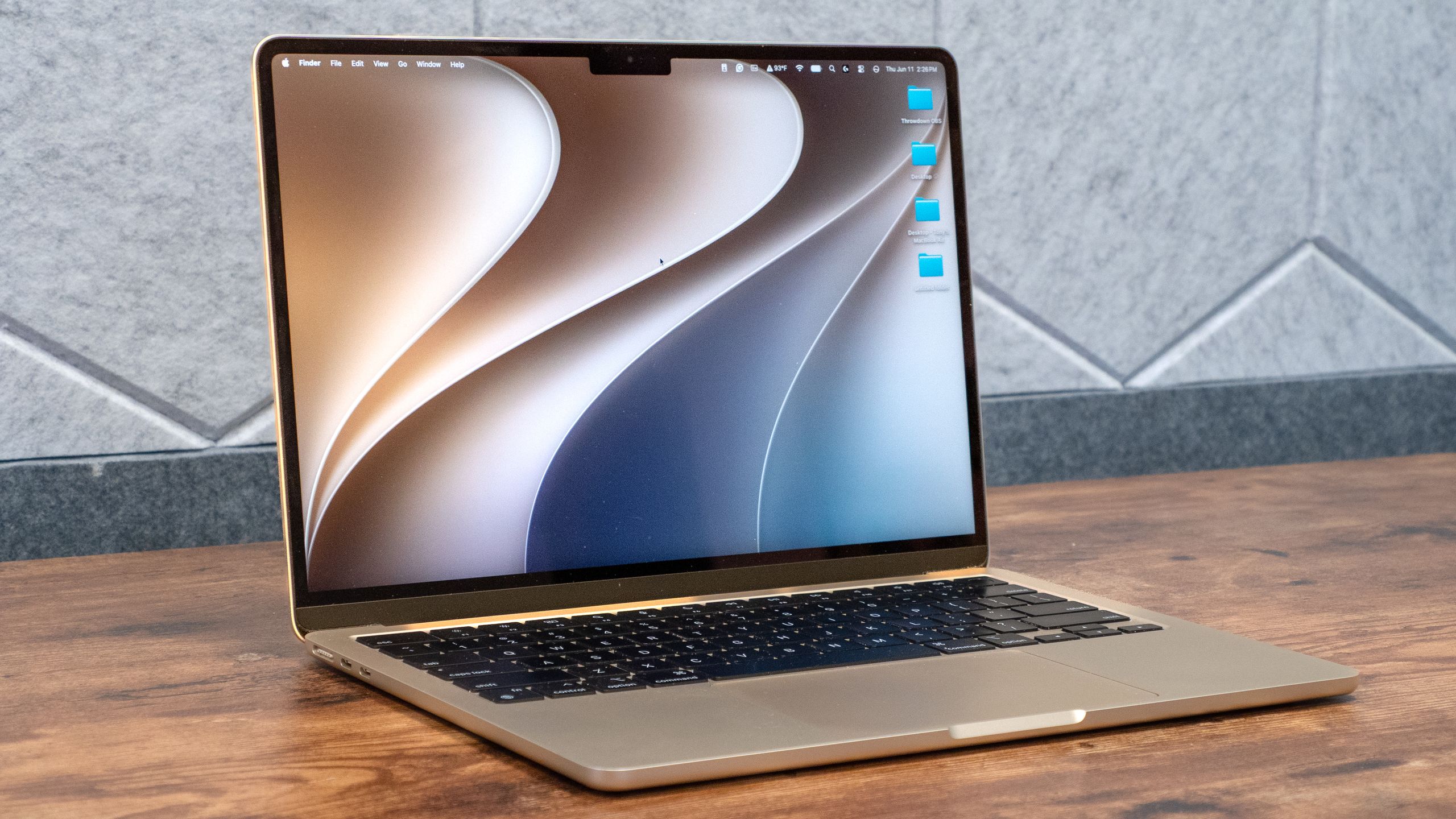
The macOS 27 or macOS Golden Gate developer beta is now live, and I’ve begun testing out some of the available features that this upcoming (and unfinished) operating system has to offer.We don’t get a substantial update as we did with last year’s macOS 26. Instead, this year’s update is mostly focused on Siri AI and Apple Intelligence. While I’ve yet to try the former, the latter offers nifty tricks for Mac users to try out.Keeping in mind that this is a developer beta and features are subject to change, here are my early thoughts on macOS Golden Gate and some features that stand out.Spatial ReframingImage 1 of 2A MacBook Air before Reframe(Image credit: Tom's Guide)A MacBook Air before ReframeThe new Reframe tool stole the show at WWDC, and it’s a lot of fun to use. The feature is self-explanatory: you can take existing photos and adjust the perspective to your liking. Basically, if you’re not happy with a photo’s angle, you can change that.After selecting Reframe in the new Tools option in Photos’ editing mode, the AI scans your photo. When that’s done, you can pull your finger across the touchpad to change the perspective. There are also sliders on the side if you prefer more precise control over the angle, orientation, or size. Once you’re happy with the result, the AI shifts things around to fill in any blanks.While you can argue that you’re not seeing the real image after you’ve effectively doctored it, the result isn’t radically different from the original. If you don’t worry about getting a perfect picture the first time around, Reframe can definitely remove that stress since you can always come back to your photo later.Liquid Glass slider