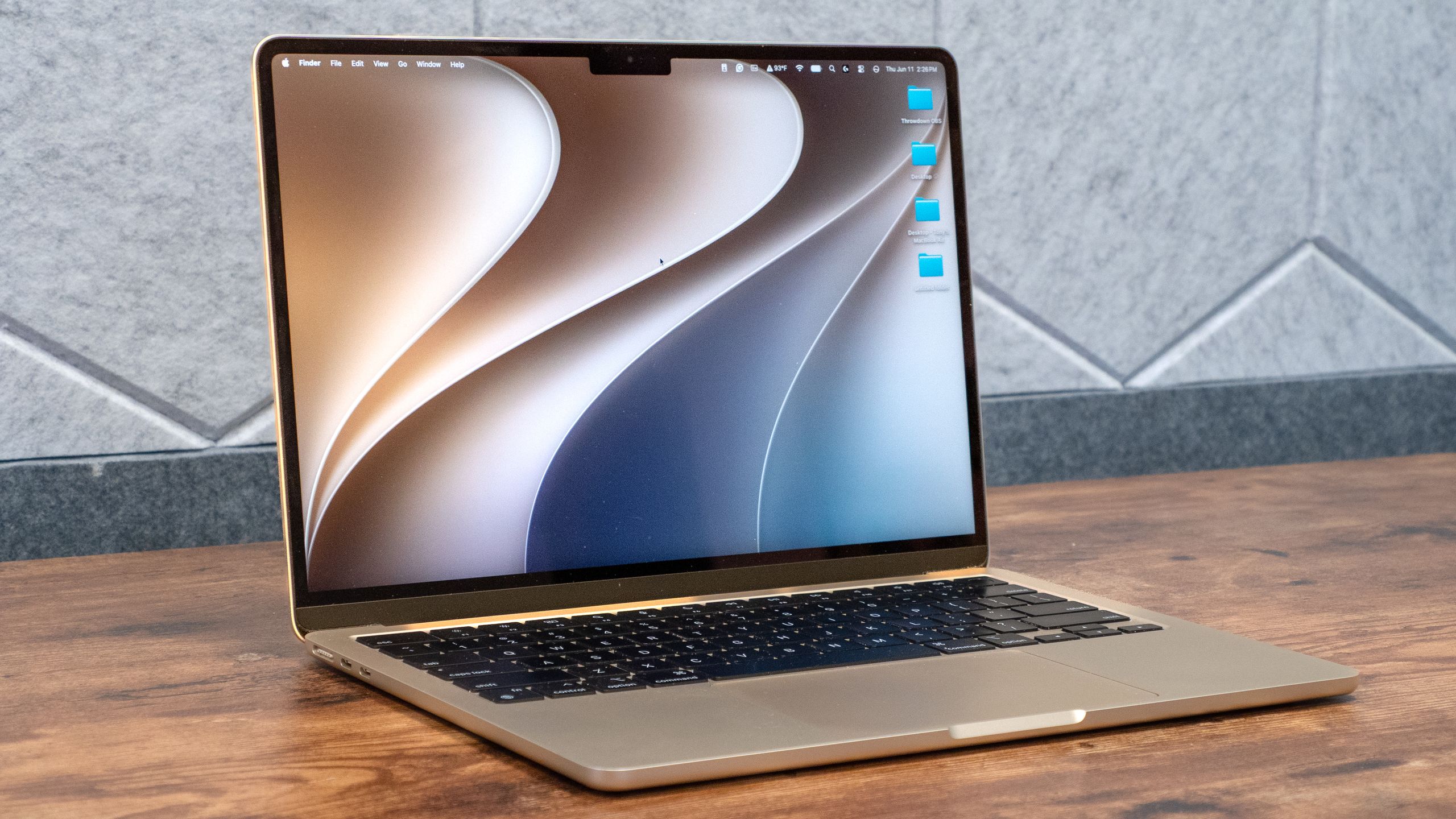
(Image credit: Tom's Guide)
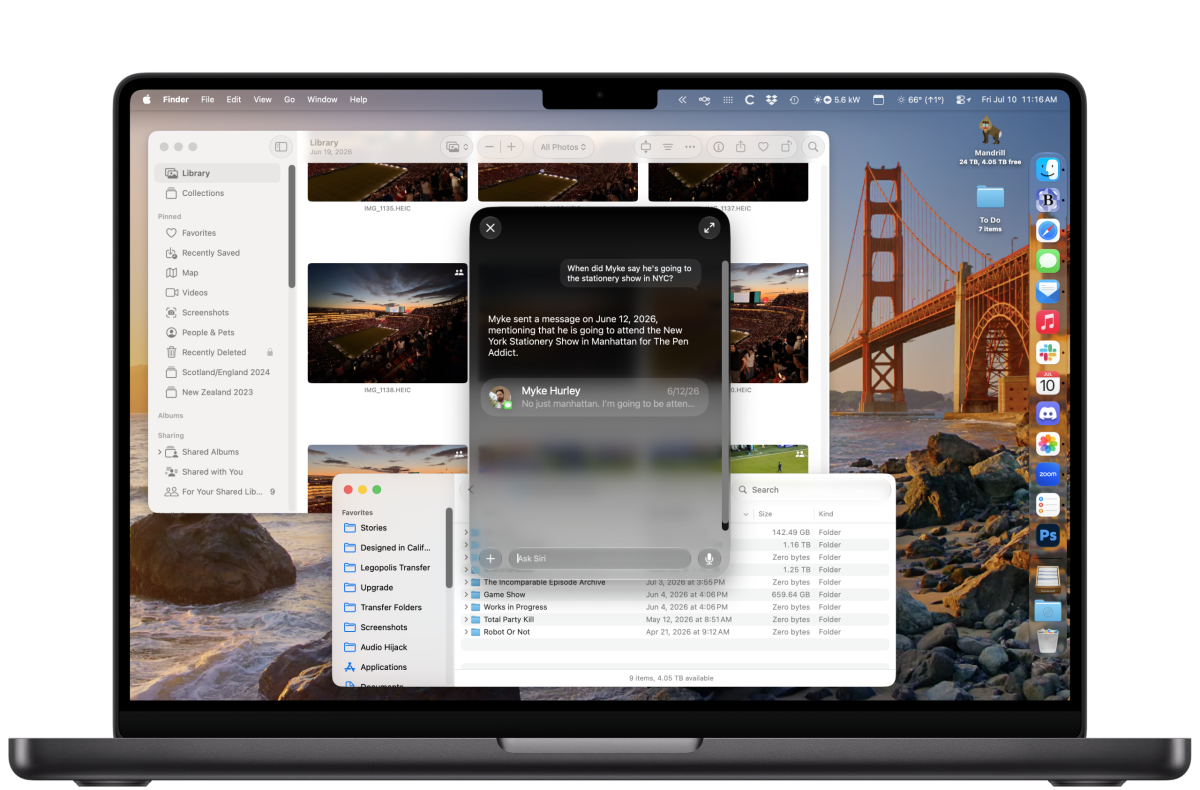
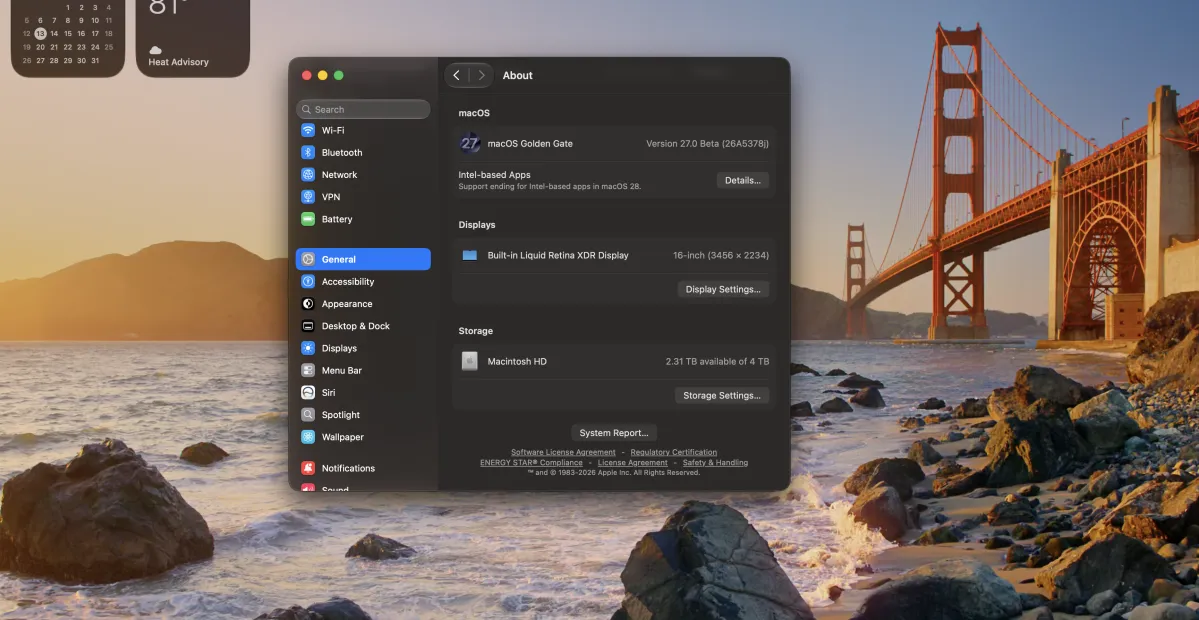
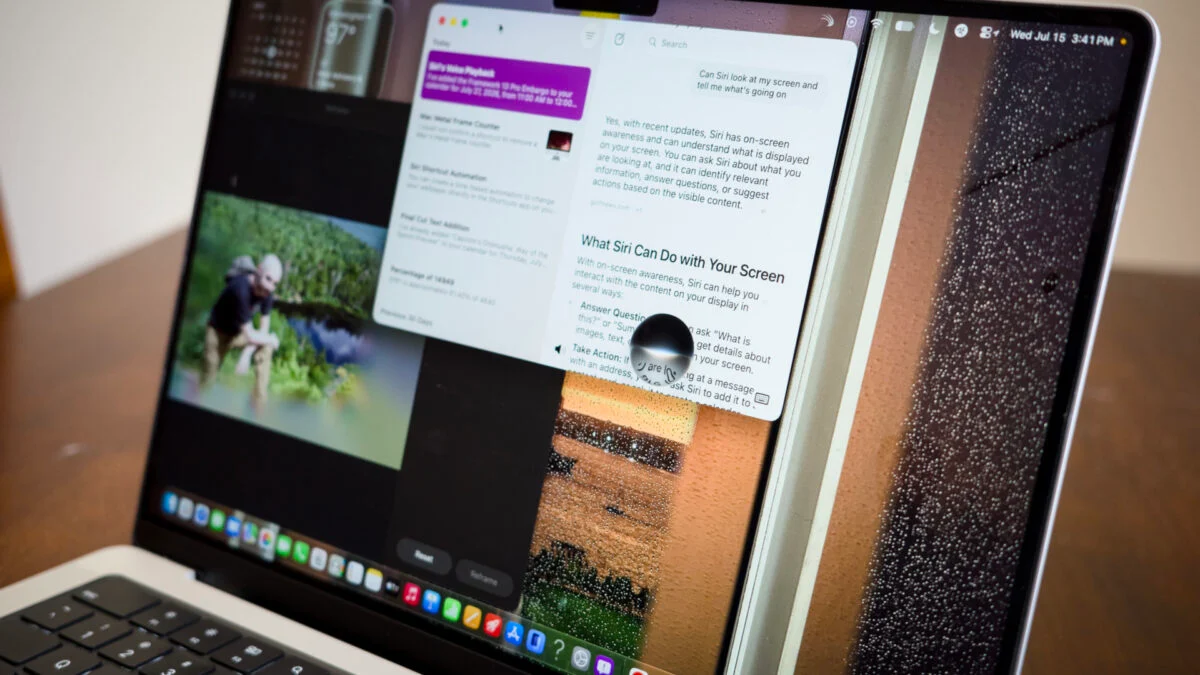
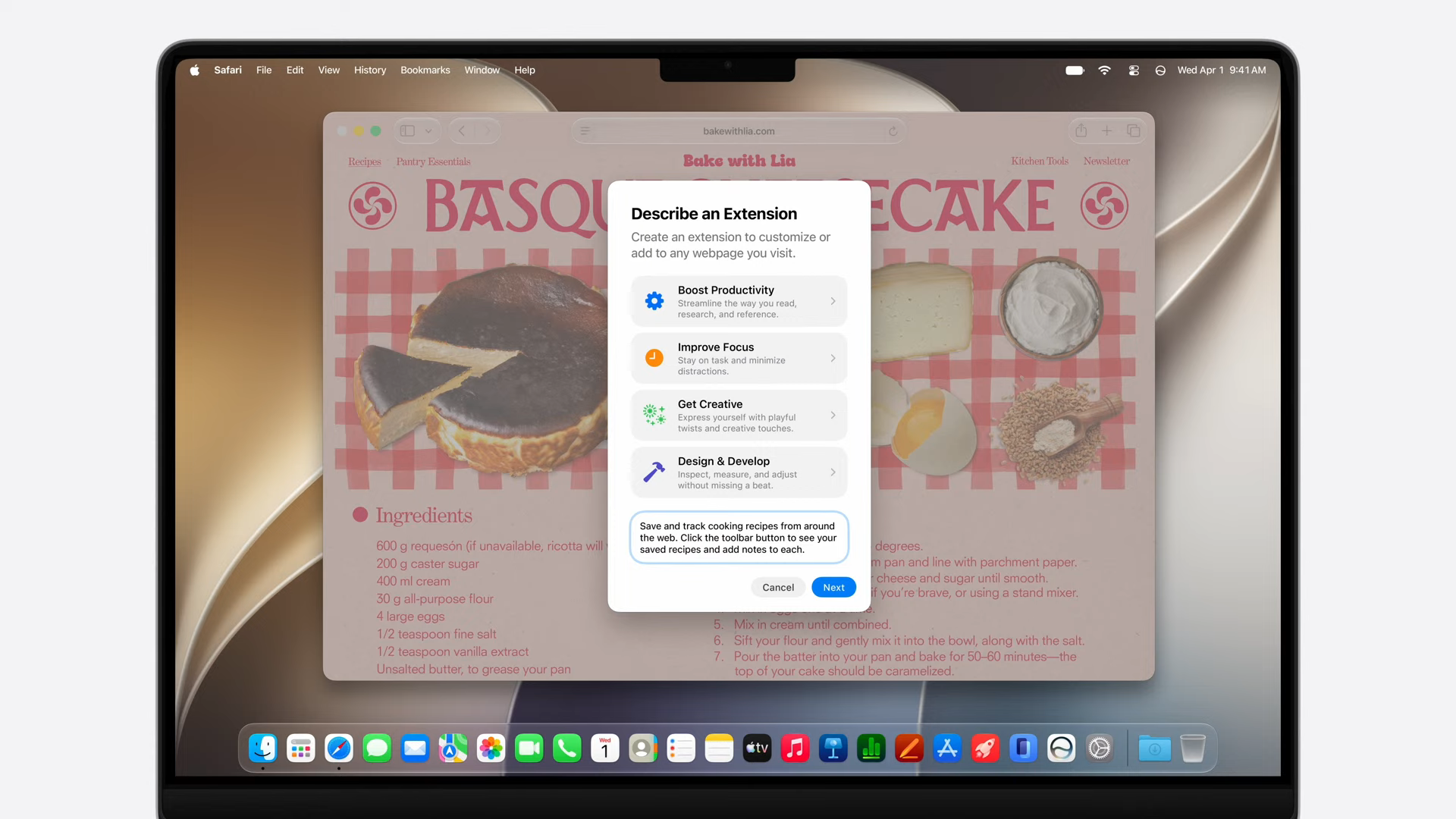
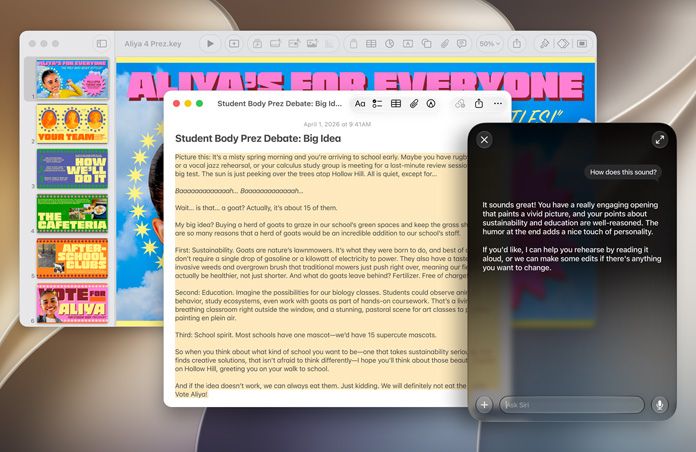
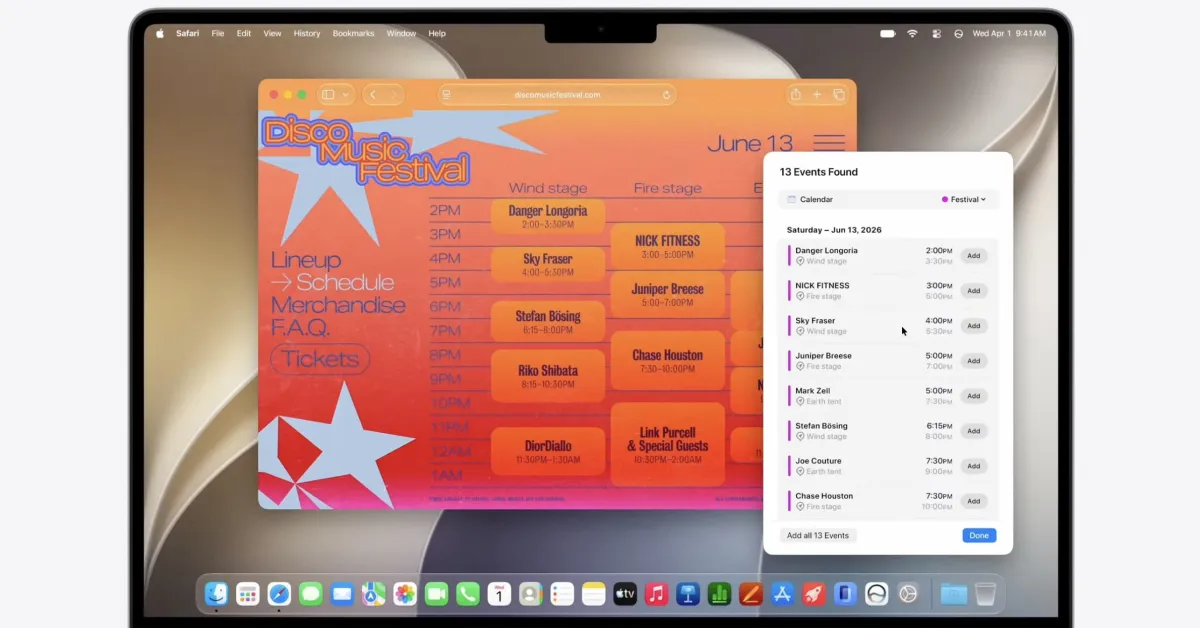
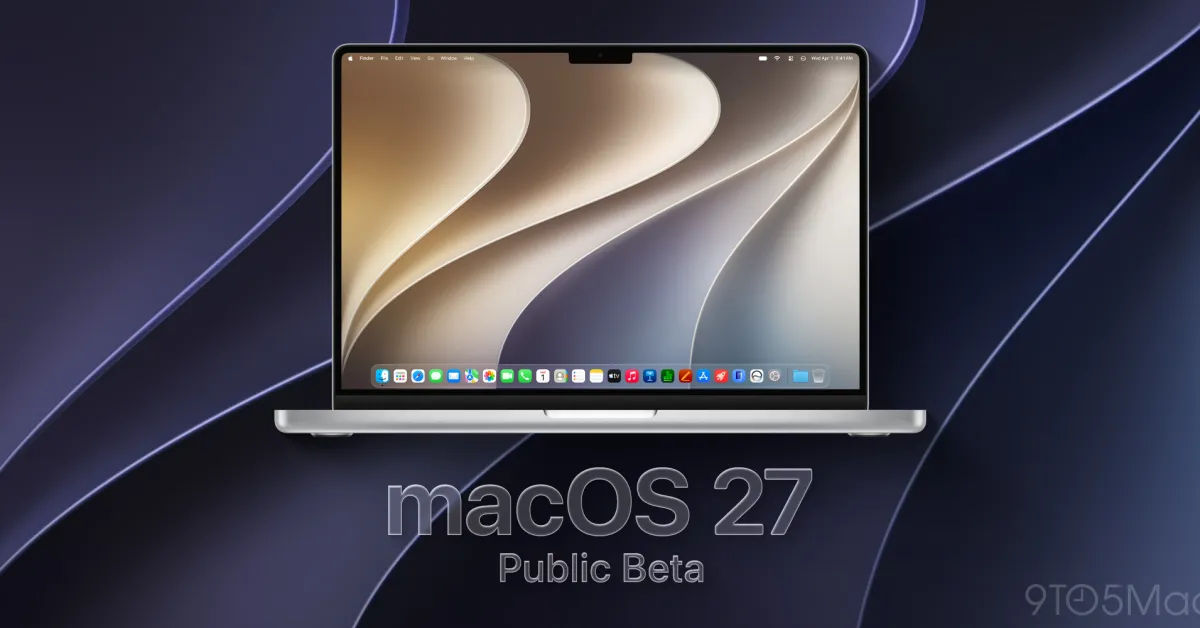
The public beta for macOS 27, also known as macOS Golden Gate, is here! While this update isn’t as monumental as macOS Sequoia, it delivers a slew of AI features and smoother overall performance, making the best MacBooks more personal and streamlined.I’ve had the developer beta of macOS Golden Gate installed for a month, with the latest version close to what the public beta is offering. While the beta is still very much a work in progress, I’ve had a smooth time using it and testing out its new features.If you’re signed into the (free) Apple beta software program, you can try the public beta of macOS Golden Gate right now. Here are my thoughts on the beta and the key features worth checking out.macOS Golden Gate public beta hands-on: Supported MacsThe Intel era is over, as macOS Golden Gate doesn’t run on those older machines. Here is a complete list of Macs that support Golden Gate.MacBook Neo (2026)MacBook Air with Apple silicon (2020 and later)MacBook Pro with Apple silicon (2020 and later)iMac with Apple silicon (2021 and later)Mac mini with Apple silicon (2020 and later)Mac Studio with Apple silicon (2022 and later)Mac Pro with Apple silicon (2023 and later)macOS Golden Gate public beta hands-on: FeaturesMost of macOS Golden Gate’s new features center around updated versions of Siri and Apple Intelligence. These are the ones that have stood out the most during my testing.Siri AI