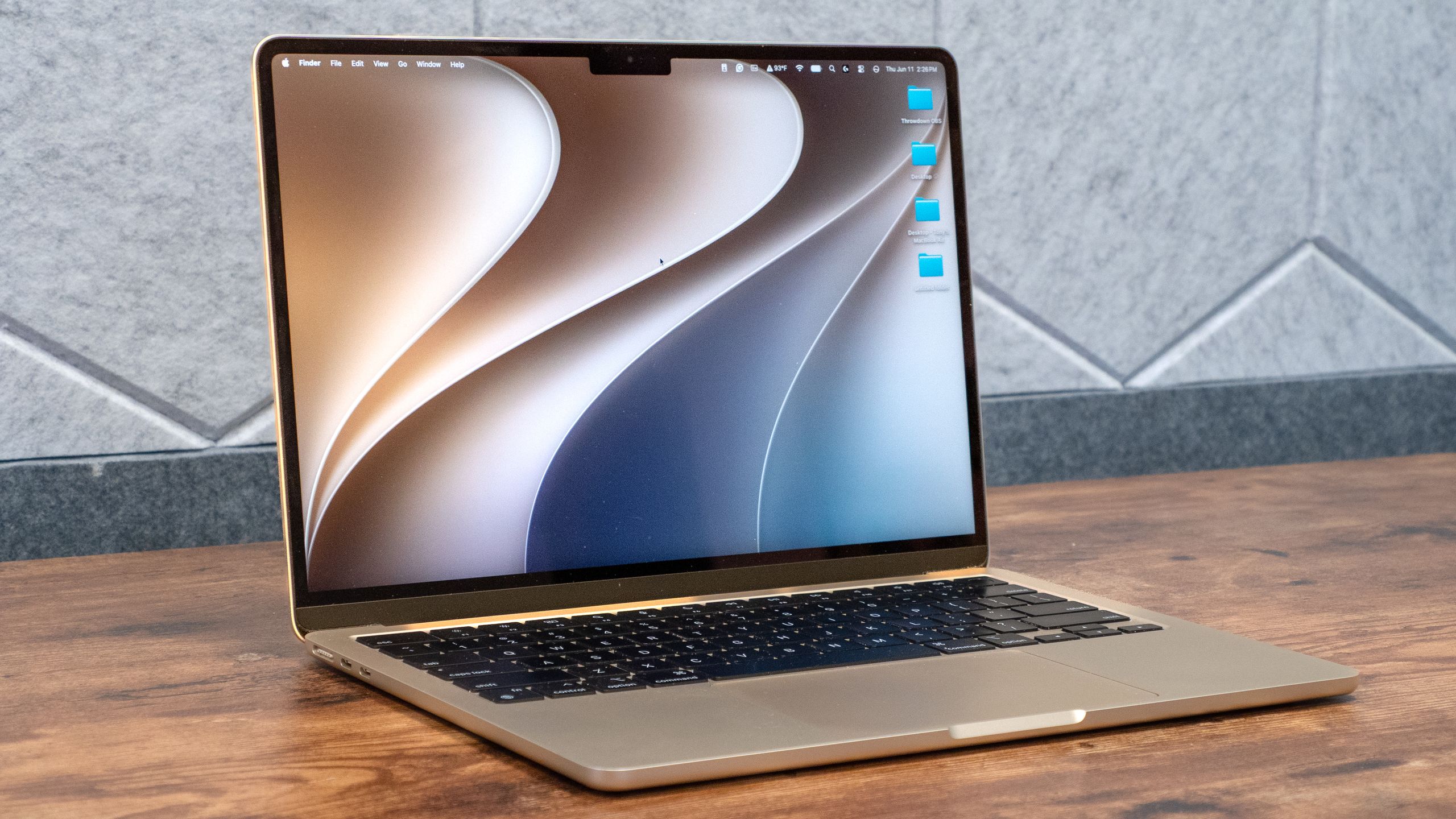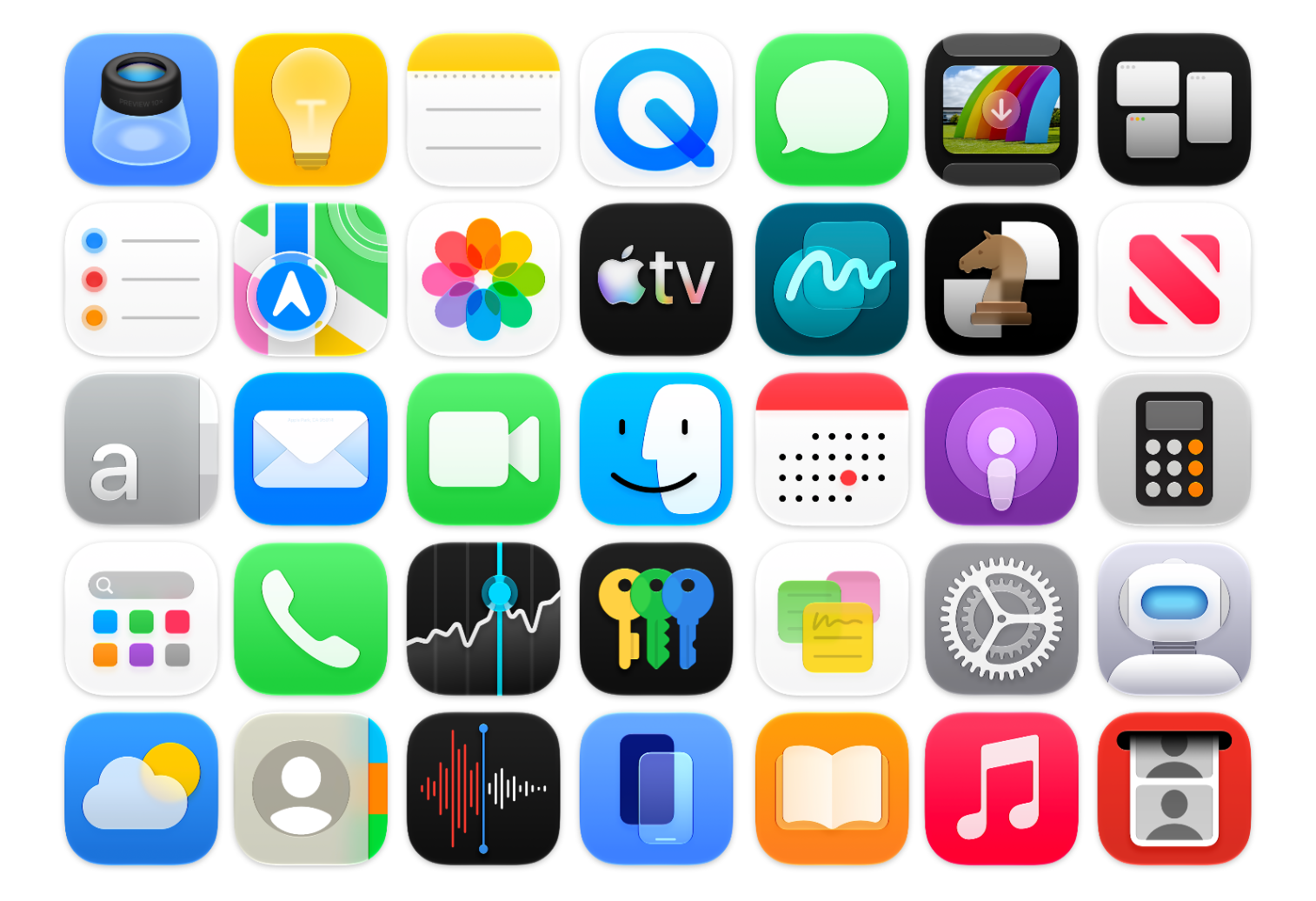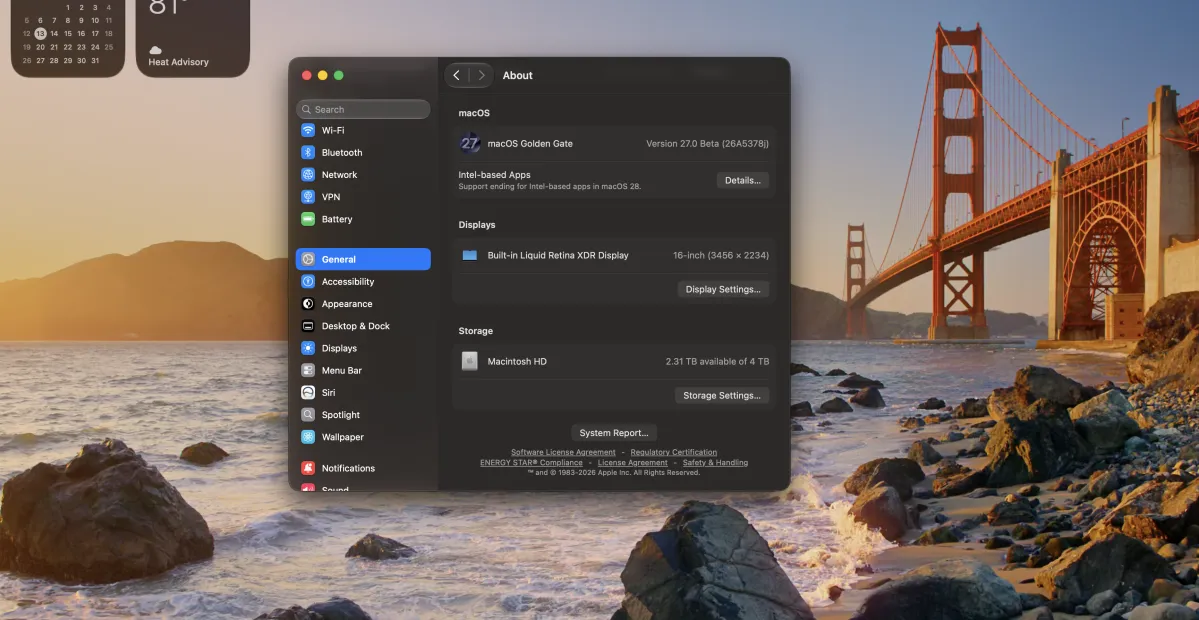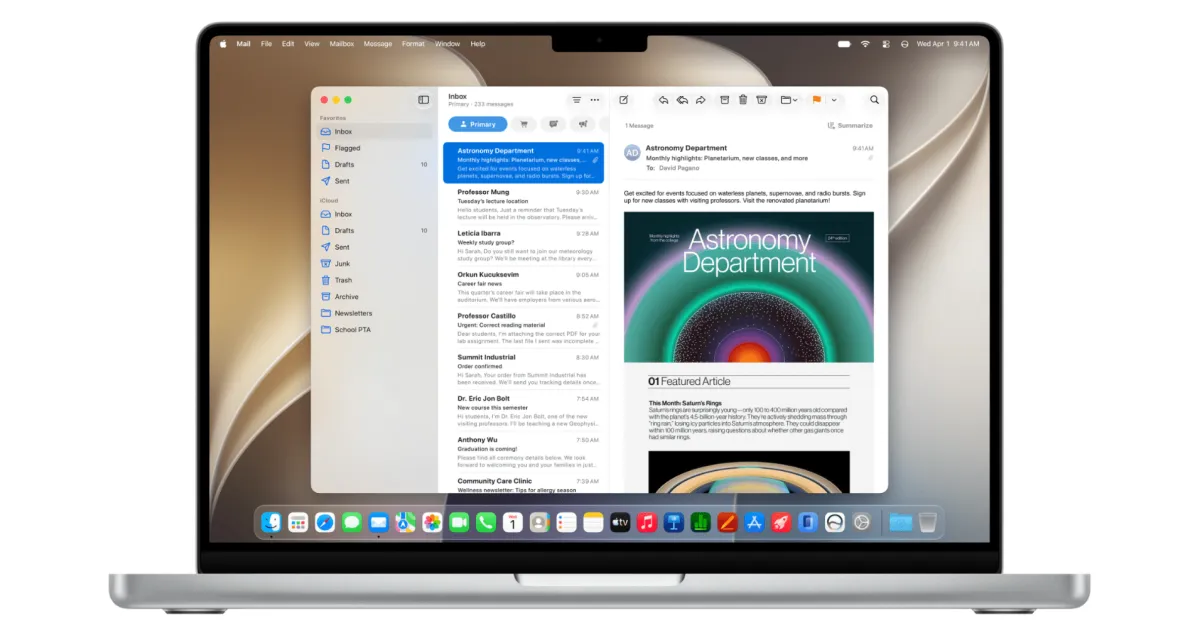
Let’s just get this out of the way: I liked macOS 26 Tahoe. I liked it because it marked the first time in years where Apple seemed to embrace the fact that Mac users deserve productivity improvements, not just syncing up with whatever (often useful, yes) new features were being introduced to iOS.
I didn’t like the interface changes, especially the way the redesign handled toolbars and sidebars. It actually felt like macOS dodged a bullet by being treated as an afterthought, because pouring more Liquid Glass atop macOS would have made the situation even worse. But over the last summer, I got used to the interface offenses and instead focused on all the improvements.
Turns out that at least some of my friends and colleagues decided that Tahoe’s interface offenses were too great to bear, and despite all those tasty new productivity boosts, they would sit this one out and hope that Apple came to its senses with macOS 27.
Good news for them: While they’ve spent a year without Apple’s first native clipboard history, Shortcuts automation and AI access, and an improved Spotlight, their upgrade to macOS 27 Golden Gate will net them last year’s features as well as a host of other improvements, all wrapped in an interface that is an unequivocal improvement over what Tahoe wrought.