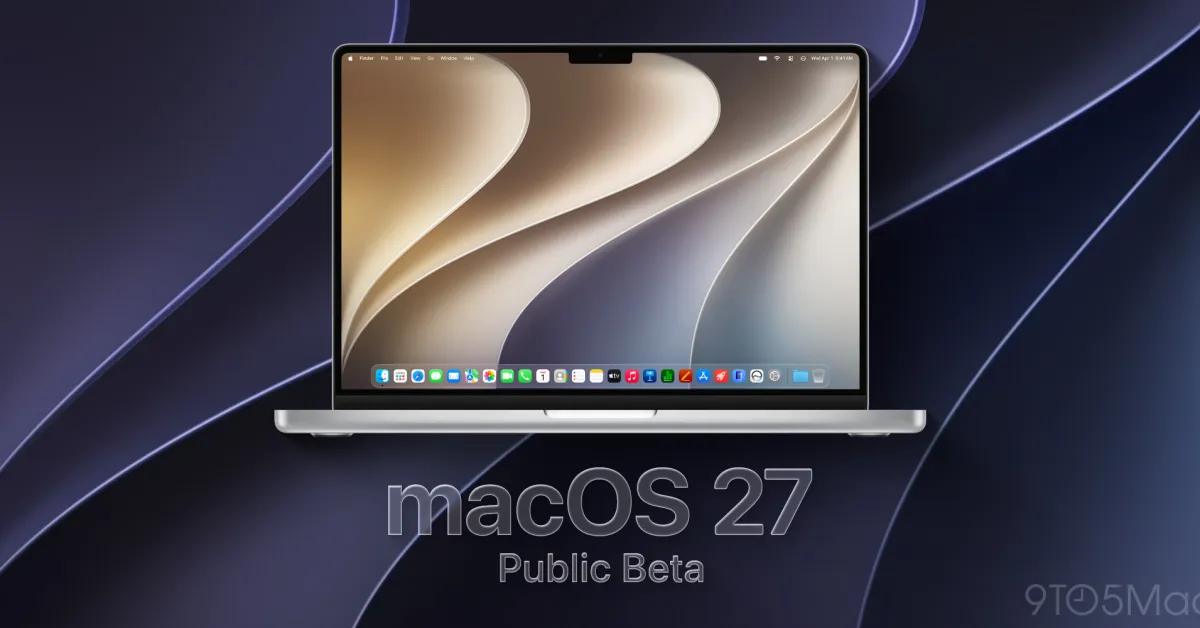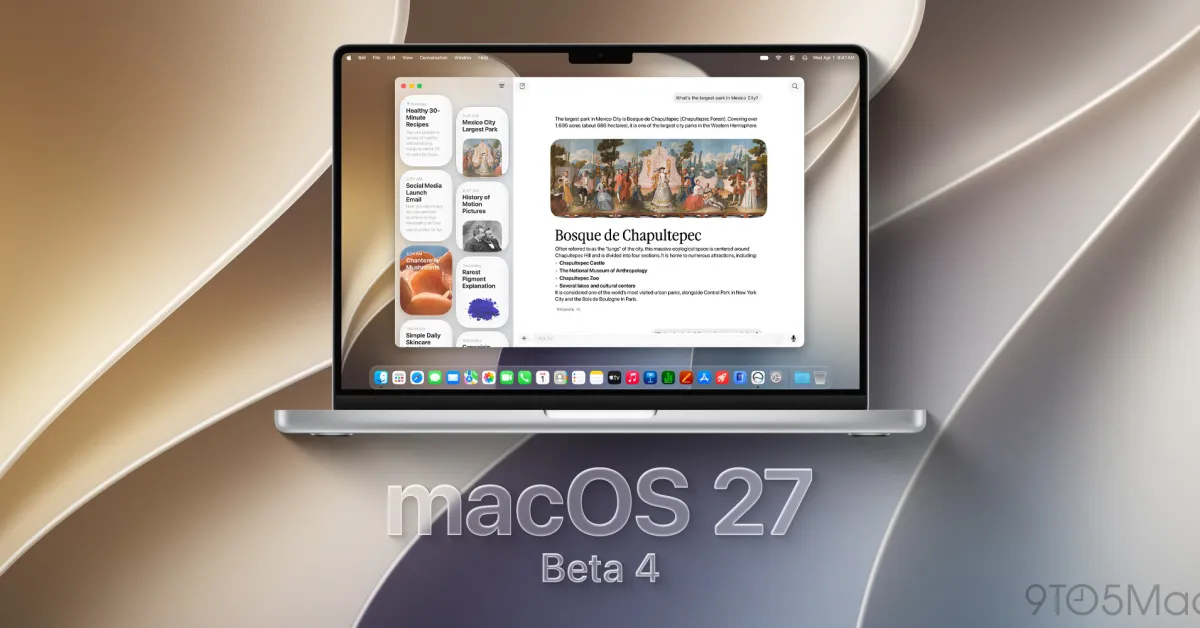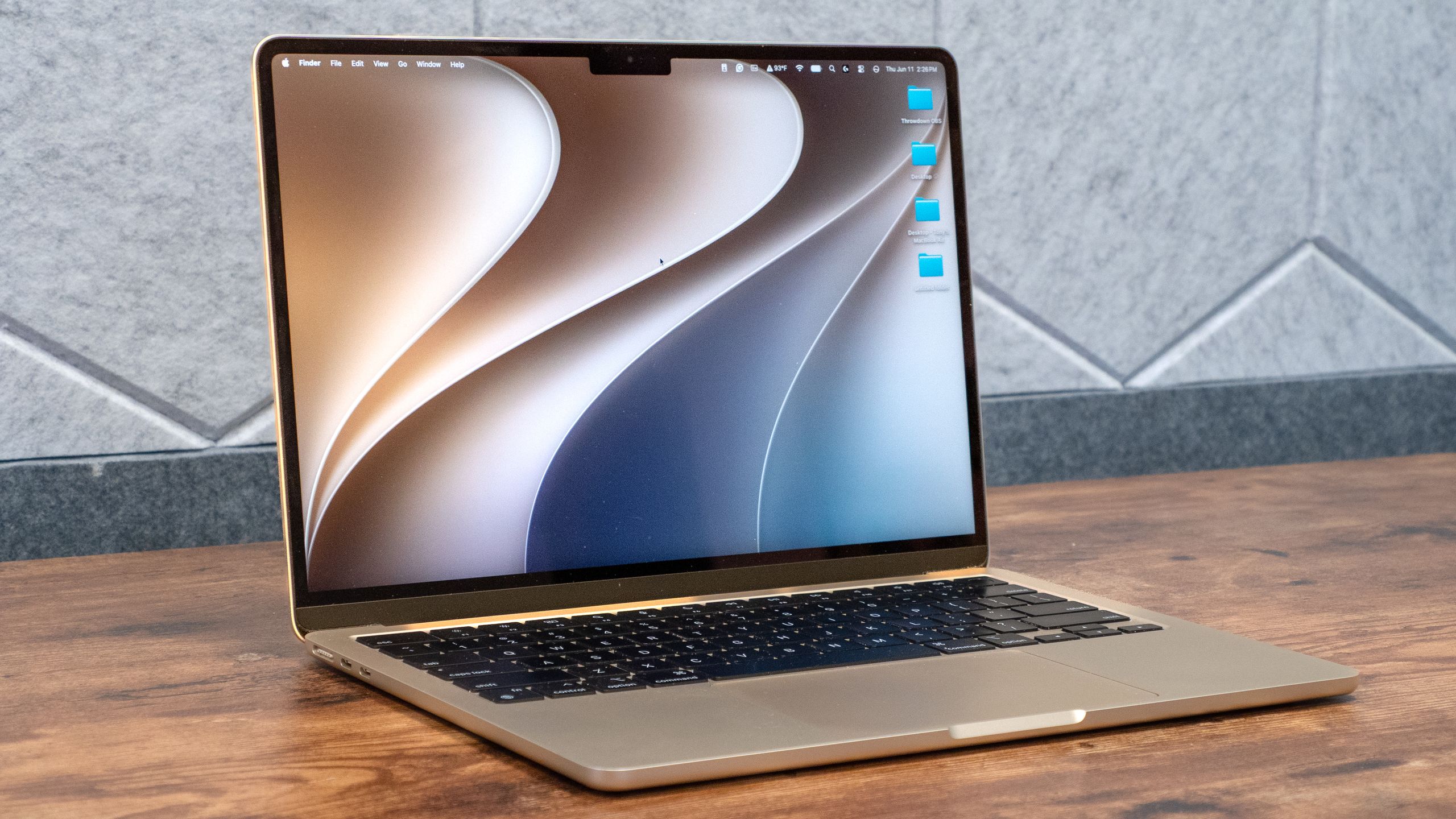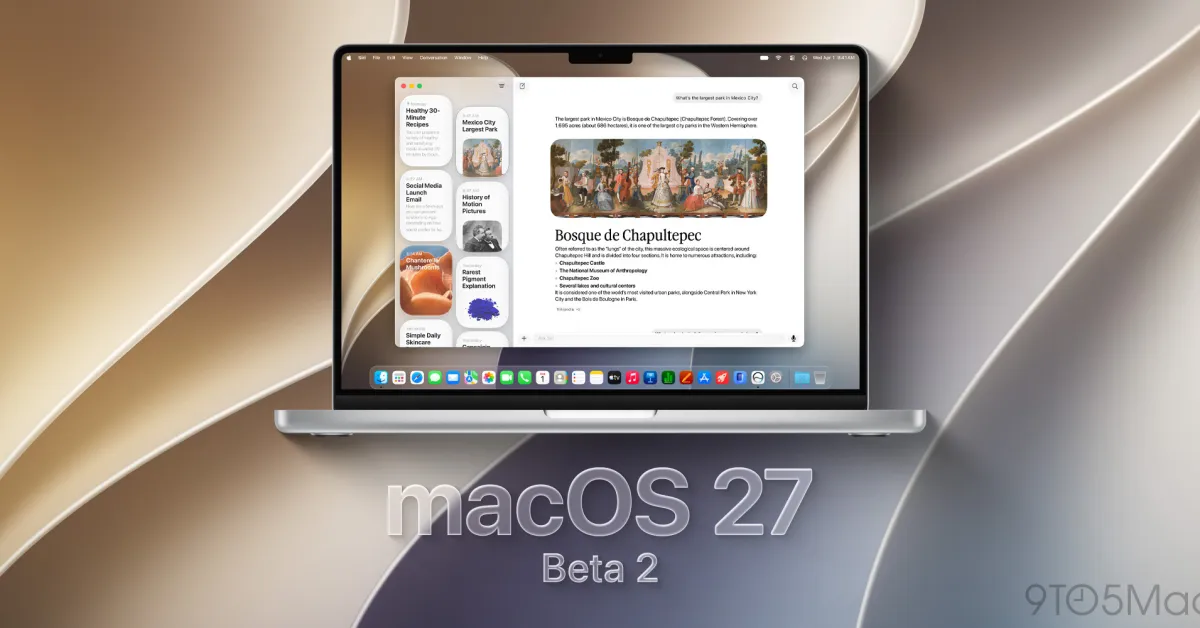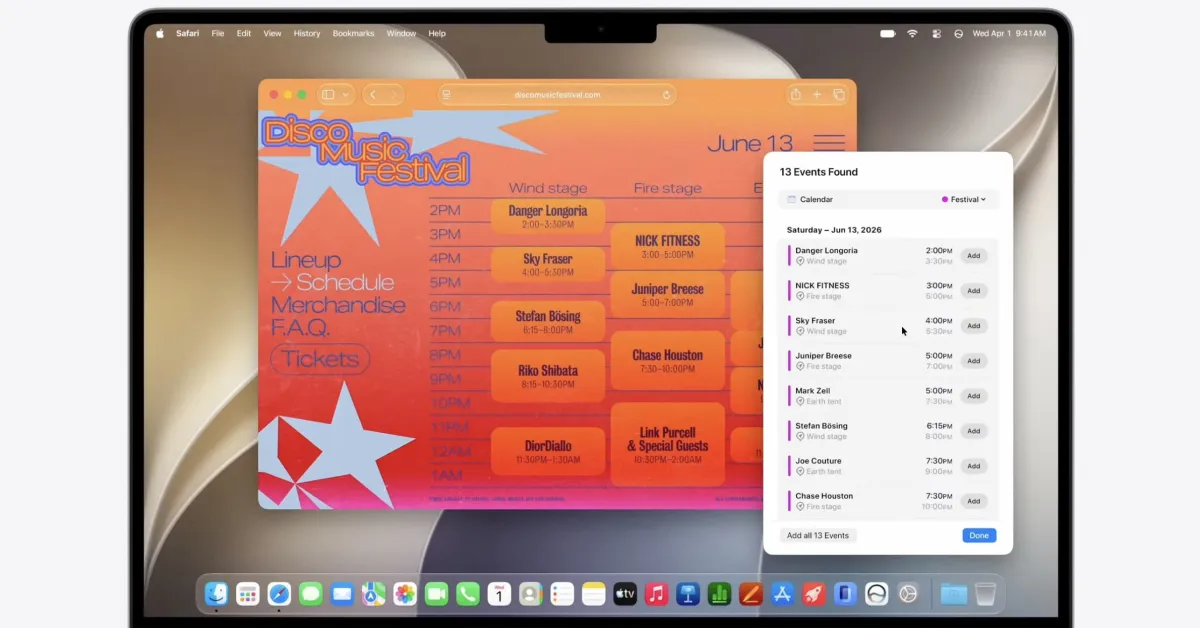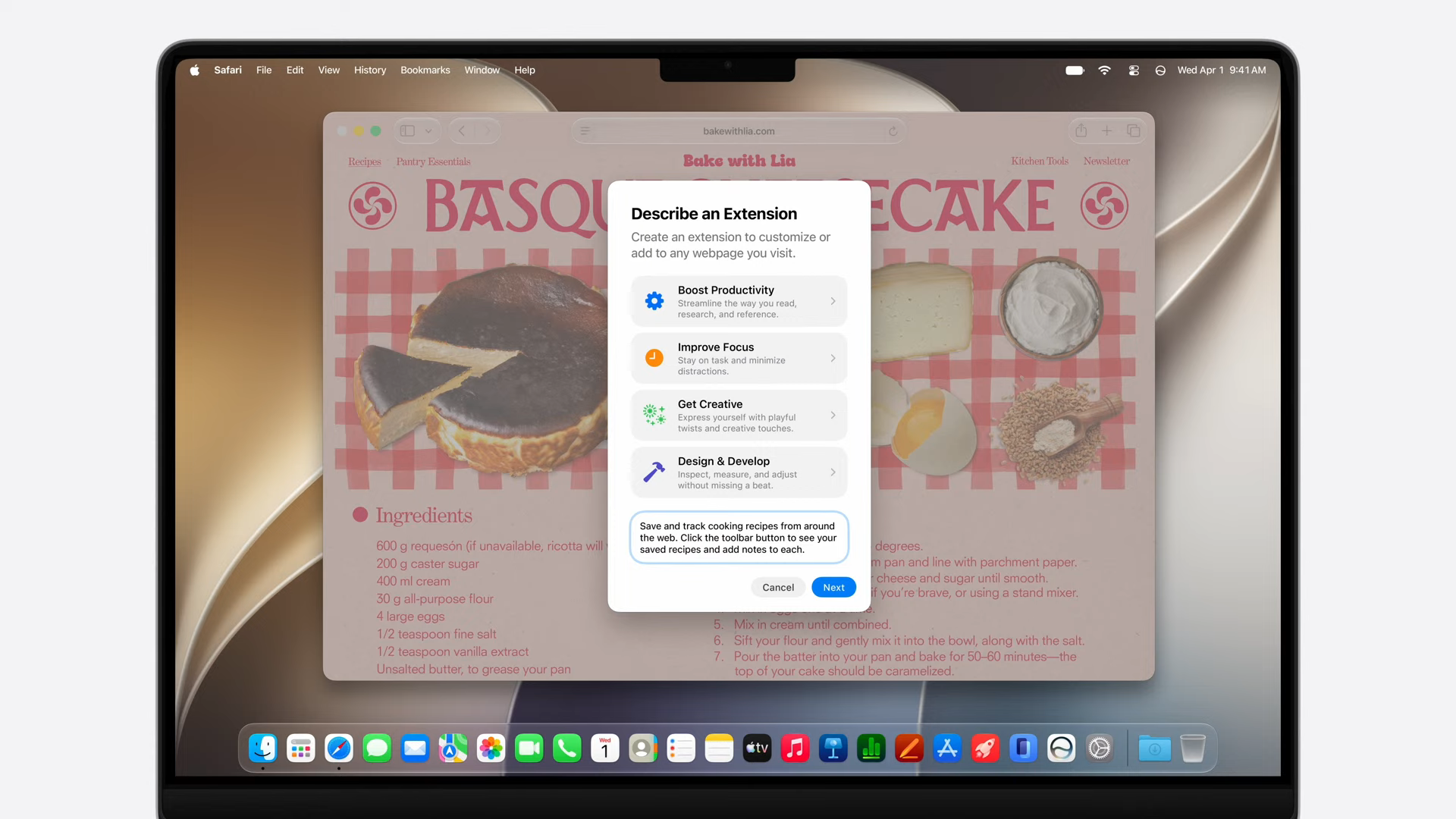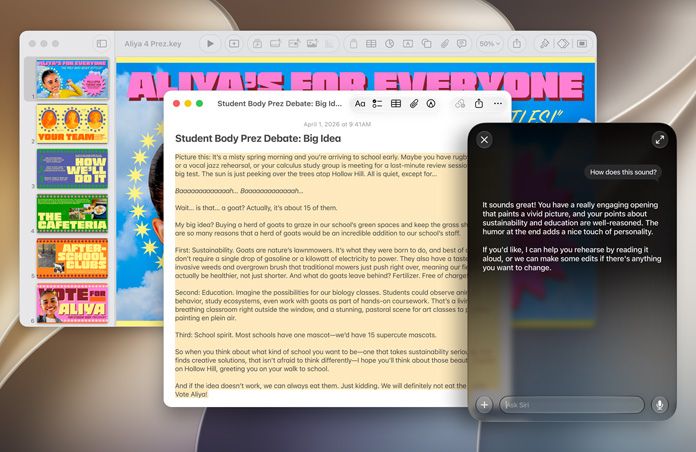
Apple has released the second public beta of macOS 27 Golden Gate, offering Mac owners an early preview of the technology involved. The updates to the upcoming Apple OS are centered toward sharpening intelligence features, optimizing responsiveness of the OS, and adding a more refined user experience rather than any large visual overhaul. According to Apple's official beta notes, Golden Gate takes up where macOS 26 Tahoe left off in extending Apple Intelligence, enhancing Sirii, and smoothing user interfaces in several areas.Beta 2 now allows early adopters and developers the ability to examine future interface functionalities prior to the final release later this year.About The AuthorHey there, i am a technology enthusiast with a deep passion for gadgets, consumer electronics, emerging technologies, and the fast-paced world of digital innovation. Constantly exploring the latest tech trends, product launches, and industry developments, I enjoy translating complex technological advancements into engaging and accessible stories for readers. My interests span smartphones, wearables, artificial intelligence, smart devices, and the broader technology ecosystem. As I begin my journey as a Tech Journalist at Gadgets Now, I am excited to contribute to a platform that informs millions of readers, combining my passion for technology with storytelling to deliver insightful, accurate, and timely tech coverage.Although experts are again touting new features, keep in mind that these updates are still beta and carry the typical concerns of bugs, compatibility problems and sluggishness, so refrain from installing it on a Mac used for any production activity.Why macOS Golden Gate Beta 2 matters for Mac usersMac users looking for improvement in the everyday Apple experience via clever software are getting an Apple that, particularly at a high level, seems very keen not to reinvent but to refine the wheel.macOS Golden Gate Beta 2’s key features the integration of Apple Intelligence, what looks like an actually better Siri and improvements to core apps such as Spotlight, Photos and Safari - areall being discussed as part of Apple’s intent to deliver ‘everyday ease’.Based on how Apple's approached this, Golden Gate looks like it's addressing feedback that came out of macOS Tahoe, while also getting Macs ready for a future that leans more heavily on AI. Testing reports so far point to real improvements in responsiveness too, faster app launches and smoother interactions across the system in general. Analysts tracking this update have noticed Apple seems to be carefully balancing new AI features against actual stability, which makes this beta a pretty important checkpoint before the real public release drops.What's new in macOS Golden Gate Beta 2? FeatureWhat it brings in Beta 2Siri AI improvementsMore personal context awareness and support for multi step actionsApple IntelligenceDeeper integration across apps and smarter automationSpotlight searchFaster and more relevant results through improved indexingSafari upgradesAI powered tab organization and webpage monitoring toolsInterface refinementsBetter transparency controls and smoother design elementsPerformance improvementsFaster launches and improved system responsivenessThis second public beta keeps building on what earlier testing rounds already introduced. Based on what Apple's shared, along with what beta testers have noticed, Golden Gate brings Siri upgrades, better search tech, and a handful of new AI powered tools. It also tweaks some of the Liquid Glass design elements that first showed up with Tahoe, clearly responding to feedback around transparency and overall visual consistency.How is macOS Golden Gate different from macOS 26 Tahoe?Golden Gate isn't just Tahoe wearing a new name badge, it's really Apple's next real step forward after Tahoe laid the groundwork. Tahoe brought a major shift in interface direction, but Golden Gate is much more focused on intelligence, automation, and squeezing out better performance.AreamacOS 26 TahoemacOS Golden GateDesignIntroduced Liquid Glass interfaceRefines transparency and visual controlsAI featuresEarly Apple Intelligence expansionDeeper AI integration and smarter automationSiriLimited improvementsMore contextual and multi step abilitiesPerformanceIntroduced new experienceFocuses on speed and responsivenessProductivityUpdated system featuresAdds smarter workflows and shortcutsTech watchers say the biggest difference with Golden Gate really comes down to making the Mac feel smarter overall. Instead of just changing how things look, Apple's actually trying to build a system that understands what you're doing and cuts down on repetitive busywork.More articles by AuthorTrending StoriesHow to decide whether installing macOS Golden Gate Beta 2 is worth itWhether it's worth installing Golden Gate Beta 2 really comes down to how you actually use your Mac. Developers testing their apps, or enthusiasts who just want early access, will probably get real value out of trying it. That said, Apple and software experts both recommend a healthy dose of caution here, beta software is inherently unfinished, and that can create real problems.If you're going to test it, do it on a secondary Mac whenever you can, and always back everything up completely before upgrading. Reports have flagged some real risks along the way too, app crashes, battery quirks, unexpected system behavior, and sometimes real difficulty going back to a stable version of macOS afterward. If you're running anything mission critical for work, it's probably smarter to just wait for Apple's final release instead.How to download macOS Golden Gate Beta 2If you're curious about taking out macOS Golden Gate Beta 2 for a drive, the golden, new, shiny build can be acquired from Apple's beta testing pages: the standard one where most OS testing occurs, and the developer's version if you are brave. However, Apple does advise users that backing up their Macs is recommended, as beta software is often riddled with some sort of bug or may not all be ready.Here's how to actually download and install it:Back up your Mac: Use Time Machine or another backup method to protect your important files before upgrading.Join Apple's Beta Software Program: Head to Apple's beta testing portal and sign in using an Apple ID that's enrolled in the public beta program.Enable beta updates: Open System Settings on your Mac, head to General, then Software Update. Pick the beta update option from the Beta Updates menu.Download the update: Once that's enabled, macOS Golden Gate Beta 2 should show up as an available update.Install the beta: Just follow the on screen prompts and let your Mac restart during setup.Experts still recommend installing beta software on a secondary device whenever it's possible. This kind of software really exists for testing and feedback, not for people who need rock solid stability for professional or everyday work.macOS Golden Gate Beta 2 availability: Who can get it and when?Apple's made macOS Golden Gate Beta 2 available to registered developers and public beta testers, all part of its usual pre release testing process. This gives people a chance to try out upcoming features, flag issues, and help Apple polish the OS before it actually goes public.The beta works on Mac models that meet Apple's hardware requirements, and availability can vary a bit depending on whether you're enrolled through the developer program or the public beta program. Apple usually pushes out several beta rounds before the final macOS version arrives, using all that tester feedback to improve reliability, performance and compatibility along the way.Based on general software testing guidance, it's worth thinking through your own device needs before jumping into this update. Developers and enthusiasts chasing early access will probably get the most out of testing Golden Gate right now, while everyday users are probably better off just waiting for the stable release once Apple wraps up its beta cycle. FAQsIs macOS Golden Gate Beta 2 free to download?Yes. Apple provides beta access through its developer and public beta programs, allowing registered users to test upcoming macOS versions.Should I install Golden Gate Beta 2 on my main Mac?Most users should avoid installing beta software on their primary computer because bugs and compatibility issues can affect daily work.Can I return to macOS Tahoe after installing Golden Gate Beta 2?Yes, but moving back may require reinstalling the stable operating system, so users should maintain a backup before testing the beta.Who should install the beta version?Developers, testers and users with spare devices are the best candidates because they can provide feedback without risking important data or workflows.end of article
macOS Golden Gate Beta 2 Arrives With AI Upgrades; Here's What's New
Apple has released the second public beta for macOS Golden Gate. This update emphasizes enhanced intelligence features and system responsiveness. Siri receives significant improvements, offering more contextual awareness and multi-step actions. Developers and testers can explore these upcoming features before the final release. Users should exercise caution as beta software may contain bugs and issues.
1,328 words~6 min read