(Image credit: Apple)
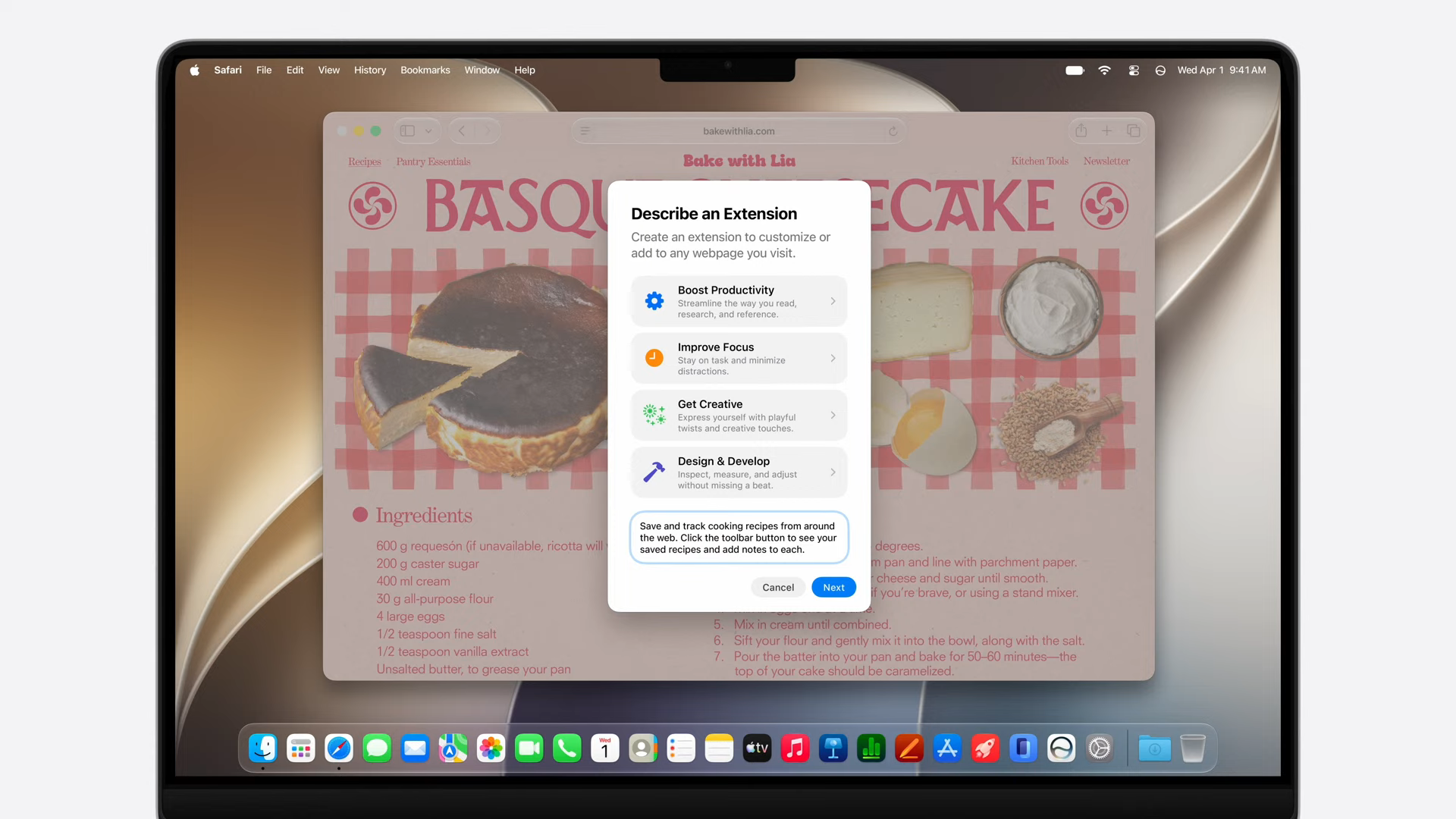
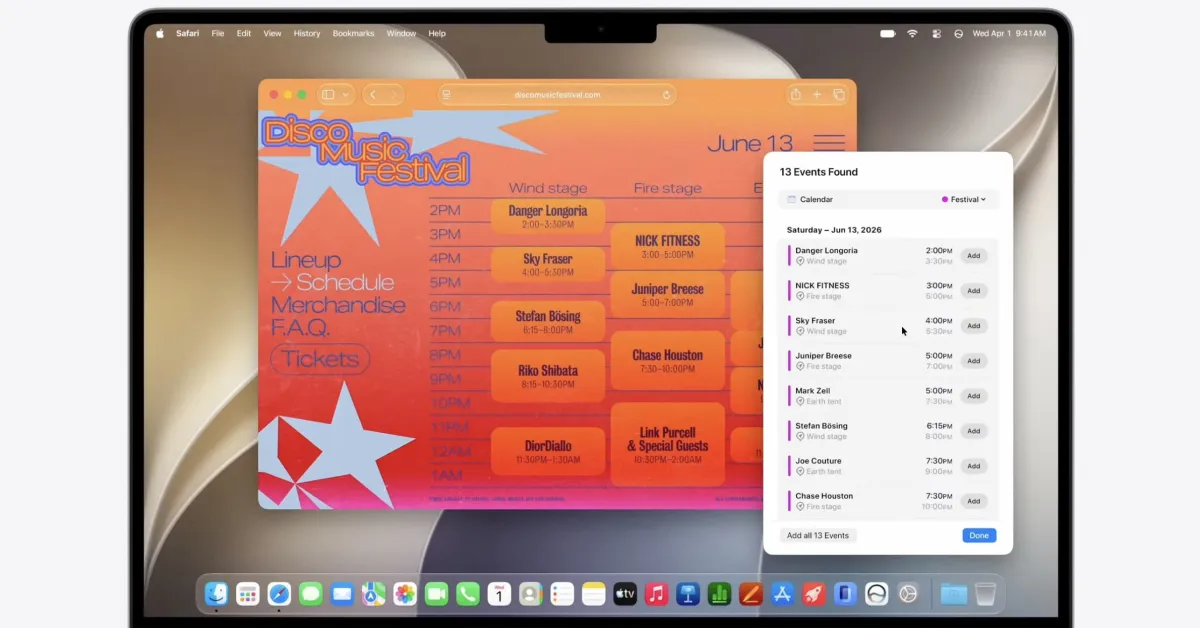
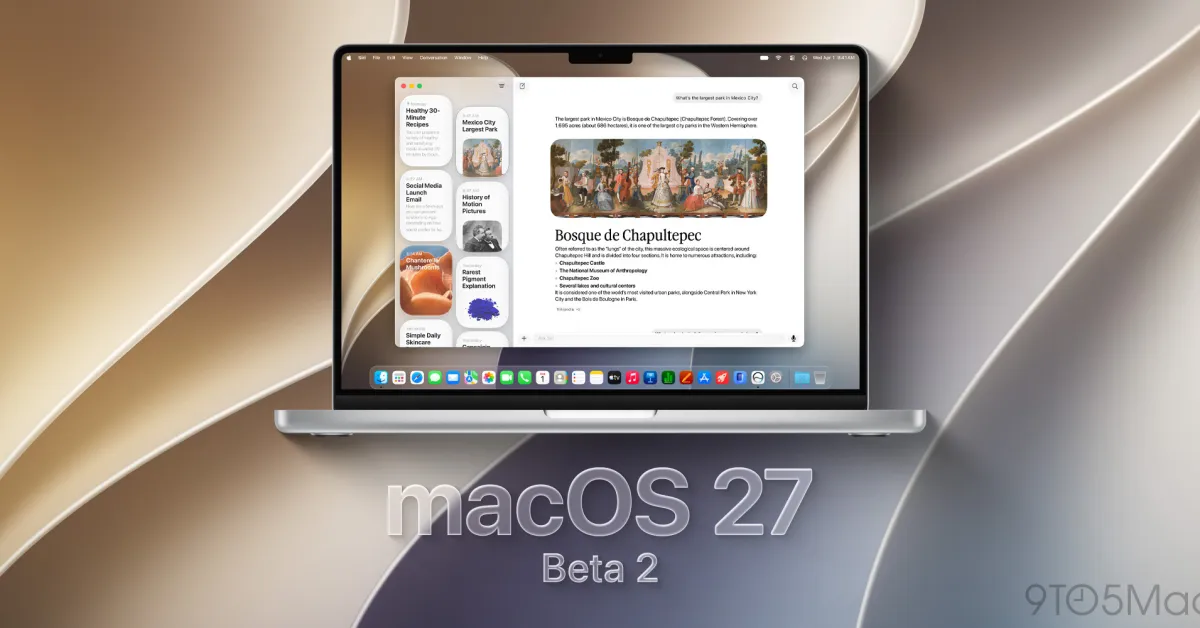
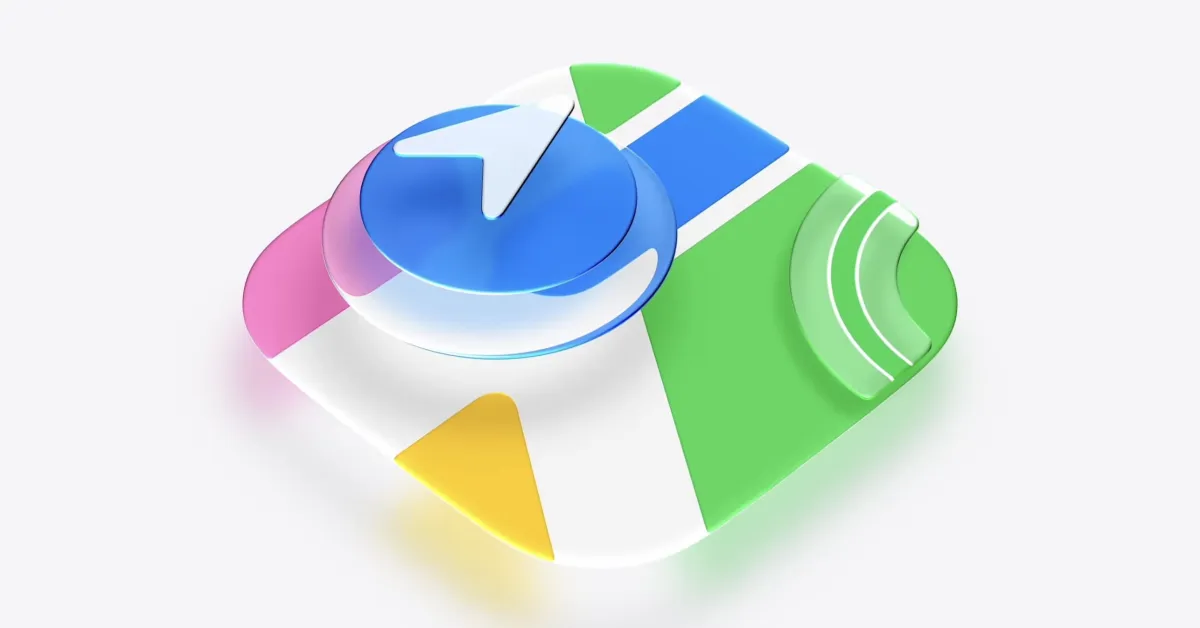
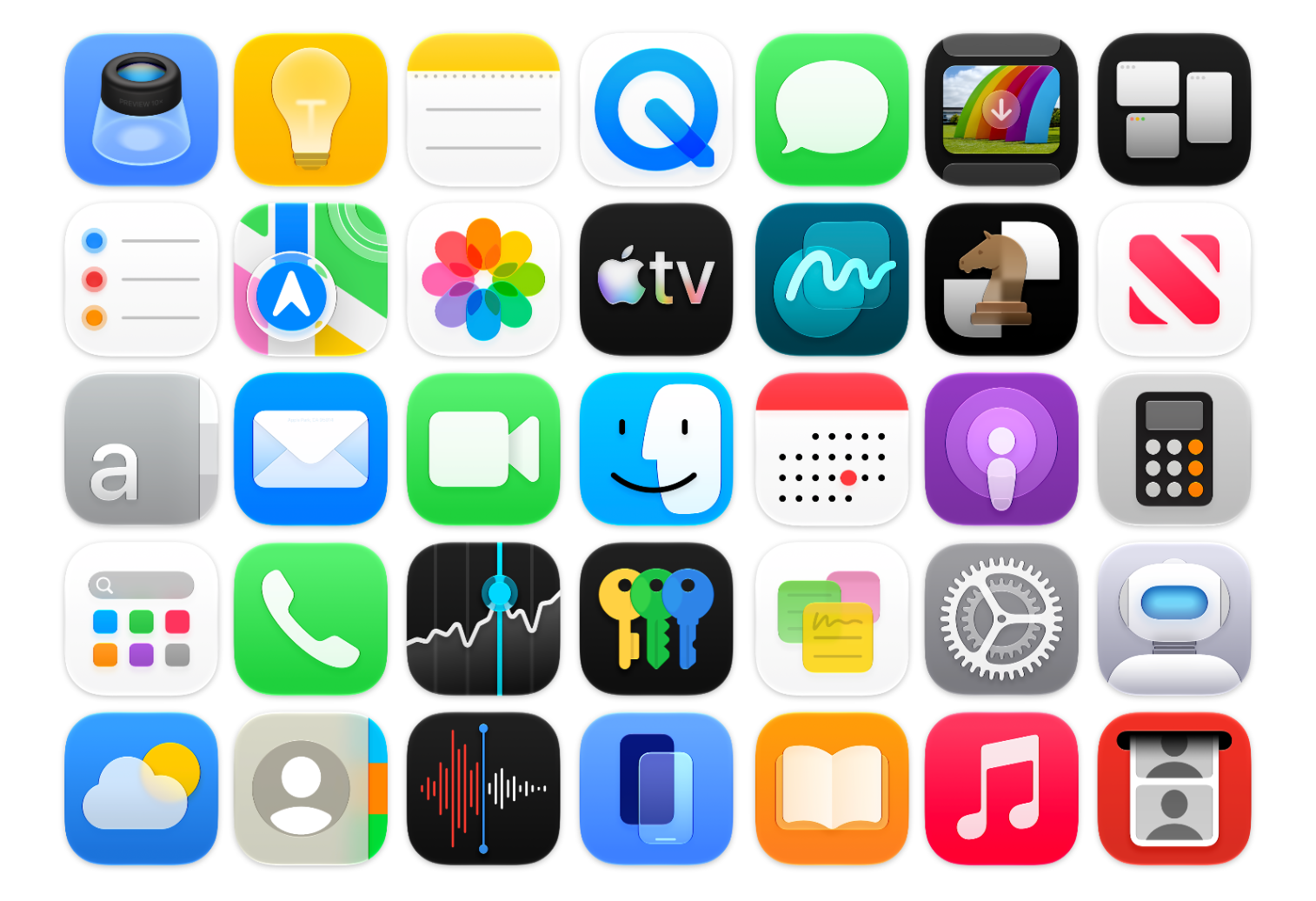
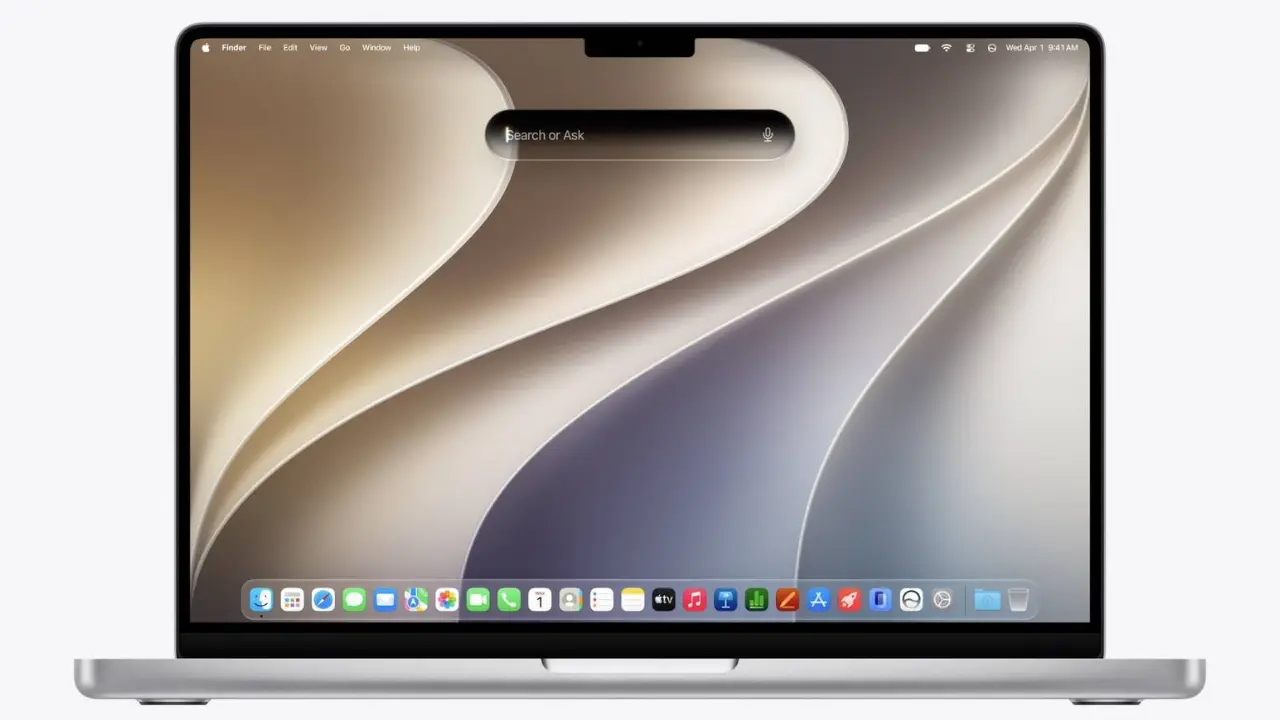
Apple announced macOS Golden Gate at WWDC 2026, which means developers are already working hard to update their apps for the upcoming operating system. The developer beta is now live, but it’s open to anyone who signs up for Apple’s Beta program and is willing to deal with potential headaches associated with in-development code.This year, Apple has placed most of its focus on updating Apple Intelligence and Siri, which it now calls Siri AI. macOS 27 doesn’t include many new features, so the development team focused on improving performance, which should make this OS run more smoothly. Improvements have also been made to the Liquid Glass UI, making it more customizable (and readable).A word of warning: macOS Golden Gate is unfinished, so it might be buggy and could cause issues for your Mac. If you’re willing to take the chance (most of these betas are relatively safe in my experience), then read on to find out how to download the macOS Golden Gate developer beta.How to download the macOS Golden Gate developer betaDownloading the macOS Golden Gate developer beta is a relatively simple process. First, enroll your Apple ID in Apple's Beta Program and make sure your Mac is compatible. Here's the full list of Macs that can install and run macOS Golden Gate:MacBook Neo (2026)MacBook Air with Apple silicon (2020 and later)MacBook Pro with Apple silicon (2020 and later)iMac with Apple silicon (2021 and later)Mac mini with Apple silicon (2020 and later)Mac Studio with Apple silicon (2022 and later)Mac Pro with Apple silicon (2023 and later)