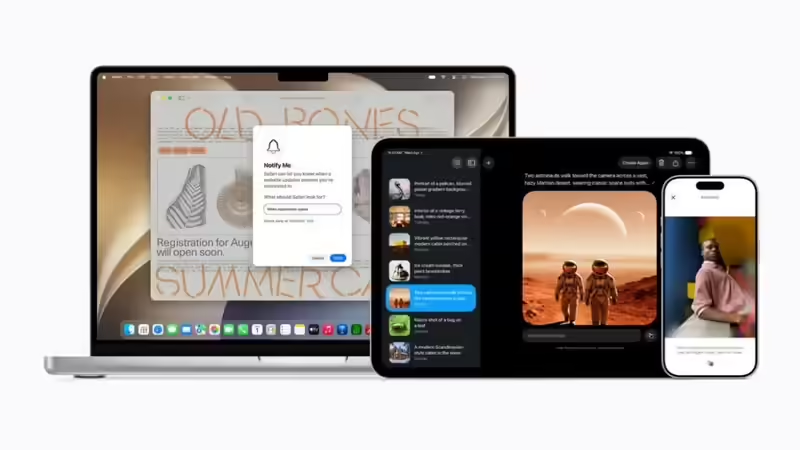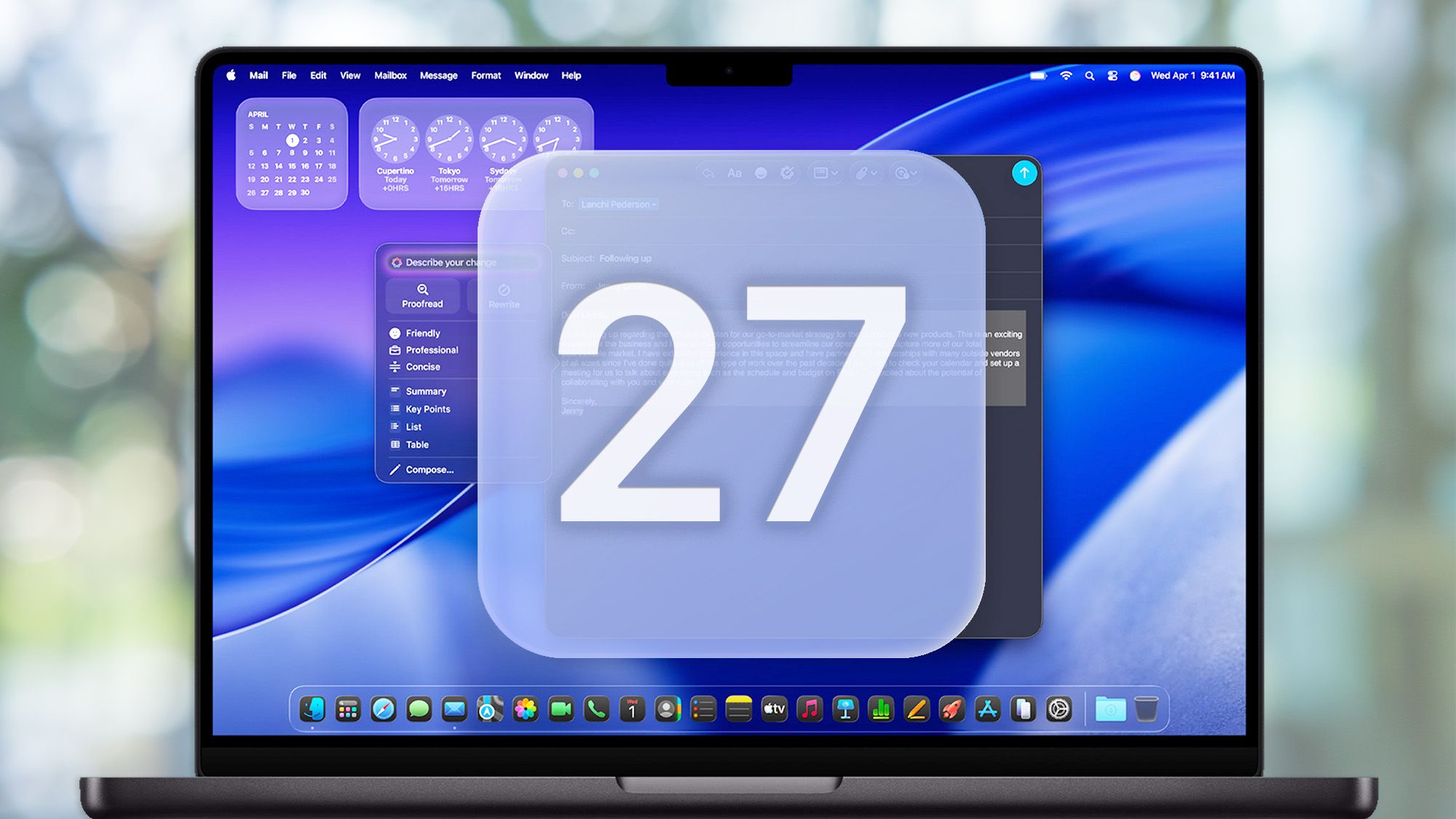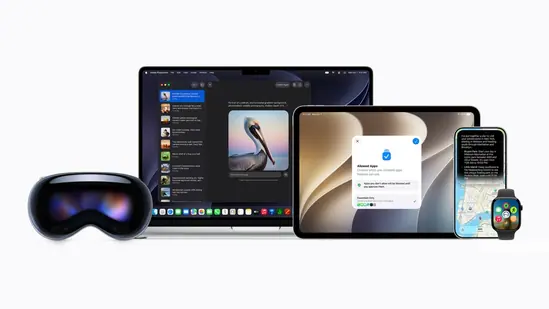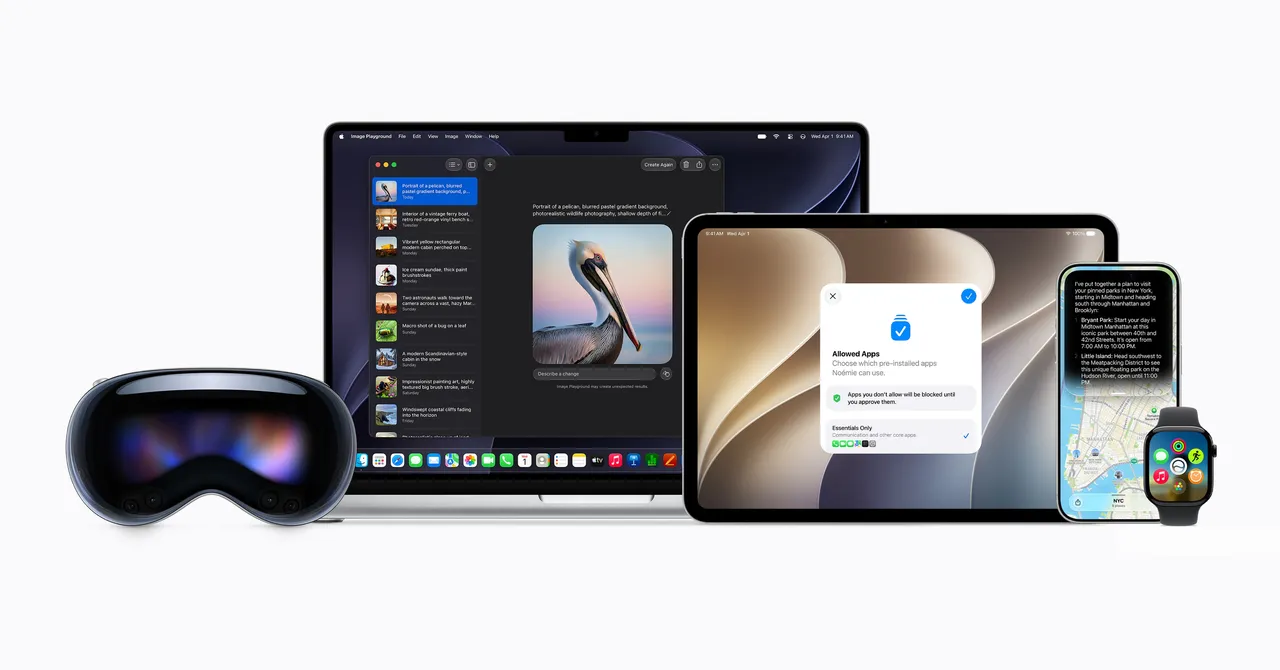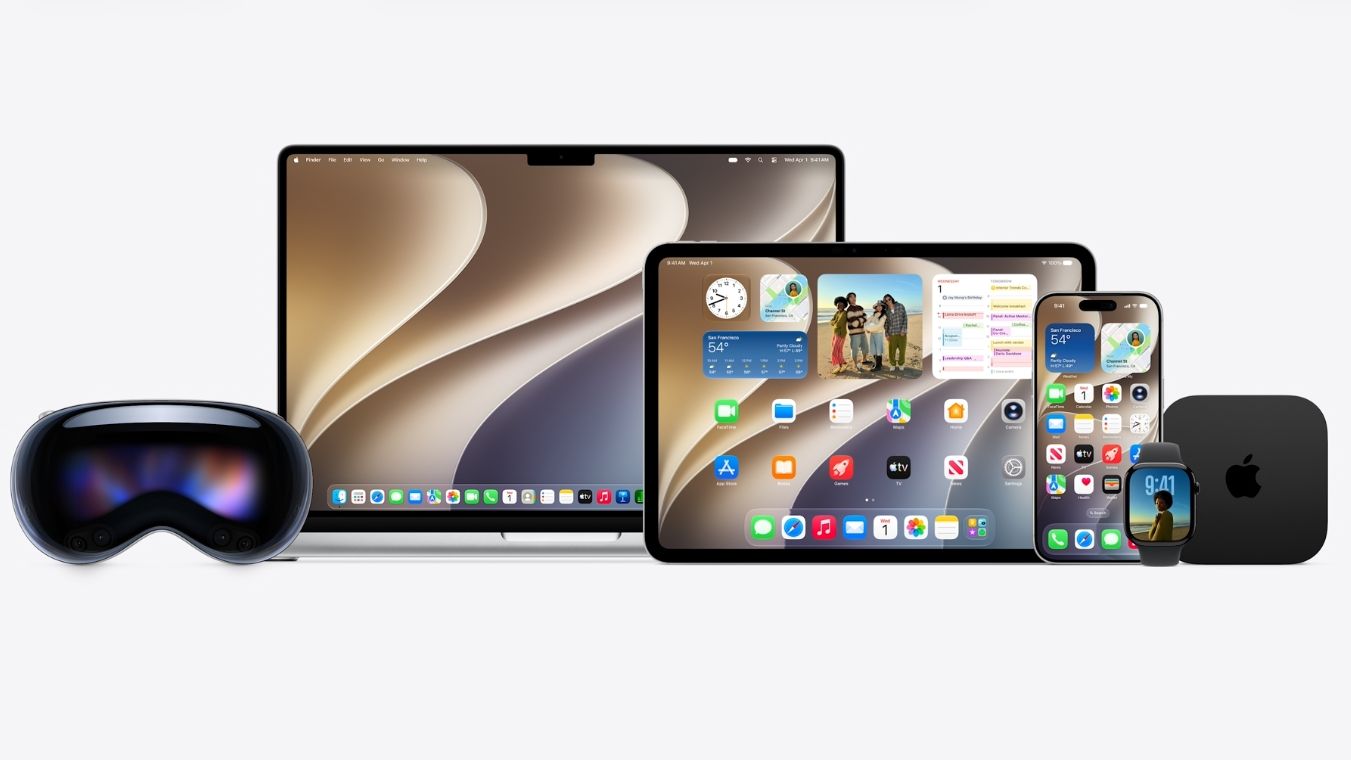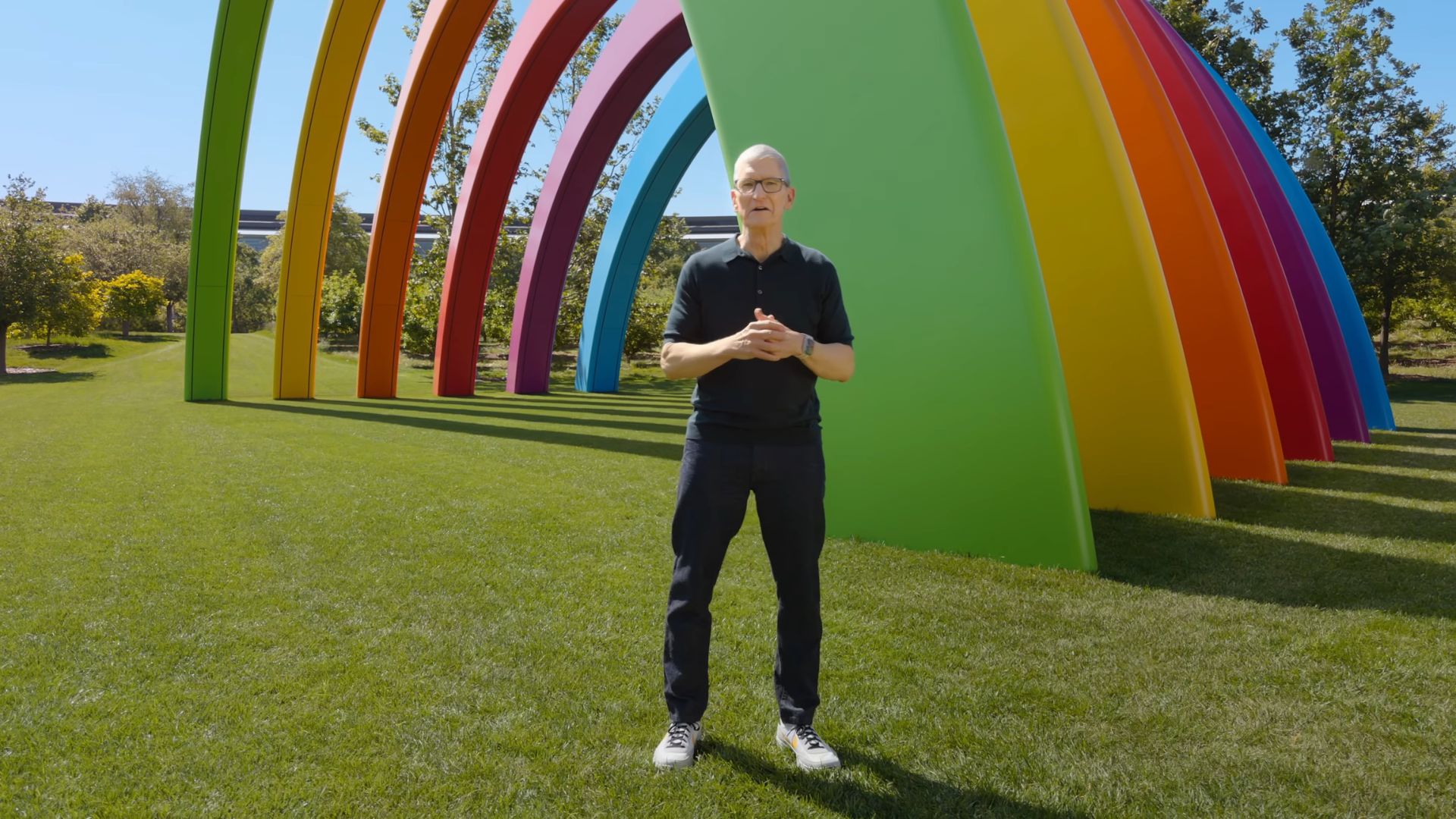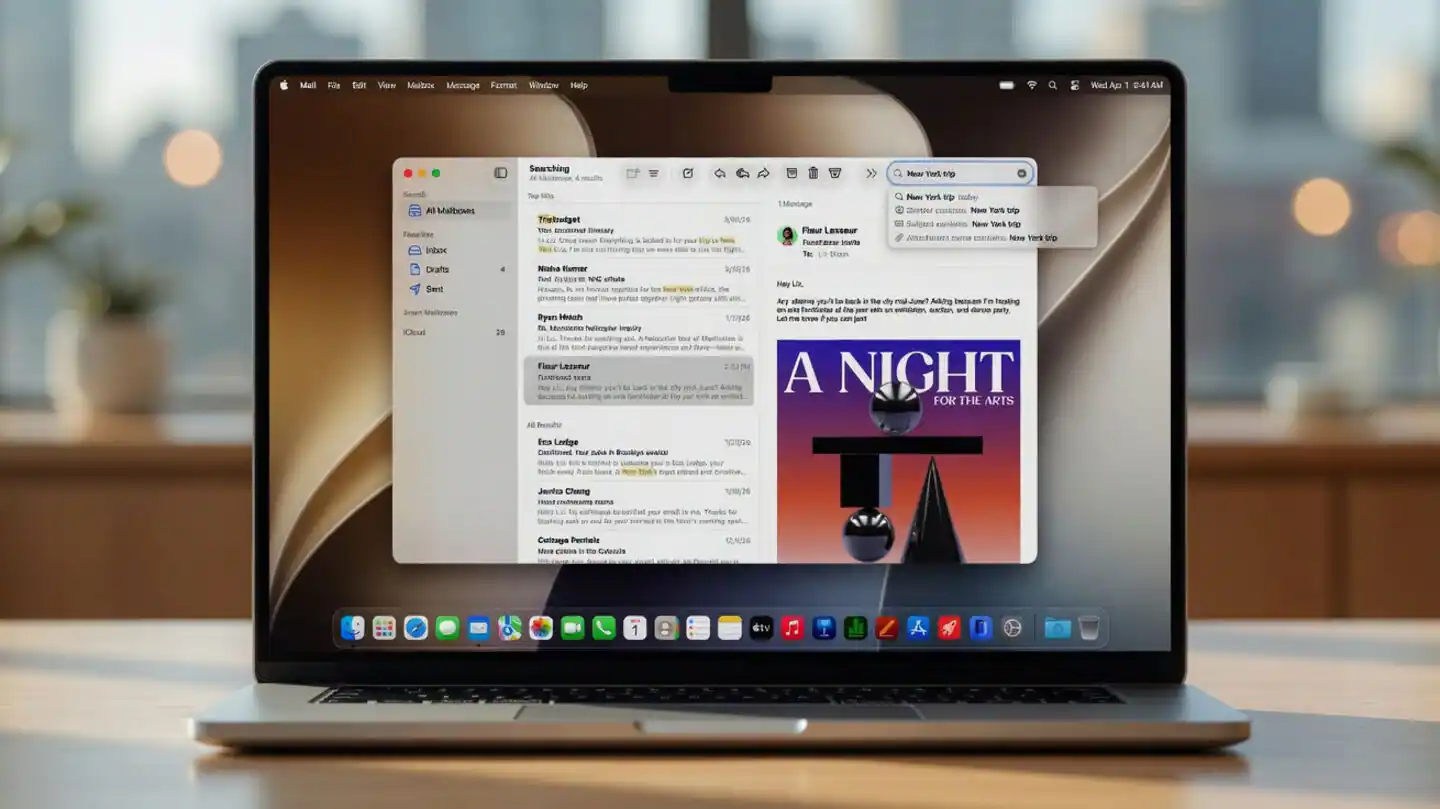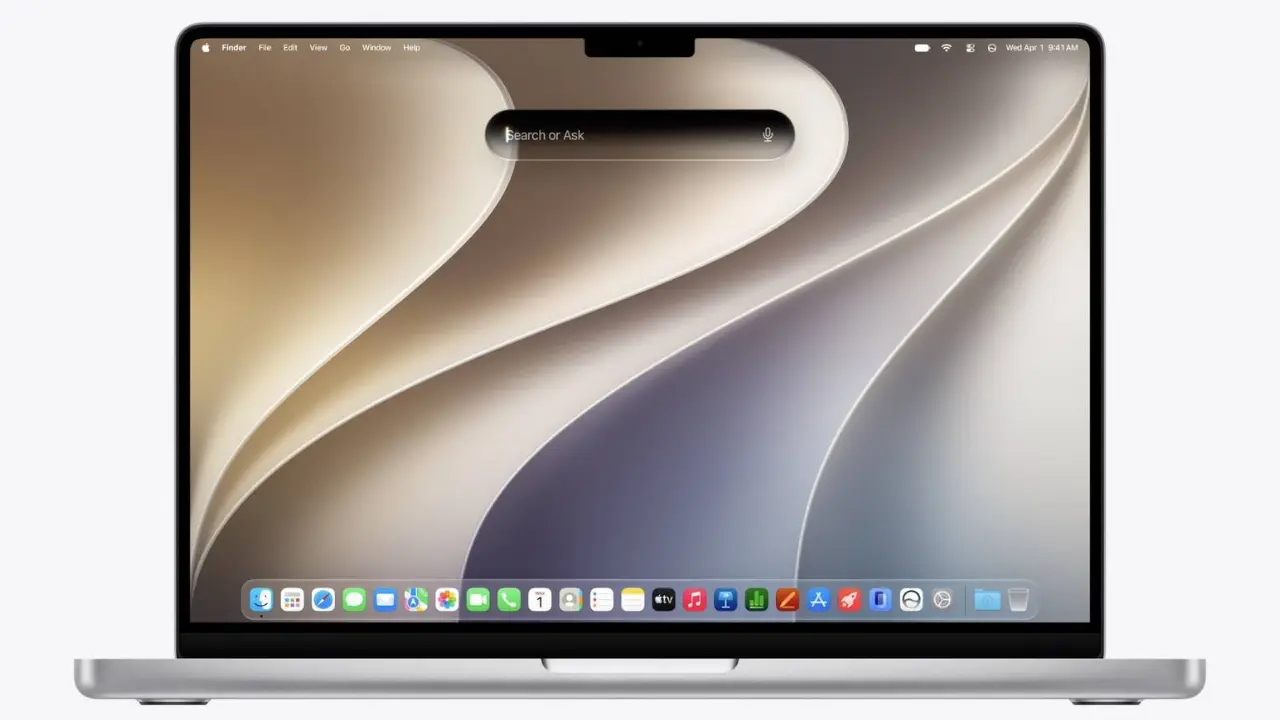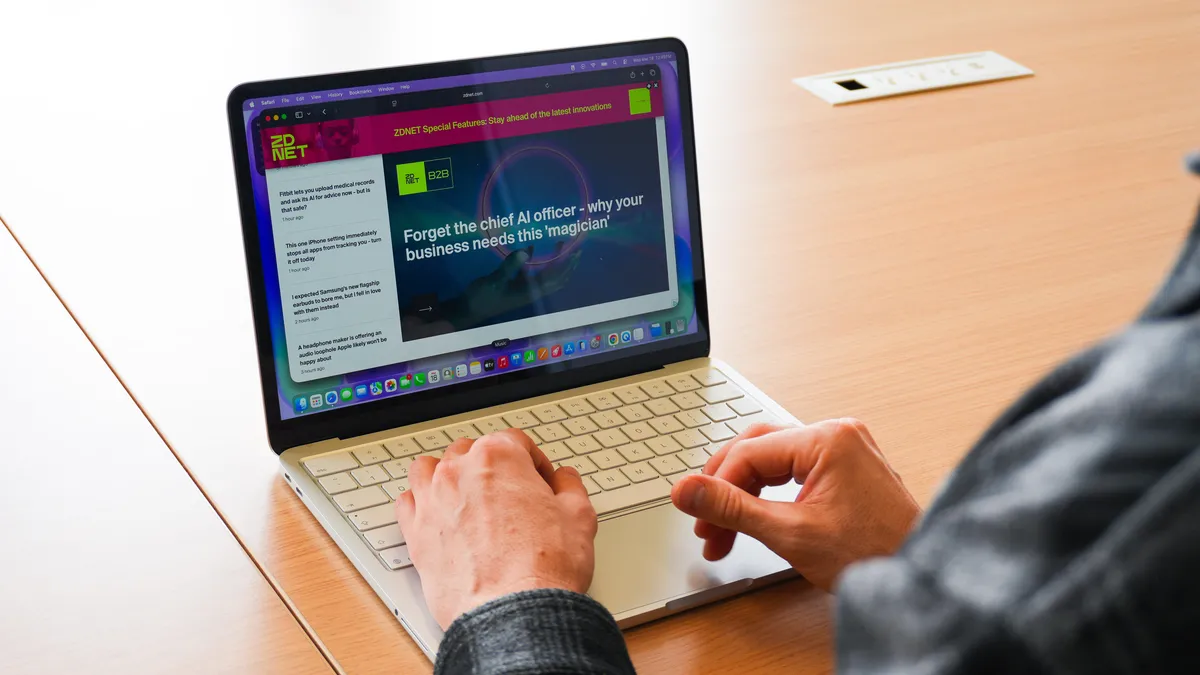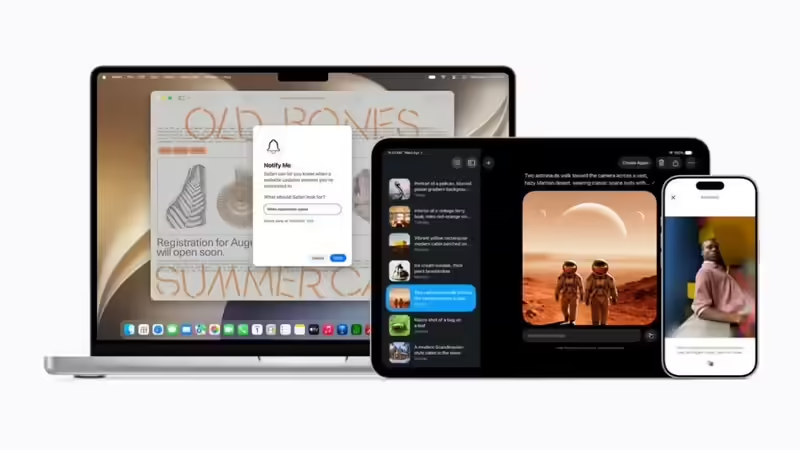
Photo credit: apple.comApple gave macOS 27 a name today, and it tells the whole story before a single feature does. Golden Gate. A bridge and a crossing six years in the making, finally complete. Unveiled at the WWDC 2026 keynote on 8 June, the new Mac software looks, on the surface, like a modest release: a tidier Liquid Glass, a quicker search box, the same Siri AI promise Apple made for the iPhone. Look underneath and the quiet headline turns out to be the loud one. Golden Gate runs on Apple Silicon alone. After half a decade of carrying both architectures across the water, Apple has pulled up the drawbridge on the Intel Mac for good.Key takeawaysmacOS 27 Golden Gate, unveiled at WWDC 2026 on 8 June, is the first version of macOS to run on Apple Silicon alone — the Intel Mac era ends here.It refines macOS Tahoe rather than reinventing it: a rebalanced Liquid Glass with a system-wide opacity slider, tighter window corners and a more consistent set of icons.Spotlight has been rebuilt for faster indexing and natural-language search, and now answers questions, launches workflows and retrieves files through Siri from a single box.Siri AI reaches the Mac with a dedicated app, on-screen awareness and personal context, though the full conversational assistant arrives as a beta later this year, in English first.The developer beta is out now and free with an Apple ID; a public beta is expected in July, with the stable release expected around September.What is macOS 27 Golden Gate? It is the next major version of macOS, and it is a refinement rather than a reinvention. Craig Federighi revealed the name on stage running his now-traditional gag about Apple’s marketing team and their unconventional methods and it keeps a tradition the company has held since 2013, naming each release after a California landmark. Yosemite, Mojave, Big Sur, Sonoma, Sequoia, last year’s Tahoe, and now the most recognisable of the lot: San Francisco’s bridge. The work behind the name matches the spirit of it. Apple re-cabled the span this year; it did not build a new one.The clearest sign sits in the Liquid Glass interface that arrived with Tahoe and drew complaints about readability. Apple has rebalanced it. A new system-wide slider lets you dial the transparency up or down to taste, window corners gain a tighter radius, and icons across native and third-party apps line up to a more consistent look. None of it reinvents the desktop. All of it answers the year-one grumbles, which is what a confident mid-life release is supposed to do.Why is Spotlight the upgrade you will feel first? Because it is the change you meet within seconds of waking the machine. Apple has rebuilt the search system from the ground up, and the difference shows in two places. First, speed: it indexes files, mail and photos almost as fast as you create them, so the results appear before the cursor stops blinking. Second, language: you can type a plain request rather than a keyword, and Spotlight understands it. The search box is off the blocks the instant you hit the shortcut.The deeper move is the wiring. Spotlight now reaches into Siri, so a single box answers a question, launches a workflow and pulls back a document without bouncing you between apps. Part of why it runs this quickly is the subtraction underneath: with Intel gone, the search team builds for the Neural Engine alone, with no older architecture to carry. Apple wants Spotlight to be the productivity hub of the Mac. On this showing, it has the legs for it.What can Siri do on a Mac now? Siri becomes a proper app on the Mac for the first time. You can type or speak, the conversation keeps its history, and it behaves less like a voice command line and more like an assistant you hold a thread with. Three abilities carry the upgrade. On-screen awareness lets it read what is in front of you summarise the document open on the desktop, compare two files, act on what is visible. Personal context lets it draw on your earlier messages, files and activity, so a follow-up needs no repetition. And it acts, stringing multi-step jobs across apps and building automations from a plain-English sentence, with Visual Intelligence a keyboard shortcut away.A caveat belongs here, the same one attached to the iPhone. The marquee Siri AI the rebuilt, conversational assistant at the heart of Apple’s next-generation Apple Intelligence arrives as a beta later this year, in English first. What ships with Golden Gate at launch is the groundwork and the dedicated app; the headline brain follows. On the hardware front there is at least no asterisk to squint at, because every Mac that runs Golden Gate already runs Apple Silicon, and so clears the bar for Apple Intelligence. Apple notes that most of its AI features work on the same machines as before, with a handful demanding the very latest chips.What else is new across the apps? The Apple Intelligence push runs well past Siri and into the apps people open without thinking. Safari can corral a sprawl of open tabs into topic groups on its own and watch a page for a price drop. Photos gains sharper editing brains, and Image Playground moves up to photorealistic image generation through Private Cloud Compute. Shortcuts will assemble an automation from a plain-English description, lowering the bar for anyone who never learned the old syntax. Golden Gate also carries the cross-platform work Apple showed for the iPhone: tighter parental controls and a rebuilt Screen Time, plus the wider Visual Intelligence that now spans iPhone, iPad, Mac and Apple Vision Pro. Much of the keynote, in fact, was spent on features shared across devices rather than Mac-only tricks which is the direction Apple has been steering its platforms for years.How do you install the macOS 27 Golden Gate beta? You can install the developer beta today, free, with nothing more than your Apple ID. The paid Apple Developer Program is for publishing apps to the App Store; testing a beta no longer requires it, and has not since 2023. Back up the Mac before you start, because beta software carries bugs and the odd rough edge.1. Back up your Mac with Time Machine or your tool of choice.2. Sign in at developer. apple. com with your Apple ID, a free account is enough.3. On the Mac, open System Settings, then General, then Software Update.4. Select the Beta Updates control and choose macOS 27 Developer Beta.5. Wait for the update to appear, then download and install it.6. Restart, and finish setup when the installer is done.One honest warning. Apple does its final performance tuning in the weeks before public release, so today’s beta skips it expect heavier battery drain and slower moments now than the finished version will show in the autumn. If you would rather wait for something steadier, the free public beta is expected in July.The Intel Mac era ends heremacOS 27 Golden Gate is the first version of macOS that runs on Apple Silicon alone. Apple flagged this a year ago, confirming at WWDC 2025 that Tahoe would be the final release to support Intel machines, and Golden Gate makes it official. To install it you need a Mac with an M-series chip an M1 or later. Four models that ran Tahoe miss the cut this year, all of them Intel.Runs macOS 27 Golden GateStays on macOS TahoeMacBook Air (M1 and later)MacBook Pro (16-inch, 2019)MacBook Pro (M1 and later)MacBook Pro (13-inch, 2020, Four Thunderbolt 3 ports)iMac (M1 and later)iMac (2020)Mac mini (M1 and later)Mac Pro (2019)Mac Studio (all models)—Mac Pro (M2 Ultra and later Apple Silicon models)—Owners of those four keep a soft landing. Apple goes on patching the previous macOS with security fixes well after it is superseded, so a machine left on Tahoe stays safe for a few more years, and Rosetta 2 carries older apps on Apple Silicon for this round. The approach road has closed; the bridge itself stays lit a while longer.The upside of the clean break is real, and it is the point of the whole exercise. With no Intel hardware left to carry, Apple builds for one architecture, leans fully on the Neural Engine, and frees the team to chase performance and on-device AI rather than maintaining two roads at once. That is why Golden Gate’s loudest statement is the one it makes by subtraction. The flashy Siri is a promise dated later in the year. The rebuilt Spotlight is the upgrade you feel on day one. But the news today is the line Apple has drawn under fifteen years of Intel: the Mac is now, entirely, an Apple machine and everything Apple ships next takes that for granted.Frequently Asked QuestionsWhat is macOS 27 Golden Gate? macOS 27 Golden Gate is Apple’s latest Mac operating system, unveiled at WWDC 2026 on 8 June. It refines the Liquid Glass design, rebuilds Spotlight search, deepens Apple Intelligence, brings Siri AI to the Mac, and becomes the first macOS release to run only on Apple Silicon.Does macOS 27 support Intel Macs? macOS 27 Golden Gate runs on Apple Silicon alone, so Intel Macs stay on macOS Tahoe. Apple keeps patching Tahoe with security updates for a few more years, and Rosetta 2 continues to run older apps on Apple Silicon for this release.Which Macs can run macOS 27 Golden Gate? Any Apple Silicon Mac with an M1 chip or later covering MacBook Air, MacBook Pro, iMac, Mac mini, Mac Studio and Mac Pro models. Four Intel machines that ran Tahoe are dropped: the MacBook Pro (16-inch, 2019), the MacBook Pro (13-inch, 2020, Four Thunderbolt 3 ports), the iMac (2020) and the Mac Pro (2019).When will macOS 27 Golden Gate be released? The developer beta is available now. Apple is expected to release a public beta in July, with the stable version expected around September, in line with the company’s usual autumn rollout. The exact public date is yet to be confirmed.How do I install the macOS 27 beta, and is it free? The developer beta is free with an Apple ID. Sign in at developer. apple. com, then open System Settings, go to General, then Software Update, select Beta Updates and choose macOS 27 Developer Beta. The paid Developer Program is needed only for publishing apps, not for testing. Back up your Mac first.end of article
Apple unveils macOS 27 Golden Gate at WWDC 2026, ending the intel era
Find latest technology news, gadgets reviews & ratings. Popular & latest gadgets specifications, features, prices, photos & videos. Trending mobile phone comparisons, slideshows, how tos and videos for latest mobile phones, tablets, technology news updates.
1,736 words~8 min read