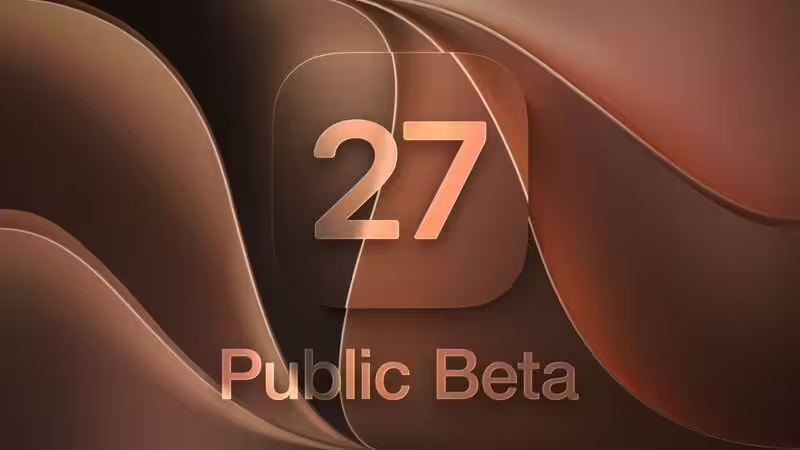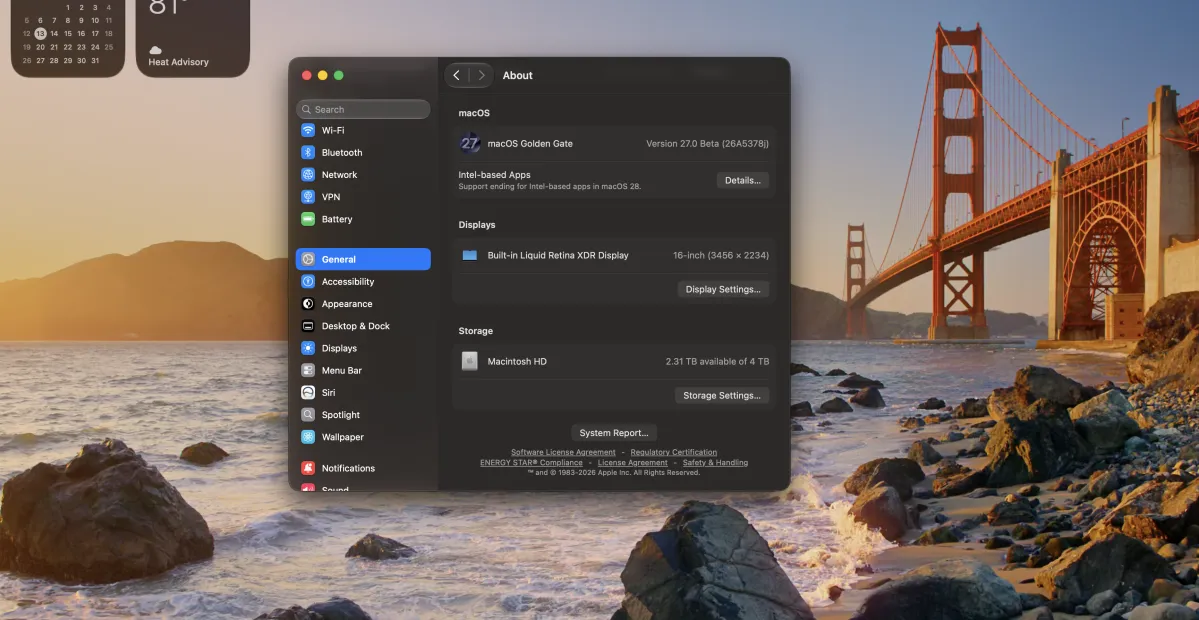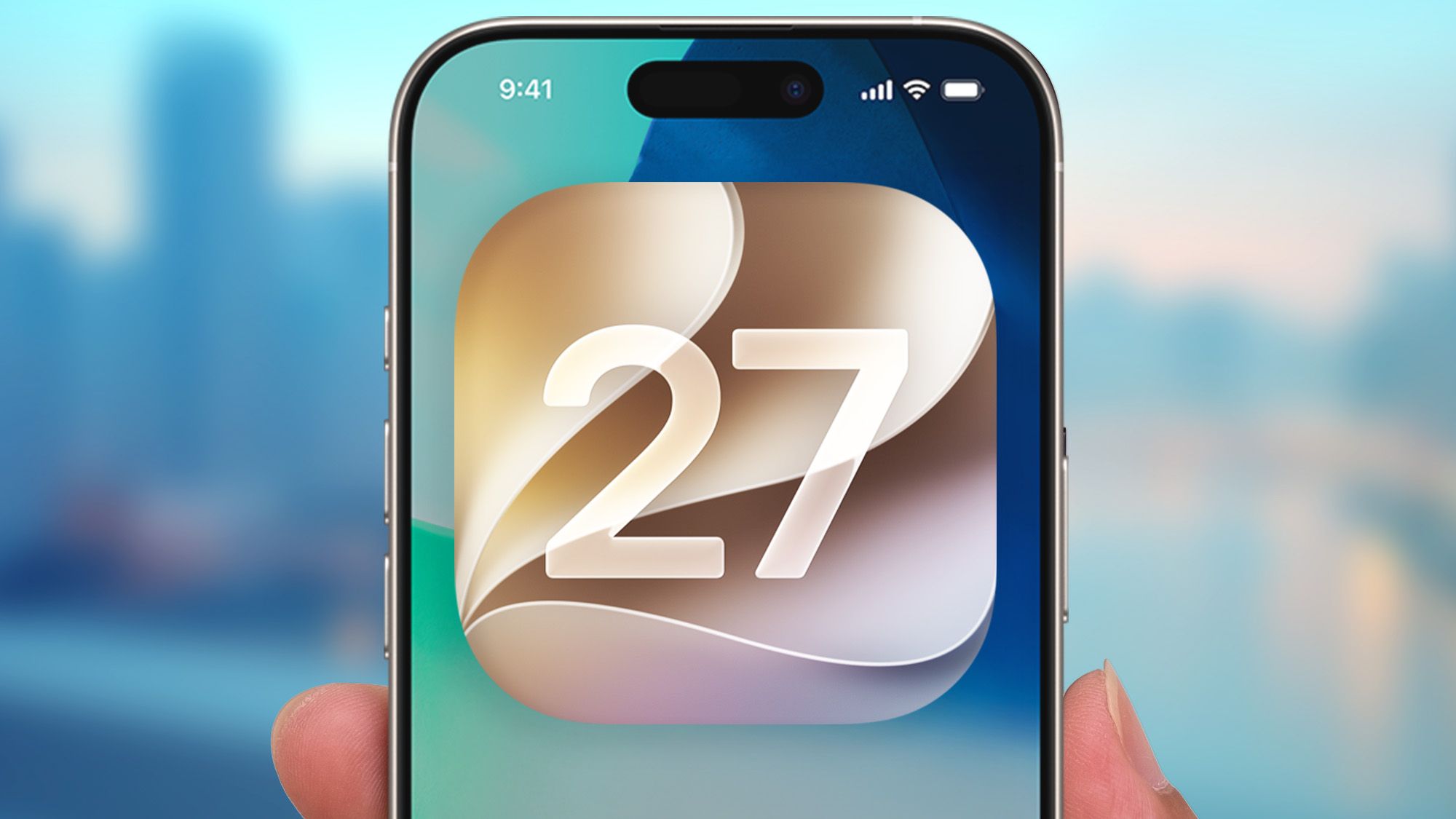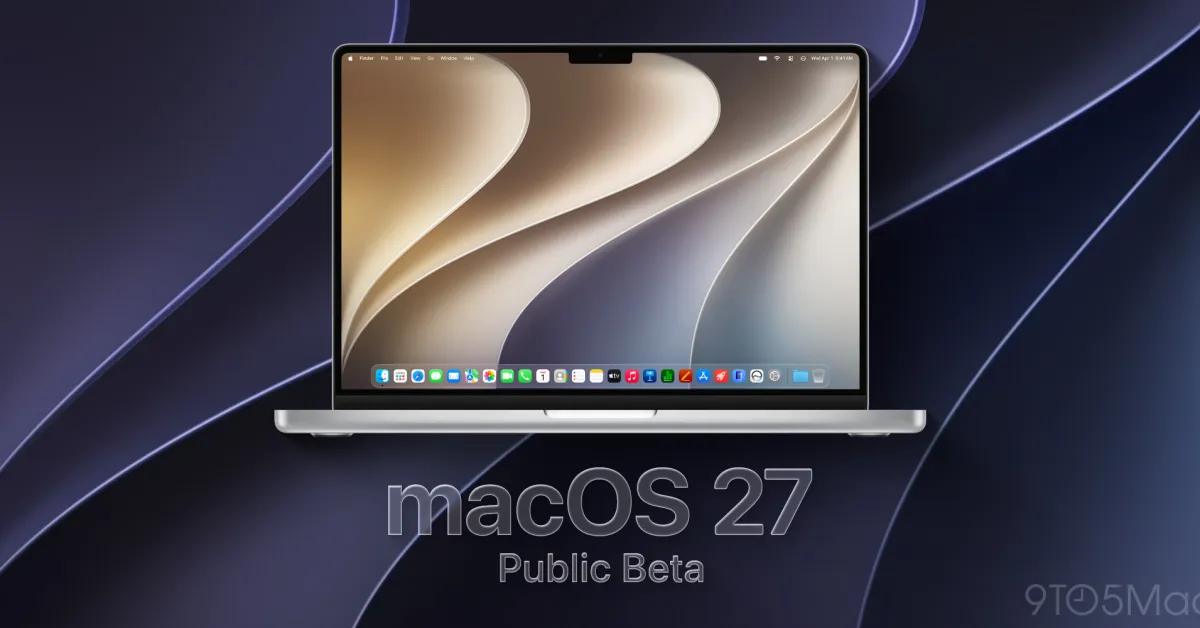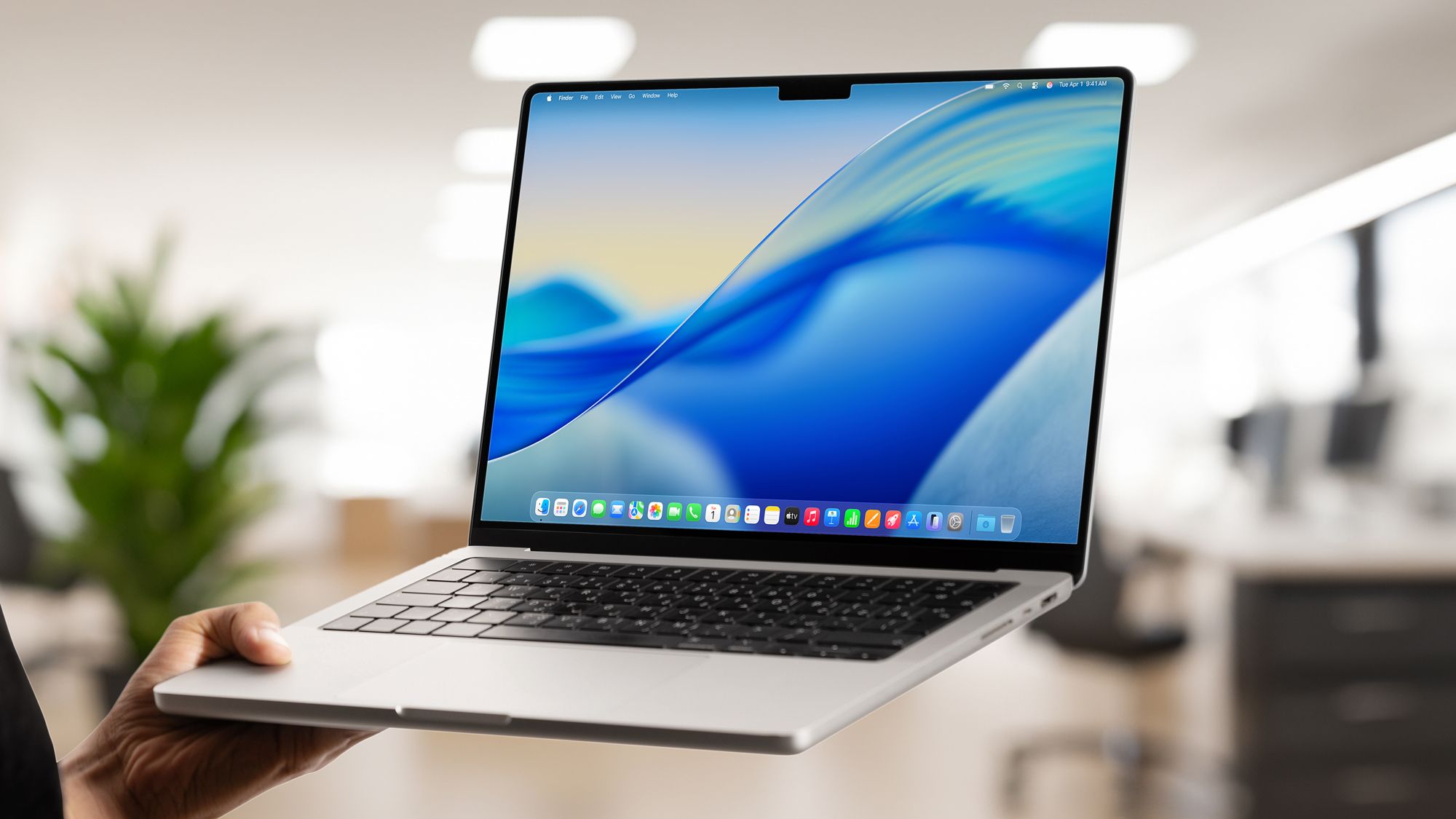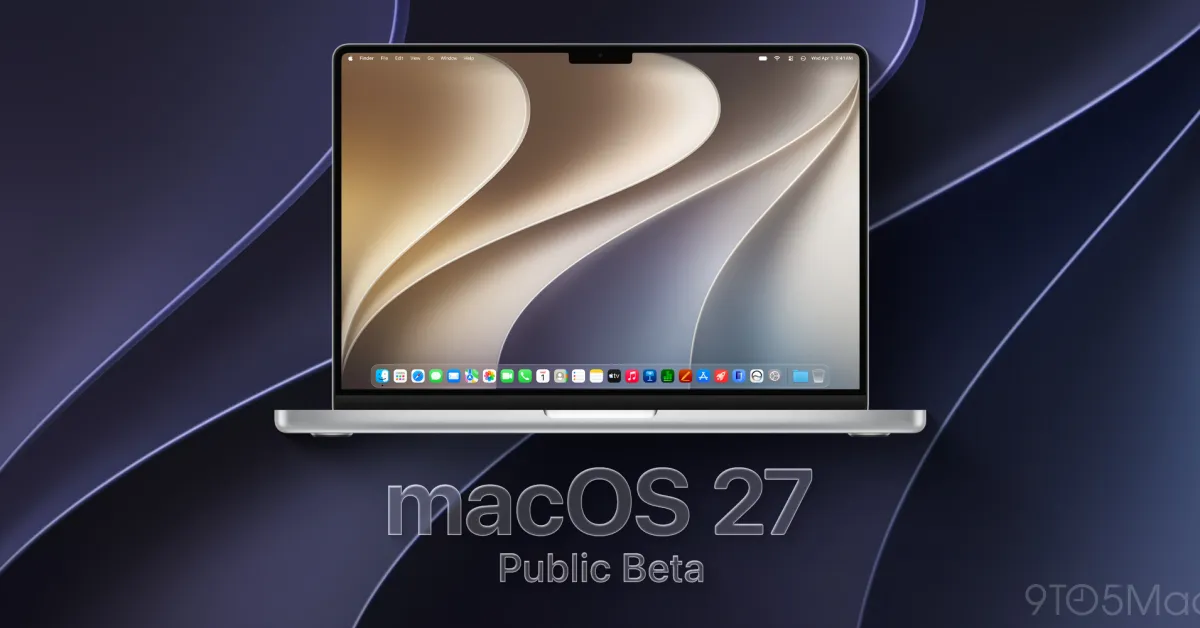
After three rounds of developer betas, Apple is now rolling out the first public beta of macOS 27. Here’s how to install it.
Installing macOS 27 public beta
As most 9to5Mac readers know, running test versions of Apple’s operating systems means having to live with the possibility of running into bugs that range from mild inconveniences to completely device-breaking issues.
That said, macOS 27 betas have been mostly solid, with occasional performance and memory issues with Safari, and some under-the-hood work that has been affecting the reliability of the Spaces feature.
Additionally, as the beta cycle progresses, something that works in one release may stop working in the next, as Apple continues to make significant under-the-hood changes. Stability and reliability can vary considerably from beta to beta, so install with extreme caution.