(Image credit: Tom's Guide)
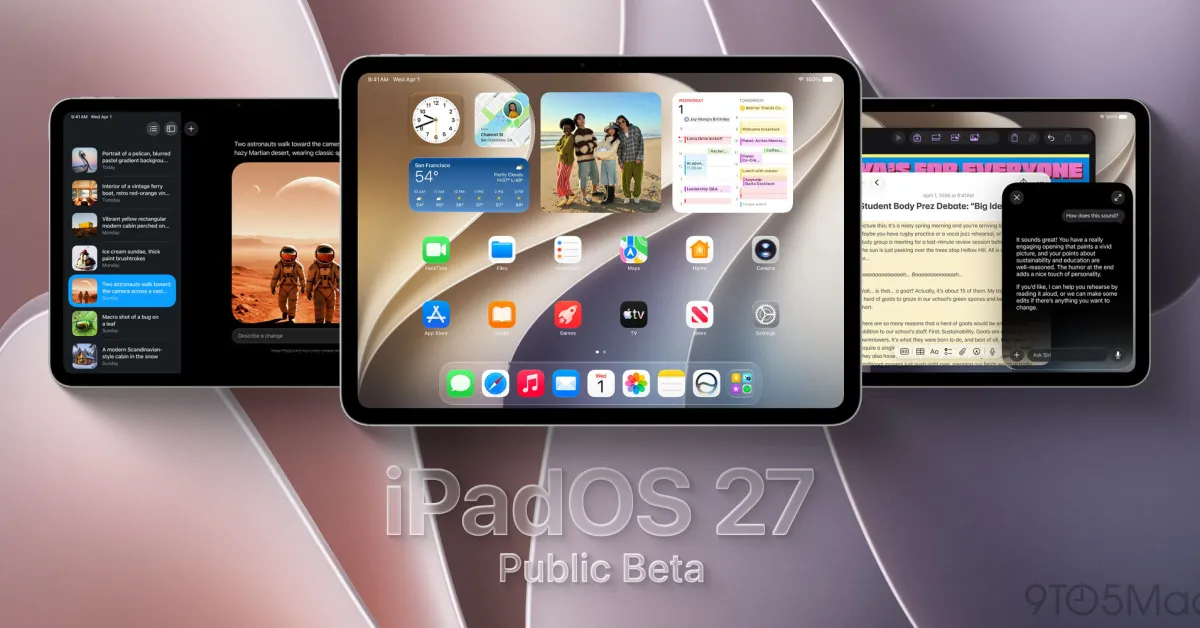
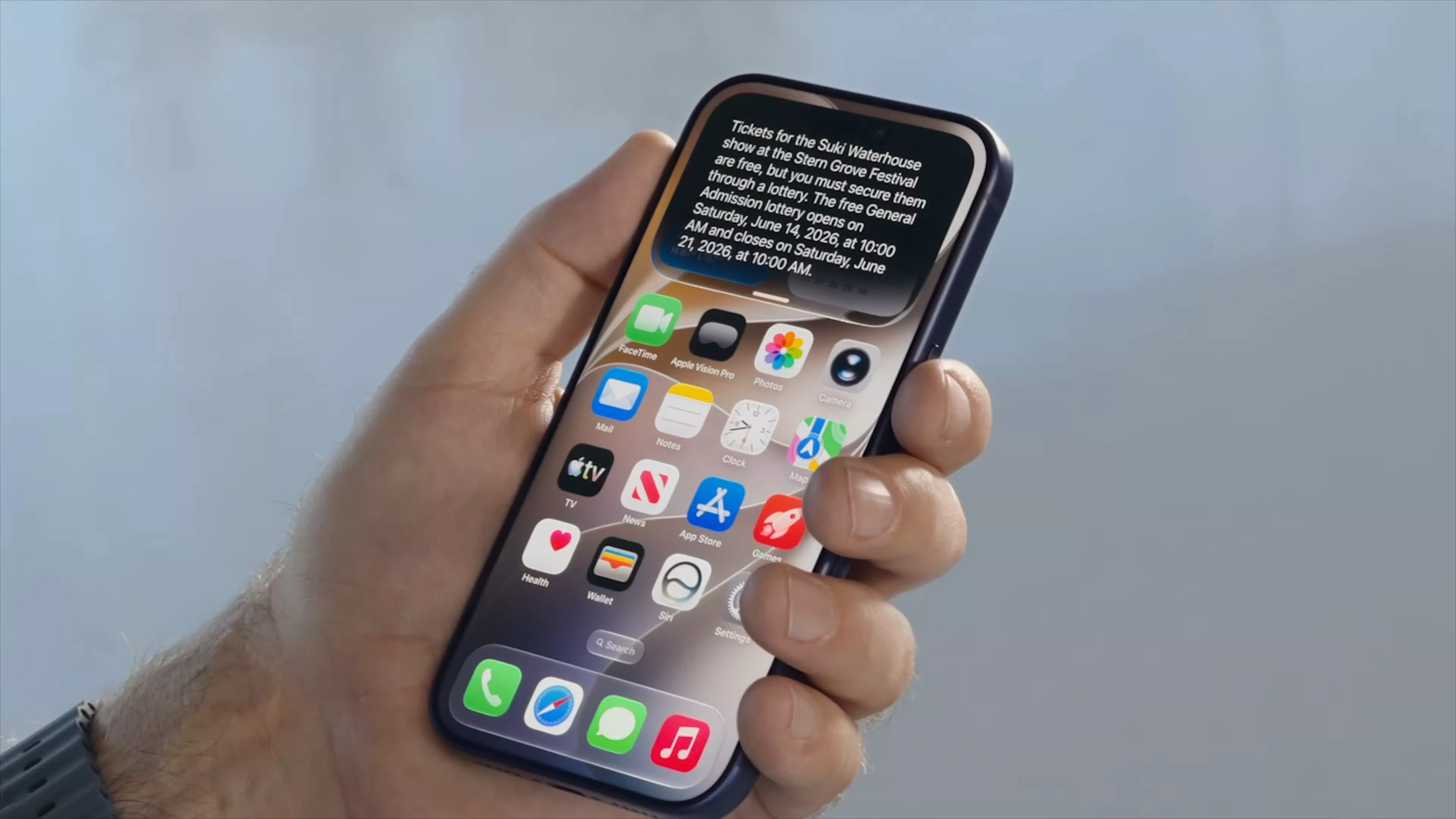
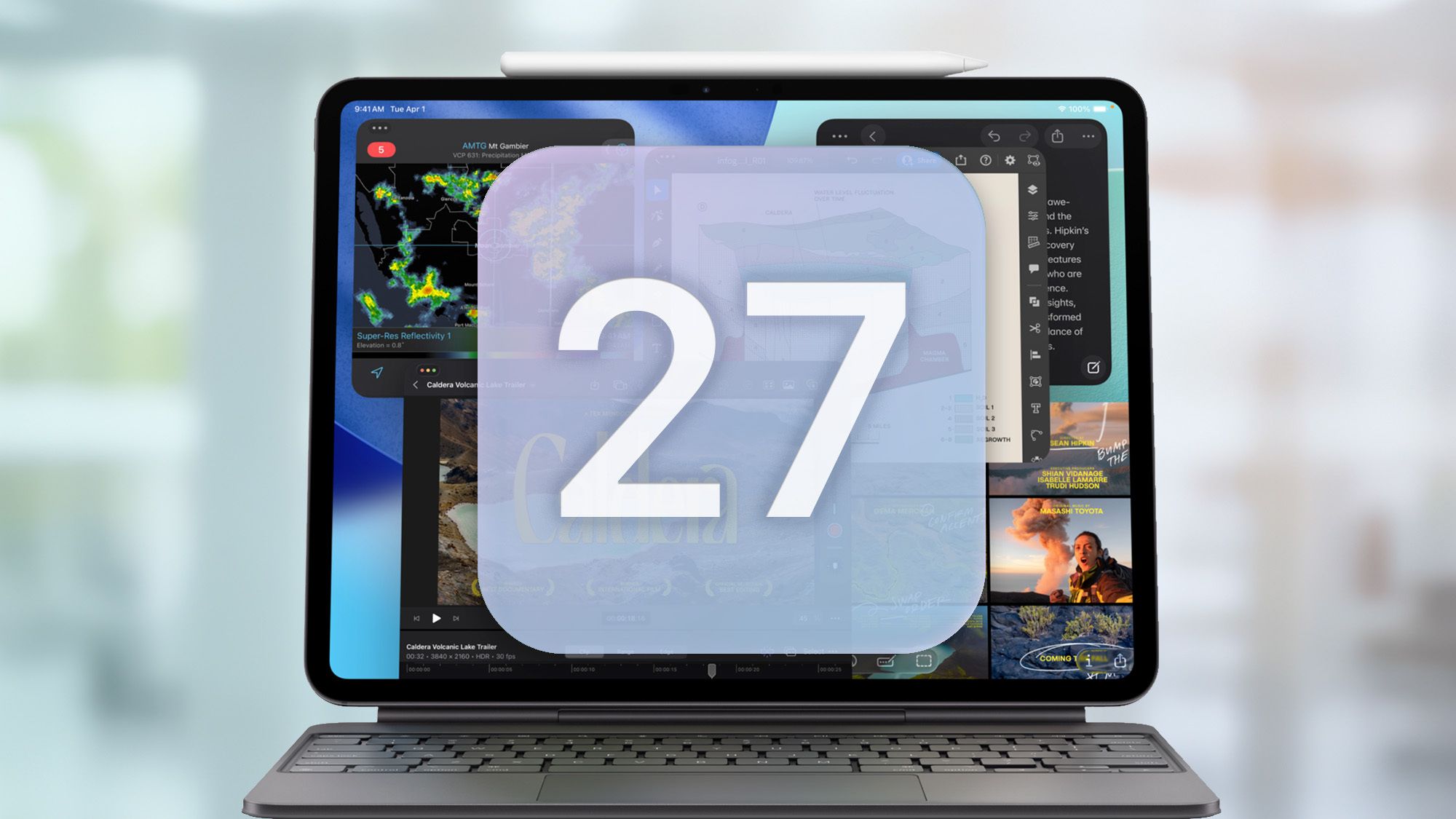
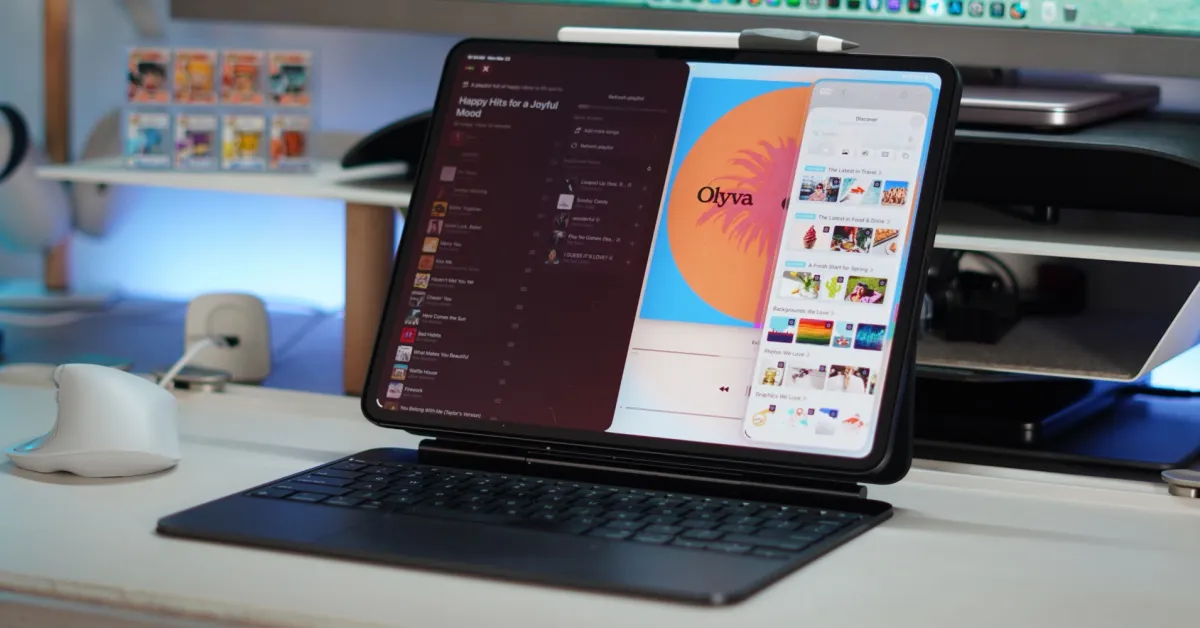
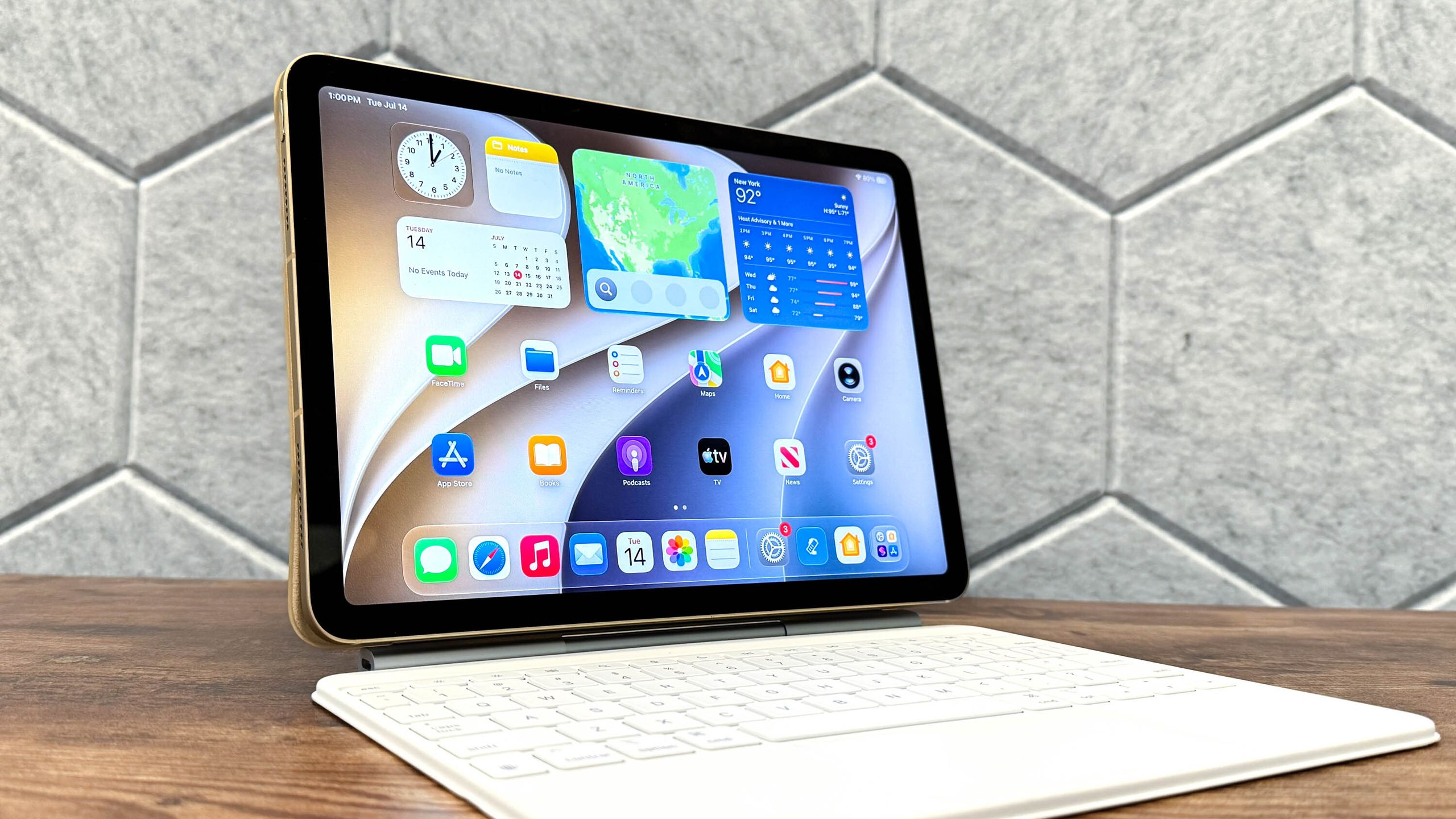
You don’t have to wait to try iPadOS 27, as you can try it out now via the public beta. Even if this version of the operating system isn’t groundbreaking, its emphasis on AI should make for a more personal and customized experience.As with iOS 27 and macOS Golden Gate, the main attraction is the reinvented Siri, which finally lives up to its potential. Siri AI, as it’s now called, is context-aware and understands what’s on your screen. Because it’s built into the OS, it can directly control and manage apps. There are also new child safety features, improved readability for Liquid Glass, new photo-editing tools, and more.While public betas are generally safer than developer betas, it’s best to proceed with caution, as there may be bugs that could harm your iPad. If you’re not bothered by that (I’ve never had issues in all my years of running these Apple betas), then here’s how to download the iPadOS 27 public beta.How to download the iPadOS 27 public betaBefore you install the beta, make sure to back up your iPad, just in case anything goes wrong and you need to return to iPadOS 26.You’ll then need to enroll in the Apple Developer Program. You may already be enrolled from prior years, but if not, visit the sign-up page to get the ball rolling. You’ll need to log in with your name and address, then set your entity type as an individual. When the payment screen appears, back out, and you’ll be on the free developer tier.Here is the full list of iPads that are compatible with iPadOS 27:iPad Pro (M4 and later)iPad Pro 12.9‑inch (4th generation and later)iPad Pro 11‑inch (2nd generation and later)iPad Air 13-inch (M2 and later)iPad Air 11-inch (M2, M3, and M4)iPad Air 11-inch (4th generation and later)iPad (A16)iPad (9th generation and later)iPad mini (A17 Pro)iPad mini (6th generation)