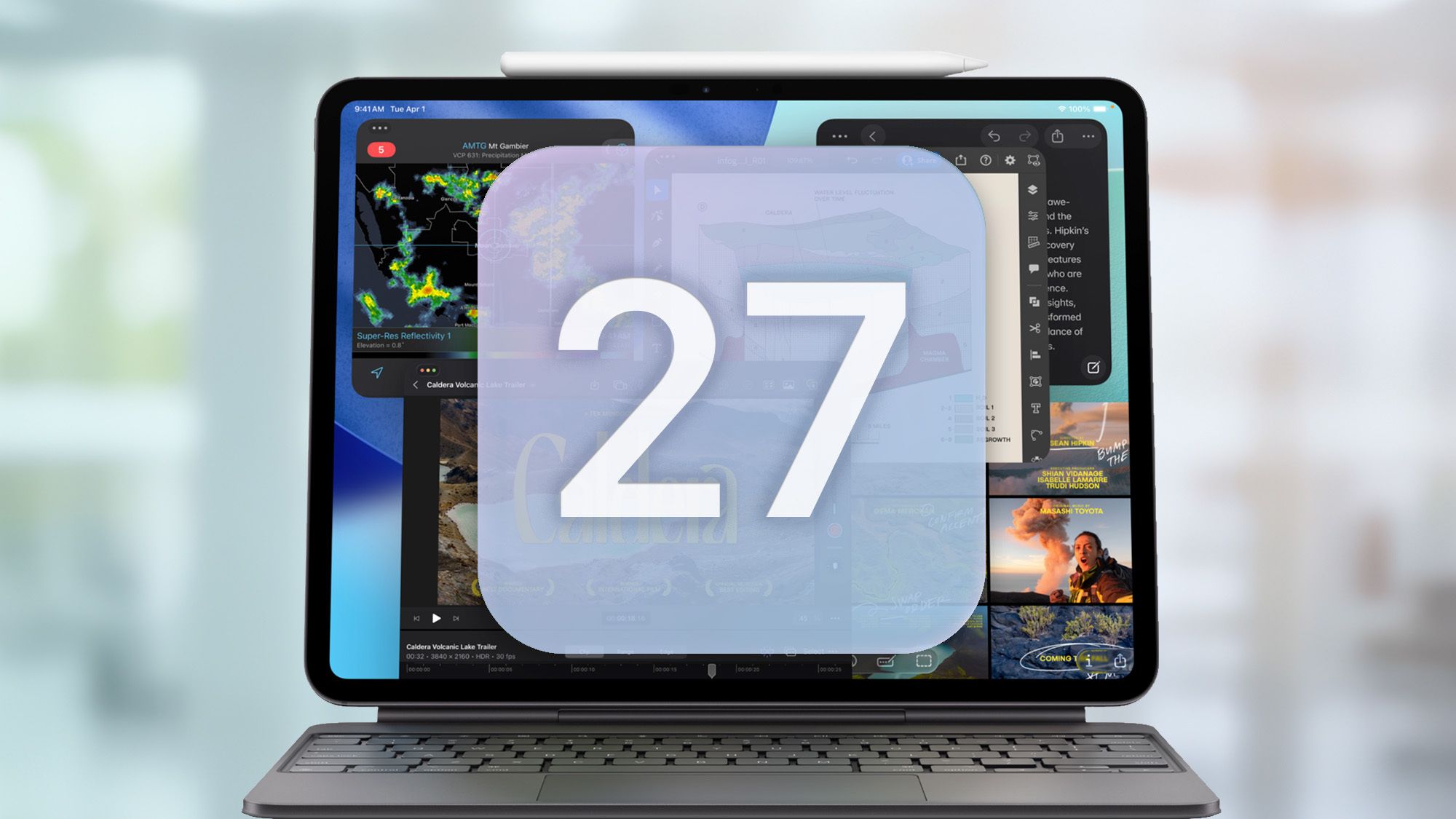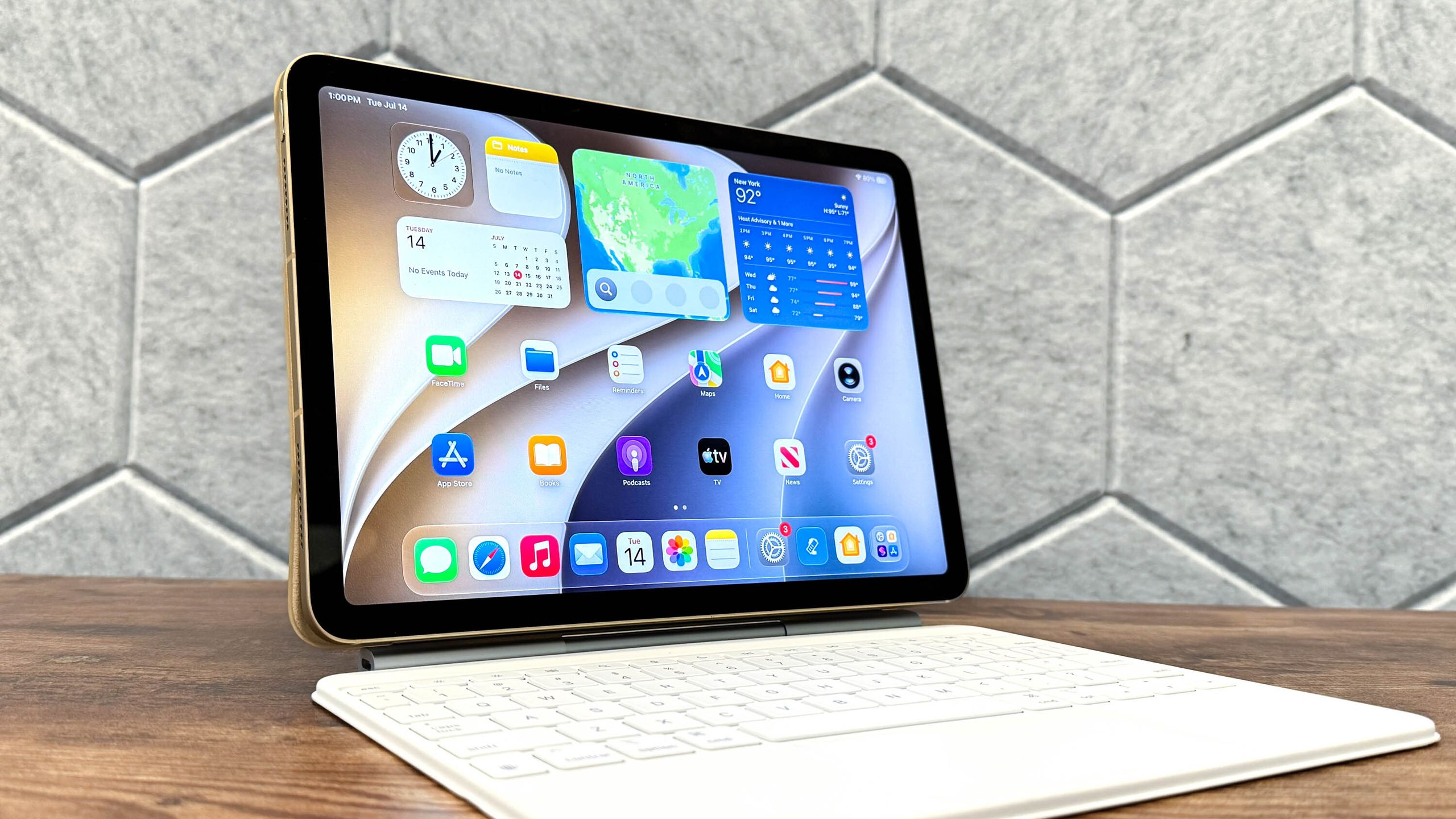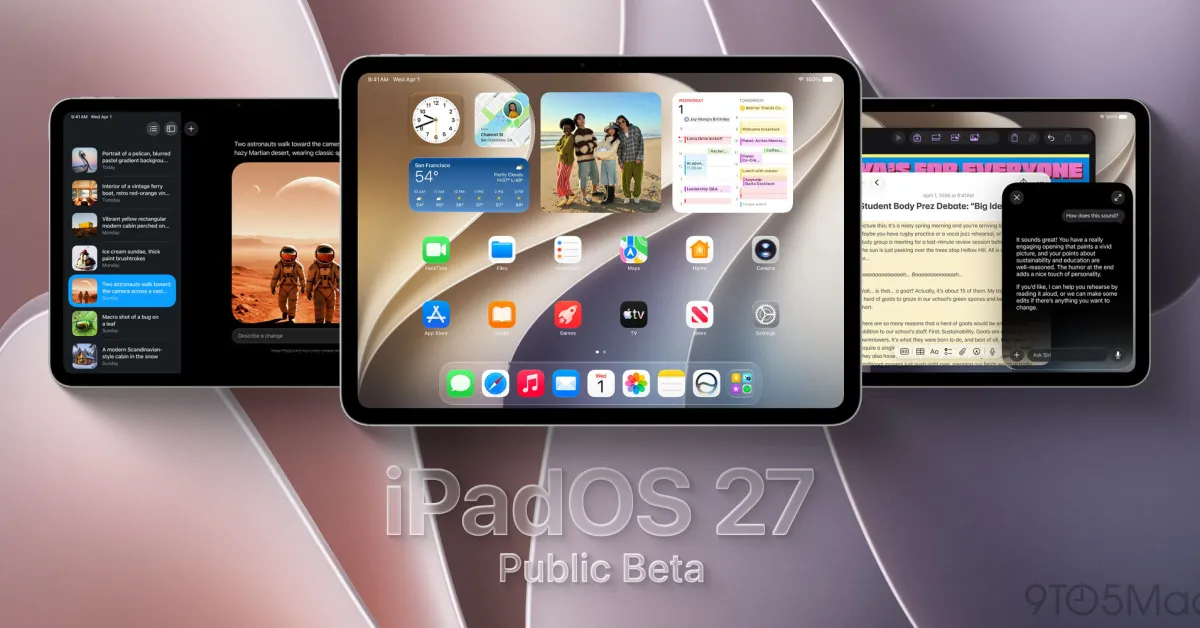
(Image credit: Tom's Guide / Apple)
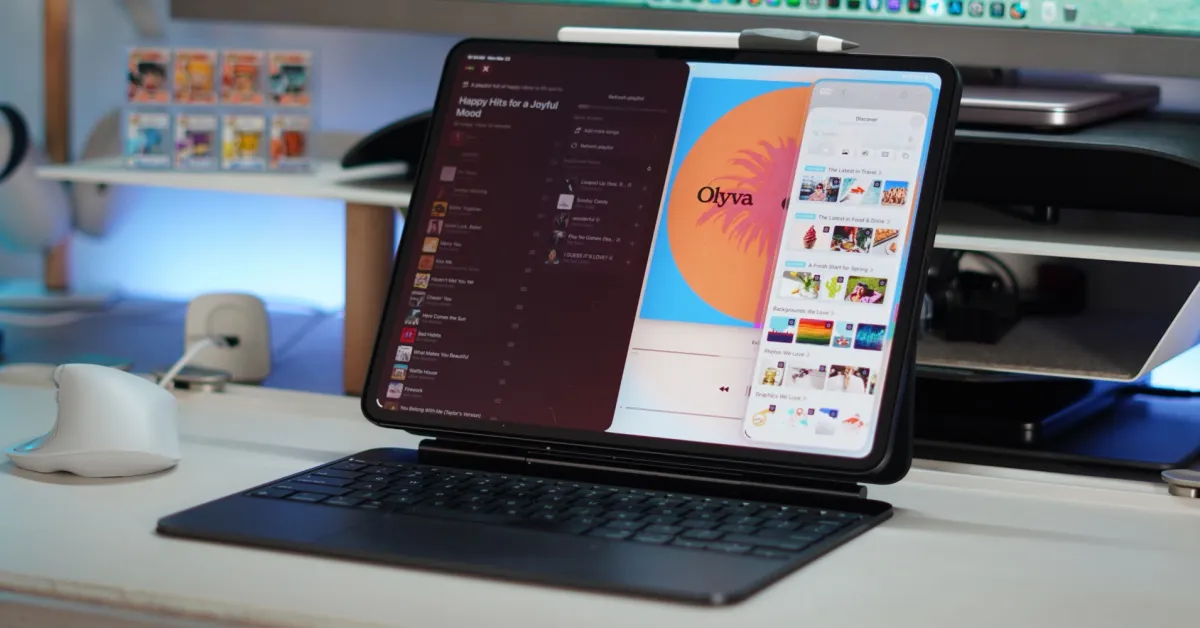
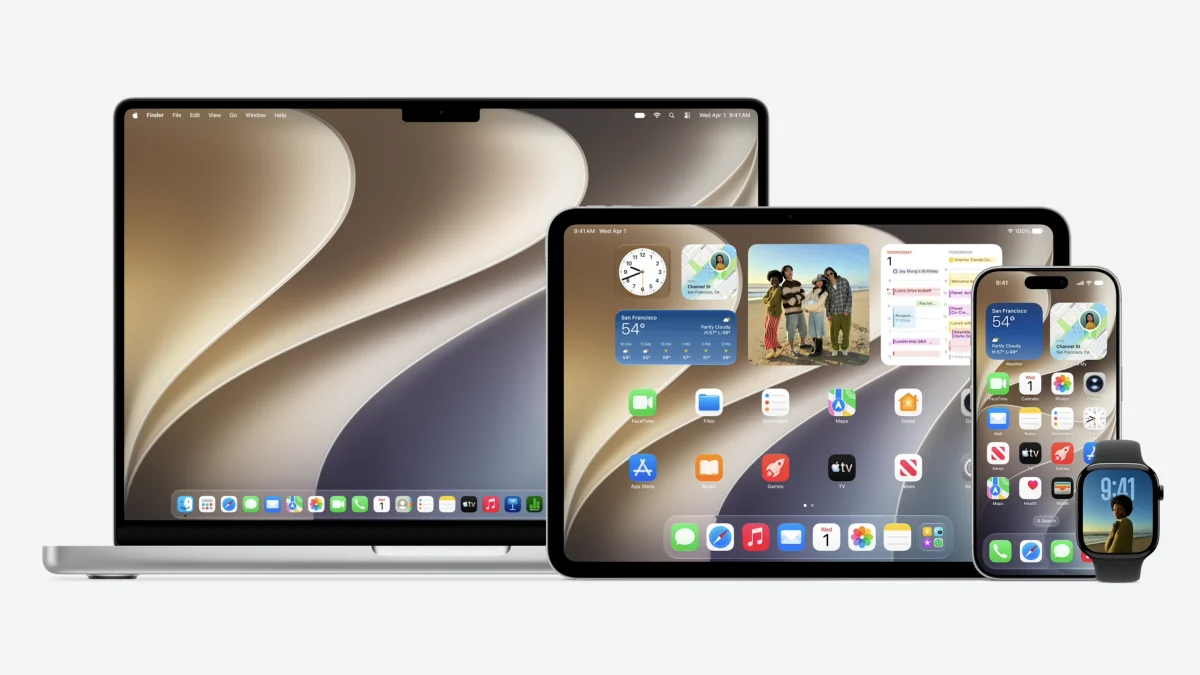
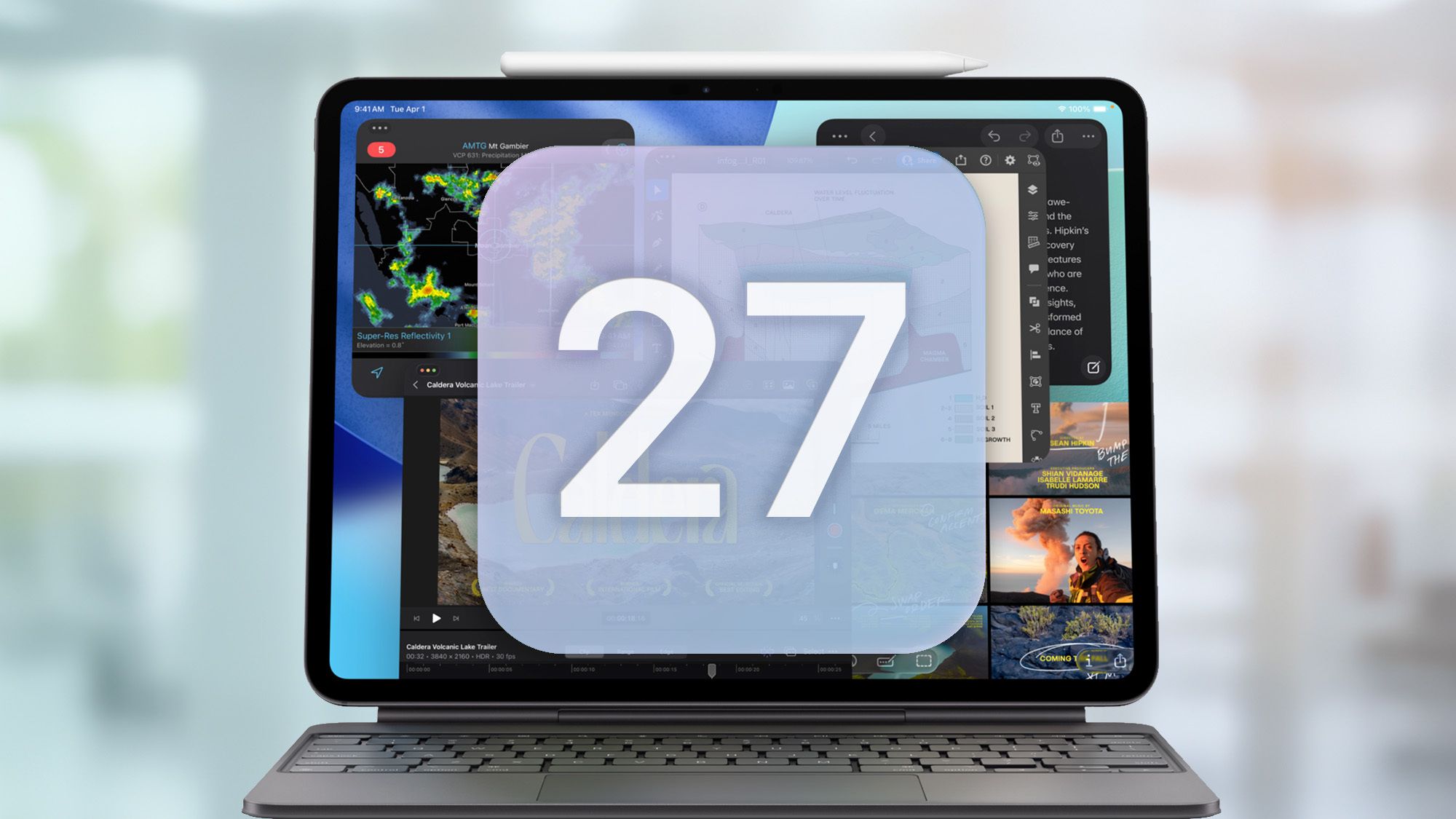
WWDC 26 is in the books (or at least, the keynote is), and as is tradition, we got a good look at OS updates across the Apple ecosystem.iPadOS 27 is one such release, and developer beta 1 is out as of right now. Here’s what’s new, and why you might want to give it a try — and why you might want to skip it for now.What’s new in iPadOS 27?
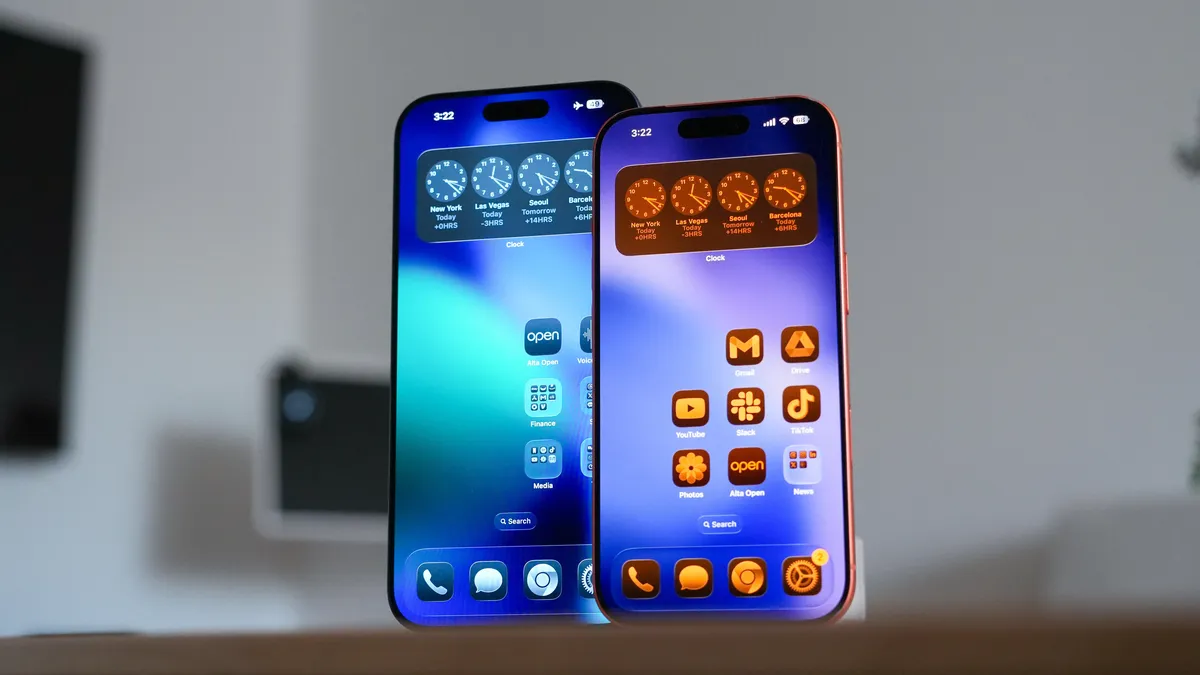
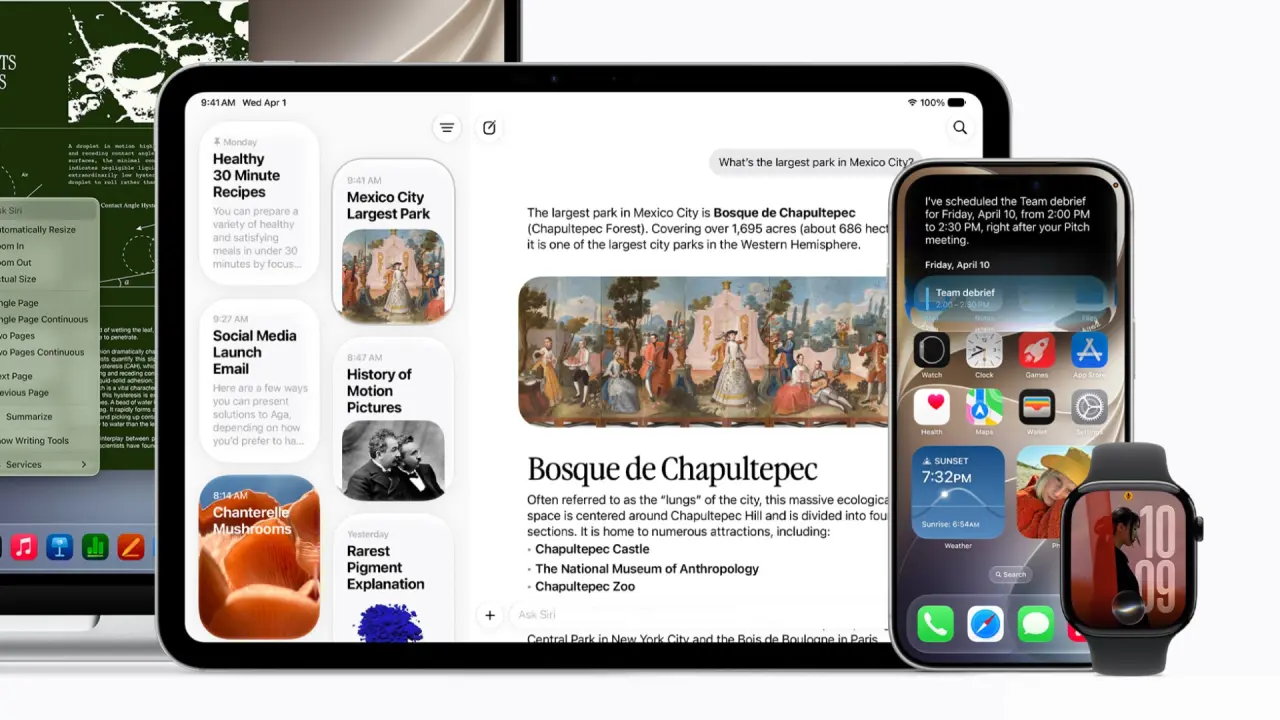
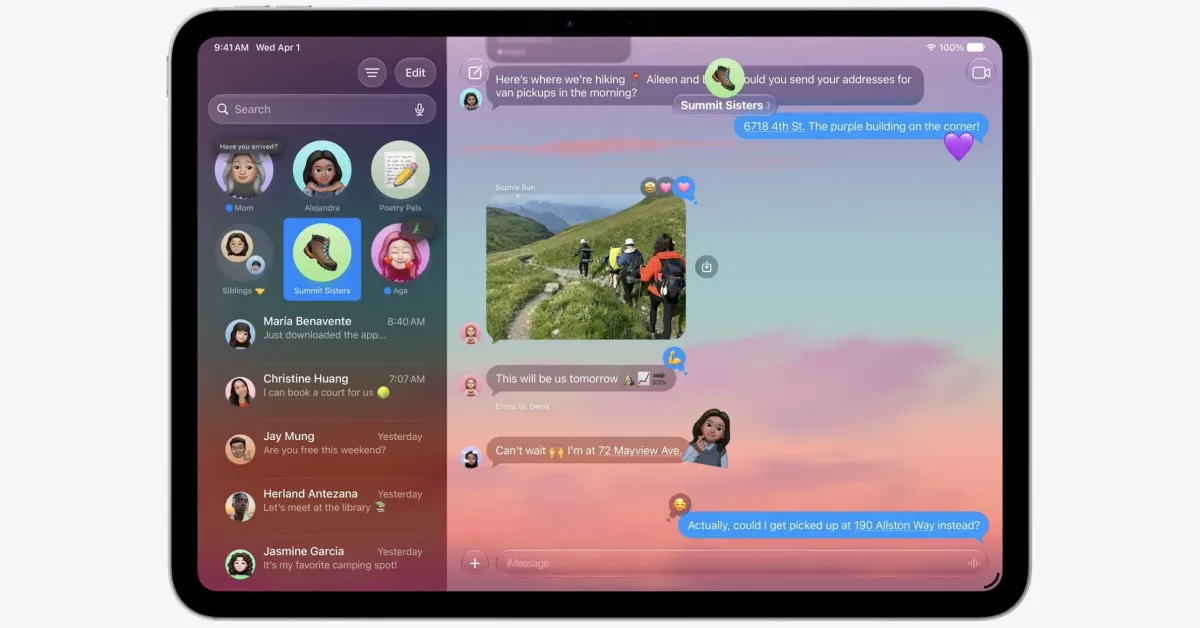
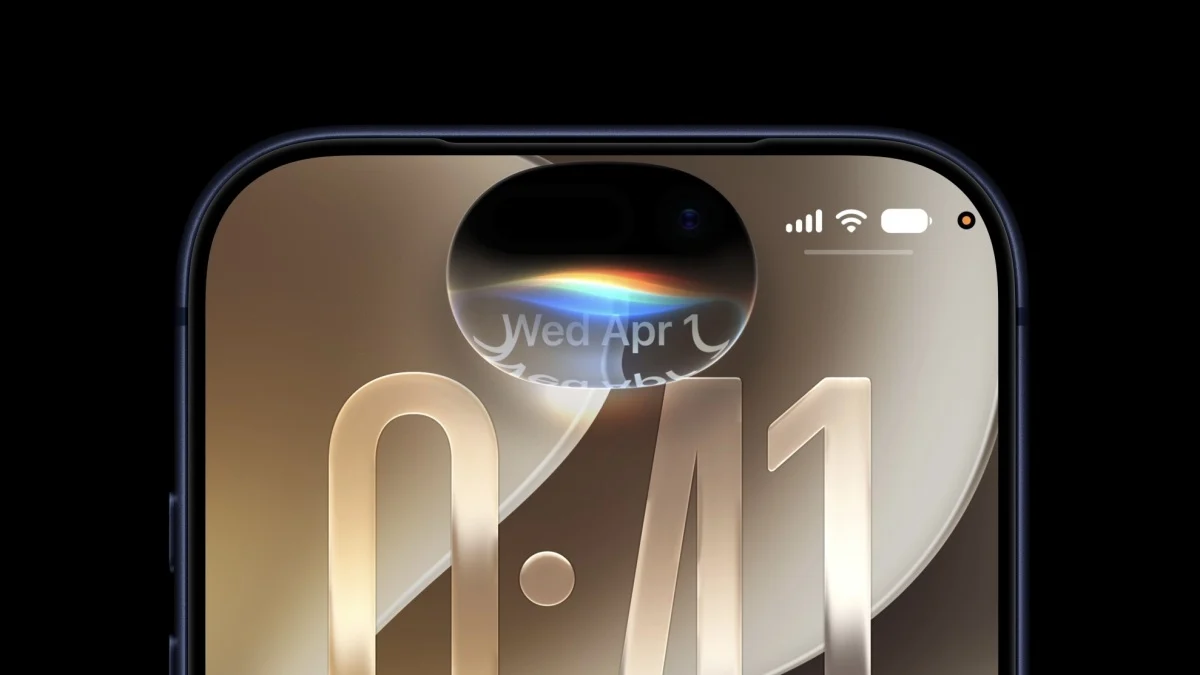
(Image credit: Apple)As with iPhone and Mac, the big draw here is the reinvented Siri, which is now much more capable. It’s context-aware, understands what’s on your screen, and can search through your data via on-device processing to find key data from your contacts, messages, Mail, and more.There are also new child safety features like allowed apps, and a laundry list of tweaks under the hood to things like memory usage, display rendering, and more granularity over the Liquid Glass interface, which debuted last year.A word of warning
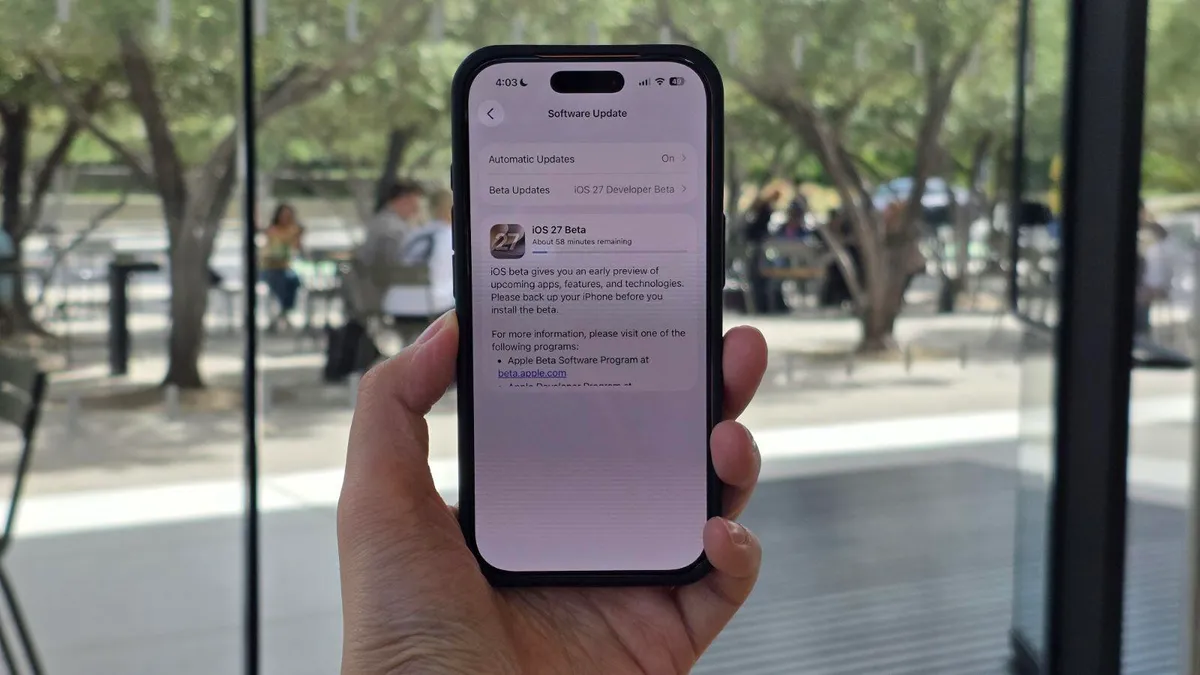
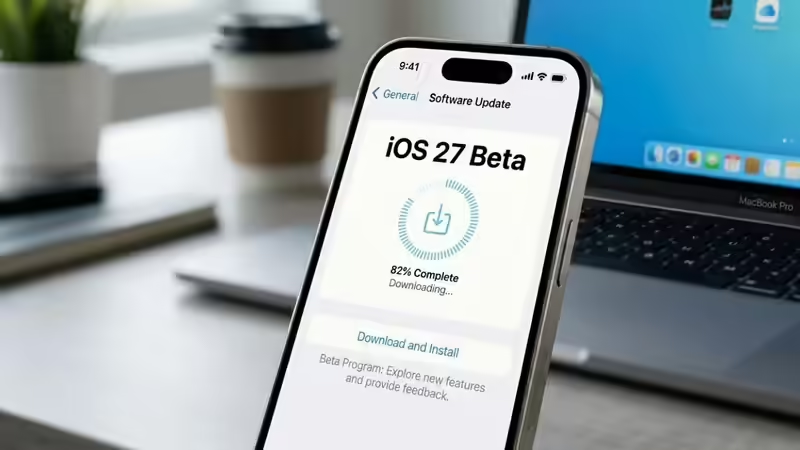
(Image credit: Apple)As with any beta, iPadOS or otherwise, you should be wary of features (both new and old) working inconsistently. It’s not uncommon for even a tech giant like Apple to go through multiple rounds of testing before the public beta, which tends to be a little more stable (at least historically speaking).It’s also possible that running the beta will cause a drop in your battery expectancy. If you find yourself needing to charge more regularly, it could be because you’re on the beta.Supported iPadOS 27 modelsiPadOS 27 is compatible with the following devices:Get instant access to breaking news, the hottest reviews, great deals and helpful tips.iPad Pro 2nd Gen or lateriPad Air 4th Gen or lateriPad Mini 6th Gen or lateriPad 9th Gen or laterIt’s worth noting that the new Siri AI features are only supported on M4 or later iPad models.How to get the iPadOS 27 betaWith those considerations out of the way, the process of enrolling your iPad is very similar to that in prior years.First, you’ll need to enroll in the Apple Developer Program. You may already be enrolled from prior years, but if not, visit the sign-up page to get the ball rolling.You’ll need to log your name and address, then set your entity type as an individual. When the payment screen appears, back out, and you’ll be on the free developer tier.With that done, open your iPad and follow these instructions:Open Settings > General > Software UpdateTap Beta UpdatesSelect ‘iPadOS 27 Developer Beta’Then download it and install via the on-screen instructions