(Image credit: Tom's Guide / Apple)
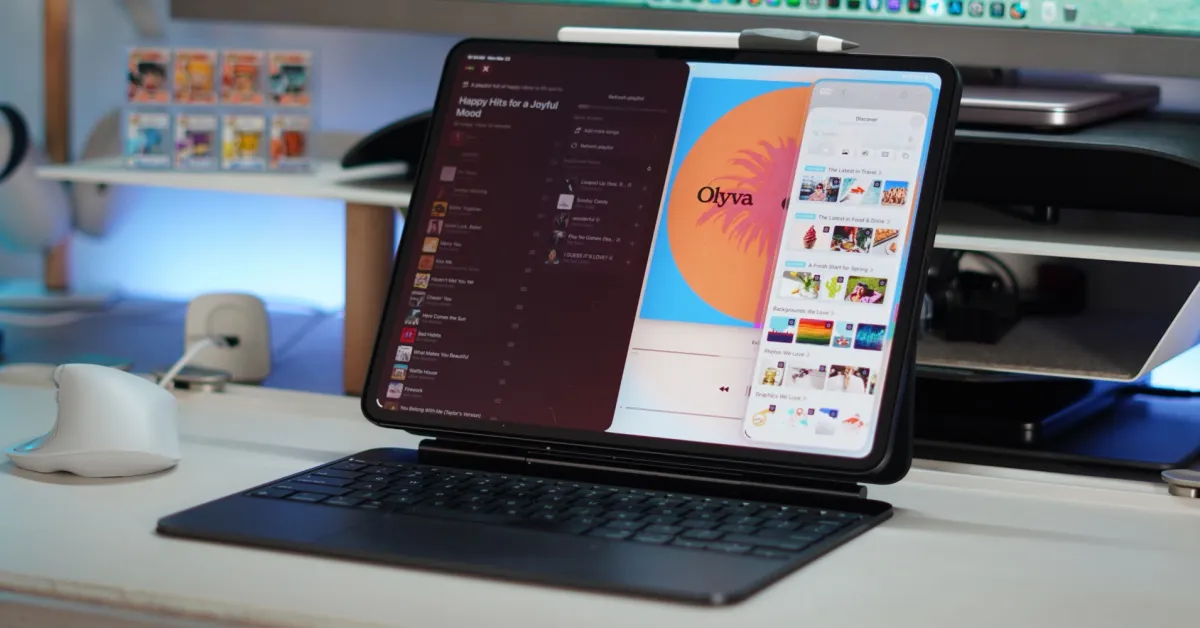
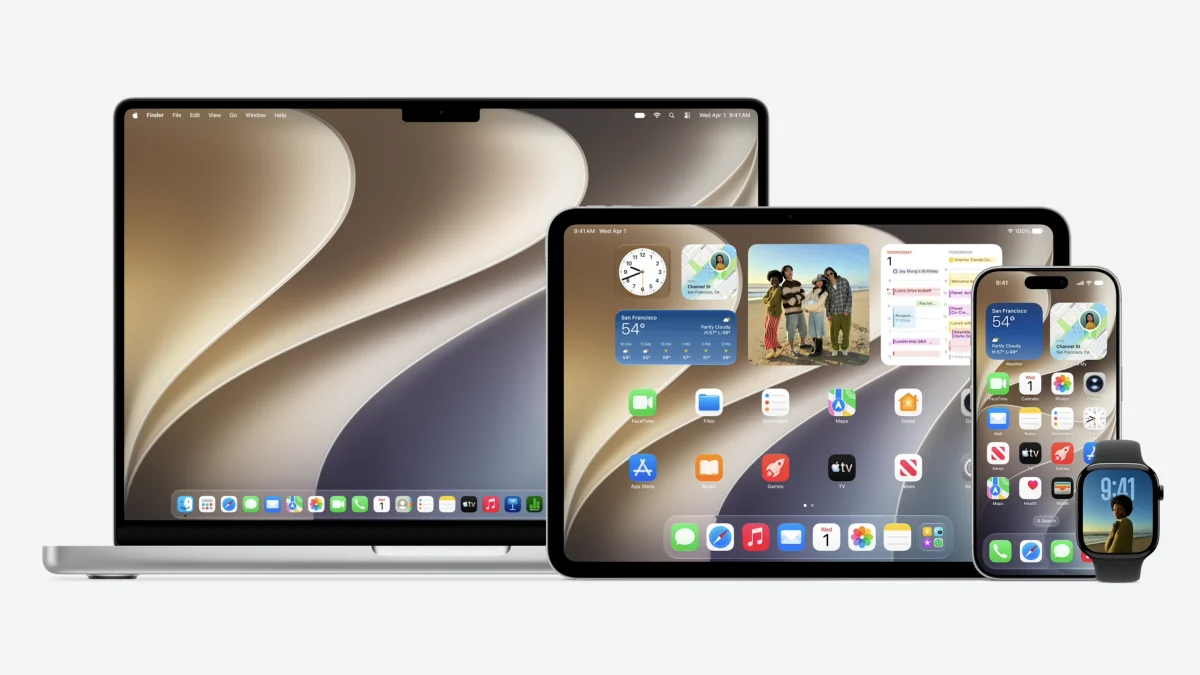
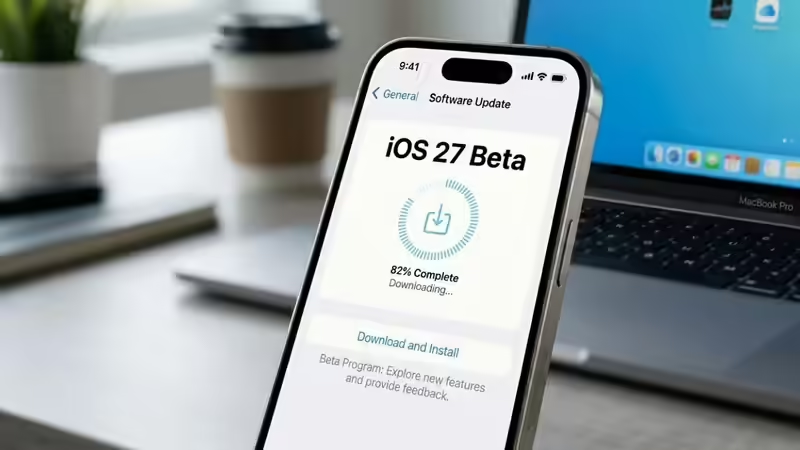
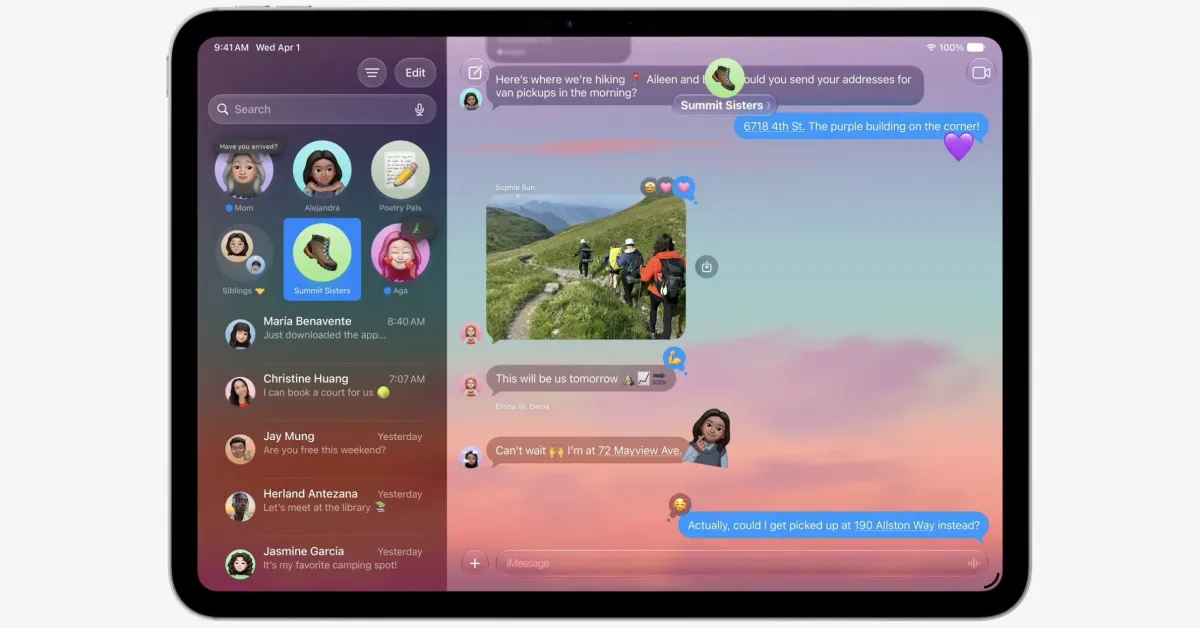
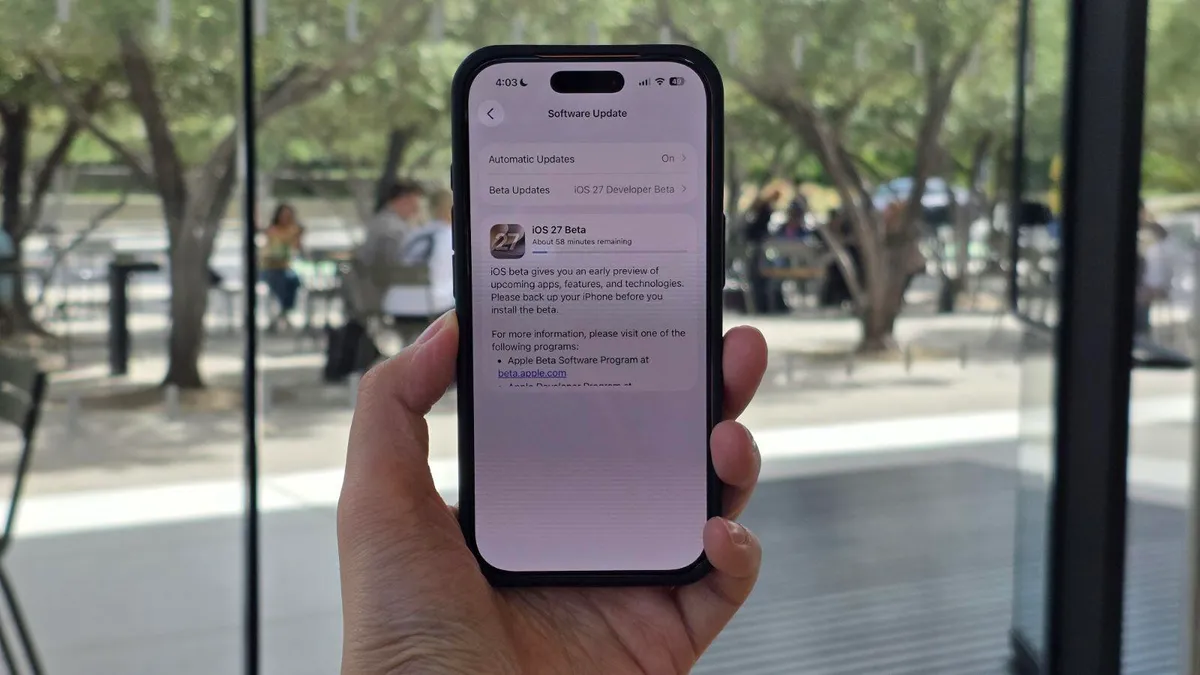
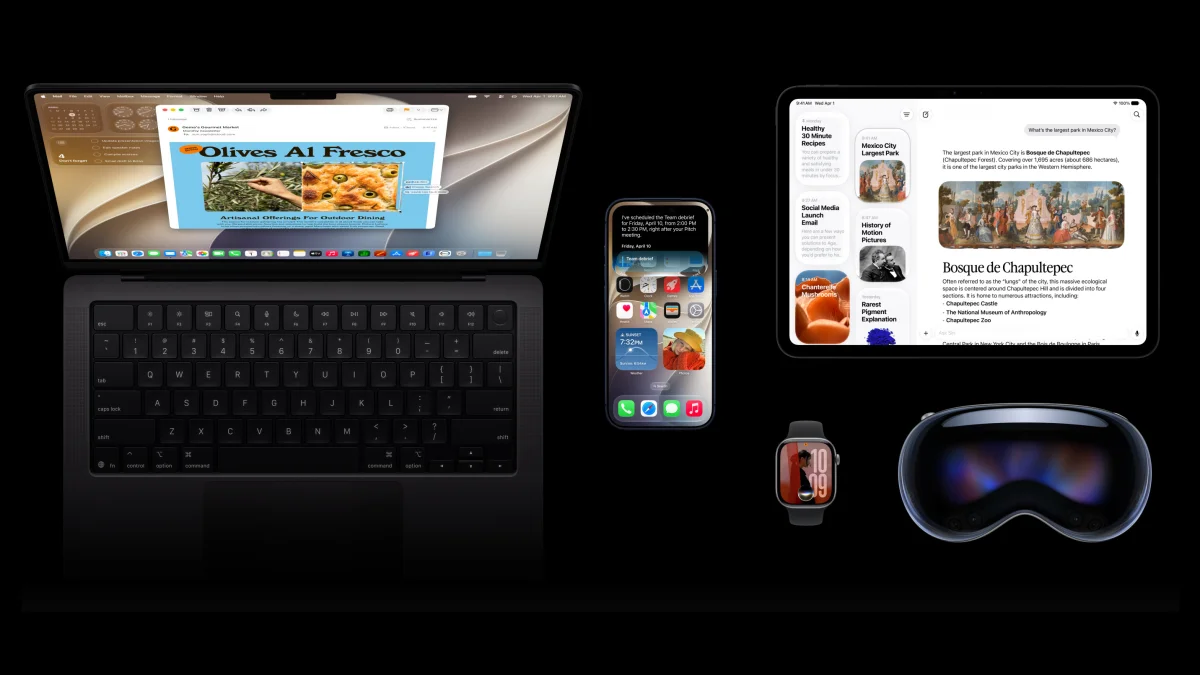
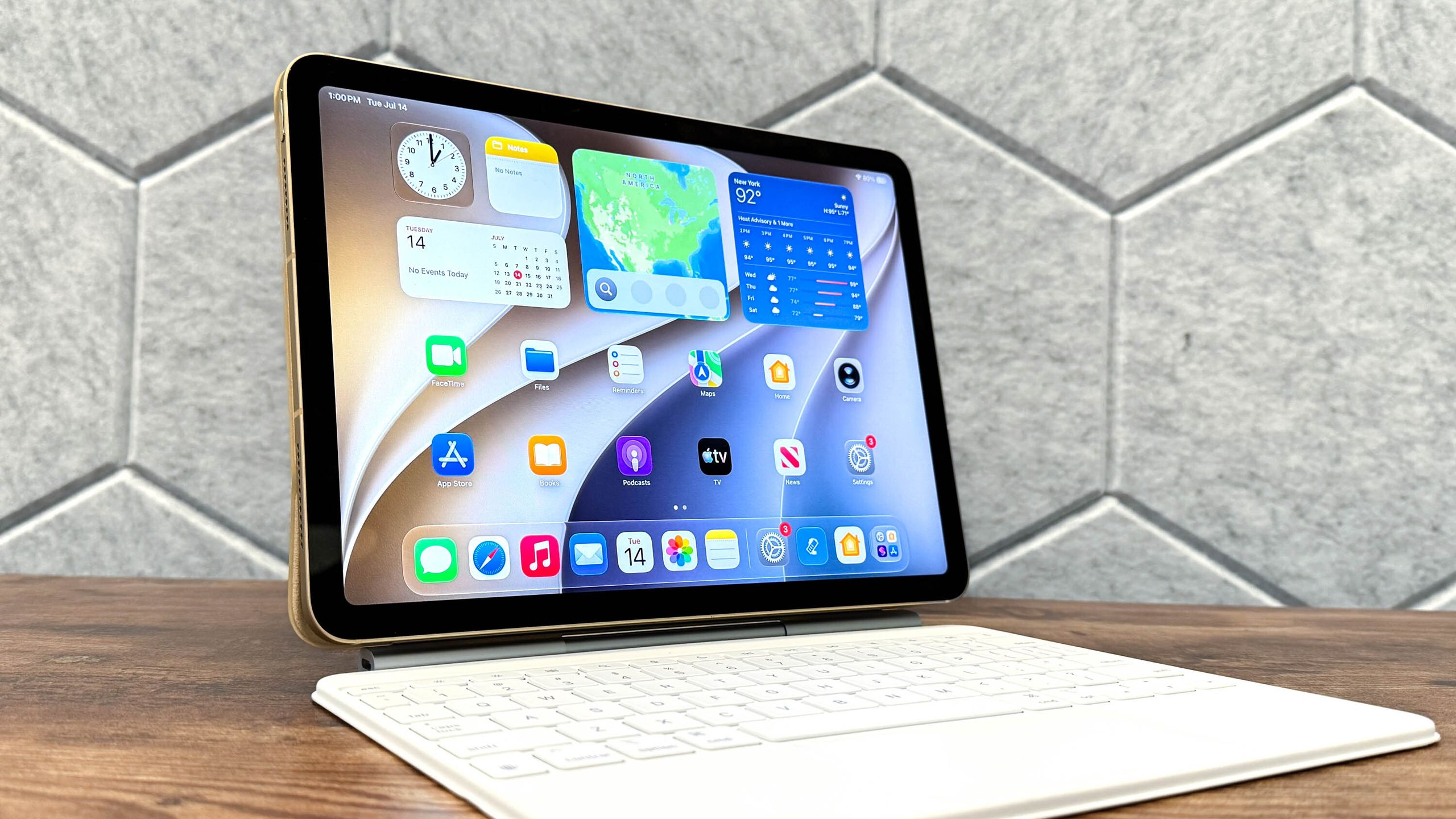
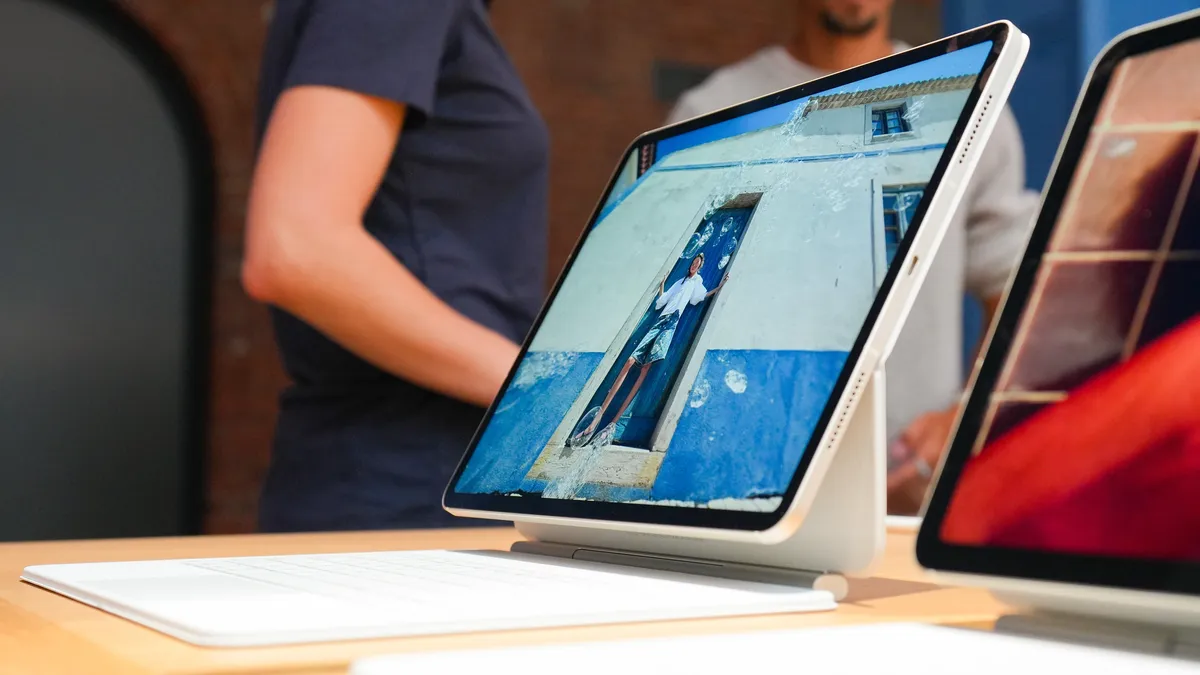
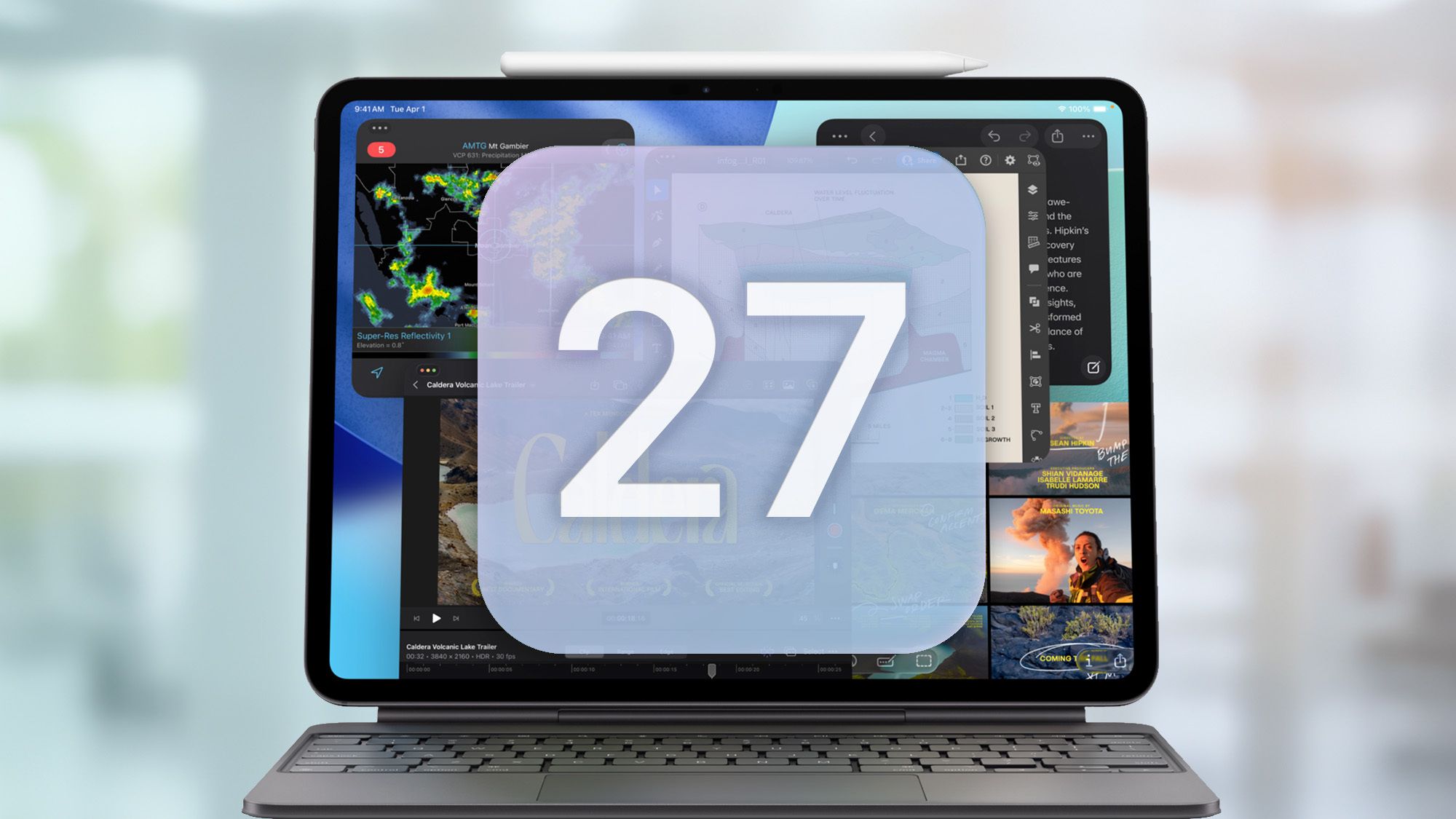
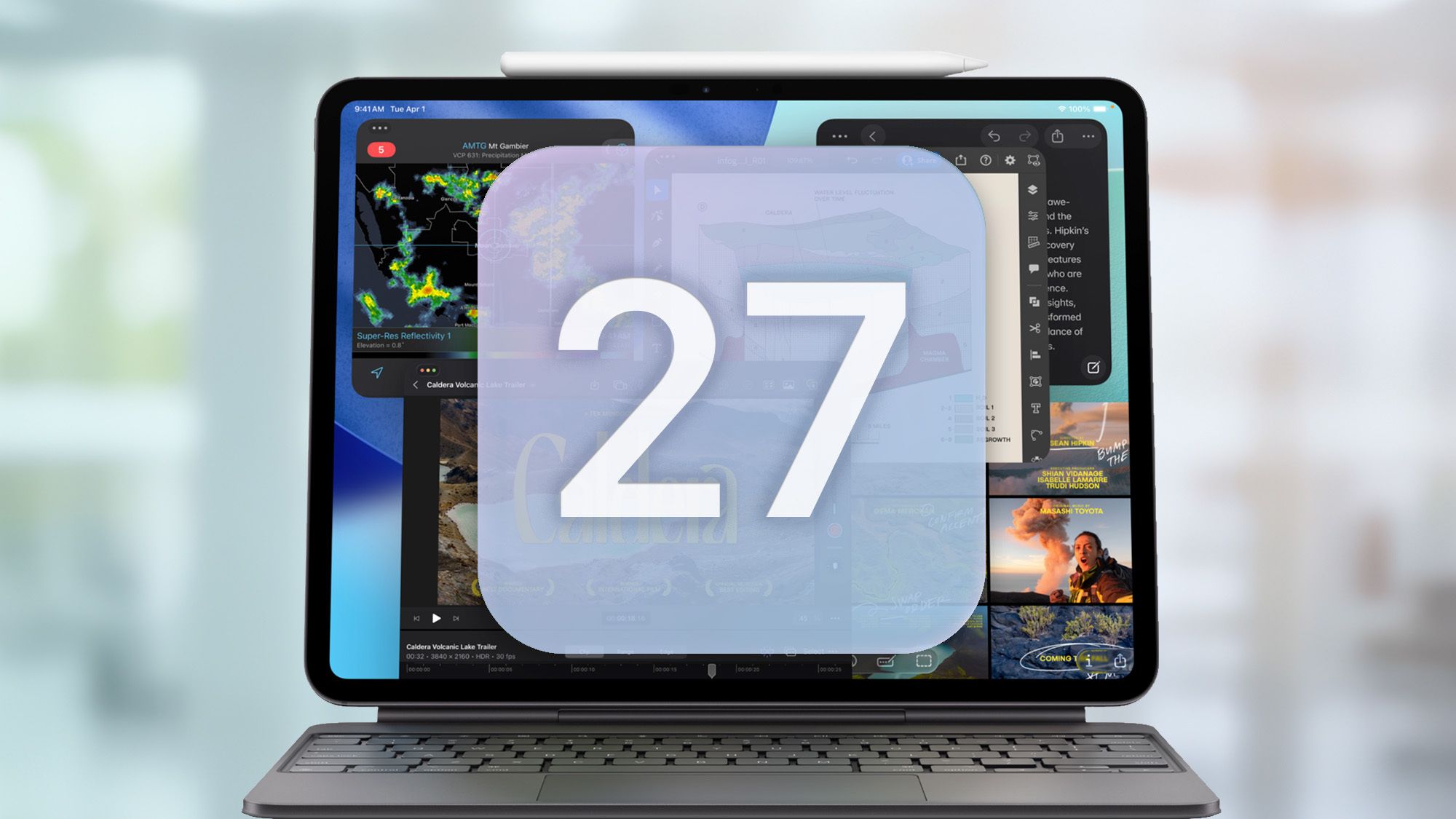
iPadOS 27 brings Apple's revamped Siri to iPad alongside features optimized for larger screens and the Apple Pencil. These include a greater Mac-like experience with window control and tiling. It's another step towards making the iPad work even more like a laptop.Of course, the new Siri is the star of the WWDC show and now understands context from your personal data, sees what's on your screen, and handles complex tasks — meaning more powerful workflows and smarter productivity features than ever before.The developer beta arrived immediately after the WWDC keynote, to give a taste of early access before the final release. Registration is free with no paid membership required.If you want to test iPadOS 27 on your iPad right now, here's how.As with any beta software, you're likely to run into some bugs and issues along the way. It could also drain your battery more quickly than usual. If possible, we'd always recommend installing it on a separate device, given the amount of sensitive data likely stored on your main iPhone. The more stable public beta will launch next month.Which iPads support iPadOS 27?iPadOS 27 is compatible with:iPad Pro (all models)iPad Air (5th generation and later)iPad (7th generation and later)iPad mini (5th generation and later)Check your iPad model in Settings, General, and About to confirm compatibility before installing the developer beta.Get instant access to breaking news, the hottest reviews, great deals and helpful tips.