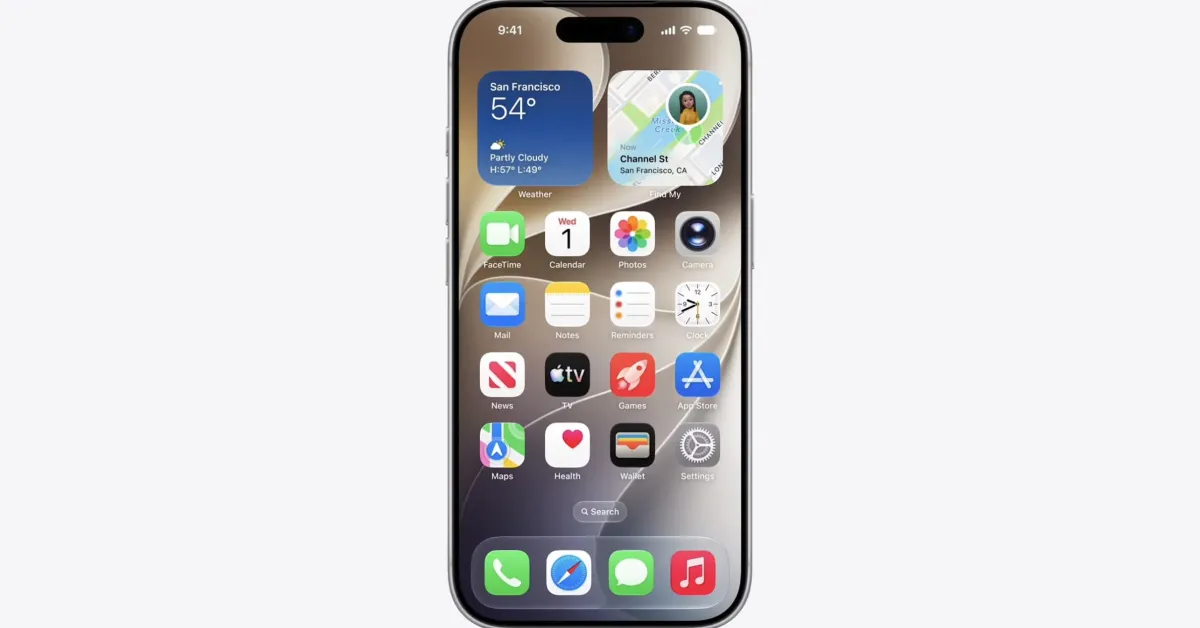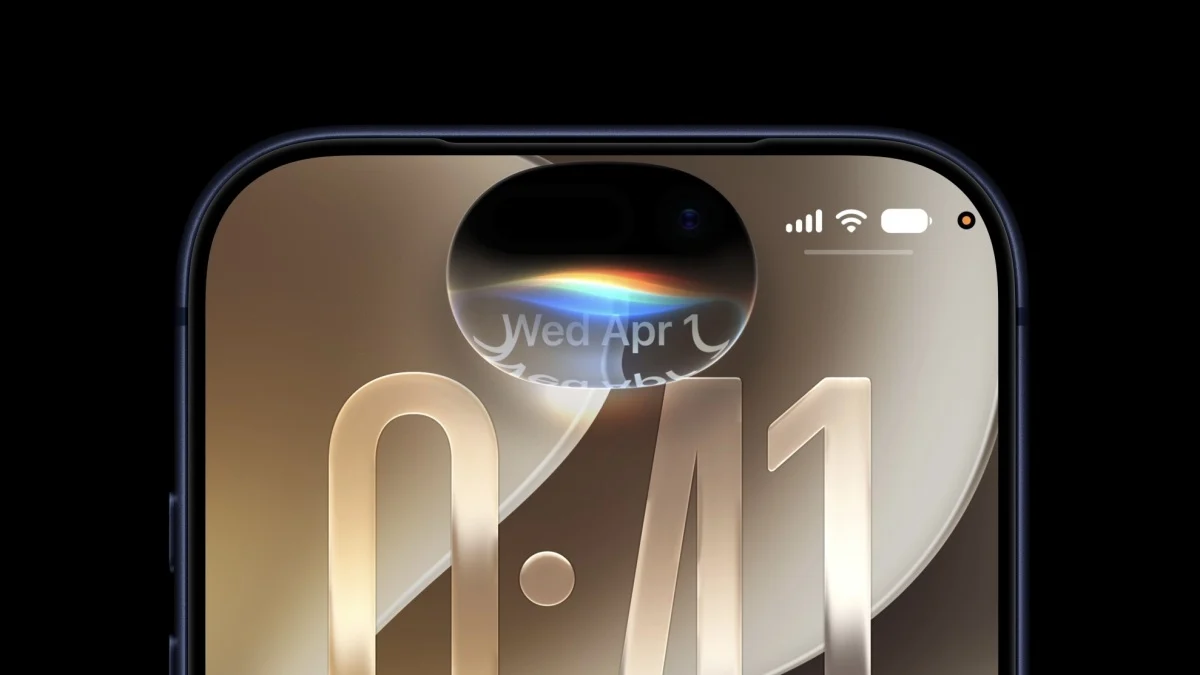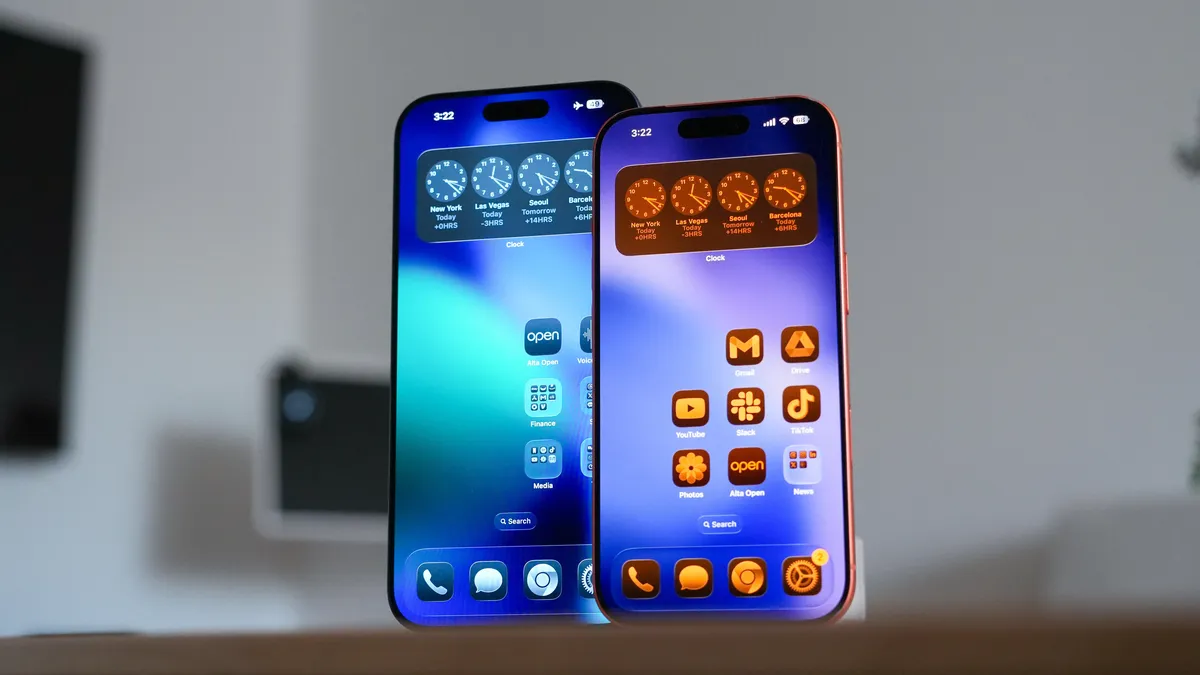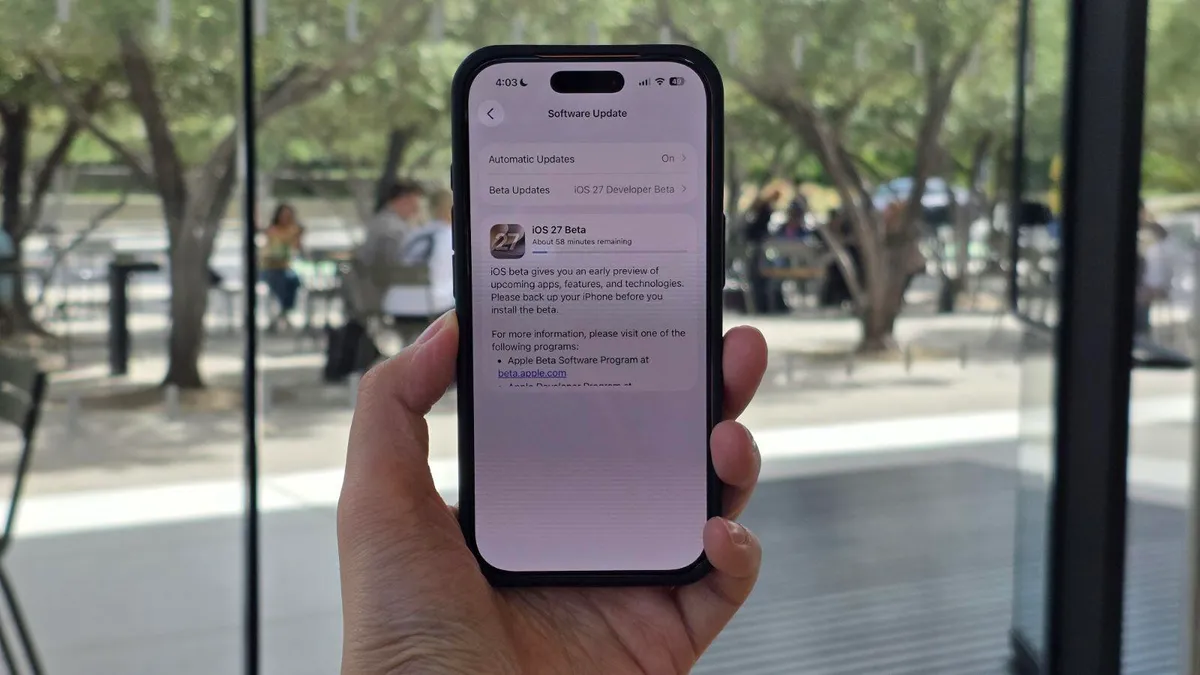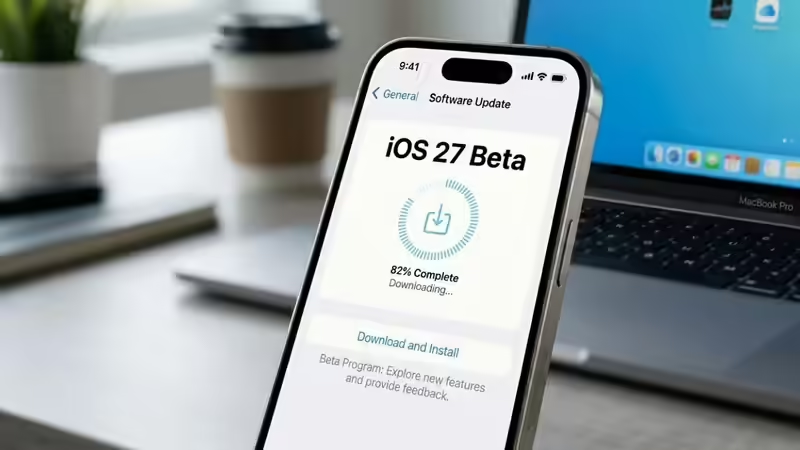
AI GeneratedApple unveiled iOS 27 at its WWDC 2026 keynote on 8 June, and the first developer beta lands the same day, free to anyone with an Apple ID. The draw this year is a rebuilt, conversational Siri, Apple’s clearest swing at its AI rivals in years. The catch is that a first developer beta is the least finished version of iOS 27 you will touch all summer, and the very Siri features pulling you towards it may arrive only in later builds. Here is how to get it on your iPhone, and the honest case for holding off.Key TakeawaysiOS 27 was announced at WWDC 2026 on 8 June; the first developer beta seeds the same day, immediately after the keynote.Any Apple ID can install it for free. The $99-a-year Apple Developer Program membership is needed only to publish apps, never to run the beta.Install it from Settings → General → Software Update → Beta Updates, after a one-time sign-in at developer. apple. com.The headline feature is an overhauled, chatbot-style Siri; reserve the beta for a spare device, because the first build is the buggiest of the cycle.What you actually get with iOS 27The centrepiece is Siri, rebuilt from the ground up. On stage, Apple showed the assistant holding a genuine back-and-forth the way Google’s Gemini Live does: software chief Craig Federighi pulled up the FIFA 2026 World Cup schedule, then asked Siri to plan a watch party around a specific match and suggest dishes from both nations’ cuisines. On the Mac, you can now summon Siri by Control-clicking an image, a block of text or a video, and Apple demonstrated it comparing three presentations and recommending which to use. The writing tools go further too: describe what you want, Siri drafts the document, then matches the way you normally write, with automatic proofreading running system-wide and across most third-party apps. It landed, fittingly, on the last keynote Tim Cook will host as chief executive.Underneath sits a rebuilt engine, and this time Apple put the architecture on stage rather than leaving it to leaks. Federighi said Apple Intelligence now runs on a second generation of Apple Foundation Models, built in collaboration with Google’s Gemini foundation models, with a new system orchestrator coordinating across them. He framed it as privacy-first: a mix of on-device processing and secure cloud computing that Apple says leaves your data unreadable to anyone, itself included. Apple stayed quiet on the cost of the Google deal, which has been reported at roughly a billion dollars a year. The rebuilt Siri is the most visible thing riding on the new models. The broader release is quieter than the Siri headline suggests. Apple pitched iOS 27 as a clean-up year, fewer marquee additions and more attention to performance, battery and the bugs that have dogged recent versions, with the Liquid Glass look from iOS 26 getting contrast and legibility refinements. The Home app now folds related alerts into a single notification that updates itself, and can describe what happened in a clip from a compatible camera so you can search your footage by what it shows. The betas arrive in parallel across iPadOS, macOS (this year named Golden Gate), watchOS, tvOS and visionOS 27. Think of it as a building where the wiring and plumbing finally get brought up to code, with one show-stopping new room added on top.Why is the first beta the riskiest build of the year? Because a first developer beta is unfinished software by design. Apple seeds it so developers can test their apps against the new system months ahead of the public release, which means crashes, battery drain, the odd warm phone, broken notifications and apps that refuse to load are all part of the bargain. The features are still being assembled and the fences are not yet tested. John Hammond spared no expense on his park and still skipped the one safeguard that mattered; beta season runs on the same logic, where the step everyone skips is the backup, right up until the moment something goes wrong.There is a sharper catch this year. The headline draw is Siri, and Apple has a habit of holding its biggest AI features back from the first beta, switching them on in later builds or saving them for the autumn launch. Going by how Apple Intelligence rolled out last cycle, the rebuilt Siri may turn up partial, gated or absent in Beta 1. You could install the buggiest build of the year and find the one feature you came for is still behind the curtain.A free Apple ID is the only ticket you needRunning the iOS 27 developer beta costs nothing. Since 2023, Apple has let anyone with an ordinary Apple ID, the same one you use for iCloud, enrol as a developer and download the beta. The $99-a-year Apple Developer Program membership still exists, but it buys app-signing and App Store distribution, and that is the whole of its job. Apple also retired the old routine of hunting down a configuration profile back in iOS 16.4, so if any website offers you an “iOS 27 beta profile” file to download, close the tab; that road leads to stale files or malware.Back up your iPhone before anything elseMake a complete backup before you install. A beta install usually goes smoothly, but “usually” is carrying a lot of weight, and the one time it goes sideways you will want every photo, message and app intact. Plug into a Mac or PC for a full local archive, or open Settings → [your name] → iCloud → iCloud Backup and run one by hand. An encrypted local backup has the edge here, because it preserves your saved passwords and Health data, which a quick iCloud backup can leave behind. Treat it as the spare you hope to never reach for.How to install the iOS 27 developer beta, step by stepThe process is far simpler than the profile-hunting days. Six steps from start to finish:1. Enrol your Apple ID as a developer: On your iPhone, open Safari, go to developer. apple. com, sign in with your Apple ID and accept the Apple Developer Agreement. This step is free.2. Restart your iPhone: A reboot helps the beta channel surface in Settings.3. Open Beta Updates: Head to Settings → General → Software Update, then tap Beta Updates.4. Choose the iOS 27 Developer Beta: Select it from the list. If it is missing, give it an hour; on launch day the free developer tier can trail the paid one by a few hours.5. Download and install: Return to the Software Update screen, wait for iOS 27 Developer Beta to appear, tap Download and Install, accept the terms and let it run. Your iPhone restarts partway through.6.Finish setup: The phone boots into iOS 27, and you are in.Already on the iOS 26 beta? You may need to switch tracksIf you are running an iOS 26 beta, the iOS 27 build can stay hidden until you act. iOS 26 betas continue as their own track through the summer, because Apple keeps refining the shipping version even as iOS 27 testing begins, so you have to open Settings → General → Software Update → Beta Updates and move from the iOS 26 track to iOS 27 Developer Beta by hand. The update appears only once you have made that switch, a detail that has tripped people up in past rollouts.The beta you choose changes what you are signing up forThree tracks, three very different trade-offs between early access and stability:TrackAvailableCostStabilityBest forDeveloper Beta8 June 2026 (today)Free with an Apple IDLowest, expect daily bugsDevelopers and testers on a spare devicePublic BetaMid-July 2026, via beta. apple. comFreeBetter, the first rough edges filed offEnthusiasts who want features early with fewer crashesFinal releaseExpected September 2026Free, over the airFullEveryoneWhich iPhones run iOS 27? iOS 27 supports the iPhone 12 and every model since. The cut this year drops the iPhone 11 line and the second-generation iPhone SE, both having reached the end of the road, with an A14 Bionic chip as the floor. The full conversational-Siri and Apple Intelligence feature set asks for more: an iPhone 15 Pro or newer, with the A17 Pro chip and 8GB of RAM, so an older supported iPhone runs iOS 27 but stops short of the marquee AI.iPhone generationRuns iOS 27Full new-Siri and Apple IntelligenceiPhone 17 seriesYesYesiPhone 16 series (incl. 16e)YesYesiPhone 15 Pro / 15 Pro MaxYesYesiPhone 15 / 15 PlusYesHardware too oldiPhone 14 seriesYesHardware too oldiPhone 13 seriesYesHardware too oldiPhone 12 seriesYesHardware too oldiPhone SE (3rd gen)YesHardware too oldiPhone 11 series, SE (2nd gen) and olderDropped this year—When does everyone else get it? The public beta arrives in mid-July, and the final release is expected in September, most likely mid-month alongside the new iPhone line.StageTimingNotesWWDC 2026 announcement8 June 2026DoneDeveloper Beta 18 June 2026Available today, after the keynotePublic betaMid-July 2026Free via beta. apple. comFurther betasJune to August 2026A new build every one to two weeksFinal public releaseExpected September 2026Likely alongside the new iPhonesShould you put the beta on your only phone? If your iPhone runs your life, wait. This lands harder in India than the global how-to guides admit. A great many readers here carry one phone rather than a spare, and that one phone is also the wallet: it runs your UPI apps, your bank’s app, your work mail, your two-factor codes. Early betas routinely break exactly these, and a payment app that refuses to open on launch-day iOS is an ordinary beta bug, one the developer behind it may take weeks to fix. On a second handset that is a nuisance. On your only handset it is a failed UPI transfer or a missed bill at the worst possible moment.The people who should install today are developers with apps to test and enthusiasts with a spare iPhone they can afford to let misbehave. Everyone else gets the better deal by waiting four to six weeks for the public beta, or, if the phone is mission-critical, by holding out for the finished release in September. The rebuilt Siri will still be there, and by then the fences will have been tested.Frequently asked questionsDo I need a paid developer subscription to install the iOS 27 beta? No. Any Apple ID can download the developer beta for free. The $99-a-year Apple Developer Program membership is only for developers who publish apps to the App Store, and it plays no part in running the beta on your phone.Why is the iOS 27 beta not showing up on my iPhone? Two common reasons. If you are on an older iOS 26 beta, you have to switch tracks by hand in Settings → General → Software Update → Beta Updates. And on launch day the free developer tier can trail the paid one by a few hours, so the build may simply need time to reach you.Can I go back to iOS 26 after installing the beta? Yes, though it is more involved than a normal update. You typically restore the iPhone and roll back from a backup, which is one more reason to make that backup before you start. A backup created on the newer beta may refuse to restore onto the older system, so hold on to the pre-install archive.Will the beta drain my battery? Often, yes, in the early builds. First betas ship with unfinished optimisations and extra diagnostic logging, so heavier battery use and an occasionally warm phone are common, and both tend to settle over later releases.Will the new Siri features work on my iPhone right away? Possibly only in part. The full conversational Siri needs an iPhone 15 Pro or newer, and Apple has a habit of switching its biggest AI features on in later betas or at the autumn launch rather than in Beta 1, so an eligible phone may still see a reduced feature set at first.Is it safe to put the beta on my main iPhone? It carries real risk. Early betas can break banking, UPI and other essential apps until their developers update them, so a primary phone, and especially your only phone, is the wrong home for Beta 1. A spare device or July’s public beta is the safer route.end of article
How To Install the iOS 27 Beta Today, and Whether You Should
Find latest technology news, gadgets reviews & ratings. Popular & latest gadgets specifications, features, prices, photos & videos. Trending mobile phone comparisons, slideshows, how tos and videos for latest mobile phones, tablets, technology news updates.
2,032 words~9 min read