(Image credit: Tom's Guide/Apple/Shutterstock)
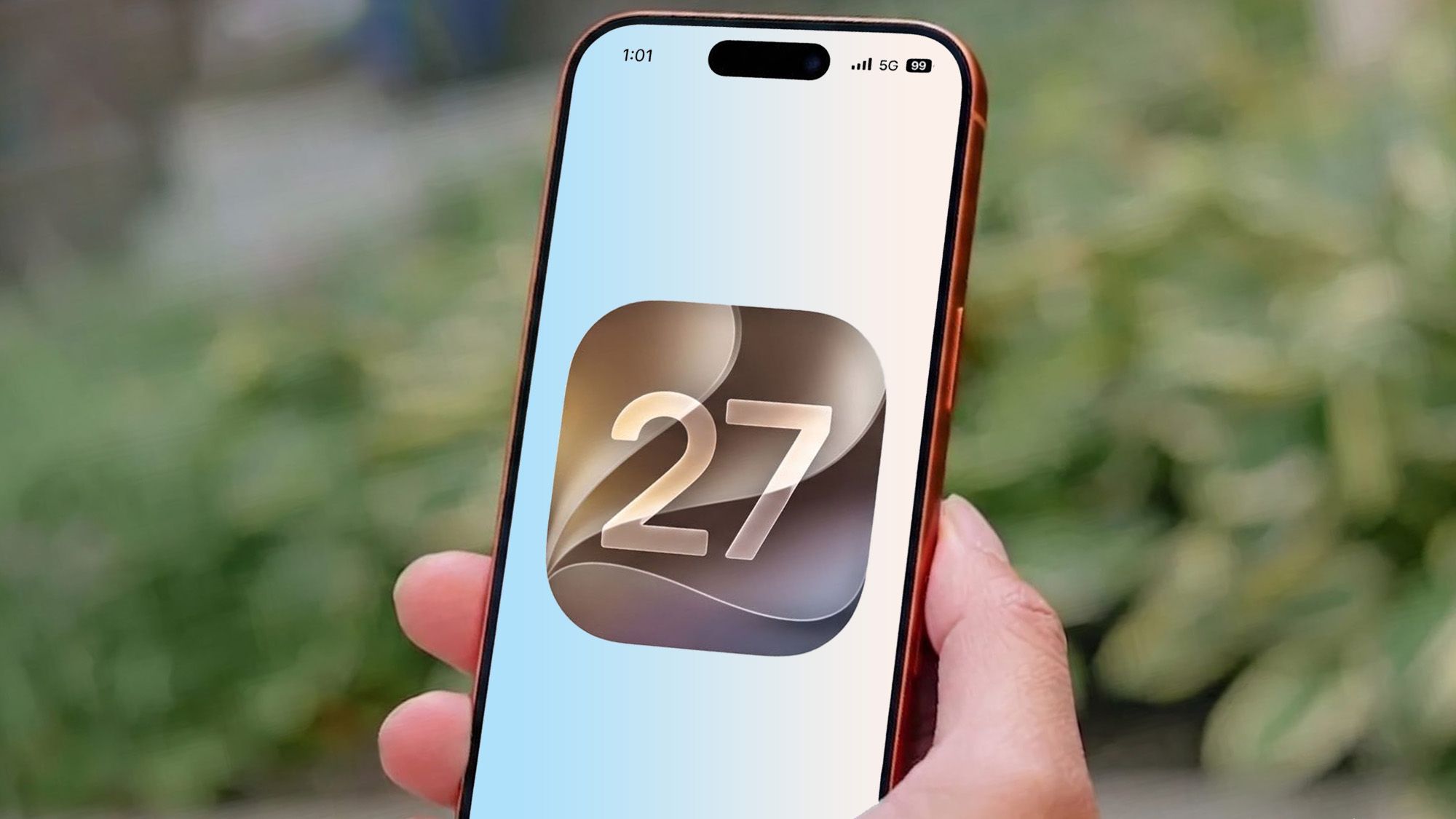
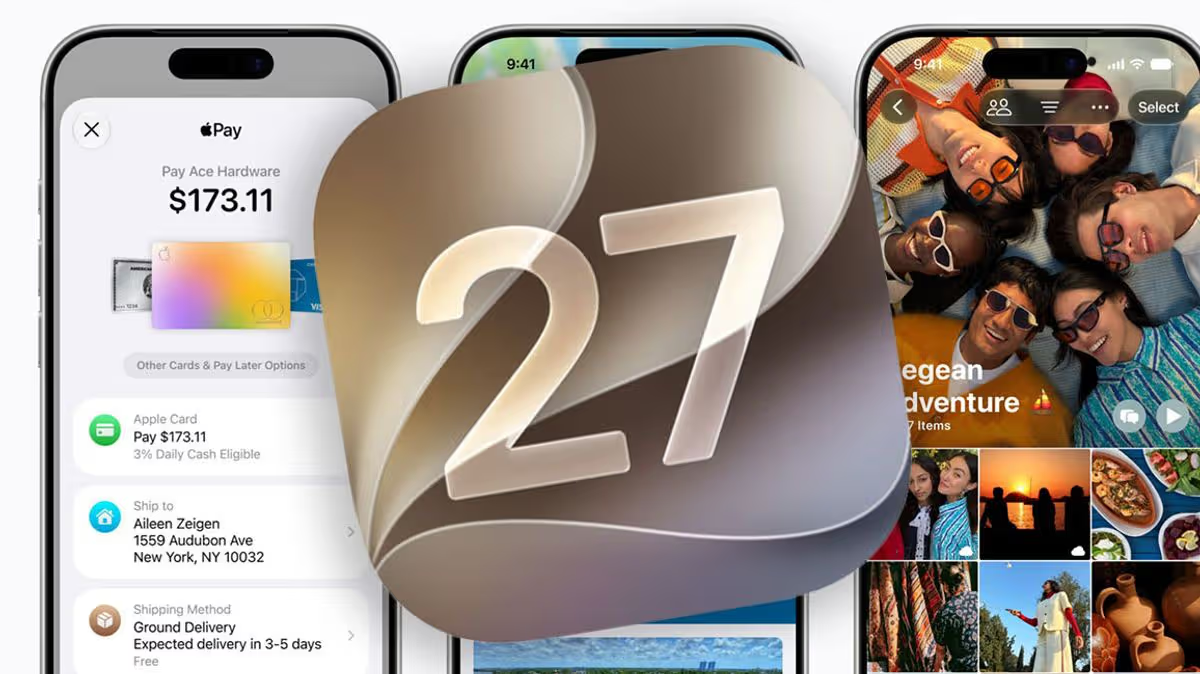
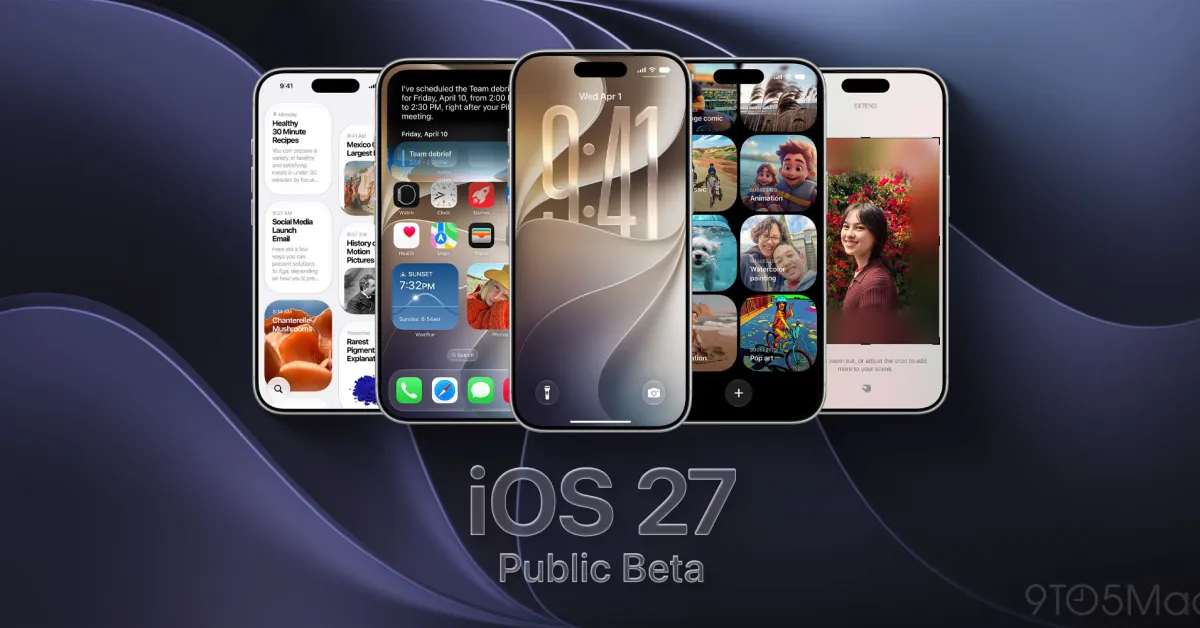
The iOS 27 developer beta has been available for the past month, though it requires an Apple developer account to actually install. A public beta was promised, though Apple never confirmed the exact date it would arrive — only saying it would be some time in July. Well the good news for all you non-developers is that the iOS 27 public beta has just landed.While some have criticized iOS 27 for being a fairly small update, more focused on backend performance, I don't really agree. There's quite a lot to digest in this update, and the more I use the iOS 27 beta, the more hidden features seem to appear. The problem is figuring out where you should start.So, for those of you that are just getting ready to experience the iOS 27 beta for the first time, here are 9 of the best features you should try first.Siri AI
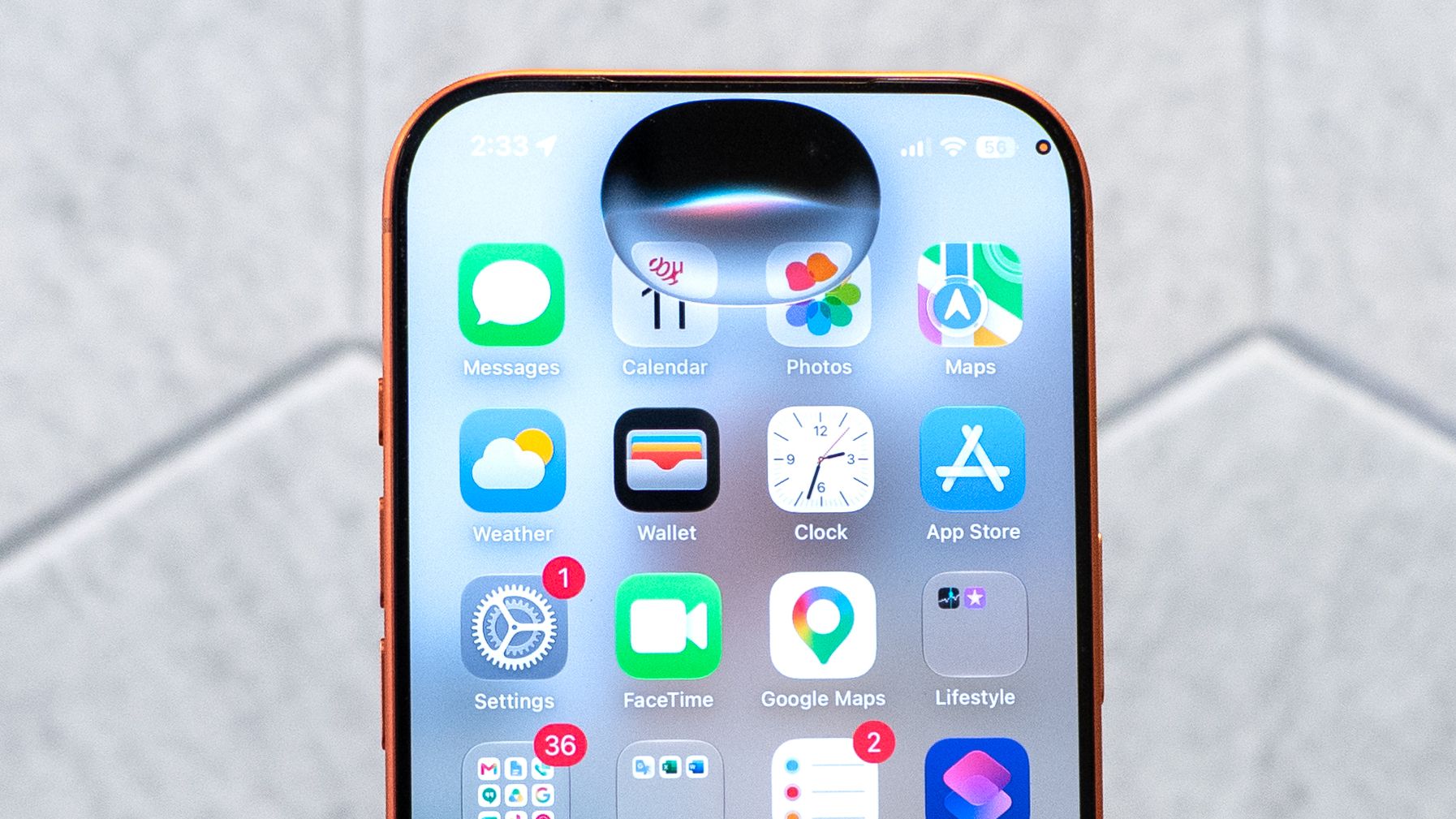
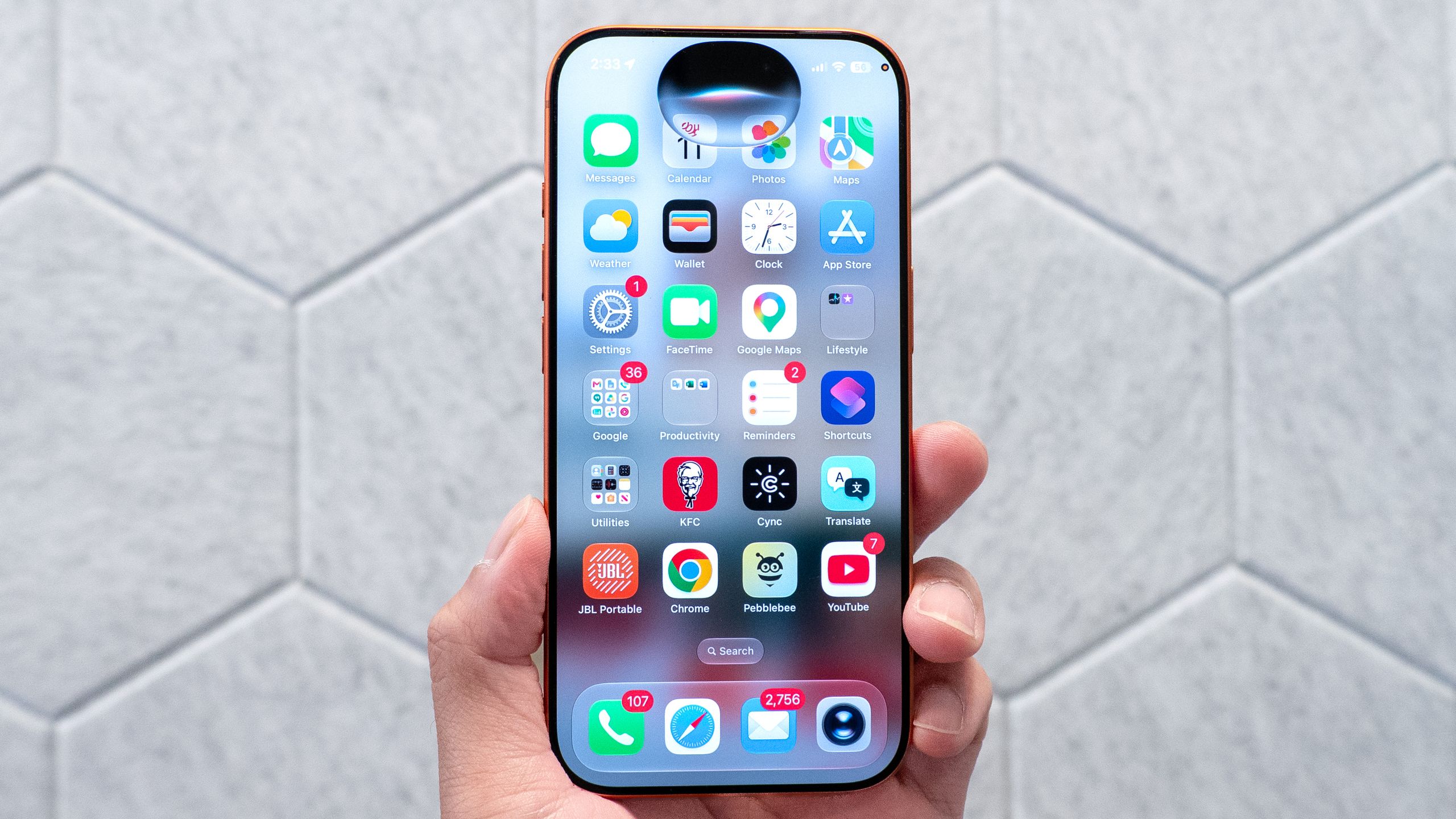
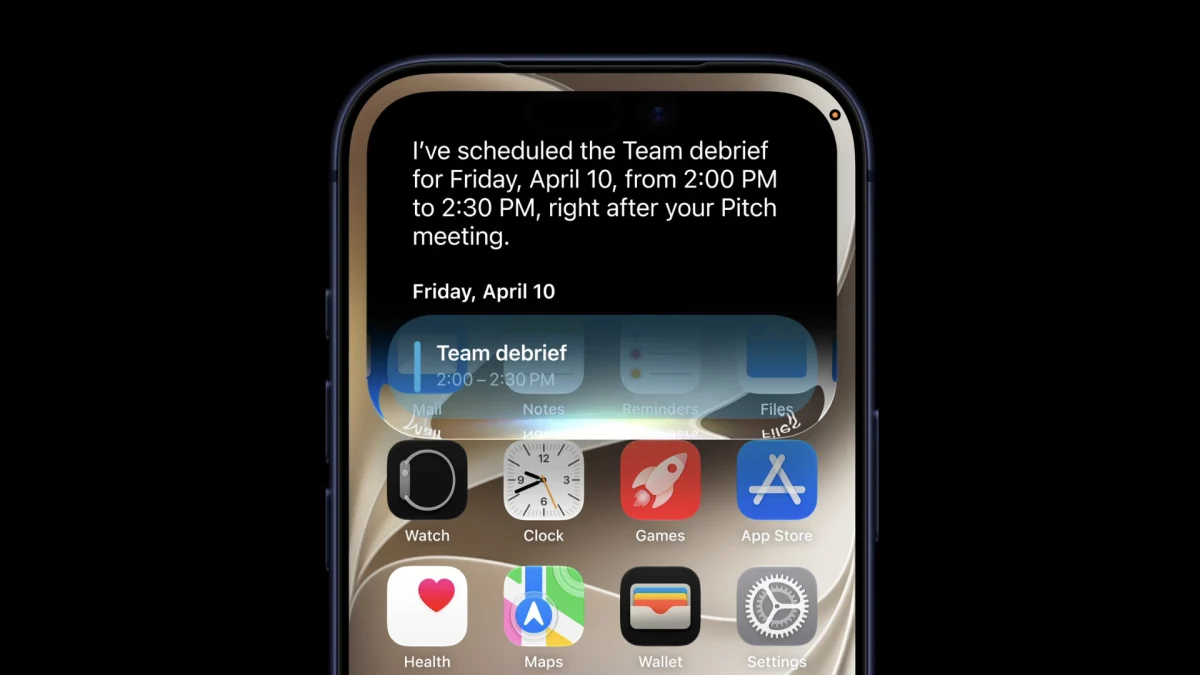
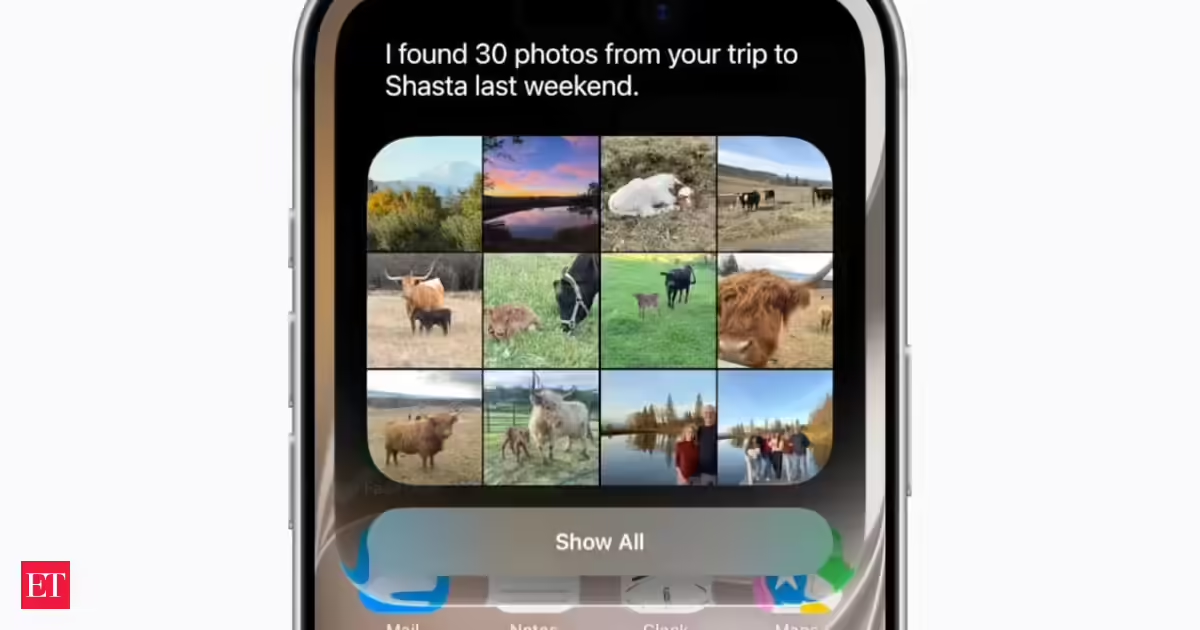
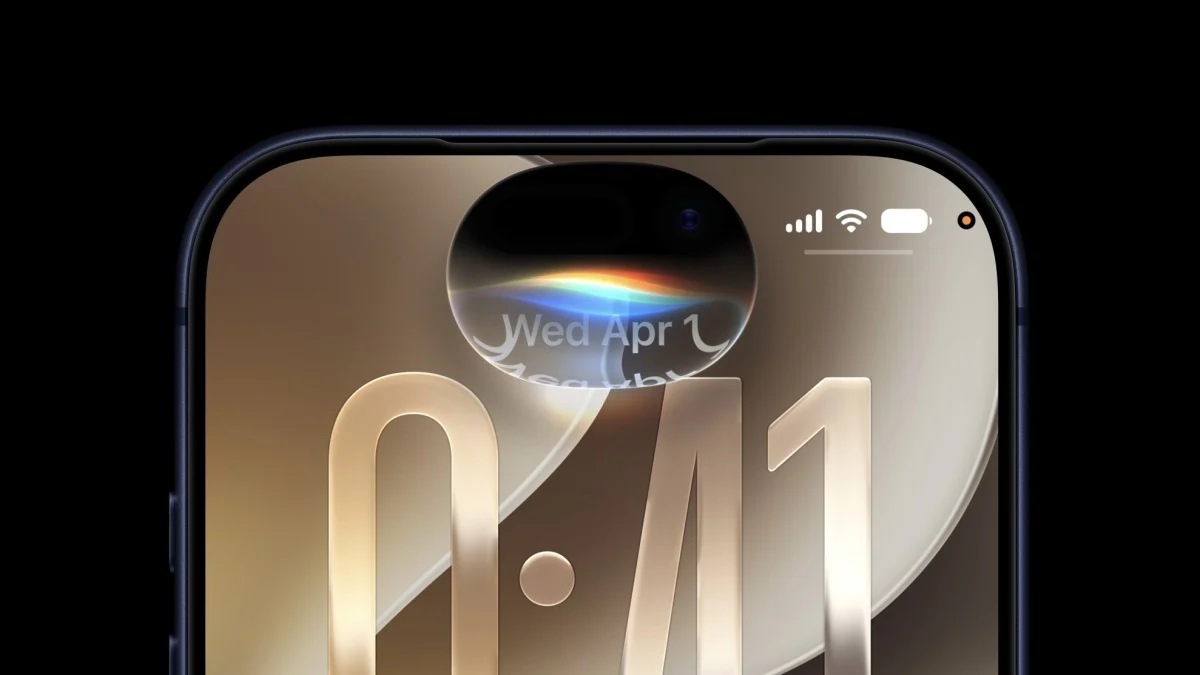
(Image credit: Tom's Guide)I'll be totally honest, this whole list could easily have just been a list of all the new things Siri could do. The upgraded Apple AI is easily the standout feature of iOS 27 beta, and transforms what used to be a fairly mediocre voice assistant into a fully-fledged AI chatbot.Siri AI is contextually aware, can hunt down details in various supported apps, understands what's happening on your screen, and has the ability to learn about you based on your historical interactions with the AI — assuming you opted in to store a lengthy interaction history. The AI also features multimodal capabilities, with the ability to understand text, audio, videos and images at the same time.There's a lot to go through, and it makes sense to start getting to grips with Siri AI from day one.The Liquid Glass Slider