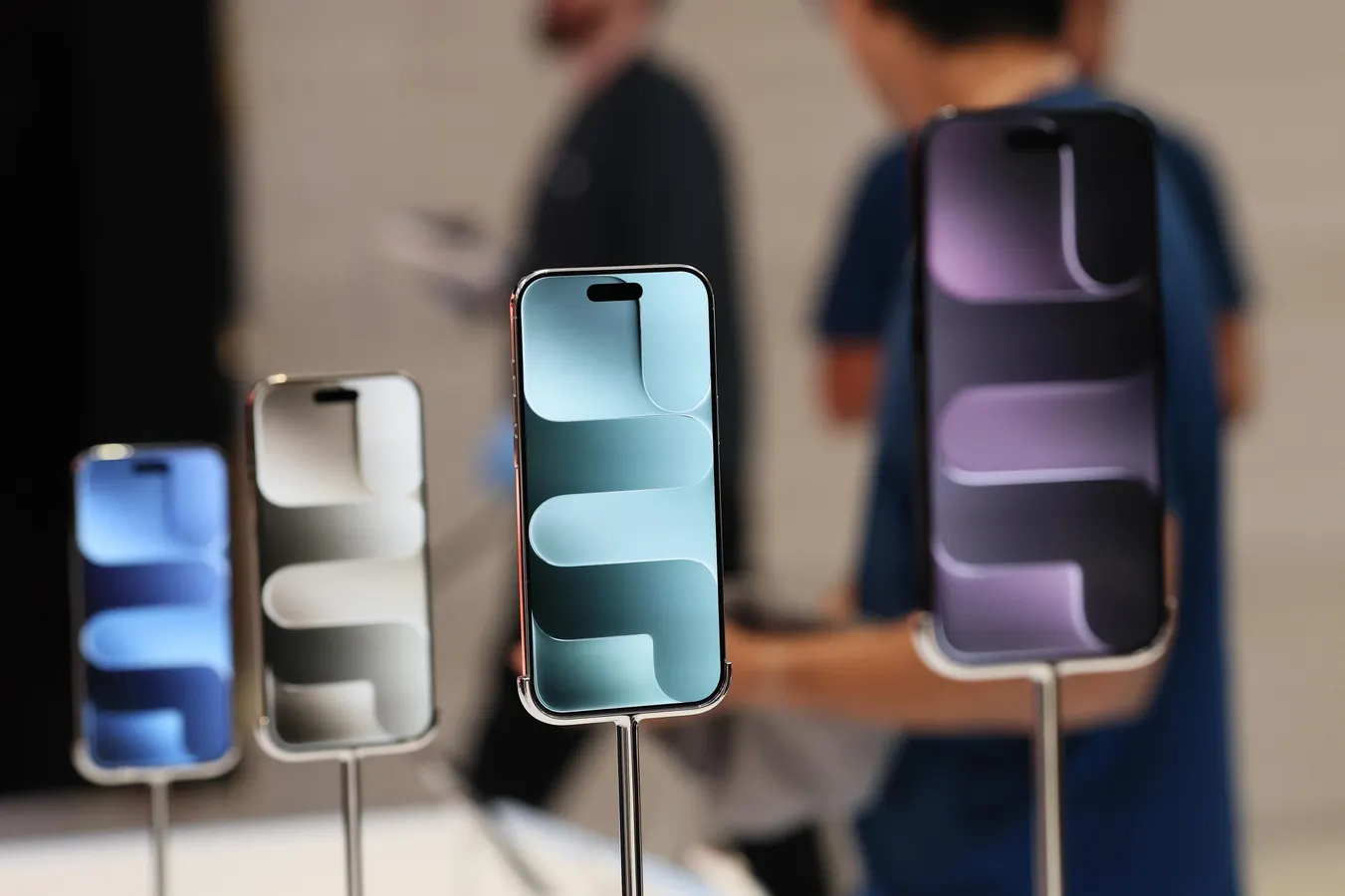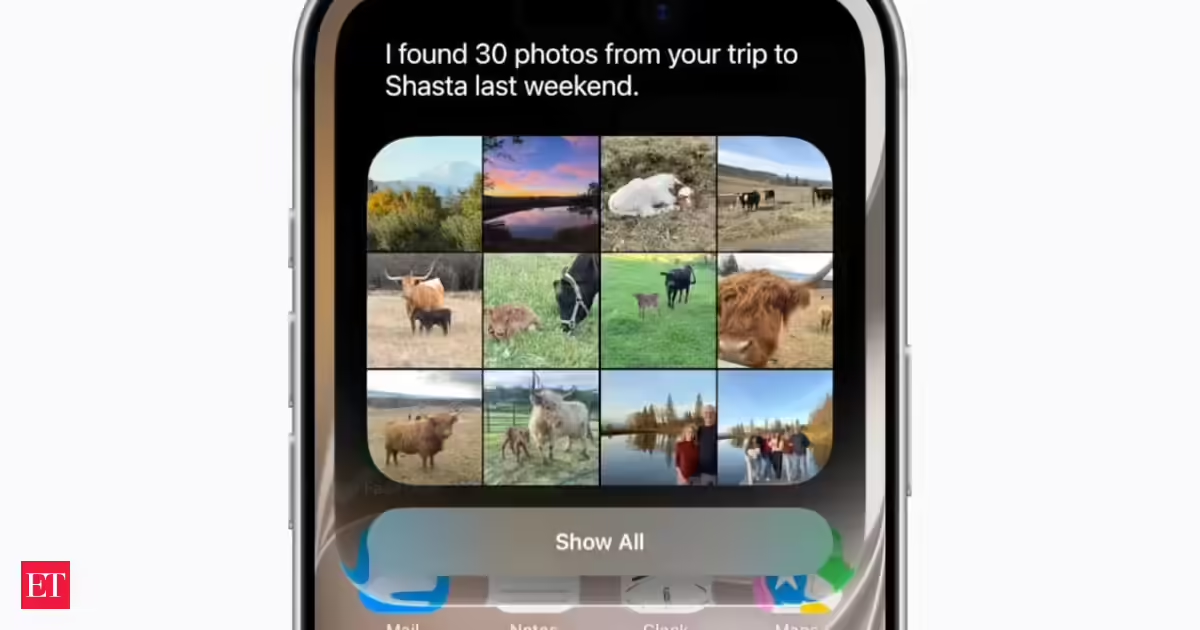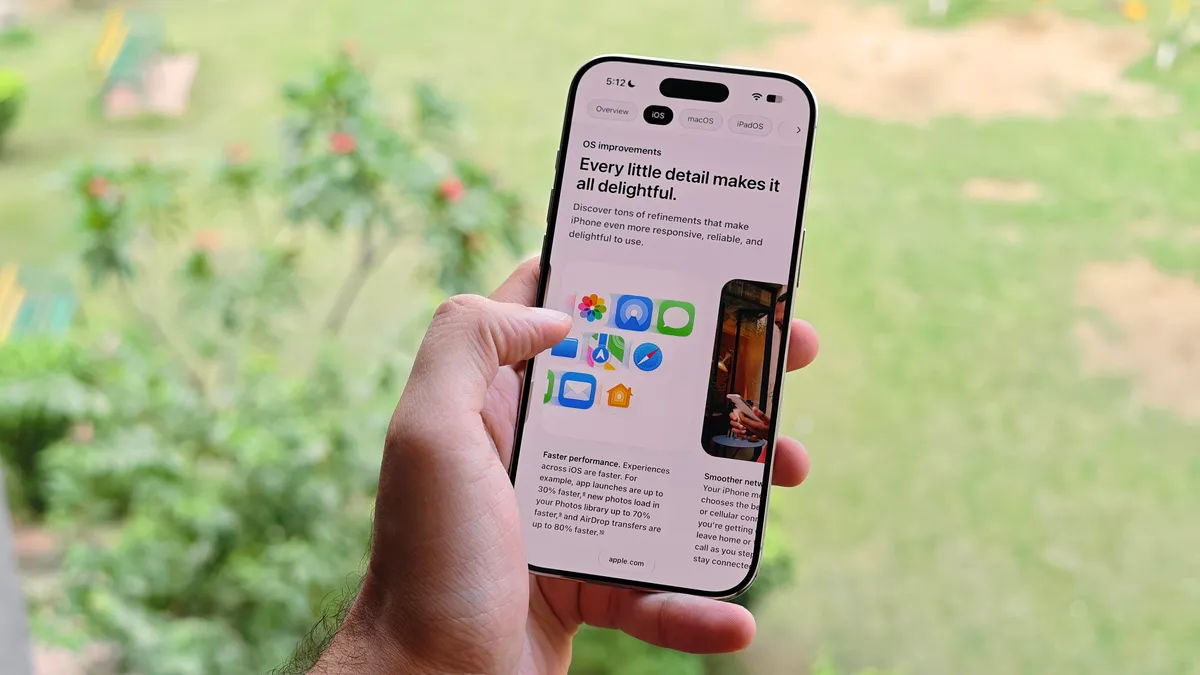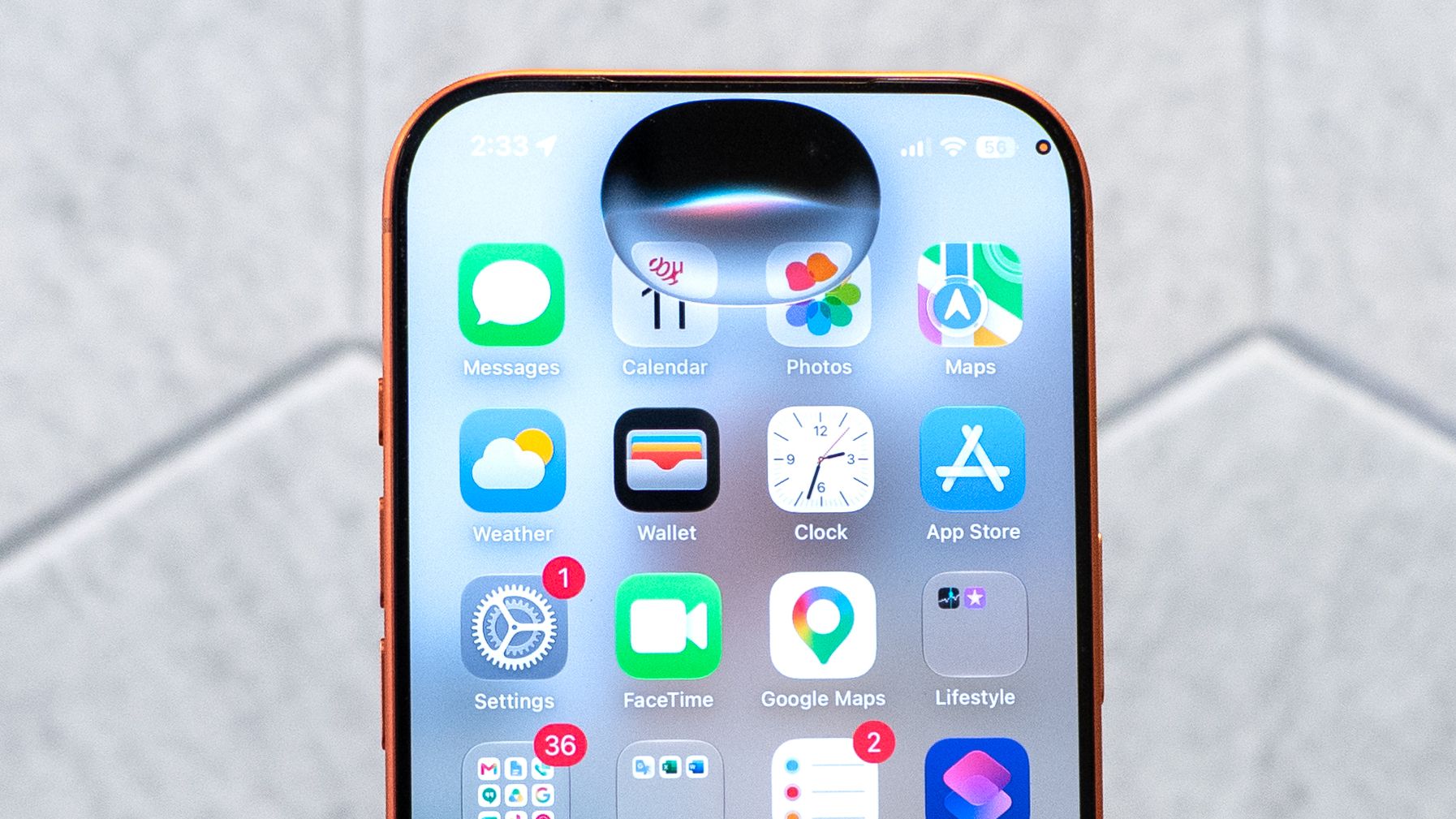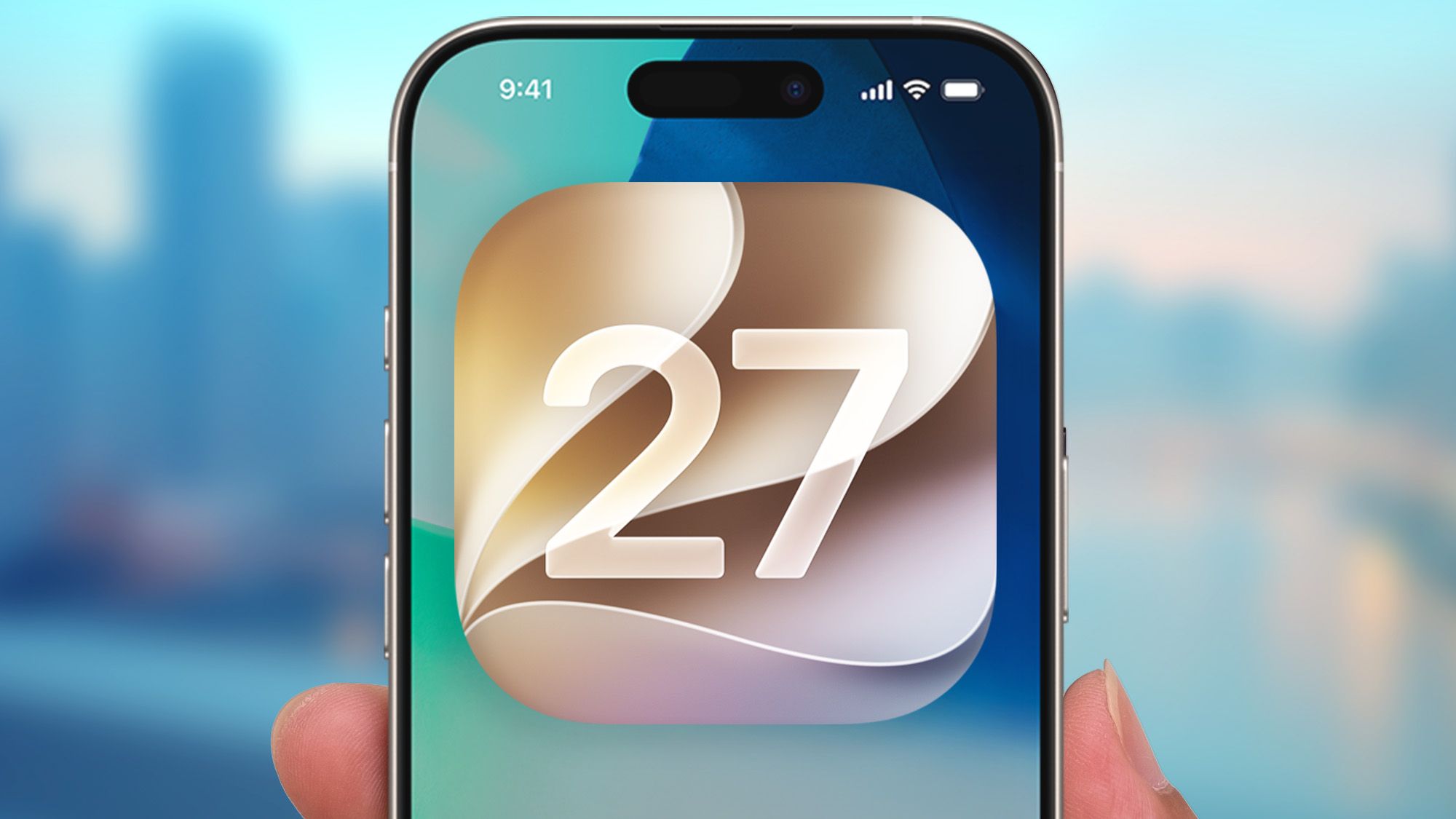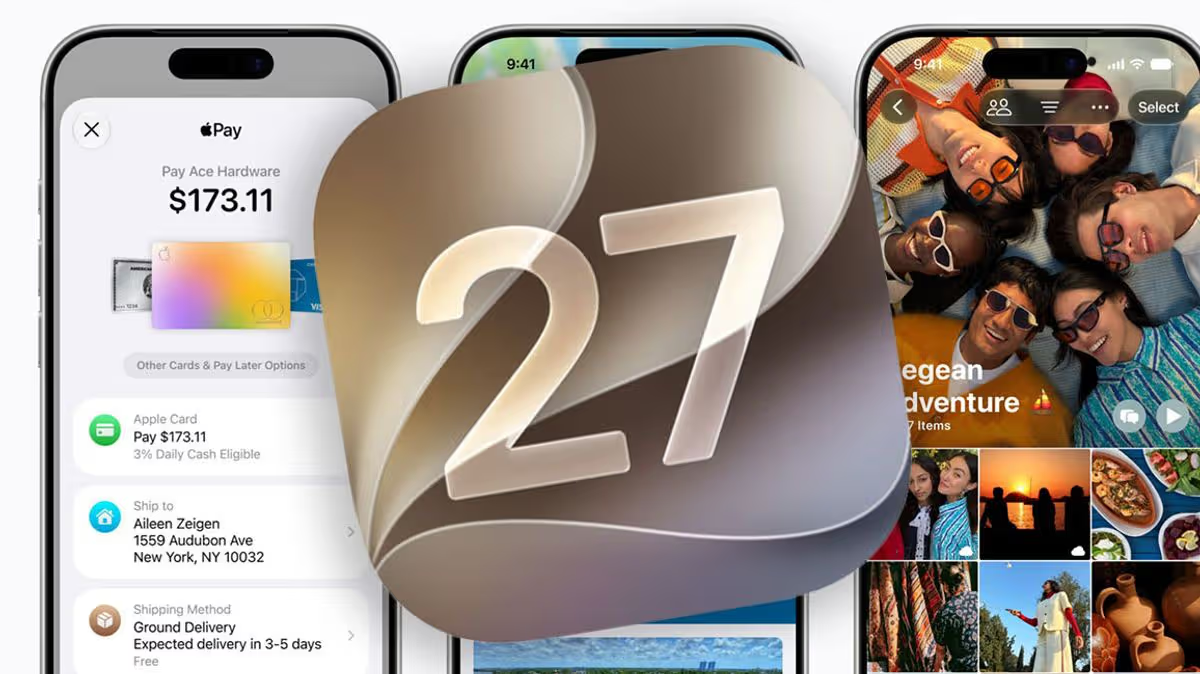
Apple has just announced the public beta release of iOS 27, which is available to download right now.06:51, 14 Jul 2026Updated 07:07, 14 Jul 2026It was announced by Apple last month, now iOS 27 is finally available for some users to try. The US technology company has confirmed the release of its public beta software, which basically lets iPhone users test out this upcoming upgrade before it's released to the masses in September. Those who want to give it a go can now head to Apple's Software Beta Program site, where there's the option to sign up and give it a go.By letting fans use iOS 27 early, Apple hopes to spot bugs and hiccups so the final version is spick and span when it is officially released alongside the latest batch of iPhones.So, what's new in iOS 27.Perhaps the biggest boost is a massive upgrade to Siri. Apple's smart assistant has come in for its fair share of flak in recent years, but things will now be better for anyone who loves chatting this AI friend on their devices. In fact, in iOS 27 Siri is receiving one of its most important upgrades ever. This makes it better at finding information, responding to messages and understanding more complex requests. It will also help organise calendars, create to-do lists and even assist with travel planning. For example, you can ask Siri questions such as, "What flight is mum on today?", or "What time do I need to leave to get to Bristol?", and you should get a decent and detailed response.A new Visual Intelligence mode is being integrated directly into the Camera app. Simply point your iPhone at an object to receive instant information. Scan a restaurant bill to split costs with friends, or point the camera at a meal to get nutritional insights.Another reason to install iOS 27 is if you own an older iPhone, with Apple boasting that iOS 27 offers a noticeable speed improvement across its lineup. That includes the iPhone 11 and iPhone 12 with these devices seeing the biggest gains. Apple says that apps will launch up to 30% faster, photos will load more quickly in the library, and AirDrop transfers are expected to be up to 80% faster.Those not so keen on last year's Liquid Glass design can now access a new transparency slider as well. This lets you control exactly how glass-like the interface appears. So, you can adjust it from crystal clear to deeply tinted, creating a look that suits your style.Other changes include refreshed app icons, and there's a new suite of upgraded photo-editing tools baked in, including Spatial Reframing. This will allow you to reposition subjects in photos long after the original image was captured.Ever get annoyed when streaming content via Wi-Fi and then lose the connection when head outside? iOS 27 is also designed to keep users connected more reliably than ever. The update allows iPhones to switch from Wi-Fi and 4G or 5G networks more seamlessly, reducing interruptions when moving between these connections.Finally, AirPods users are getting more control over their listening experience. A new AirPods Custom EQ feature will allow users to fine-tune bass, mid-range and treble levels to match their personal preferences.HERE IS THE FULL LIST OF COMPATIBLE IPHONESiPhone 17 Pro Max • iPhone 17 Pro • iPhone Air • iPhone 17 • iPhone 17eiPhone 16 Pro Max • iPhone 16 Pro • iPhone 16 Plus • iPhone 16 • iPhone 16eiPhone 15 Pro Max • iPhone 15 Pro • iPhone 15 Plus • iPhone 15iPhone 14 Pro Max • iPhone 14 Pro • iPhone 14 Plus • iPhone 14iPhone 13 Pro Max • iPhone 13 Pro • iPhone 13 • iPhone 13 miniiPhone 12 Pro Max • iPhone 12 Pro • iPhone 12 • iPhone 12 miniiPhone 11 Pro Max • iPhone 11 Pro • iPhone 11iPhone SE (2nd generation and later)To get the iOS 27 beta, you have to sign up to the Apple Beta Software Program here.After you’re enrolled, you’ll be able to opt in for a software update to iOS 18 by going to the Settings app on your iPhone, then tapping General > Software Update > Beta Updates > iOS 27 Public Beta.Article continues belowBe warned though - if you don’t like iOS 18 or it has too many bugs to work properly for you, you can’t simply go back to iOS 17. You’ll need to fully factory reset your phone to do that, so make sure you fully backup your iPhone to iCloud or your Mac first in case you want to roll back, as you’ll have to restore your phone from a saved backup.
iPhone owners can now try a blockbuster free upgrade - how to get it first
Apple has just announced the public beta release of iOS 27, which is available to download right now.
775 words~4 min read