Ai and ML
'Computer History' records clicks and typing to build ChatGPT memories
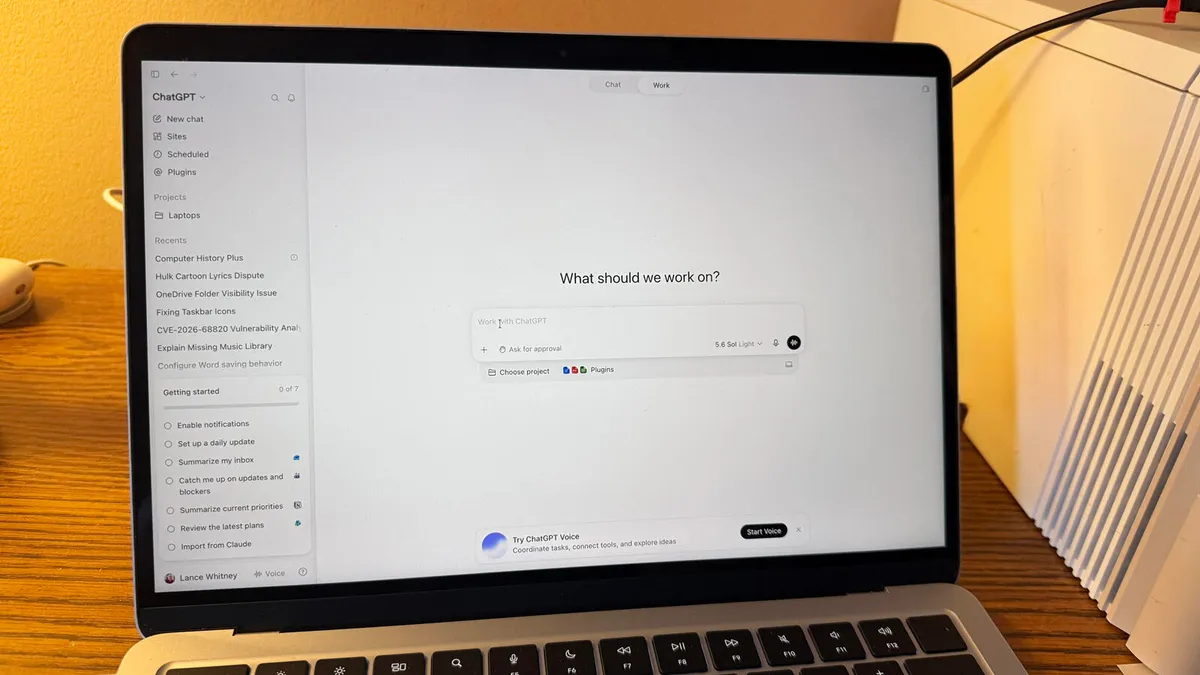
If you want to record whatever you do on a computer, send those records to OpenAI, use more ChatGPT tokens, and increase your vulnerability to prompt injection, then OpenAI has something for you.It's called Computer History, an opt-in way to record your computer interactions across apps and websites as memories organized on a timeline.Why would you want to do so? Maybe you found Chronicle, the predecessor of Computer History which compiled similar histories using screenshots, a bit too intrusive but don't mind Computer History's approach – recording input events and storing them unencrypted locally for 48 hours (or more), with a brief visit to OpenAI's servers.
Maybe you're not bothered by the warning OpenAI includes in its documentation: "Computer History files can contain sensitive information. They are not encrypted by Computer History, and other programs running as your macOS user may be able to access them."
Perhaps, having given OpenAI's Codex and GPT Work the run of your computer, you're already sold on the suggestion that storing your computer activity in memory files and arranging those interactions in a timeline will improve ChatGPT responses, surface opportunities for automation, and make it easier to resume prior work.Computer History is, to put it bluntly, a keylogging and event capture system.There was a time before eyeglass cameras, license plate readers, surveillance capitalism, and police drones when such snooping might have provoked an outcry from privacy advocates. But the tech industry has found it can outsource surveillance to its own customers and in so doing make the panopticon harder to protest once it becomes a personal choice."Computer History creates an interaction-event stream from allowed apps and websites," OpenAI's documentation explains. "Events can include clicks, typing, keyboard shortcuts, app switches, and context that macOS exposes through its accessibility system. Computer History periodically turns these events into text summaries and local memory files."The AI biz makes a point of noting that Computer History does not capture screen images, microphone input, or system audio. Nor does it capture private-mode browsing.Off by default, Computer History is available for ChatGPT Pro, Business, and Enterprise users in the ChatGPT desktop app on macOS. Pro users can enable it individually; Business and Enterprise users need an admin to approve it. It's not available currently in the European Economic Area (EEA), Switzerland, or the United Kingdom or to those accessing ChatGPT via API key or Amazon Bedrock.There are circumstances in which OpenAI suggests Computer History users might want to suspend the service if they have some scruples about capturing user activity in apps and websites without permission."Turn it off during communications with other people unless you have their prior express consent," the company advises, perhaps in acknowledgement of legal risk. "Consider pausing it or excluding apps that contain sensitive health, financial, or personal information."