(Image credit: Shutterstock)
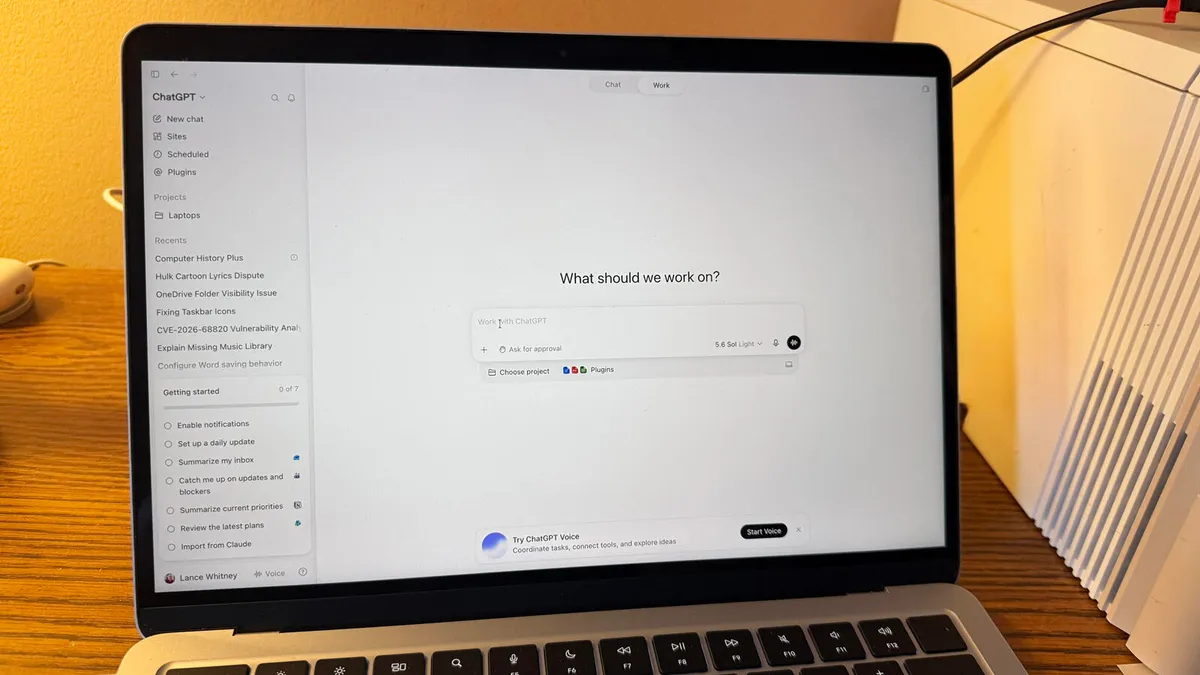
Since its arrival on Mac desktops and laptops as a native app, ChatGPT has earned its keep as one of the most reliable AI tools for macOS users.By combining the chatbot’s Chat, Work and Codex features, ChatGPT’s macOS app has become a quality digital assistant that steps up to handle any job when you request its help with a simple keyboard shortcut (Option + Space). ChatGPT for Mac is already capable of pulling context from whatever’s on your screen, your email, screenshots and files to fulfill any of the jobs you give it. But a newly installed feature now makes it capable of learning and remembering everything you do on your Mac, even when you do it outside of the app itself.With the new “Computer History” update, the native macOS ChatGPT app builds a searchable timeline of all the activity you’ve done across all your selected sites and apps. It’s worth noting that this feature is off by default, which means Pro users can choose to turn it on, while Business and Enterprise users must ask for access from their administrators to make that feature active.If you want to test out this new Computer History feature to see what it can do, test out these 10 prompts to put it to work.Making sure ChatGPT for Mac never forgets what you’ve been doinghere’s what mine caught yesterday:i was evaluating speaking opportunities, and Computer History suggested turning that workflow into a reusable skill.you can find your timeline in settings > computer history.context is all codex needs. pic.twitter.com/cBCTPZTGSAAugust 13, 2026The Computer History feature is promised to be as safe to use as possible—OpenAI has made it clear that it only temporarily stores interaction events that have taken place on your Mac for up to 48 hours. And while that data is processed on the tech giant’s servers to generate the memories the ChatGPT macOS app needs to reference your past activity, it’s not kept after being processed and is never used for AI training.This new feature doesn’t save screenshots, screen recordings, microphone input or system audio—it simply keeps track of whatever sites and apps you’ve been working with to handle jobs such as finding a document you recently looked at, producing a summary of everything you worked on for the day, creating a productivity report based on everything you worked on for the week, etc.To put this new Computer History feature to the test and make your native ChatGPT macOS app do a better job of analyzing, connecting, recovering and improving on your daily workflows, try using these 10 ChatGPT-generated prompts:Get instant access to breaking news, the hottest reviews, great deals and helpful tips.