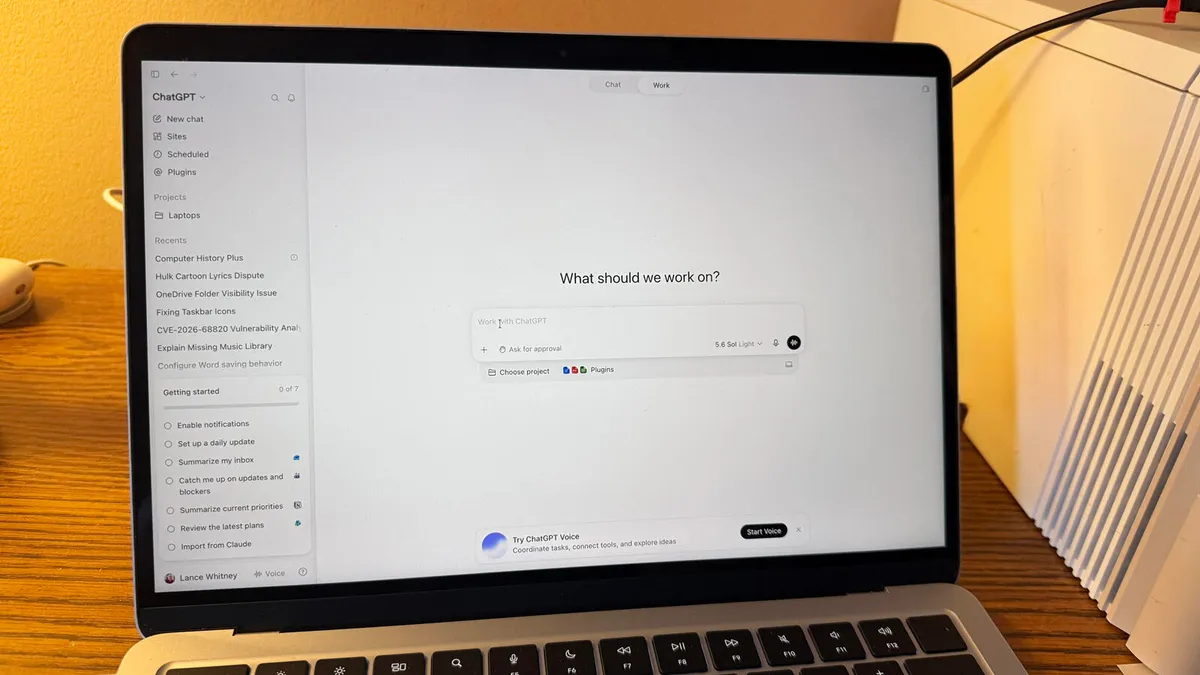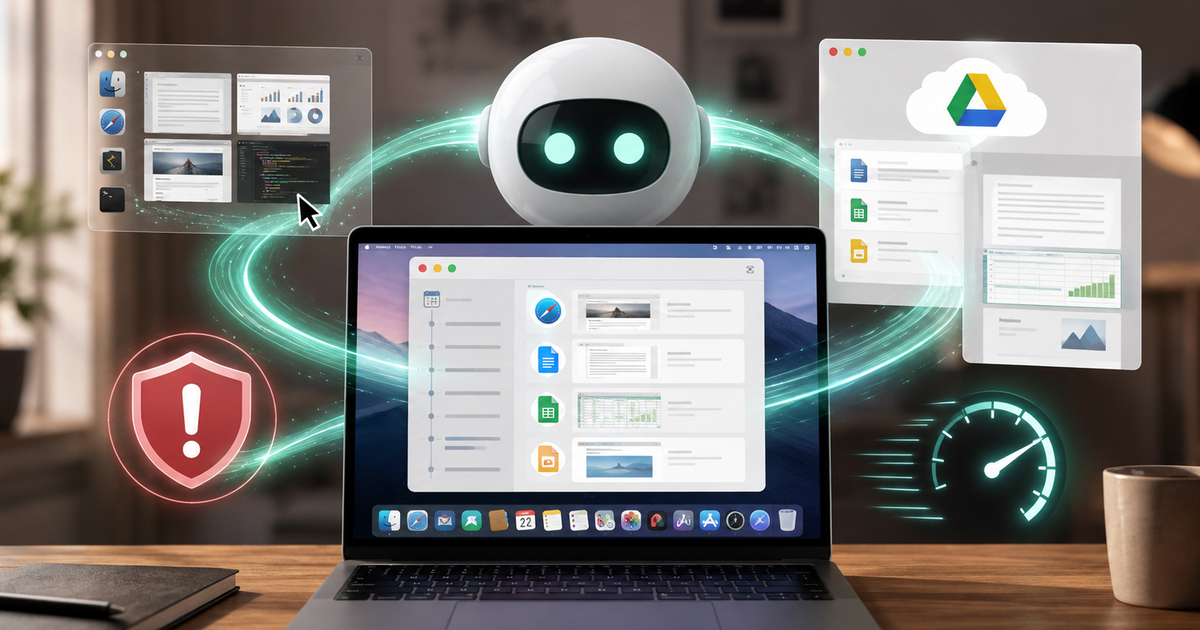
OpenAI is expanding ChatGPT's memory capabilities with a new Computer History feature that allows the AI to remember what users have been doing across selected apps and websites on their Mac. This feature is designed to make ChatGPT more useful when users return to the platform after taking a break. Instead of explaining what they were working on again, users can simply ask ChatGPT to recall a recent activity and easily continue with unfinished workflow. Computer History is being rolled out to ChatGPT Pro, Business and Enterprise users on Mac and it is an optional feature for now. Since it is turned off by default, you will have to manually turn it on to use it.Here is everything you need to know about this feature:About The AuthorAarohy Kapoor is a dynamic content producer and editor, known for creating high-impact, consumer-first content across diverse categories including technology, home decor, health & fitness, food, pet care, sports and everyday lifestyle essentials. With a strong editorial experience and an understanding of modern consumer behaviour, she specialises in product reviews, comparison articles, buying guides and deal-led content that simplify decision-making for readers.
ChatGPT Gets Computer History Feature: AI Can Now Remember What You Do On Your Mac
OpenAI has introduced Computer History for ChatGPT on Mac, allowing the AI to use activity from selected apps and websites to provide better context in future conversations. The opt-in feature can help users resume unfinished work, find recently viewed documents and identify repetitive workflows, without relying on screenshots or screen recordings.
TL;DRAI
OpenAI launches Computer History for ChatGPT Pro/Business on Mac: the AI recalls app/browser activity to resume work without re-explaining context, via macOS accessibility APIs. This targets knowledge workers' friction and positions agents for workflow automation.
1,375 words~6 min read