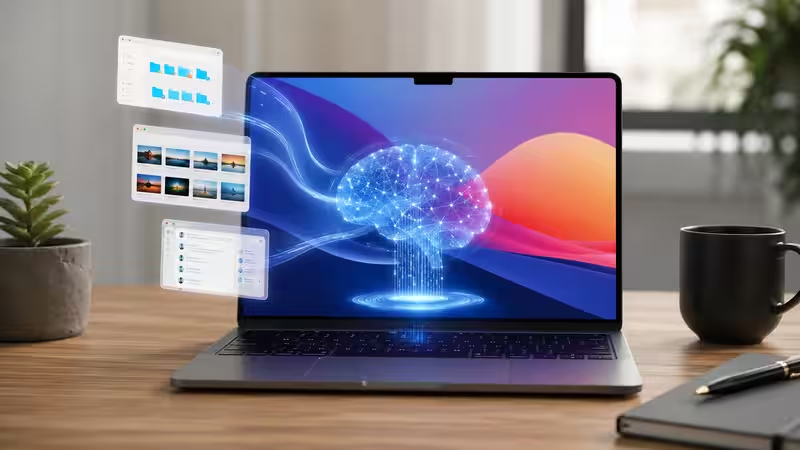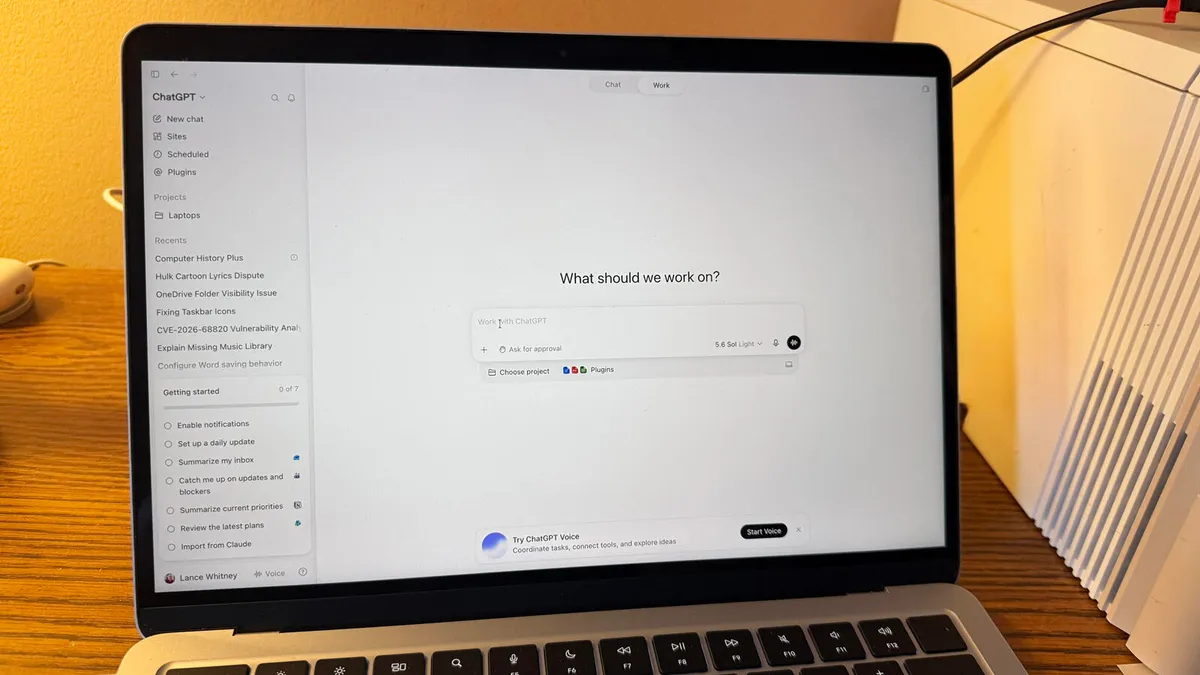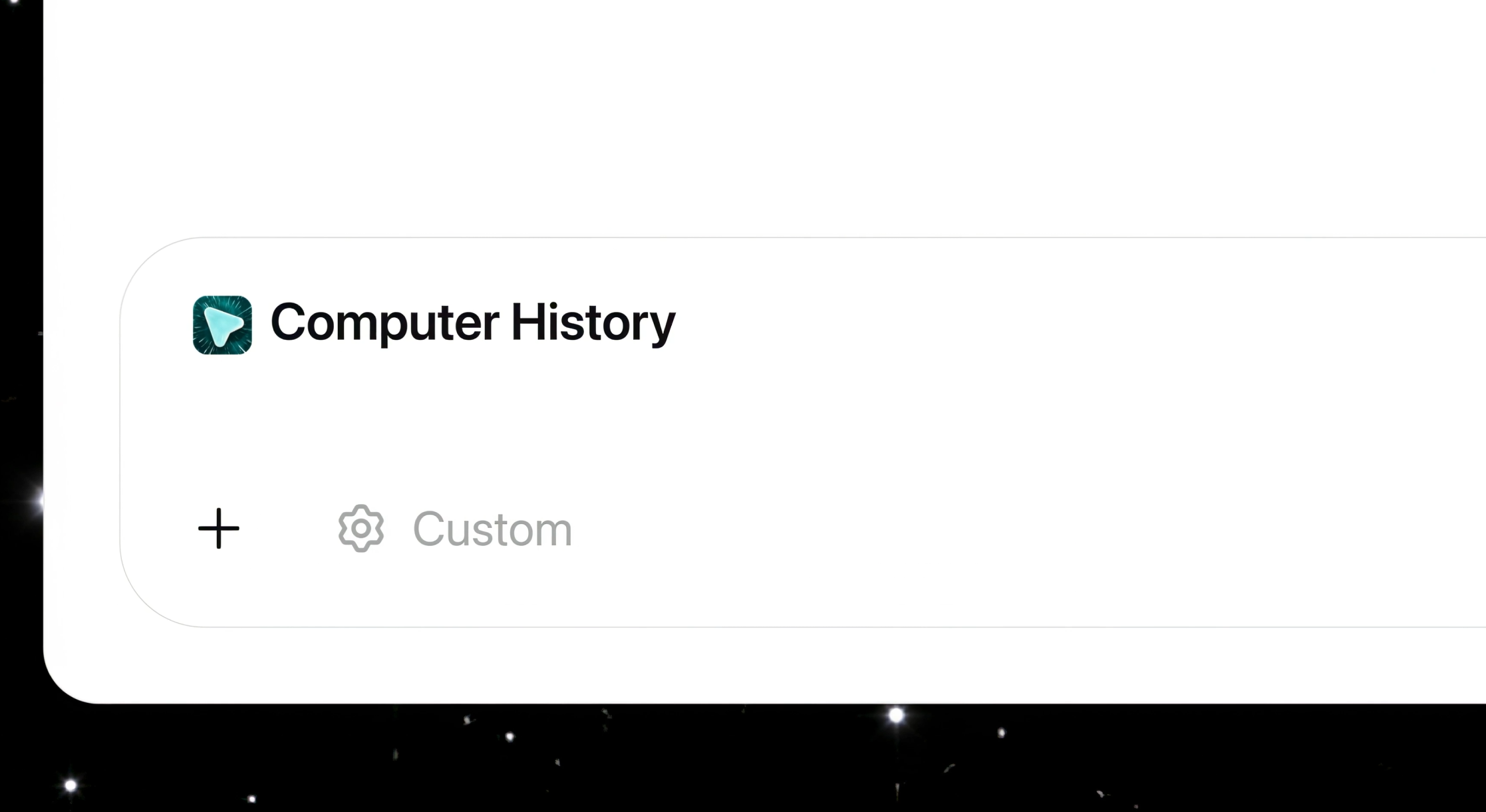
OpenAI's Computer History tracks user activity across apps and websites, turning it into a searchable timeline with memories that ChatGPT and Codex can use as context.
The feature replaces the earlier research preview called "Chronicle", which relied on screenshots. Computer History works very differently, recording interaction events instead of capturing what's on screen. That means clicks, keystrokes, keyboard shortcuts, and app switches, all read through macOS's accessibility system. Screenshots, screen recordings, microphone input, and system audio aren't captured, and activity in private browsing mode is never included, OpenAI says.
The captured events are periodically converted into text summaries and stored locally as Markdown memory files. The timeline view groups these summaries by day and time and shows which apps were involved.
Repeated workflows turn into reusable skills
A key part of Computer History is its ability to spot recurring workflows. When ChatGPT detects repeatable patterns in a user's activity, the timeline suggests a "Skill" or automation. Users can then ask Codex to build a reusable template from the recorded workflow.