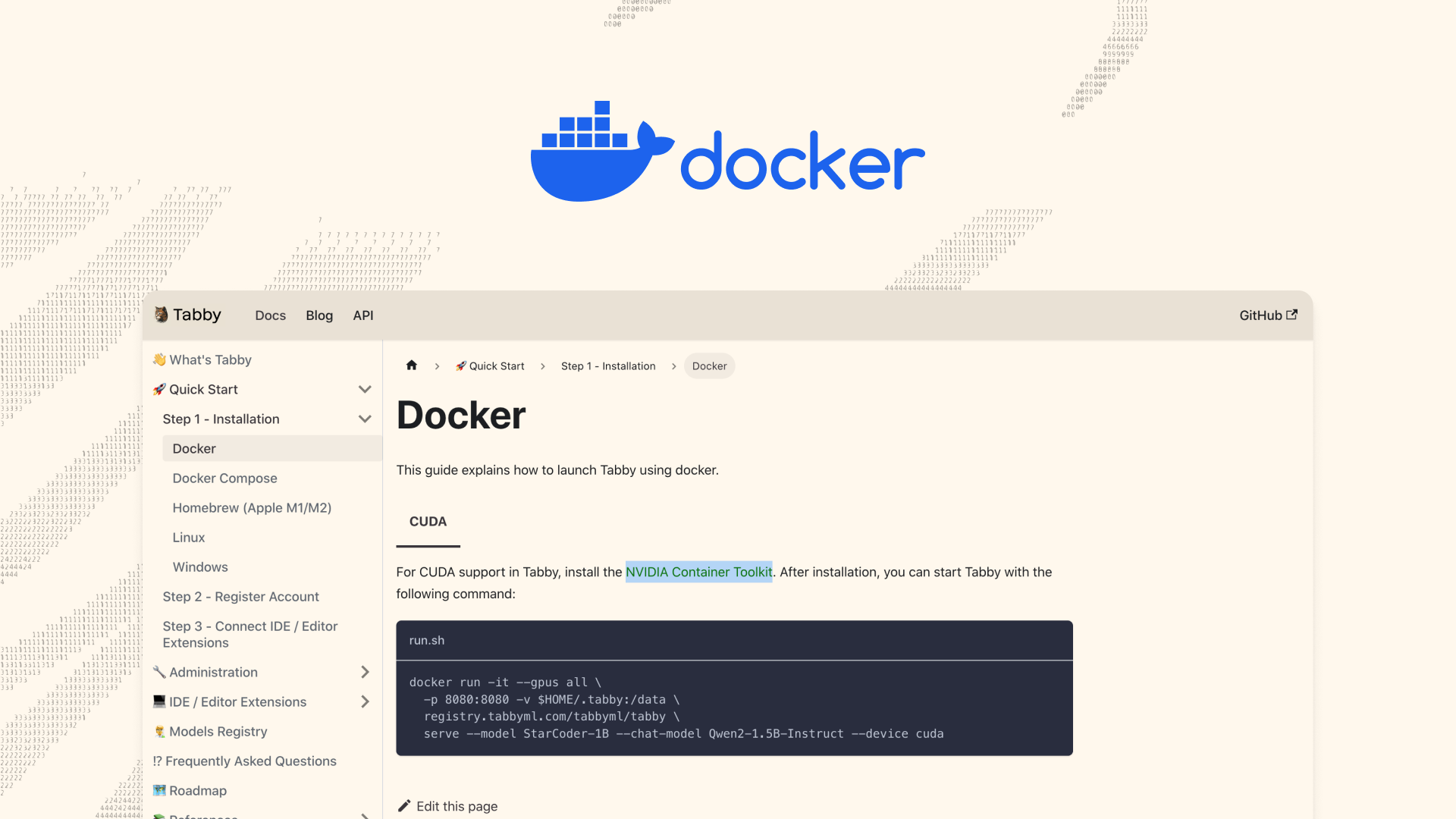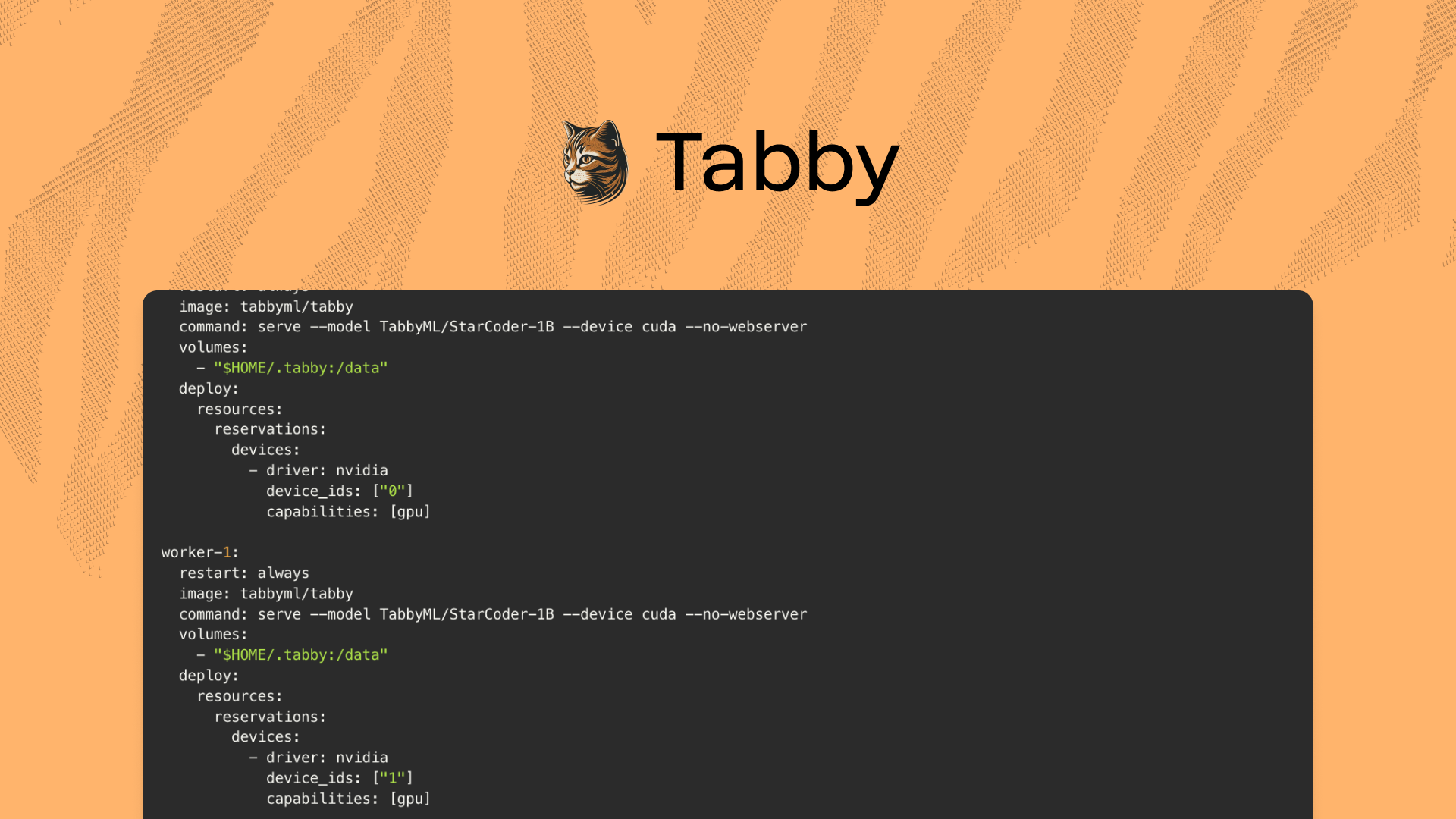
Tabby operates as a single process, typically utilizing resources from a single GPU.This setup is usually sufficient for a team of ~50 engineers. However, if you wish to scale this for a larger team, you'll need to harness compute resources from multiple GPUs. One approach to achieve this is by creating additional replicas of the Tabby service and employing a reverse proxy to distribute traffic among these replicas.This guide assumes that you have a Linux machine with Docker, CUDA drivers, and the nvidia-container-toolkit already installed.Let's dive in!Creating the CaddyfileBefore configuring our services, we need to create a Caddyfile that will define how Caddy should handle incoming requests and reverse proxy them to Tabby:http://*:8080 {
handle_path /* {
reverse_proxy worker-0:8080 worker-1:8080
}
}Note that we are assuming we have two GPUs in the machine; therefore, we should redirect traffic to two worker nodes.Preparing the Model FileNow, execute the following Docker command to pre-download the model file:docker run --entrypoint /opt/tabby/bin/tabby-cpu \