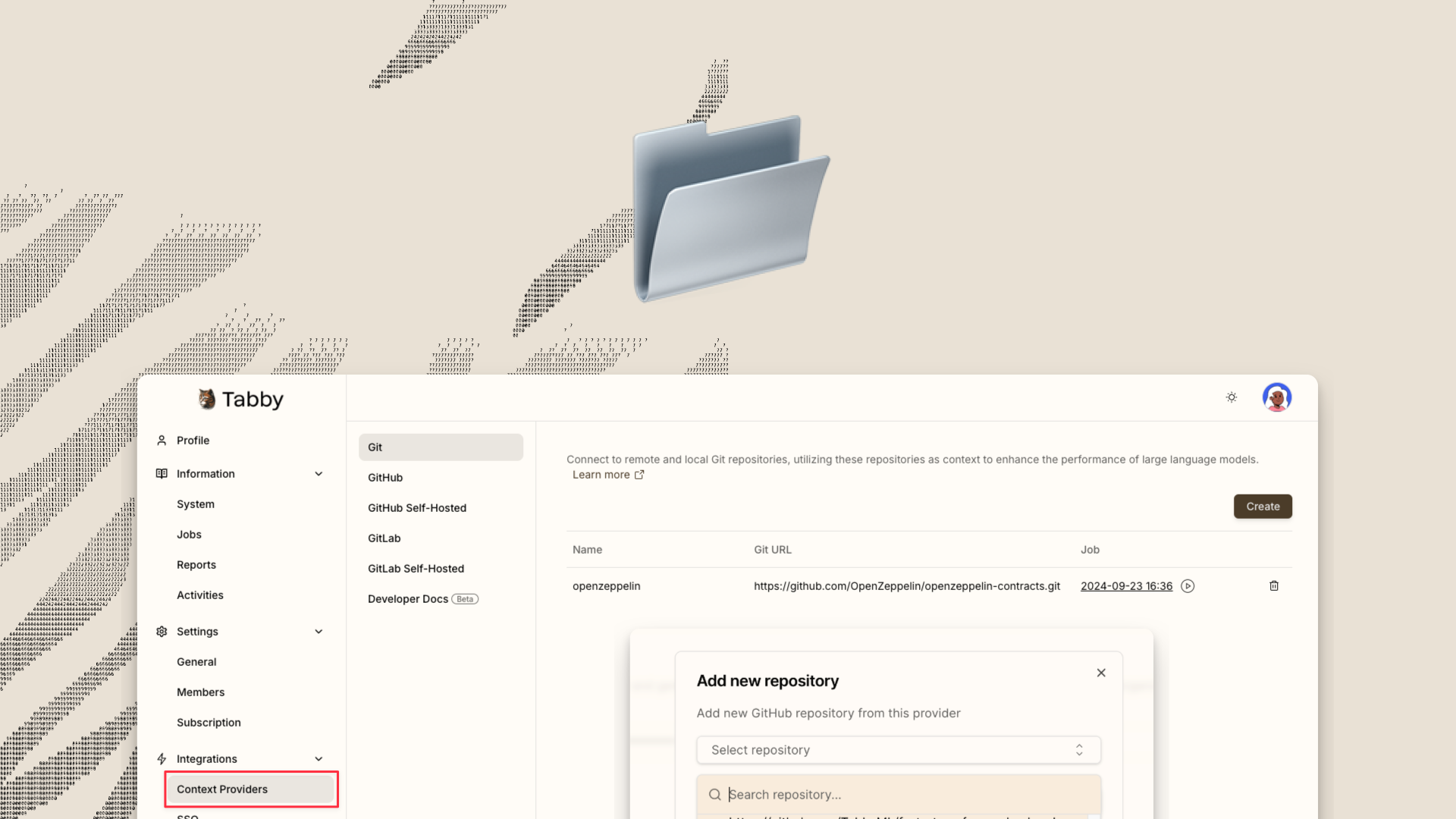
A few months ago, we published a blog Repository context for LLM assisted code completion, introducing the Repository Context feature in Tabby. This feature has been widely embraced by many users to incorporate repository-level knowledge into Tabby, thus improving the relevance of code completion suggestions within the working project.In this blog, I will guide you through the steps of setting up a Tabby server configured with a private Git repositories context, aiming to simplify and streamline the integration process.Generating a Personal Access TokenIn order to provide the Tabby server with access to your private Git repositories, it is essential to create a Personal Access Token (PAT) specific to your Git provider. The following steps outline the process with GitHub as a reference:1. Visit GitHub Personal Access Tokens Settings and select Generate new token. 2. Enter the Token name, specify an Expiration date, an optional Description, and select the repositories you wish to grant access to. 3. Within the Permissions section, ensure that Contents is configured for Read-only access. 4. Click Generate token to generate the new PAT. Remember to make a copy of the PAT before closing the webpage. For additional information, please refer to the documentation on Managing your personal access tokens.Note: For users of GitLab, guidance on creating a personal access token can be found in the documentation Personal access tokens - GitLab.ConfigurationTo configure the Tabby server with your private Git repositories, you need to provide the required settings in a TOML file. Create and edit a configuration file located at ~/.tabby/config.toml:## Add the private repository
Connect Private GitHub Repository to Tabby | Tabby AI coding assistant
A few months ago, we published a blog Repository context for LLM assisted code completion, introducing the Repository Context feature in Tabby. This feature has been widely embraced by many users to incorporate repository-level knowledge into Tabby, thus improving the relevance of code completion suggestions within the working project.In this blog, I will guide you through the steps of setting up a Tabby server configured with a private Git repositories context, aiming to simplify and streamline the integration process.Generating a Personal Access TokenIn order to provide the Tabby server with access to your private Git repositories, it is essential to create a Personal Access Token (PAT) specific to your Git provider. The following steps outline the process with GitHub as a reference:1. Visit GitHub Personal Access Tokens Settings and select Generate new token. 2. Enter the Token name, specify an Expiration date, an optional Description, and select the repositories you wish to grant access to. 3. Within the Permissions section, ensure that Contents is configured for Read-only access. 4. Click Generate token to generate the new PAT. Remember to make a copy of the PAT before closing the webpage. For additional information, please refer to the documentation on Managing your personal access tokens.Note: For users of GitLab, guidance on creating a personal access token can be found in the documentation Personal access tokens - GitLab.ConfigurationTo configure the Tabby server with your private Git repositories, you need to provide the required settings in a TOML file. Create and edit a configuration file located at ~/.tabby/config.toml:## Add the private repository