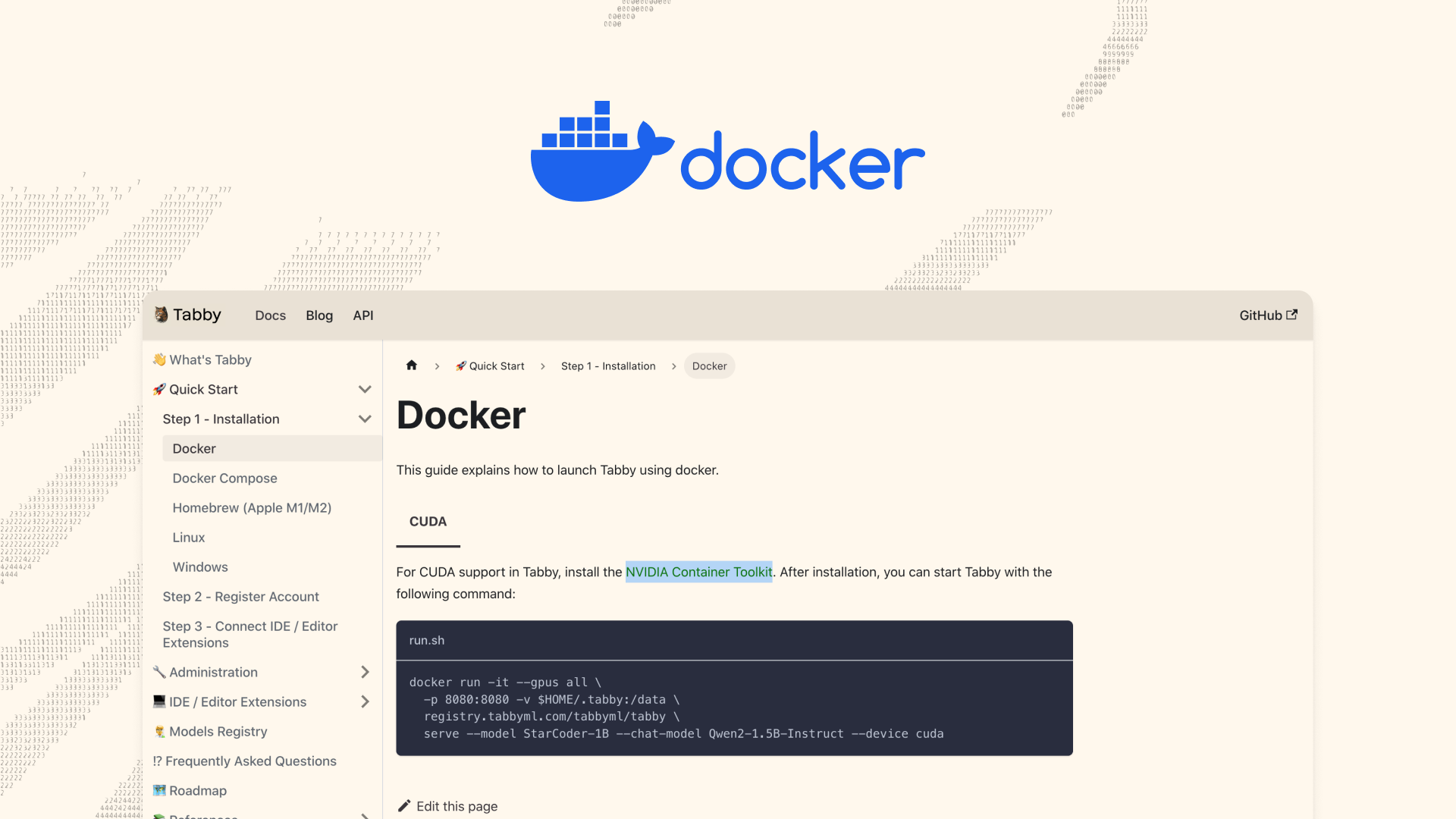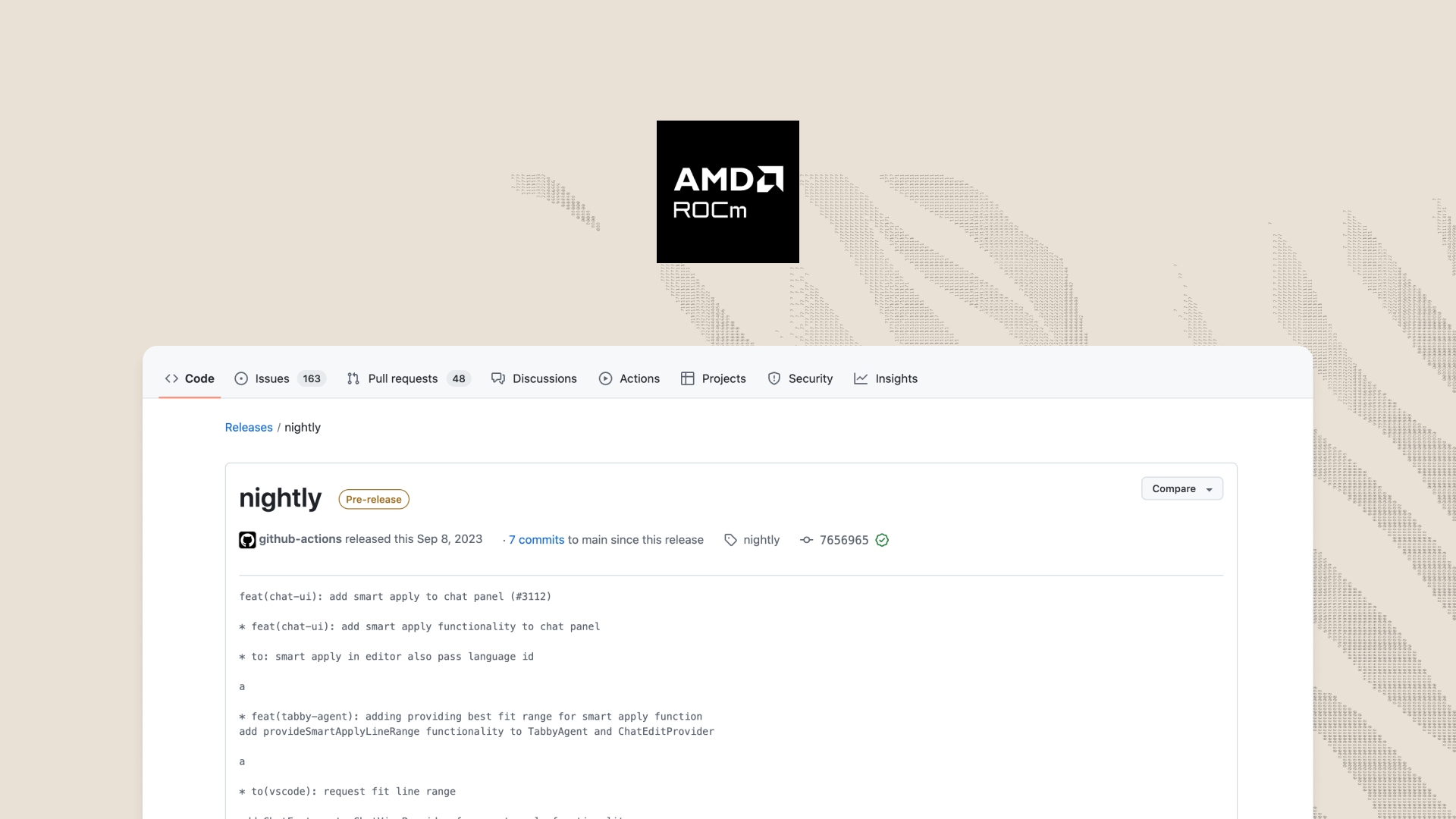
infoTabby's ROCm support is currently only in our nightly builds. It will become stable in version 0.9.For those using (compatible) AMD graphics cards, you can now run Tabby locally with GPU acceleration using AMD's ROCm toolkit! 🎉ROCm is AMD's equivalent of NVidia's CUDA library, making it possible to run highly parallelized computations on the GPU. Cuda is open source and supports using multiple GPUs at the same time to perform the same computation.Currently, Tabby with ROCm is only supported on Linux, and can only be run directly from a compiled binary. In the future, Tabby will be able to run with ROCm on Windows, and we will distribute a Docker container capable of running with ROCm on any platform.Install ROCmBefore starting, please make sure you are on a supported system and have ROCm installed. The AMD website details how to install it, find the instructions for your given platform. Shown below is a successful installation of ROCm packages on Arch Linux.Deploy Tabby with ROCm from DockerOnce you've installed ROCm, you're ready to start using Tabby! Simply use the following command to run the container with GPU passthrough:docker run \
--device=/dev/kfd --device=/dev/dri --security-opt seccomp=unconfined --group-add video \