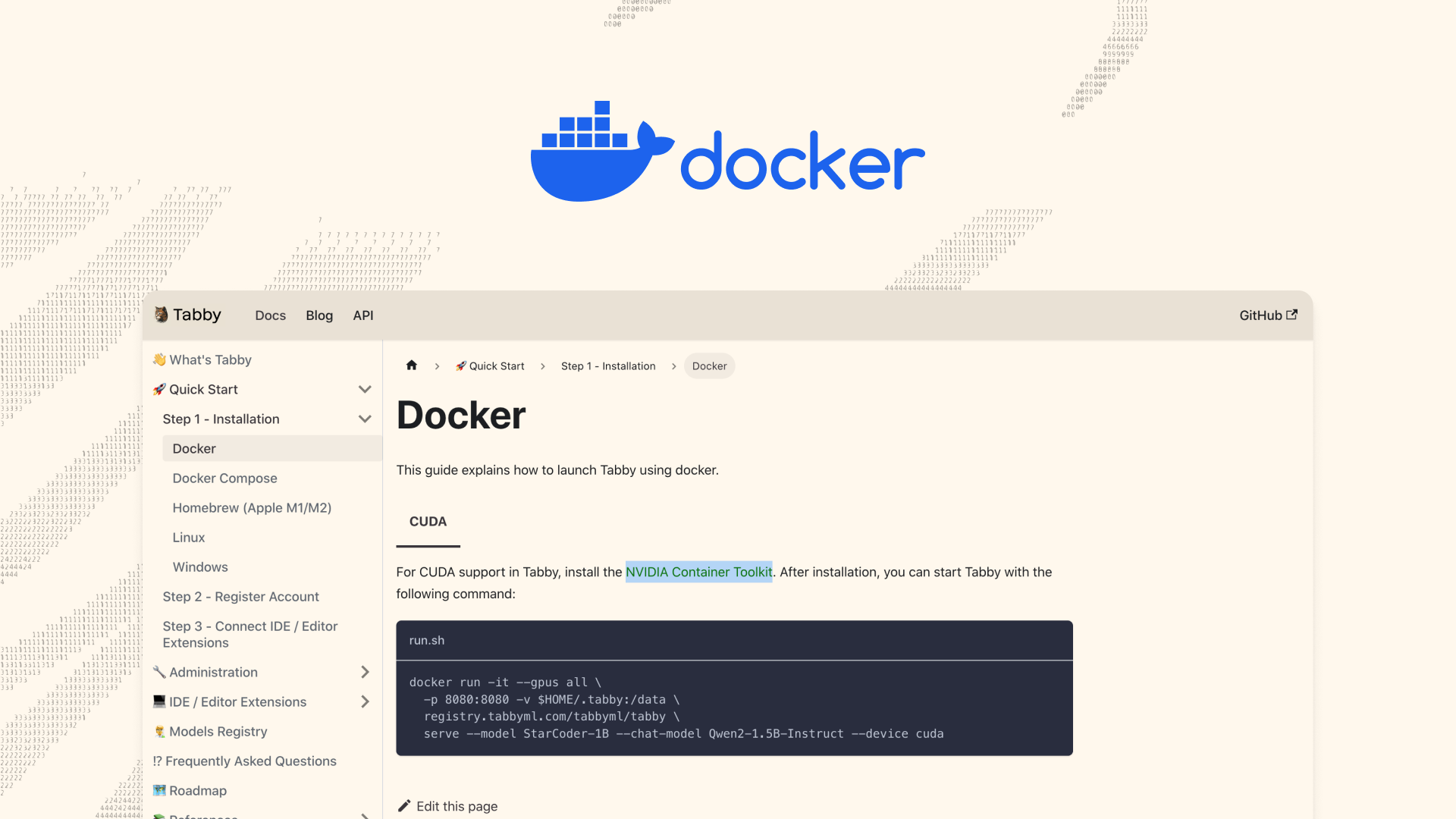
Are you working in an air-gapped environment, and wondering if you can still deploy Tabby? Fear not, because the answer is YES! 🐱📣Prerequisite📋Docker installed on both the internet-connected computer and the offline computer.Offline Deployment Guide🐾Here's how we'll deploy Tabby in an offline environment:Create a Docker image on a computer with internet access.Transfer the image to your offline computer.Run the Docker image and let Tabby work its magic! ✨Now, let's dive into the detailed steps:Create a new Dockerfile on a computer with internet access.FROM tabbyml/tabby
ENV TABBY_MODEL_CACHE_ROOT=/models
RUN /opt/tabby/bin/tabby-cpu download --model StarCoder-1B
RUN /opt/tabby/bin/tabby-cpu download --model Nomic-Embed-TextThe TABBY_MODEL_CACHE_ROOT env var sets the directory for saving downloaded models. By setting ENV TABBY_MODEL_CACHE_ROOT=/models, we instruct Tabby to save the downloaded model files in the /models directory within the Docker container during the build process.Build the Docker image which containing the modeldocker build -t tabby-offline .Save the Docker image to a tar file:docker save -o tabby-offline.tar tabby-offlineCopy the tabby-offline.tar file to the computer without internet access.Load the Docker image from the tar file:docker save -o tabby-offline.tar tabby-offlineRun the Tabby containerdocker run -it \