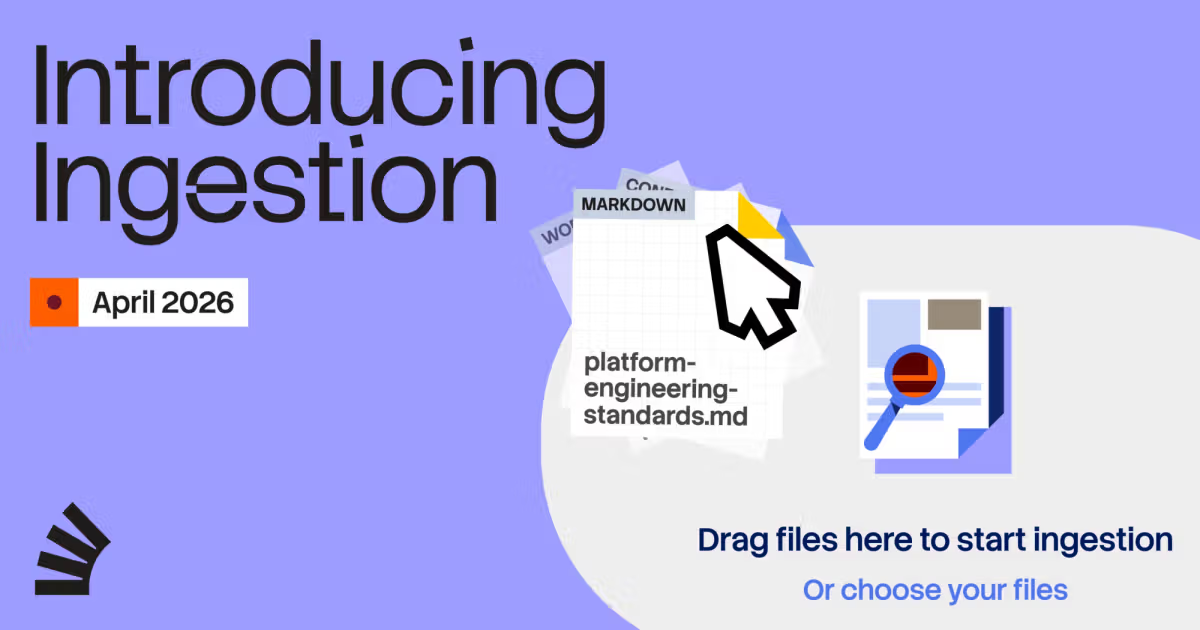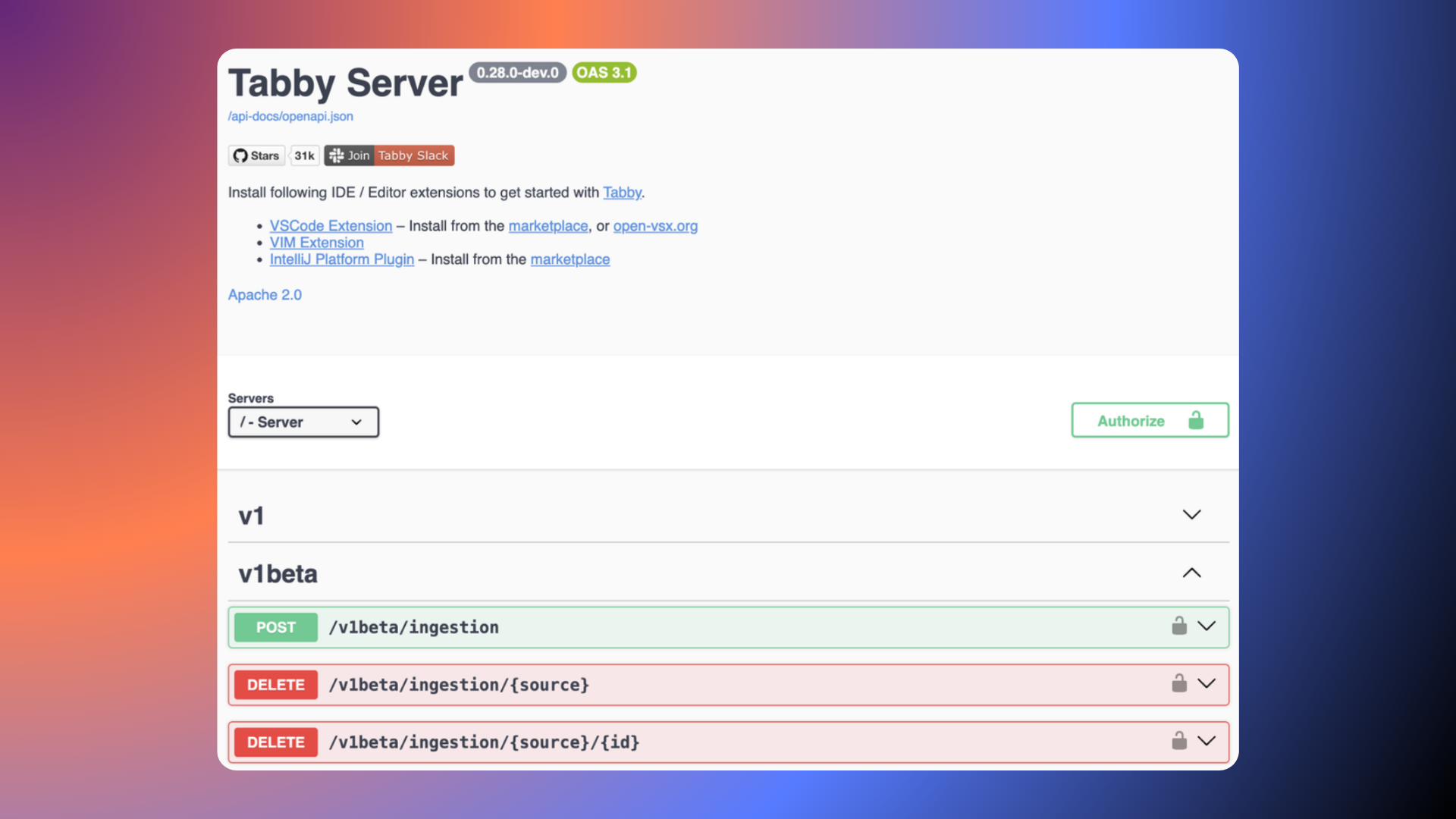
Why Doc Ingestion MattersTabby is only as smart as the documentation you give it.The Doc Ingestion API offers a programmatic way to feed Tabby your own materials — like project docs, technical articles, or internal knowledge base entries.Once submitted, these docs are processed asynchronously and indexed into Tabby’s knowledge system. That makes them available for context retrieval during code assistance tasks.You’re no longer limited to built-in context. Tabby can now respond with your team’s actual docs — grounded, specific, and under your control.What You Can Do With ItThe Doc Ingestion API accepts documents from external systems and scripts, making it easy to integrate with your existing workflows.Ingested docs are:Indexed in the backgroundUsable as context in completions and answersAssociated with a source and id for easy updates or removalAutomatically expirable with a configurable TTL (time to live)You can remove docs either by source or by specific id.All operations are processed asynchronously, giving you control over what Tabby knows and how long it remembers it.👀 See Tabby in ActionWatch a doc go from ingestion → selection → answer reference in just seconds.Getting StartedTo use the Ingestion API, you'll need an authentication token.🔐 Authentication Tabby uses Bearer Token authentication.To get your token:Go to the Information sectionClick onto the System tabCopy the value labelled Registration tokenUse this token in your API requests:Authorization: Bearer <YOUR_TOKEN_HERE>If the token is missing or invalid, the API will return a 401 Unauthorized response.Walkthrough: From Document to AnswerLet's walk through the full flow of using Ingestion API, from crafting your request to seeing the document show up in Tabby's Answer Engine.We'll use this Tabby llama.cpp model configuration page as our live example.1. Prepare the request Create a JSON payload with your document's content and metadata:{
Tabby’s Doc Ingestion API Is Here: Power Up with Your Own Docs | Tabby AI coding assistant
Why Doc Ingestion MattersTabby is only as smart as the documentation you give it.The Doc Ingestion API offers a programmatic way to feed Tabby your own materials — like project docs, technical articles, or internal knowledge base entries.Once submitted, these docs are processed asynchronously and indexed into Tabby’s knowledge system. That makes them available for context retrieval during code assistance tasks.You’re no longer limited to built-in context. Tabby can now respond with your team’s actual docs — grounded, specific, and under your control.What You Can Do With ItThe Doc Ingestion API accepts documents from external systems and scripts, making it easy to integrate with your existing workflows.Ingested docs are:Indexed in the backgroundUsable as context in completions and answersAssociated with a source and id for easy updates or removalAutomatically expirable with a configurable TTL (time to live)You can remove docs either by source or by specific id.All operations are processed asynchronously, giving you control over what Tabby knows and how long it remembers it.👀 See Tabby in ActionWatch a doc go from ingestion → selection → answer reference in just seconds.Getting StartedTo use the Ingestion API, you'll need an authentication token.🔐 Authentication Tabby uses Bearer Token authentication.To get your token:Go to the Information sectionClick onto the System tabCopy the value labelled Registration tokenUse this token in your API requests:Authorization: Bearer <YOUR_TOKEN_HERE>If the token is missing or invalid, the API will return a 401 Unauthorized response.Walkthrough: From Document to AnswerLet's walk through the full flow of using Ingestion API, from crafting your request to seeing the document show up in Tabby's Answer Engine.We'll use this Tabby llama.cpp model configuration page as our live example.1. Prepare the request Create a JSON payload with your document's content and metadata:{