Why your LLM app will fail silently, and how to see it before your customers do.
Three weeks. That is how long a customer-support agent shipped confidently wrong answers for a logistics client I work with before anyone noticed. The agent's job was simple: look up a shipment's status and reply to the customer. It did this hundreds of times a day. Every request returned HTTP 200. Latency was fine. The API bill looked normal. And the agent was quietly hallucinating tracking numbers.
The first clue came from a phone call. A customer in Jeddah had been told her package was "delivered" — it was not. We pulled the logs. There were logs. They said: request received, model called, response returned, 200 OK. Nothing else. No record of what the retrieval step actually returned, no record of what the prompt looked like that day, no record of which model version answered, no record of how many tokens it burned to be wrong.
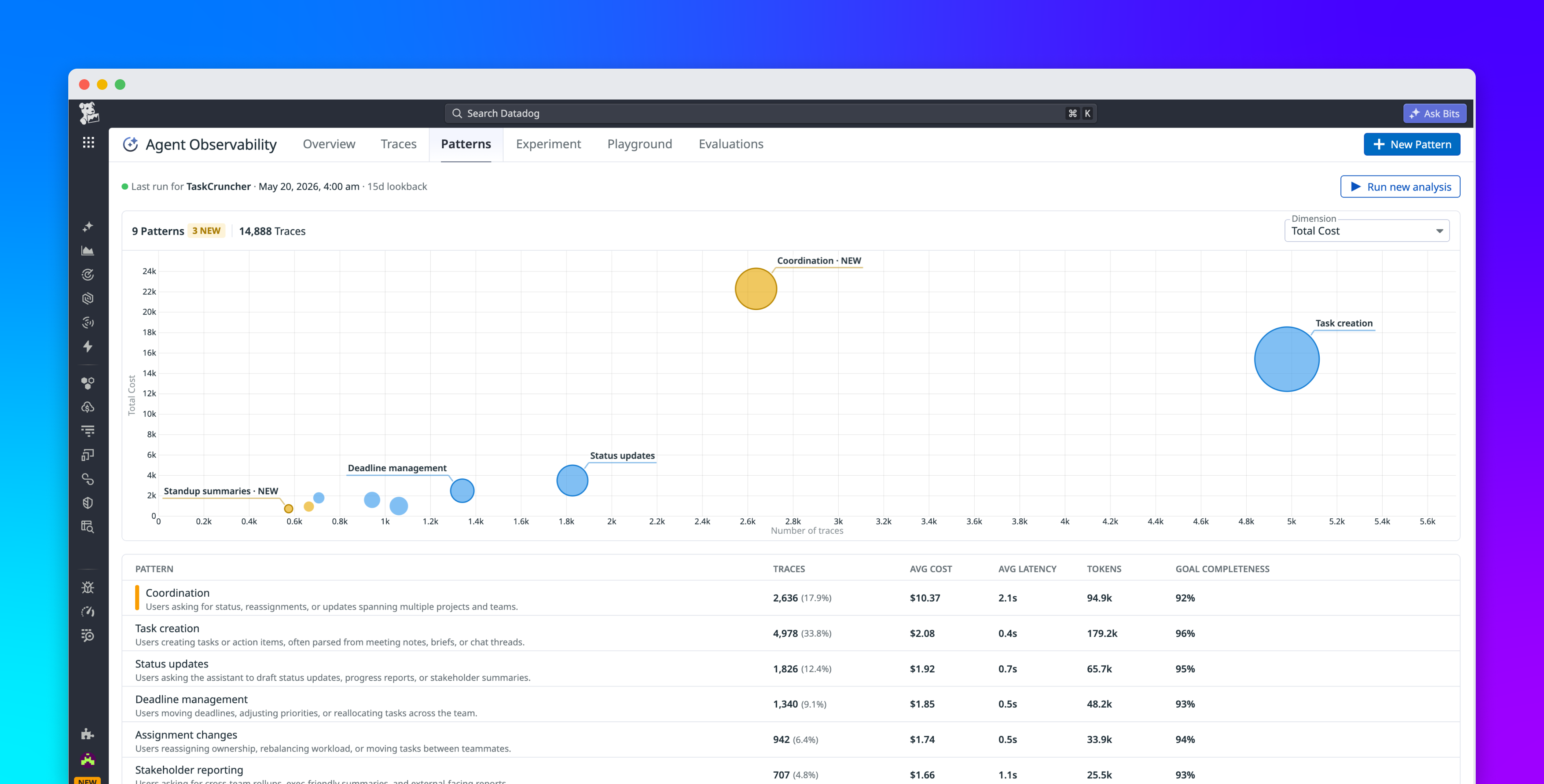
That is the moment I stopped thinking about LLM observability as a nice-to-have and started treating it as the difference between a working system and an expensive black box. In this article I am going to walk you through everything I now do — and you should too — to trace, log, and debug LLM and agent runs in production.