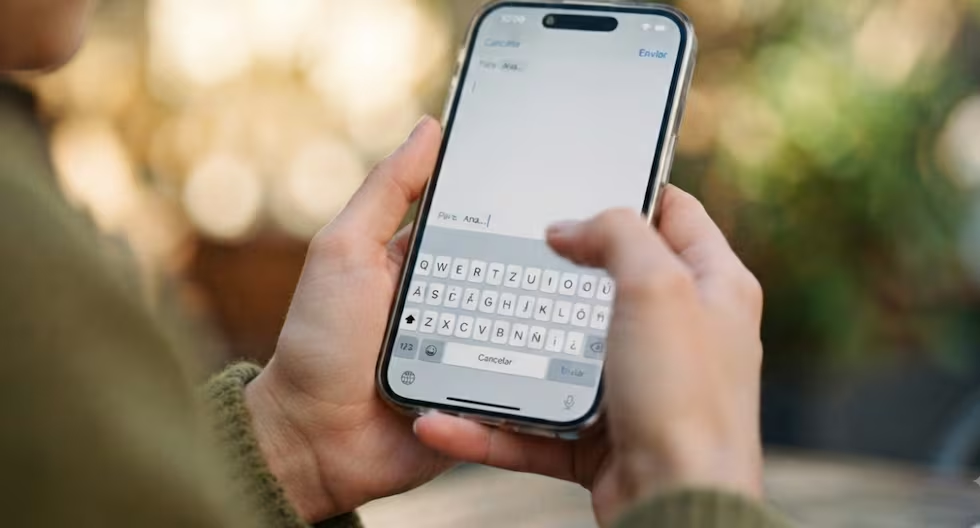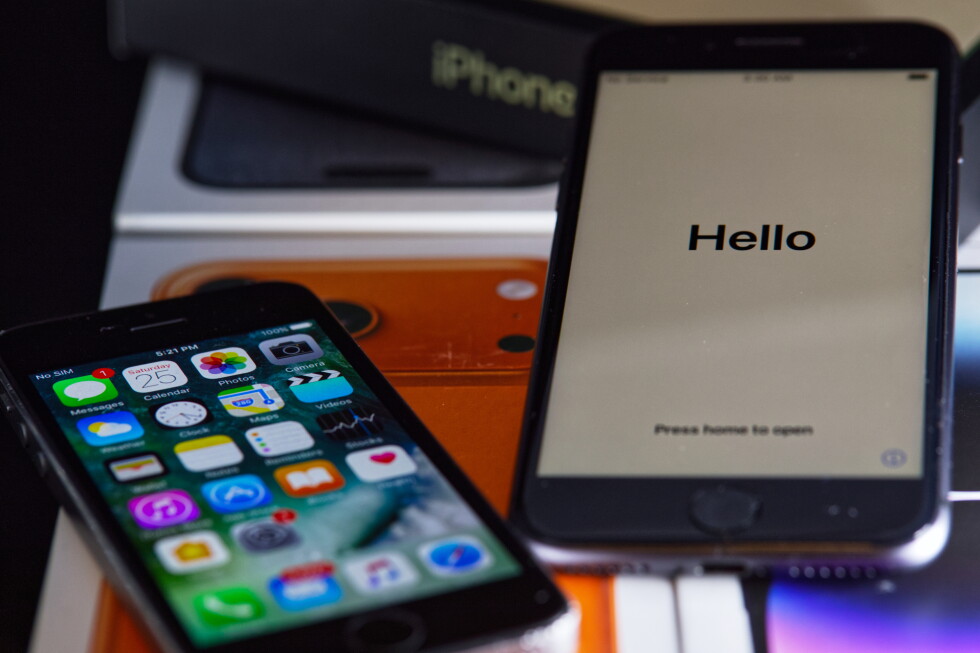
Texting friends, replying to a business email, tapping out some text for a social media post. We do a lot of writing on our smartphones, which are increasingly essential for our work and personal lives. But did you know about the many keyboard tips and tricks that can help raise your smartphone skills? If you own an Apple iPhone, there are a host of little-known shortcuts that could maximize your typing. These features, usually buried in lengthy instructions, are easy to overlook though they often come to wider attention through videos by social media influencers. Here are few texting and typing tips for iPhones. Some features may vary depending on the version of iOS.
Slide instead of typeTyping is not the only way to enter text into an iPhone. Apple’s Quickpath feature lets you write by sliding your finger around the screen’s digital keyboard, instead of tapping and lifting your fingers on the electronic letters. If it’s not already activated, turn it on by going into Settings, General, and Keyboard, and toggle on Slide to Type. To use it, touch the first letter of the word and then, while still touching the screen, slide your finger to the following letters. For example, to type the word “yellow,” tap on the letter Y, then slide your finger to E, and so on. Don’t hold your finger down too long on the first letter and lift it from the screen when finished. Pressing delete right away will erase the entire word you’ve typed this way, instead of just a letter.