(Image credit: Future)
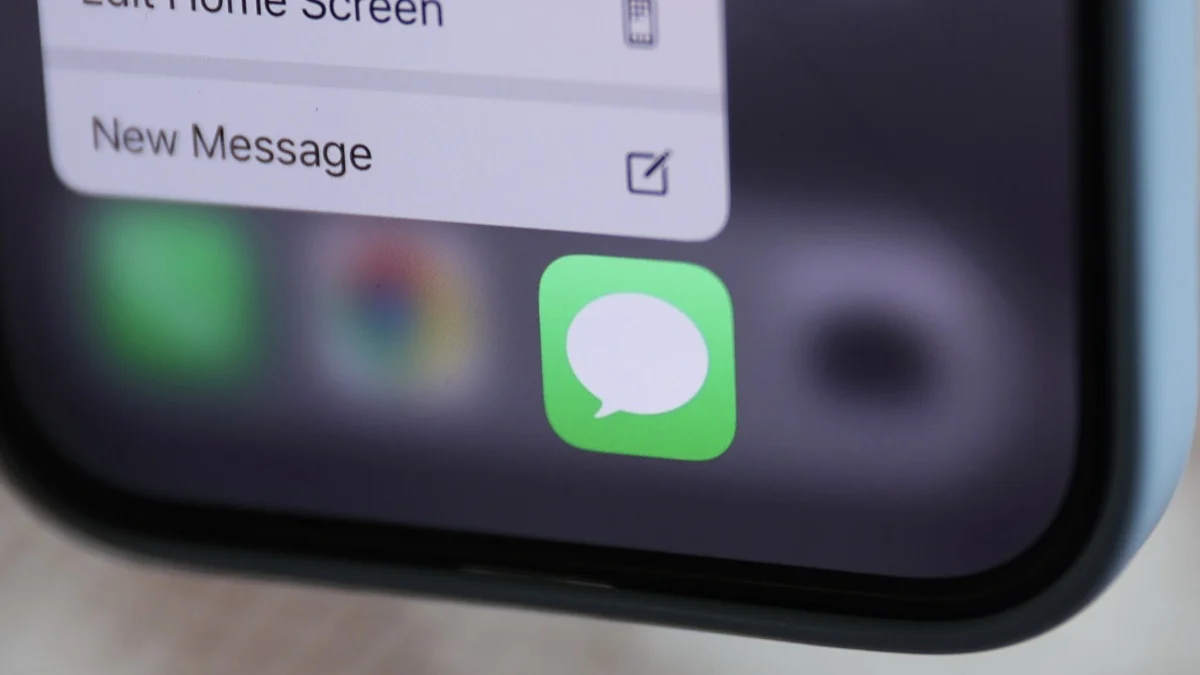
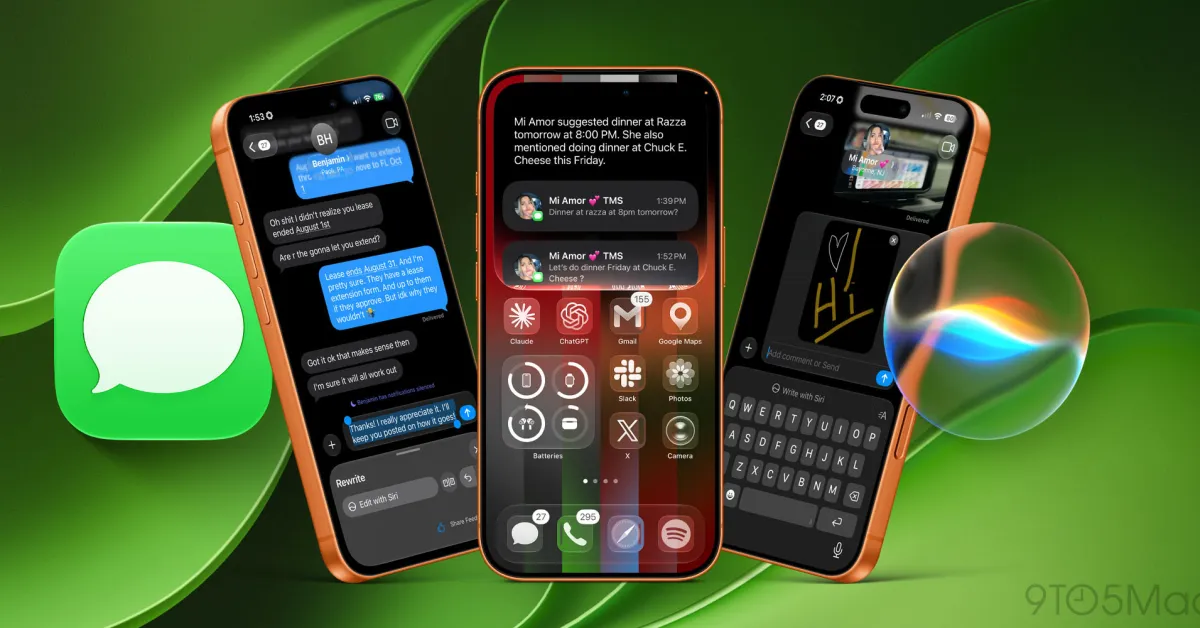
With more than a billion active users, Apple’s Messages app is already hugely popular. But a new feature in iOS 27 makes it even more useful, and I’m already seeing the benefits.When you’re bombarded with texts on a daily basis, t’s all too easy to forget tasks or spend ages carrying out a request. I’ve certainly had occasions when I’ve forgotten to pick up groceries, or spent longer than expected trying to find photos someone asked me to send. But with one-tap suggestions in Messages, I’m starting to get on top of these things.This feature is super-convenient, showing just how useful AI can be when used appropriately. By using Apple Intelligence to scan a conversation, it can create reminders and even actively sift through your photos to find the right ones using keyword, location, and people recognition.What’s more, it won’t force you to do anything. The suggestion is simply there, and you decide whether to tap it or ignore it. Here’s how it works.1. Receive a message
(Image credit: Tom's Guide)When you receive a text in the Messages app in iOS 27, Apple Intelligence has a quick read and checks to see if there is anything actionable. If there is, it will make suggestions based on the context of the conversation.For example, if someone asks you to pick something up on your way home, Messages will suggest you add that request to your Reminders. To do so, you’d simply tap Add to Reminders immediately beneath the message.2. Check the details