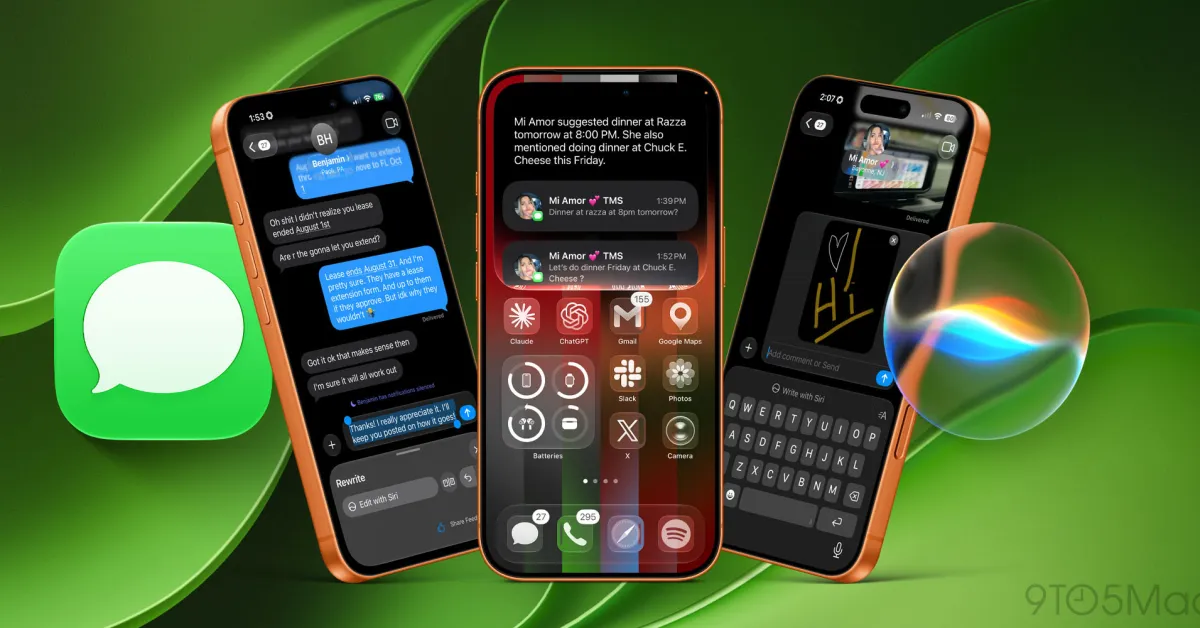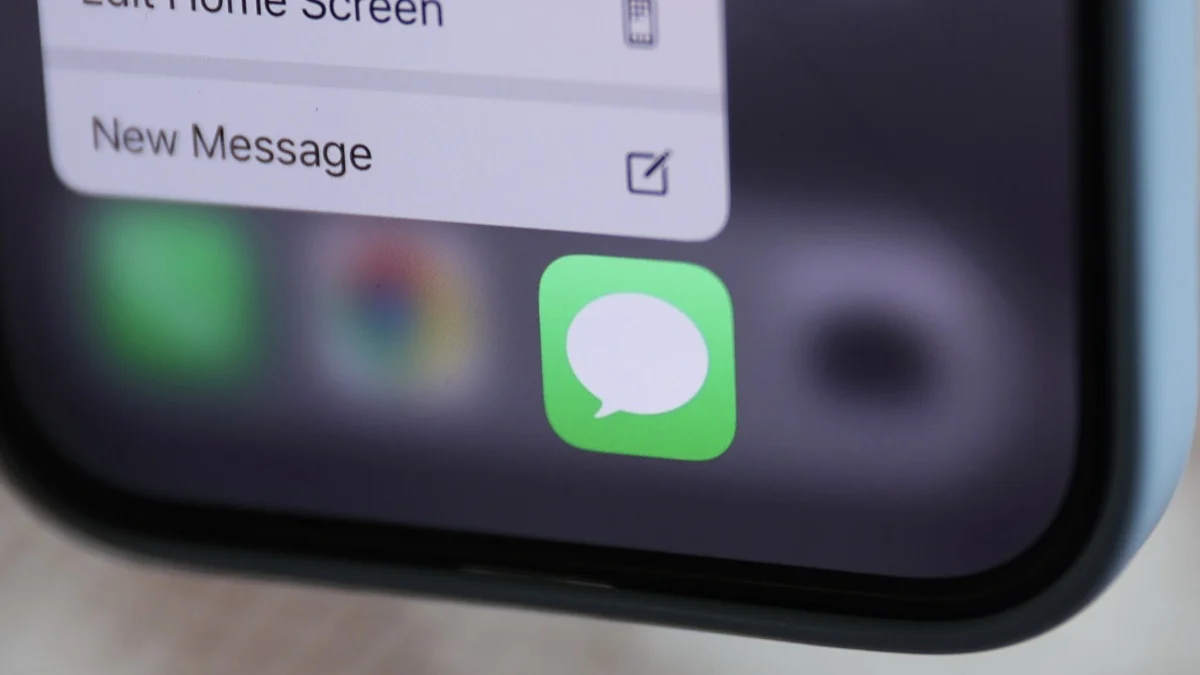
While iOS 27 might be focused on Siri AI, there are plenty of other upgrades under the surface. Case in point: The new update brings a number of new features to Messages. The app is getting an AI feature that's actually useful, better notifications, and performance updates that bring faster loading and syncing across devices. Here's everything that's coming to Messages in iOS 27. Note that the update isn't due out until sometime in the fall, and while you can try these features on the iOS 27 beta now, understand the risks involved before you do. See Lifehacker's explainer here for more information. You can now remove the voice message buttonI do send voice notes here and there, but not nearly enough to justify keeping the voice message button in the chat box. More often than not, I hit that button accidentally and end up sending garbled audio from my pocket. With iOS 27, you can now customize that button. Once you've updated to iOS 27, you can go to Settings > Apps > Messages, and select Show in Text Field. You have three choices here: Record Audio, Start Dictation, and None. I went with "None," but you're free to replace voice messages with dictation too.iOS 27 lets you speed up voice notes in iMessageWhen you receive a voice note in iMessage in iOS 27, you'll notice that your iPhone allows you to control the playback speed. Previously, you had to listen to the voice note at 1x speed. In iOS 27, you can bump it up to 1.25x, 1.5x, or 2x. Just tap the 1x button next to any voice note once to reveal the playback speed menu. This'll save you a lot of time when listening to longer voice notes.
10 New Features Coming to Apple Messages in iOS 27
Apple is adding a number of new features for Messages in iOS 27, including contextual one-tap suggestions, a new Drawing app, and reduced notifications.
877 words~4 min read