(Image credit: Shutterstock)
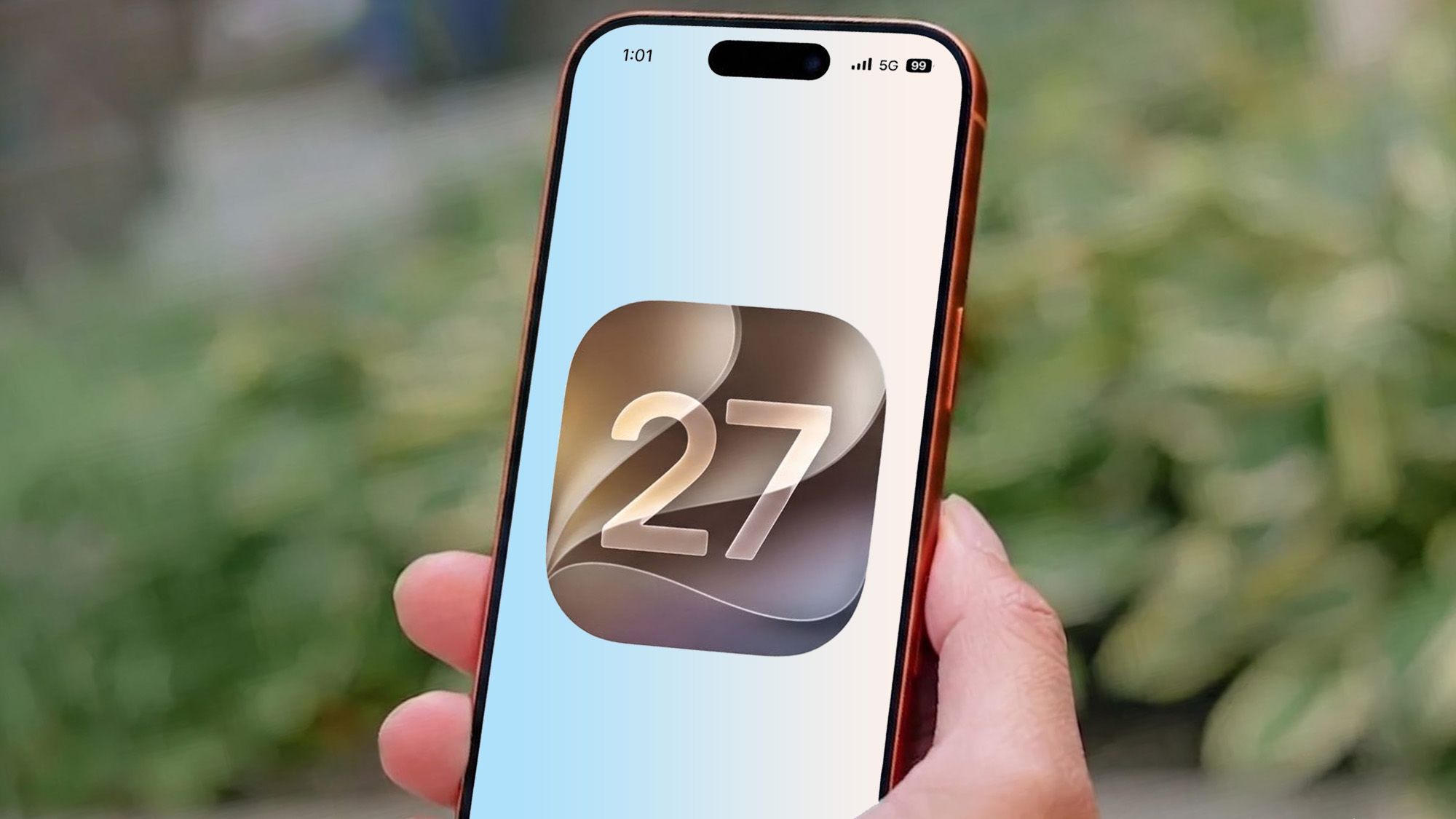
For anyone who uses an Apple device powered by iOS 26, iPadOS 26 and macOS Tahoe 26, I’m sure you’ve been exposed to the many ways Apple Intelligence can help you in your everyday life.When iOS 27 was announced at WWDC, it brought a wealth of new features that iPhone users have long been waiting for. Among the prominent are “Smart Reply” responses in Mail and Messages apps, the ability to produce a sentimental memory movie with a collection of your favorite photos, and even act as a “Workout Buddy” when it’s time to hit the gym.With a wide range of tools that utilize “Writing Tools” to proofread your written notes, batch up your notifications into easy-to-digest summaries and integrate ChatGPT across the board, it can become easy to just use Apple Intelligence’s most basic attributes and ignore the rest.With so many new Apple Intelligence features, you’re likely to overlook some. I’ve been using the iOS 27 beta on my iPhone for the last week and have found five underrated Apple Intelligence features that you may not have heard about. Here’s what they are and how they can put your iPhone to better use.
“Describe Your Change”
One of the clearest examples of an Apple Intelligence feature you probably don’t use as much as you should is the “Describe Your Change” option. This option is connected to the “Writing Tools” option that pops up whenever you’re handling some text editing duties.For instance, you can begin jotting down a new e-mail response or a formal speech in the “Notes” app and click on the Apple Intelligence icon in the formatting bar that’s placed above the keyboard (the sixth icon is the one you’ll be using). The “Proofread,” “Rewrite,” and other options work well enough, but the “Describe your change” feature is pretty strong in its own right. It avoids going with a preset tone and follows exactly the sort of major change you require over Writing Tools’ default rewrite options.Tapping the Describe your change bar and giving it specified prompts does an even better job of improving your message. These four prompts should be a good starting point:Make this sound more confident.Turn this into a LinkedIn post.Shorten this by 50%.Make this sound like a friendly text.