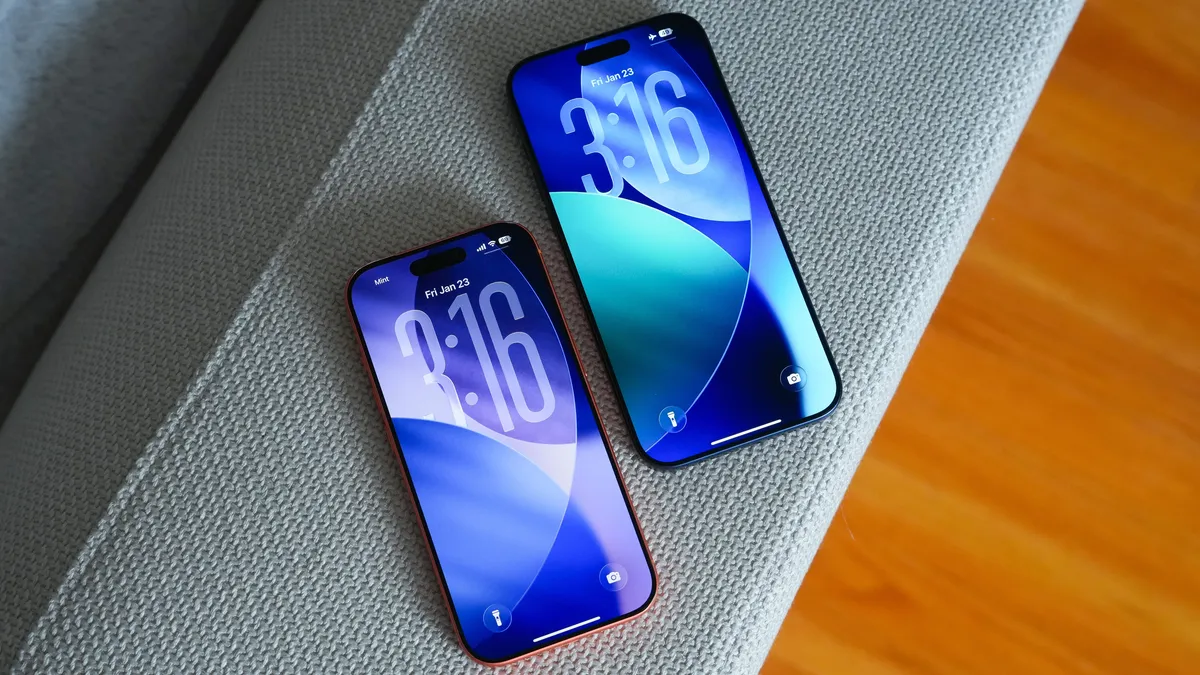
(Image credit: Future)
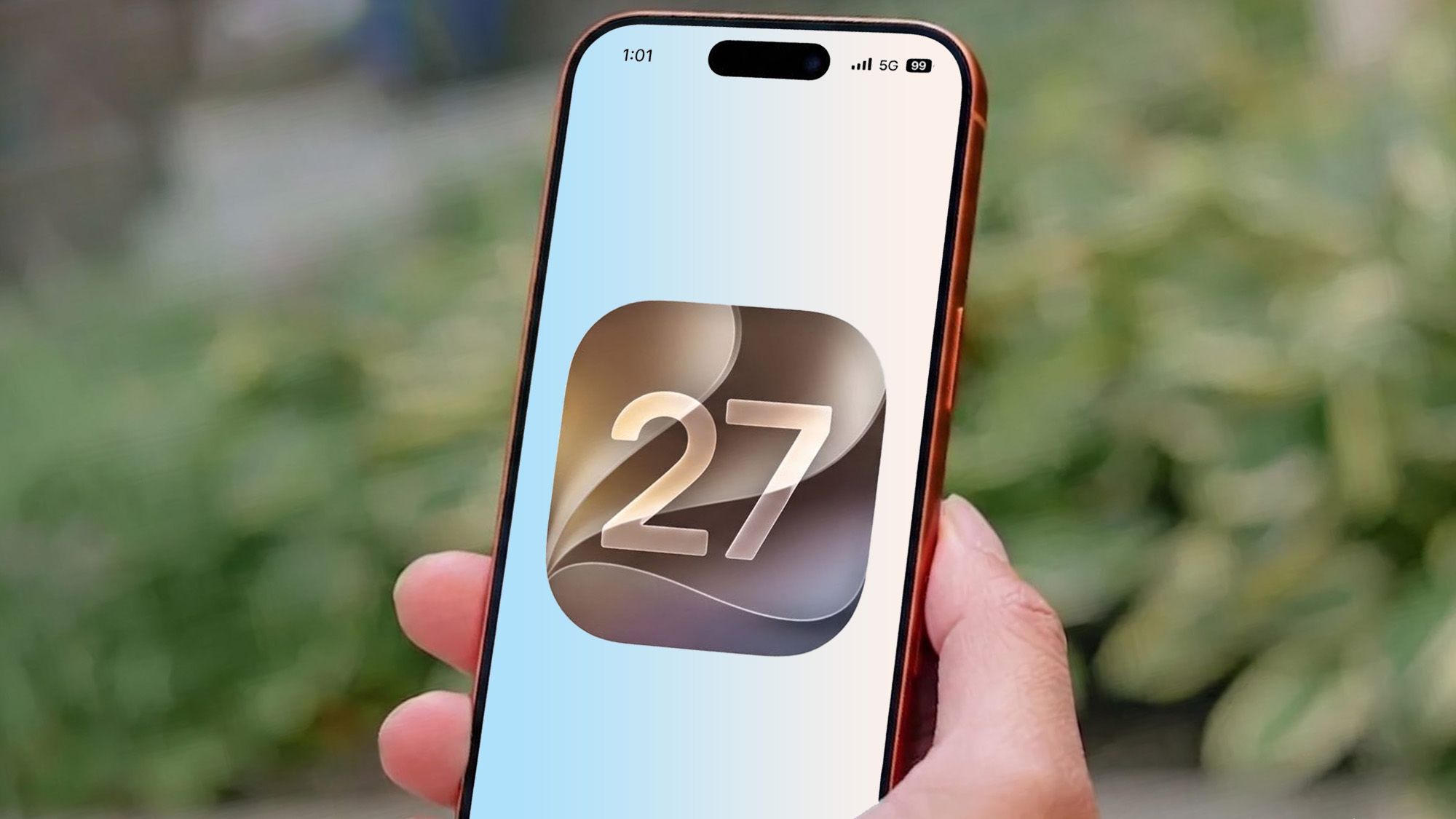
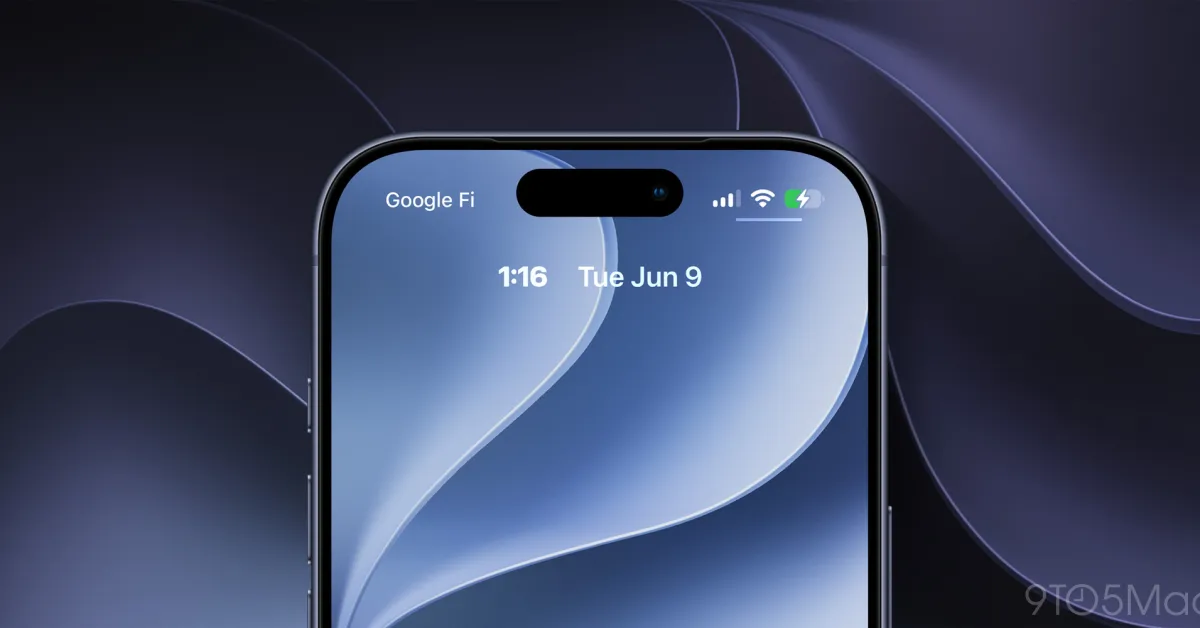
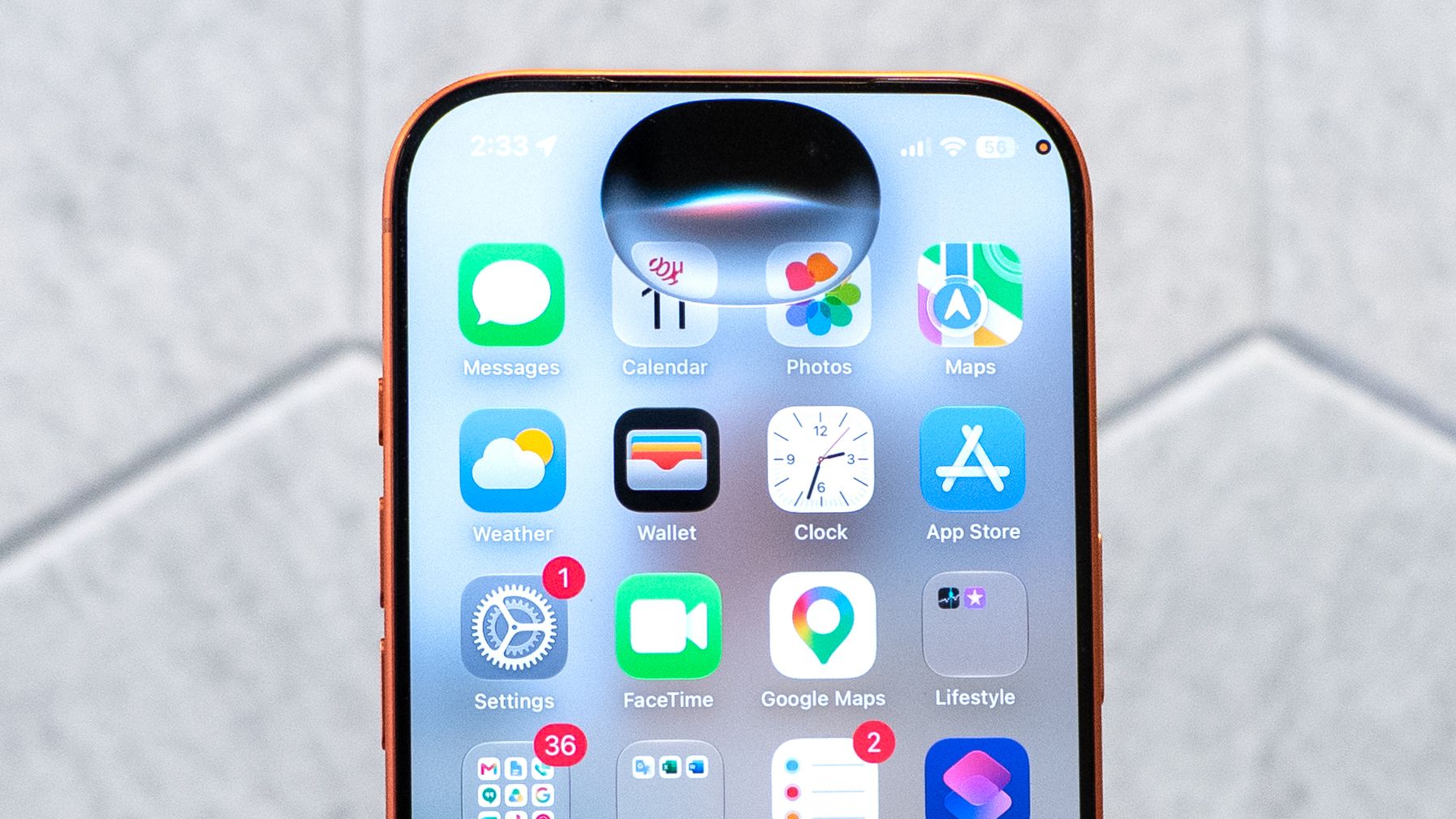
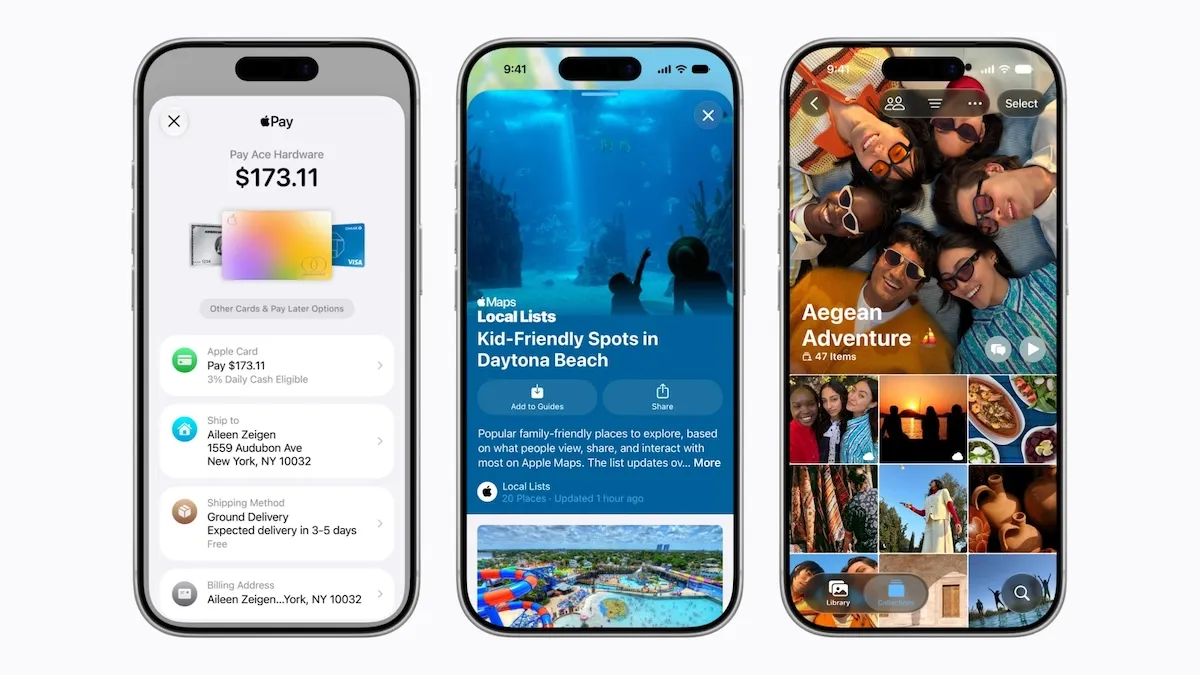
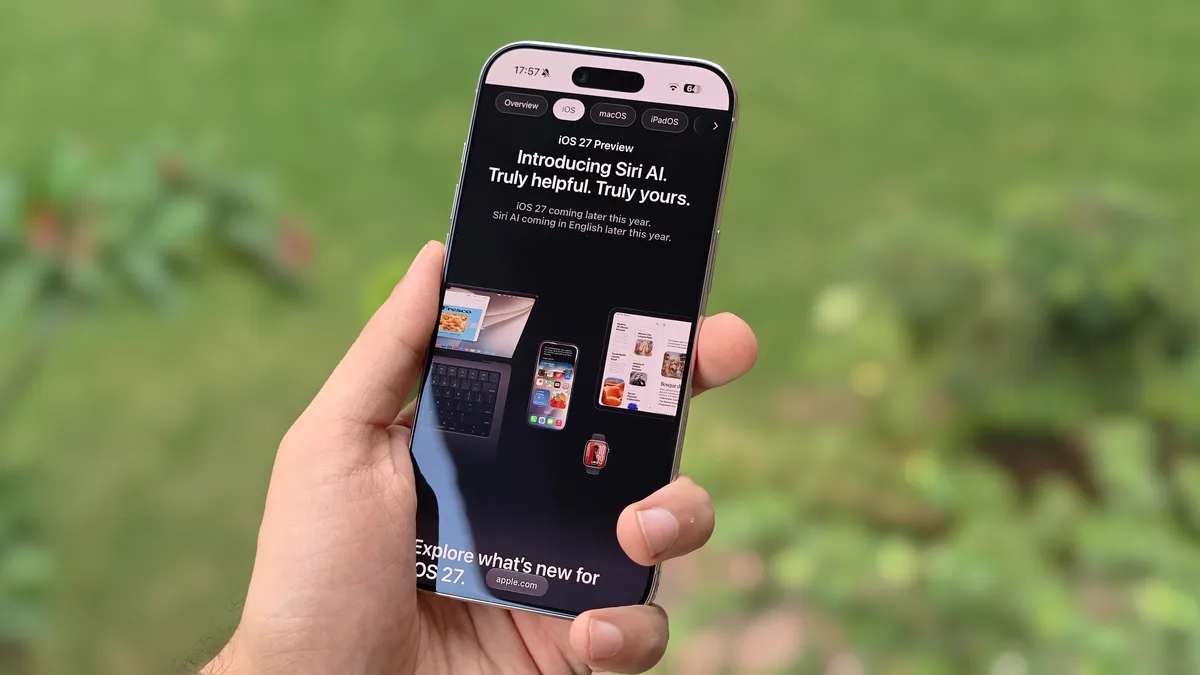
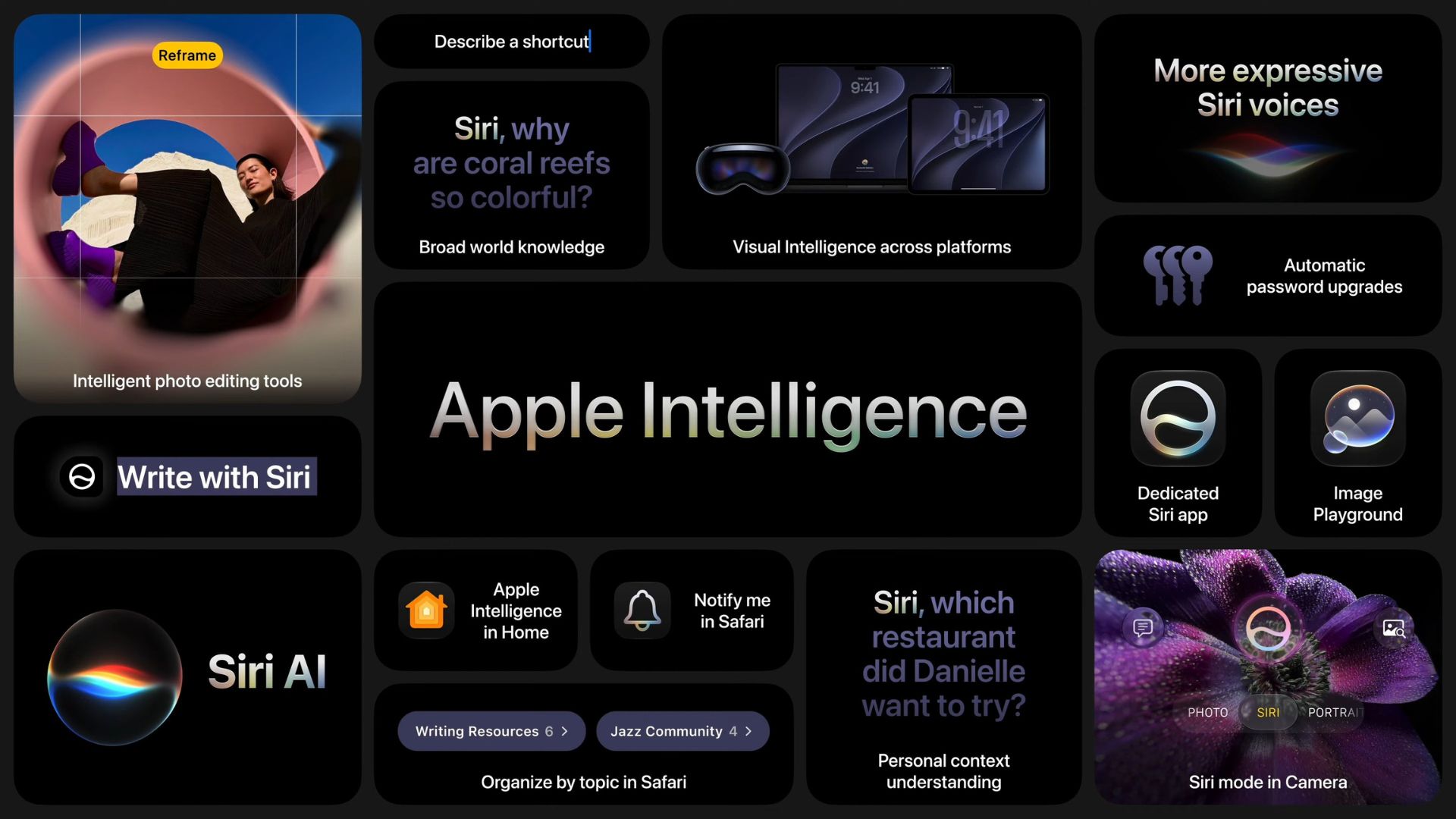
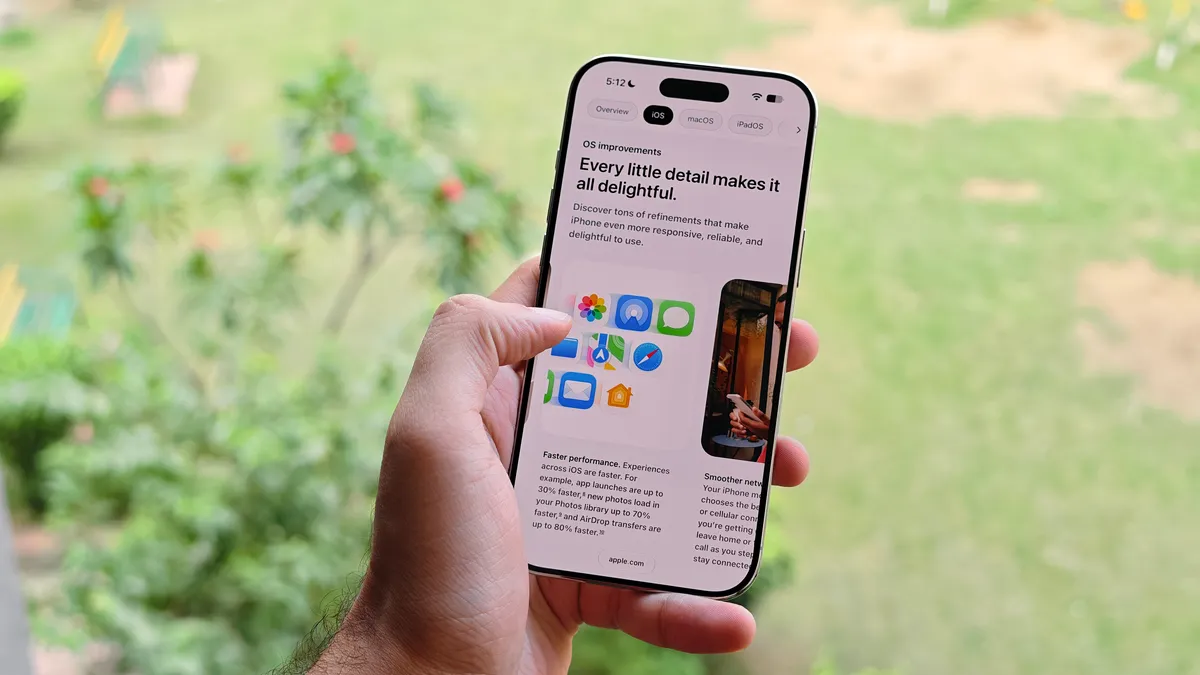
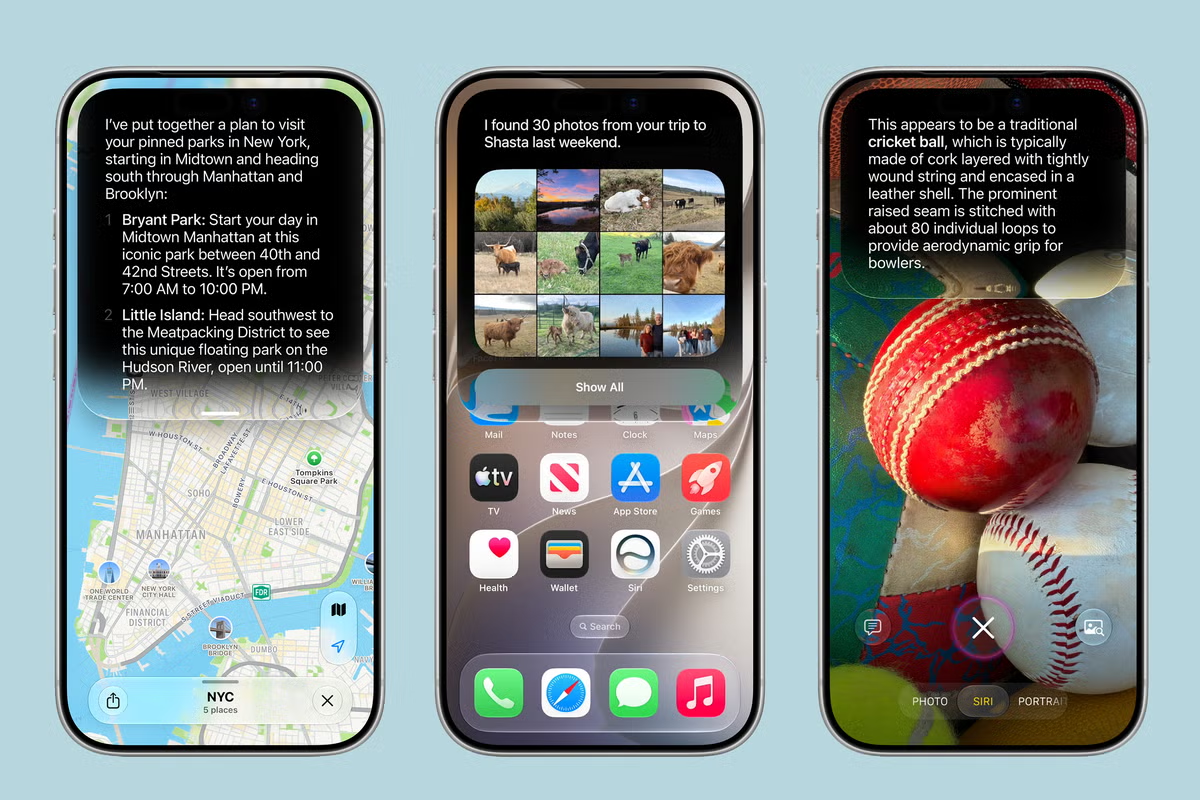
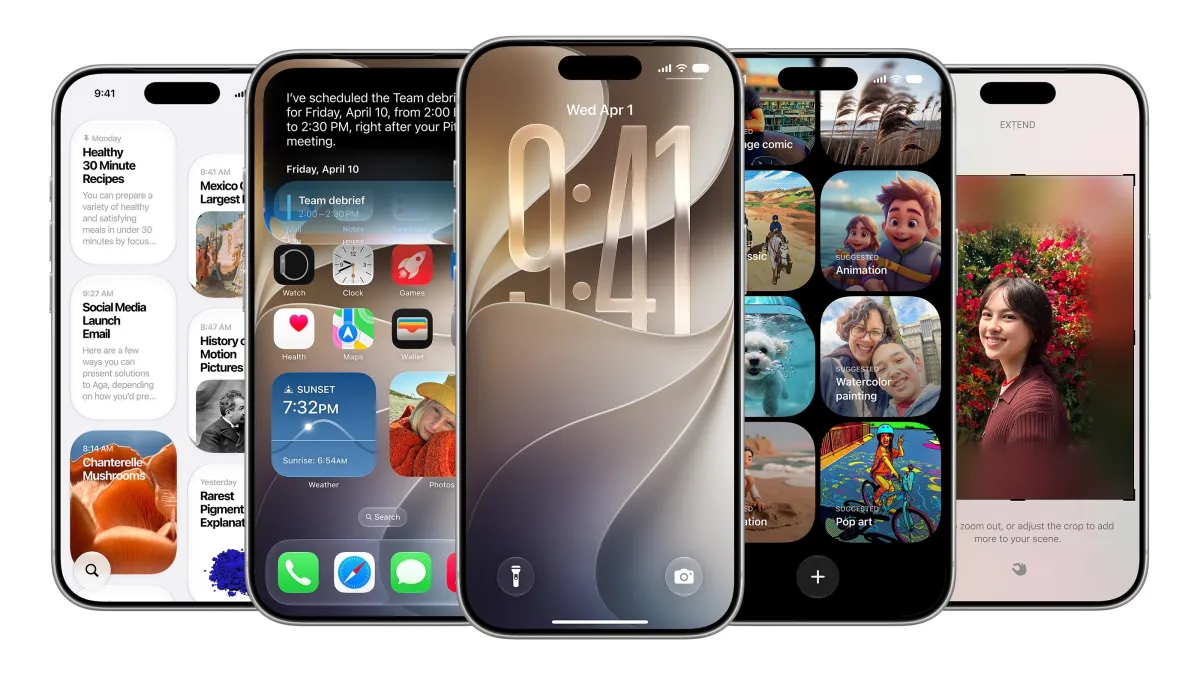
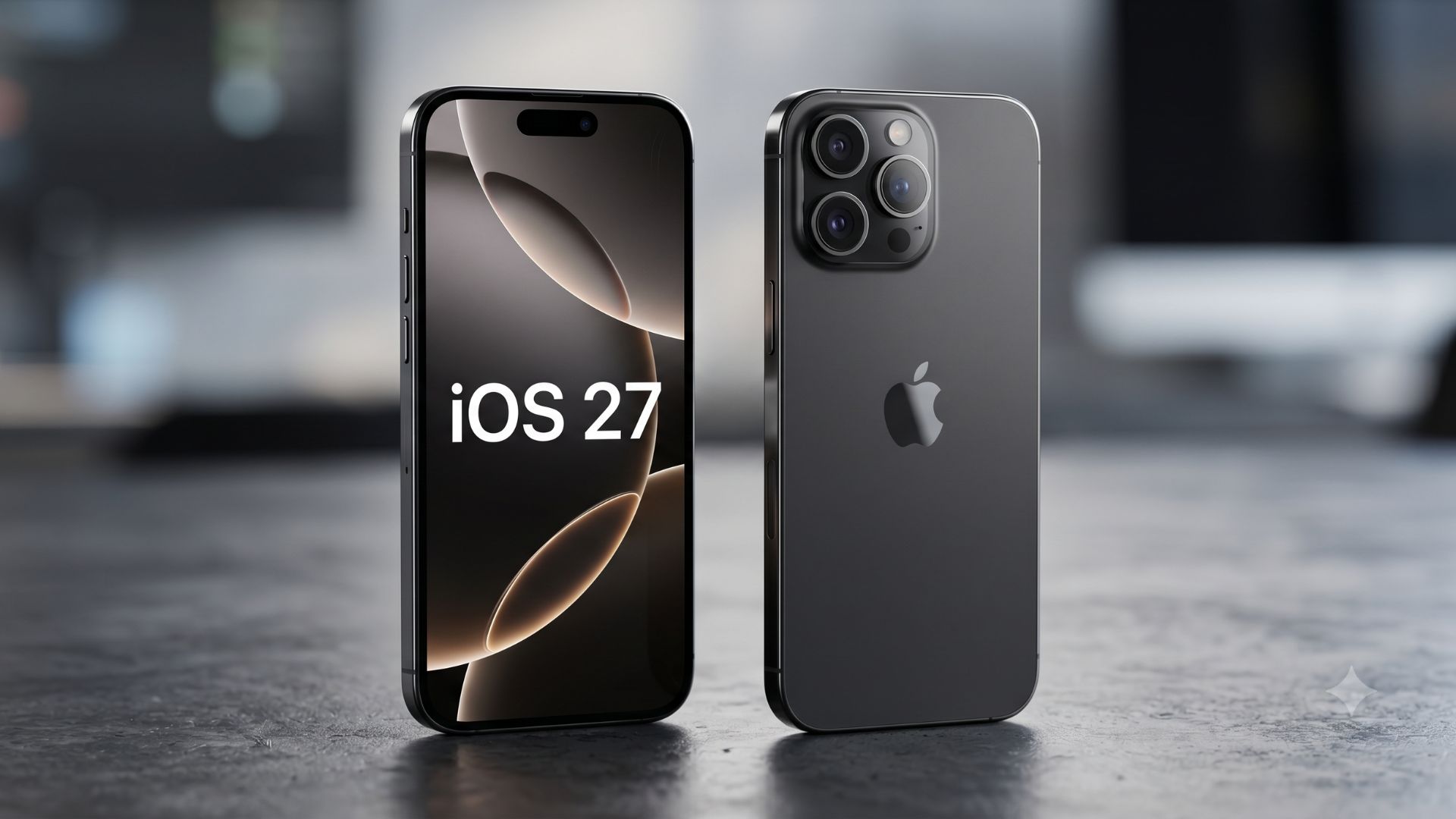
Apple spent a big chunk of WWDC 2026 talking about the new Siri AI and how Apple Intelligence is set to transform the iPhone experience with iOS 27. The company is (once again) betting heavily on AI, promising a much smarter Siri that can interact with apps and surface information buried deep inside your phone — something that the company believes will become one of the biggest reasons to upgrade to iOS 27.The thing is, I've been using the iOS 27 beta for the past couple of days, and like many other users, I'm still stuck on the Siri AI waitlist. So while Apple wants Siri to be the star of the show, I haven't actually been able to use most of its new capabilities yet.What I have been able to use, however, are dozens of smaller changes scattered throughout iOS 27. And after spending some time with the update, I'd argue many of these features are more exciting than Siri AI. Here are some of the small and hidden iOS 27 features that have impressed me the most so far.Save images from videos directly
(Image credit: Sanuj Bhatia / Tom's Guide)Raise your hand if you've ever recorded a video and then wanted to pull out a single frame as a photo. Until now, the usual workaround was taking a screenshot, cropping it, and then sharing it wherever you needed.Thankfully, iOS 27 makes this much easier. While playing a video, you can tap the three-dot menu in the top-right corner and select Save Video Frame as Photo. iOS will then extract that frame and save it directly to your photo library as a standalone image in full resolution.More control over iCloud Photos syncing