(Image credit: John Velasco / Tom's Guide)
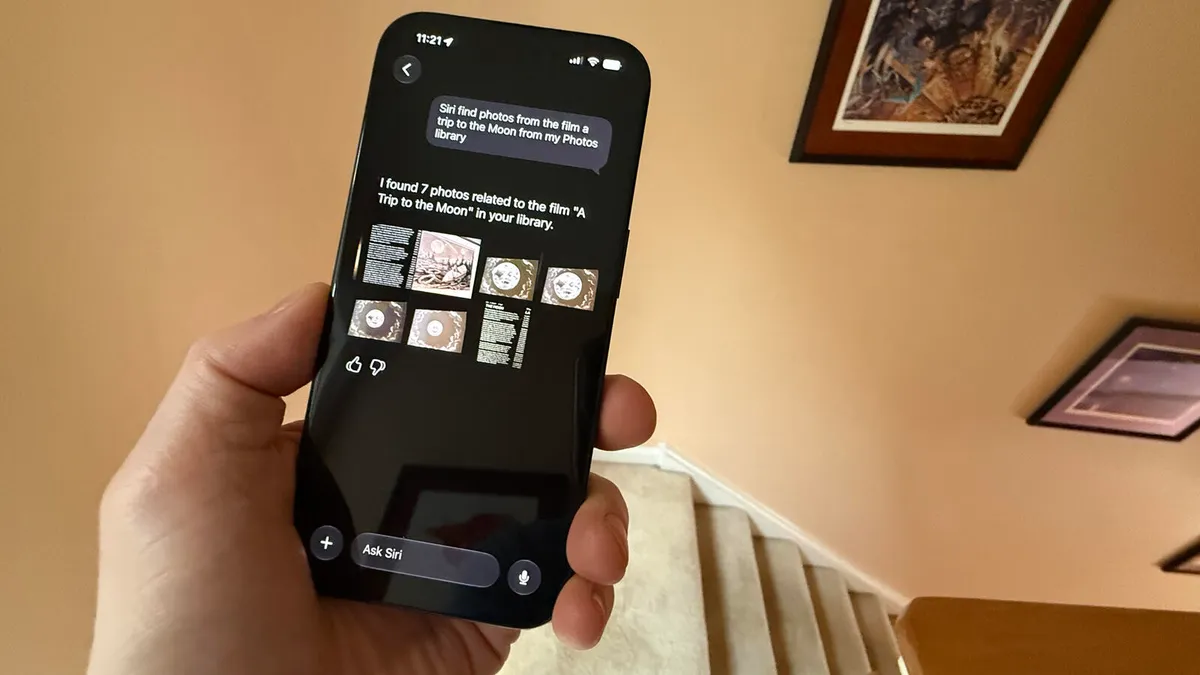
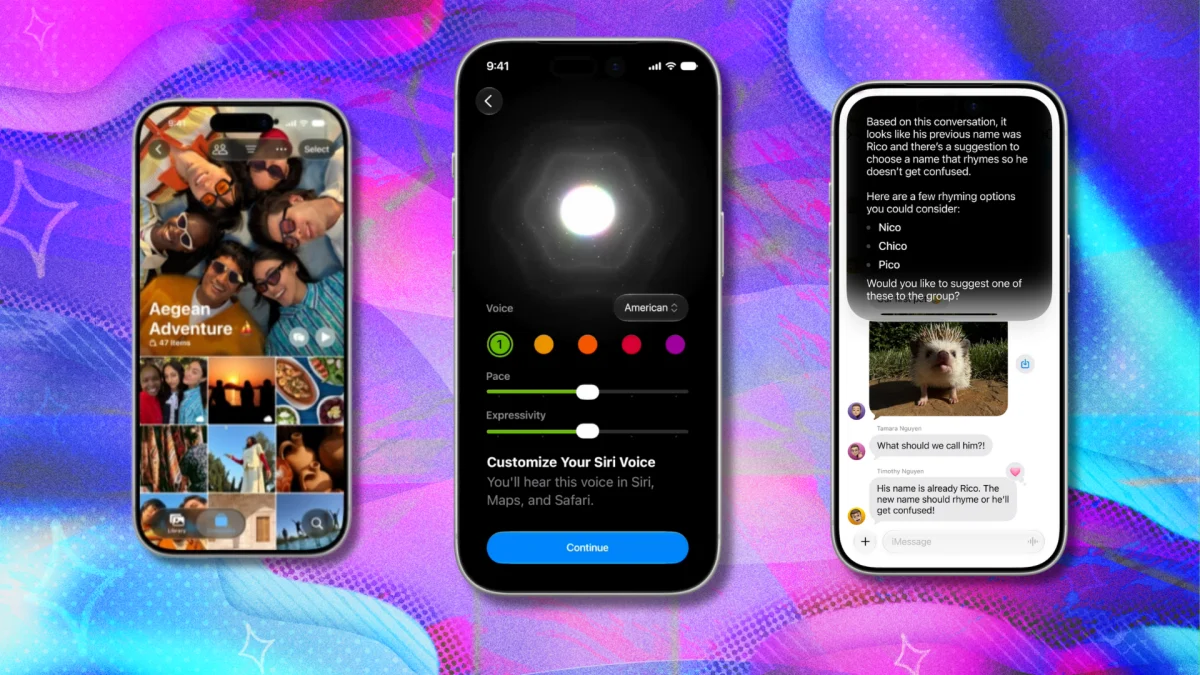
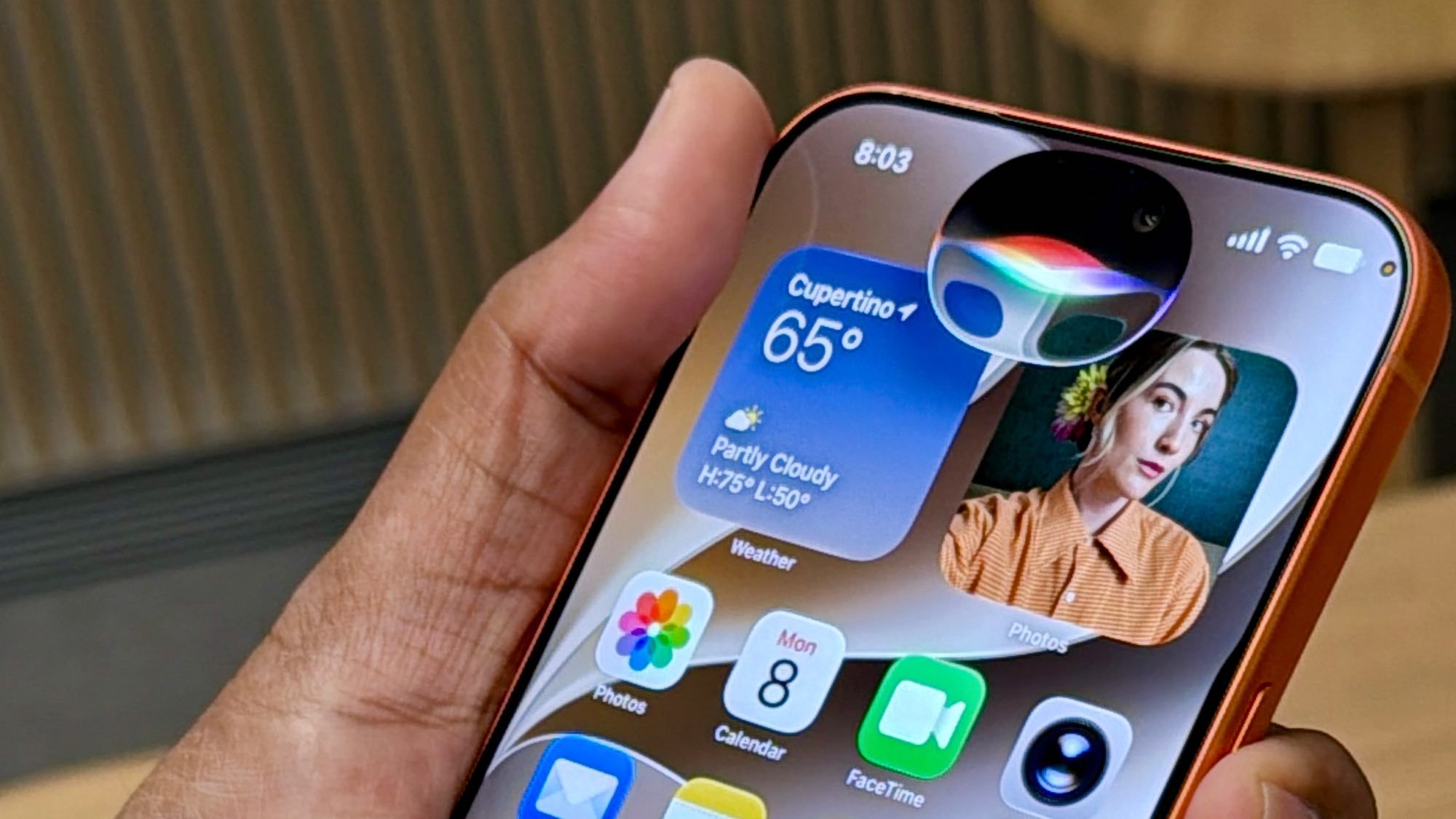
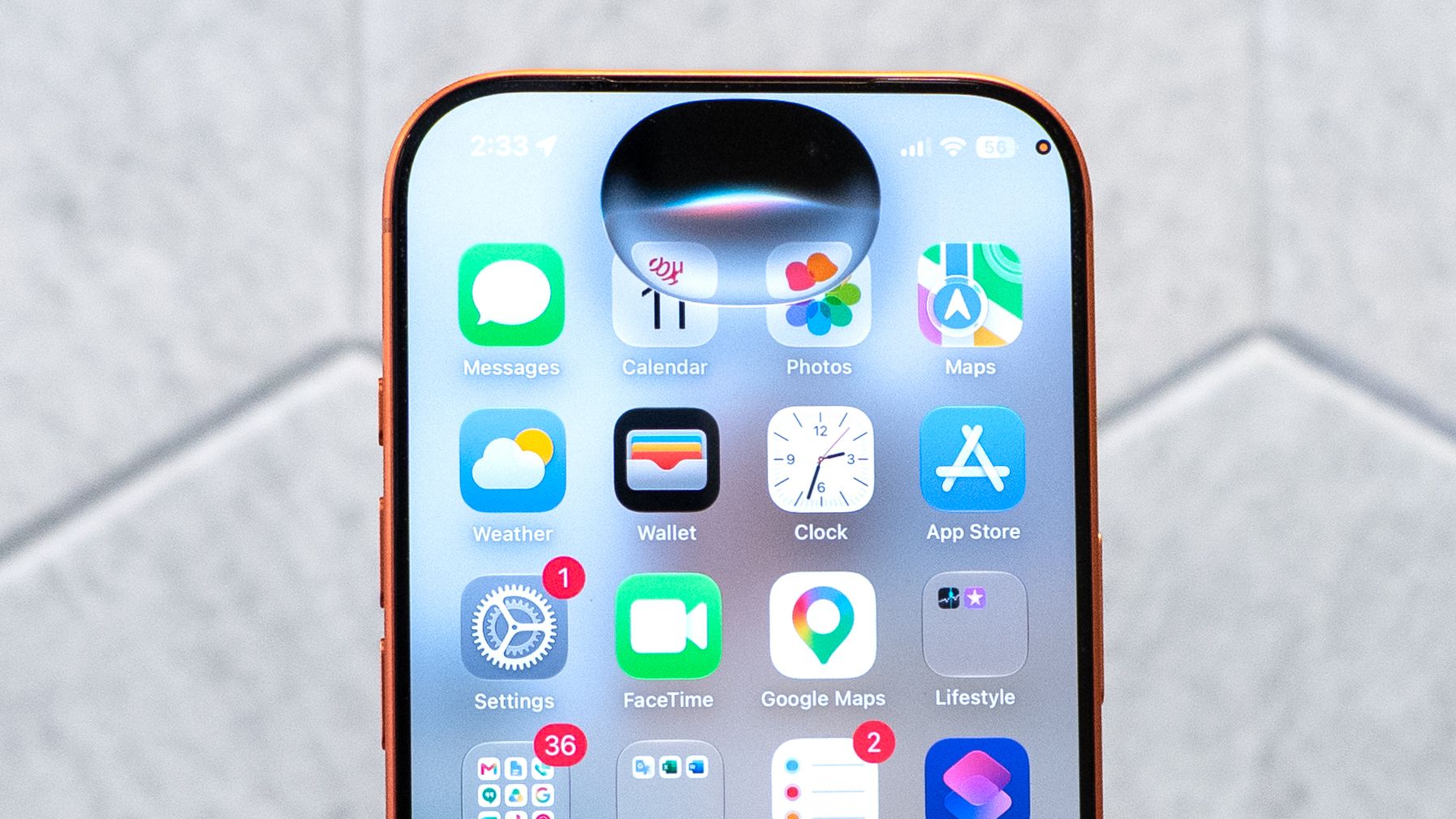
For years, my relationship with Siri boiled down to setting kitchen timers and occasionally asking for the weather. Anything more complex than that usually ended in a web search. With iOS 27, that's all changed.If you've heard people call this update underwhelming, I get it. On the surface, it might not feel like a revolutionary leap. But spend a few days with it and you'll notice the difference: Siri is undeniably a better assistant.Apple finally understood the assignment by adding tools that make life easier. There are seven features worth trying right away, and while many of them are great, one brilliant photo reframing trick has quickly become my absolute favorite feature.In fact, a few of my friends who were skeptical about updating their phones took the plunge just to get their hands on this one tool. Let's jump in.
1. The standalone Siri app
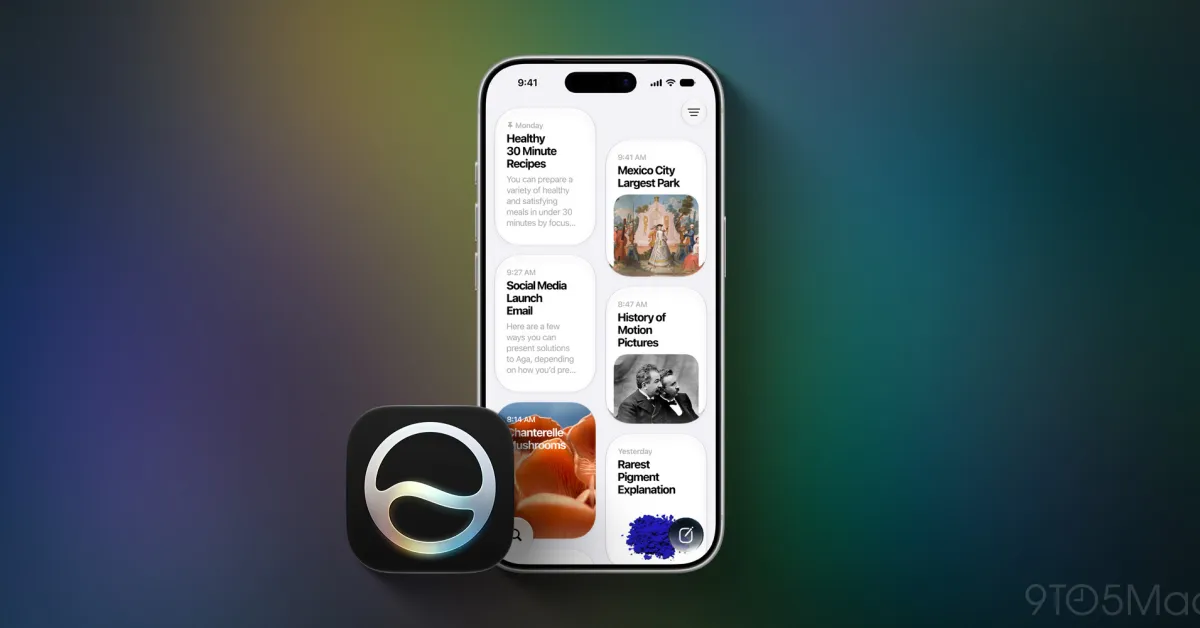
Instead of a temporary pop-up that disappears the second you tap the screen, Siri acts like a persistent workspace where your previous prompts and answers stick around. It makes jumping back into a multi-step task or referencing a previous answer effortless. To give it a try, open the new Siri app from your Home Screen, scroll through your recent request history, and pin your most frequent prompts to the top of the chat list.