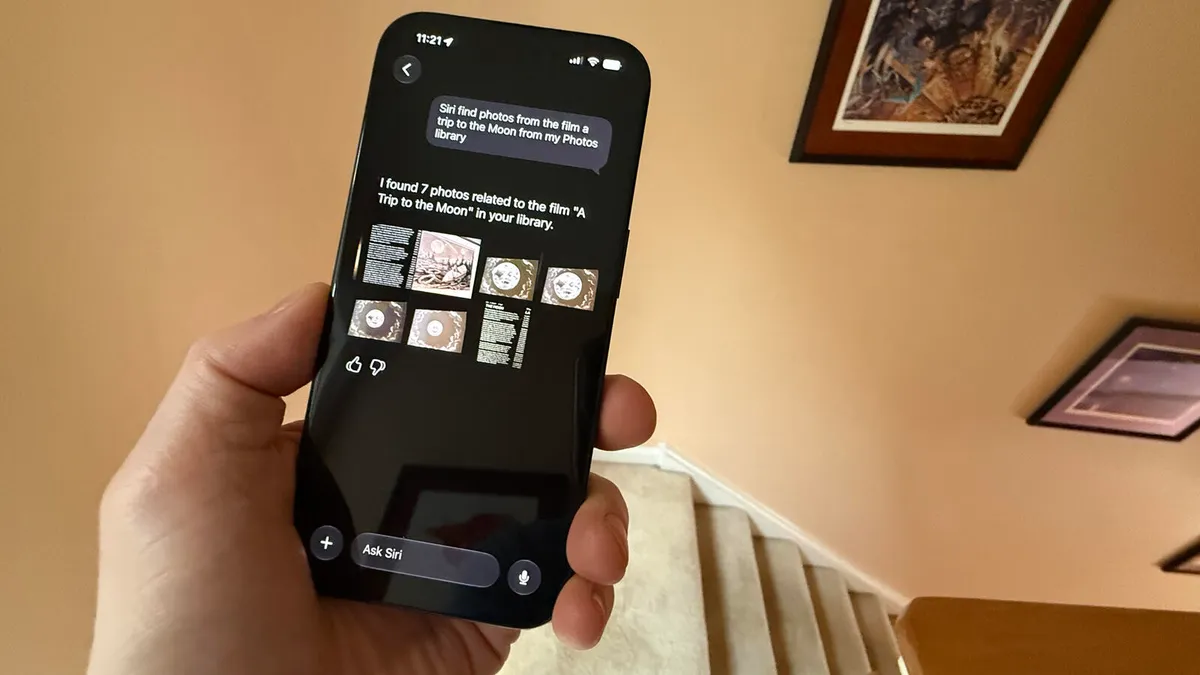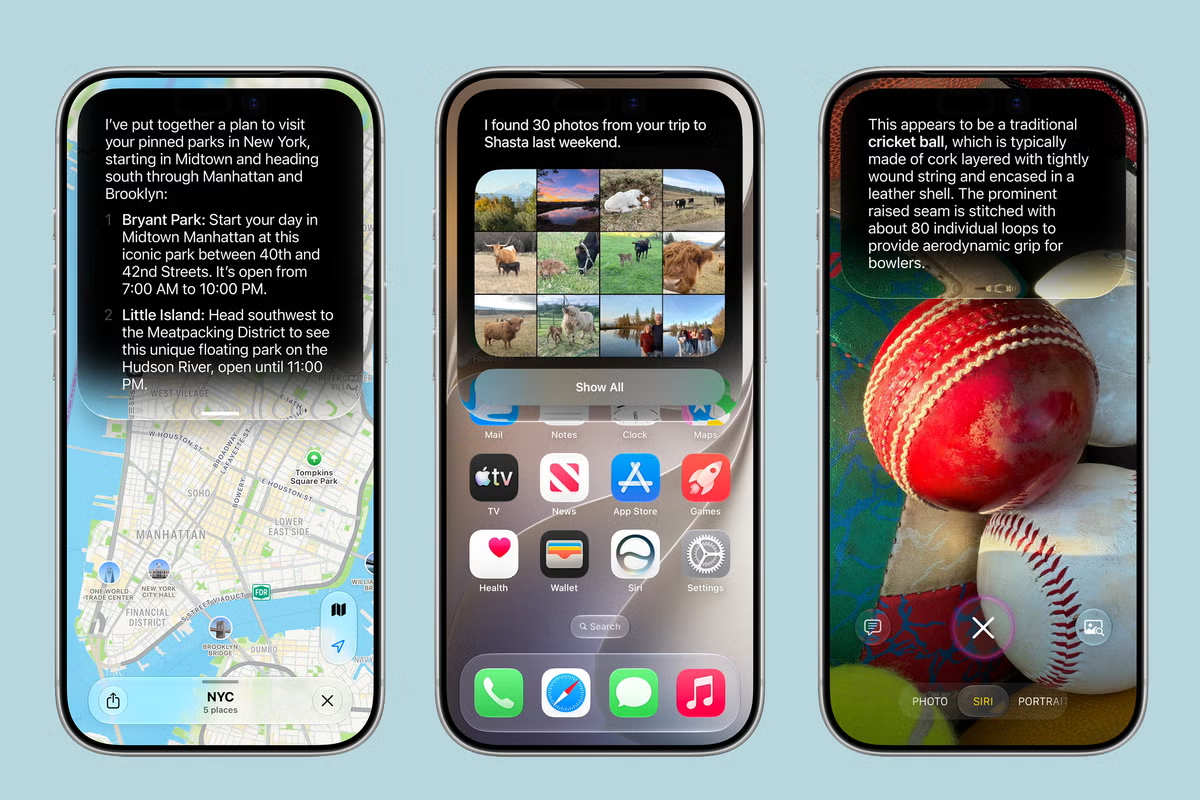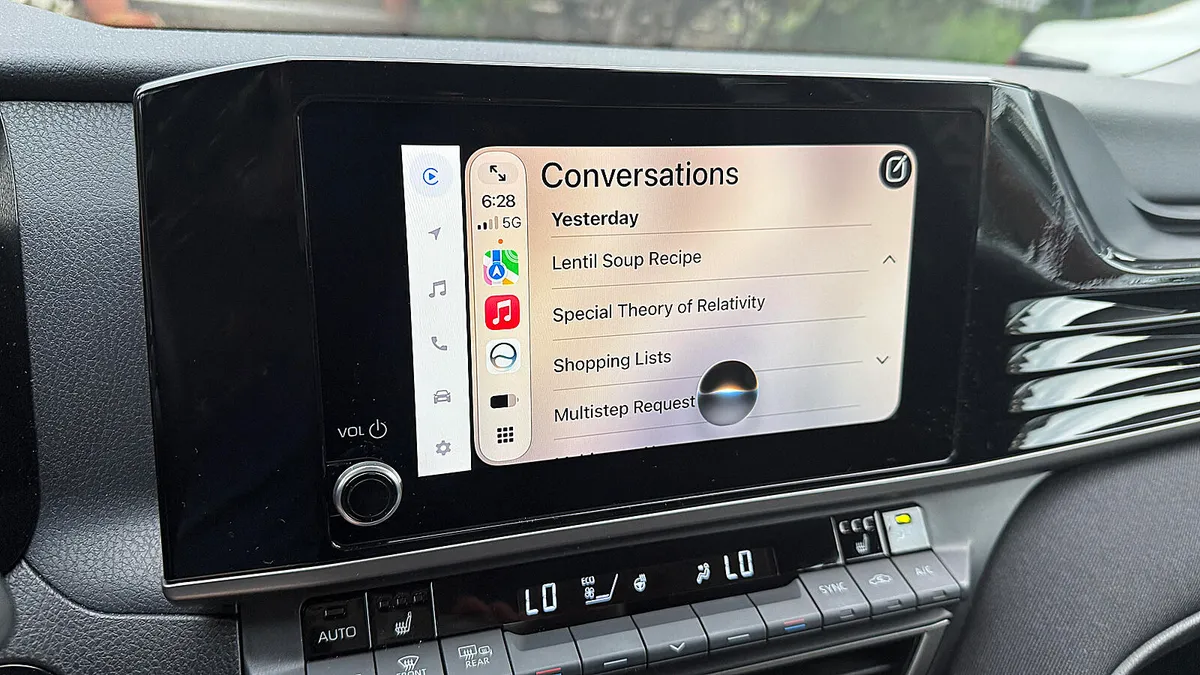
Lance Whitney/ZDNETFollow ZDNET: Add us as a preferred source on Google.As an iPhone user, I often get frustrated with Siri's inability to correctly respond to my questions and requests. That's especially true in the car when I'm driving. And when it fails to respond or gives me the wrong answer, that's a distraction I don't need when I'm behind the wheel.That's why I've been looking forward to the new Siri AI, due to officially roll out in September with iOS 27. This latest generation of the voice assistant promises to be more responsive, more accurate, and less frustrating.Does Siri AI live up to the hype? To answer that question, I recently took two iPhones with me in the car -- one with iOS 26 and the other with the iOS 27 public beta. I tasked both of them with the same questions and requests to see if and how the new Siri bested the current flavor. Here's what happened.RequirementsIf you want to try out the new Siri as well, here's what you'll need.First, you have to grab the iOS 27 public beta. Beyond being compatible with this version of the OS, your phone must also support Apple Intelligence and Siri AI. That means you need an iPhone 15 Pro, iPhone 15 Pro Max, any iPhone 16 model, or any iPhone 17 model. Since even the first public beta could be unstable, avoid installing it on your primary phone. Instead, use a spare or test iPhone. I'm using a spare iPhone 15 Pro.Second, you need access to Siri AI. With the developer beta of iOS 27, you had to join a waitlist and be patient. With the public beta, there's no more waitlist, so you can dive right in.Third, your iPhone must be connected and set up in your car through Apple CarPlay. The specific steps can vary slightly based on the make of your vehicle. But this Apple support article should help you with the process if you're not already set up.TL;DRTo cut to the chase, how did Siri AI and regular Siri compare and contrast with each other? When I gave them simple requests such as asking for driving directions to a specific address, texting or calling someone, checking my calendar, and adding a reminder, they both fared about the same. But when I ramped up the challenge by posing more complex questions, Siri AI then proved its worth.Now, here are some of the questions and requests I gave to both versions of Siri, and how each responded. For this test, I asked Siri to give me directions to a doctor listed among my contacts. I simply told it to take me to Dr. [person's last name]. Regular Siri didn't even seem to consult my contacts and instead gave me a list of doctors on the web, none of whom matched the right one. In contrast, Siri AI clearly scanned my contacts and immediately gave me directions to the correct doctor.Winner: Siri AI
I tested iOS 26 Siri against iOS 27 Siri AI in my car - and it wasn't even close
With the iOS 27 public beta on my iPhone, I challenged Siri AI to assist me in the car. Here's how it performed over regular Siri.
1,427 words~6 min read