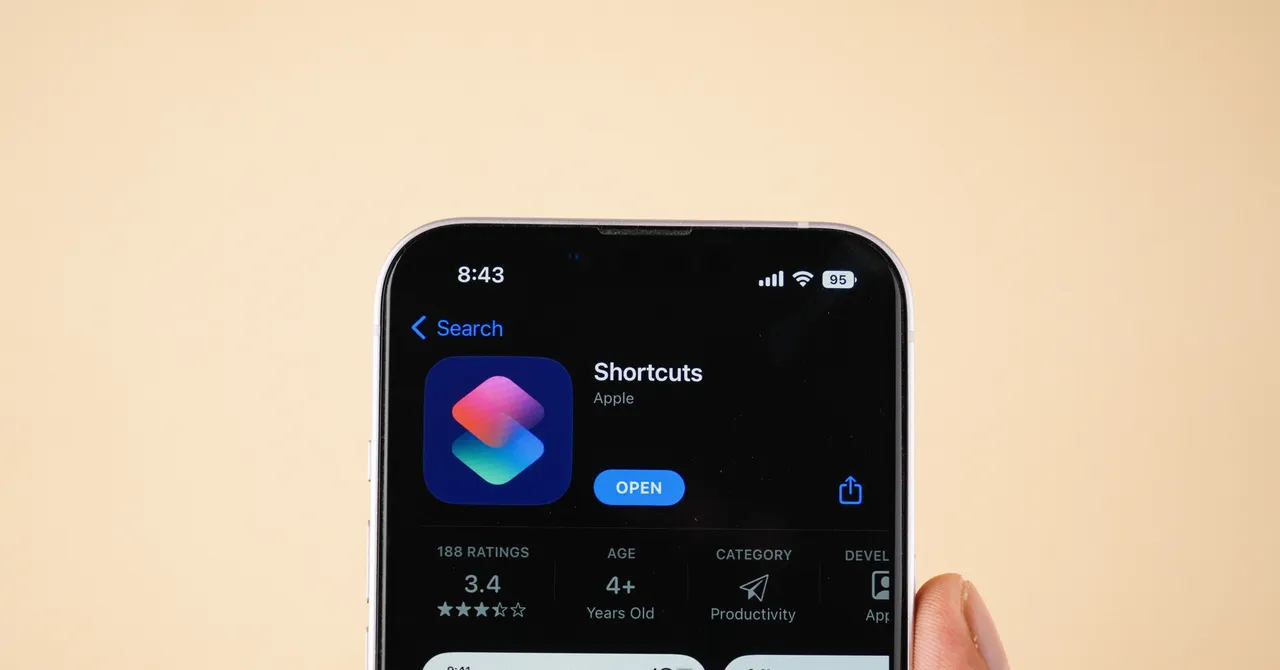
The Shortcuts app for iOS was introduced all the way back in 2018, and in the years since, more and more shortcuts have become available—both added by Apple and shared by Shortcuts users. Shortcuts, in case you've never used the app, essentially lets you put together mini apps that connect a trigger (like a time of day or a button push) with an action (like opening an app or turning off wifi). With a vast number of triggers and actions available, there are lots of potential possibilities here.The best way to explain how Shortcuts works is to give you a few examples of what it can do, and how these little connectivity tools can help you do more with your iPhone. Here are 10 picks that show off the power of Shortcuts.
Extend your Action Button's capabilities If you've got an iPhone with an Action button, then you probably know you can customize what it does via the Action Button entry in iOS Settings. With the Shortcuts app, though, you can extend the Action Button's capabilities further, and set up multiple different combinations using other keys as well.
Add Multi-shortcut Action Button to Shortcuts, then assign it to the Action Button. With that done, press and hold the Action Button, and tap the volume up key once, twice, or three times—each combination creates a new shortcut.Dive into the Multi-shortcut Action Button configuration page (via the three dots on its entry in the Shortcuts gallery), and you can match volume key presses to other shortcuts—playing podcasts, sending messages, or whatever you want to do. You've now got a lot more functionality from your iPhone's Action Button.Use News Report AI to get your news right in NotesWith News Report AI added to Apple Shortcuts, you've got yourself an easier and cleaner way of catching up on the day's news without having to venture on to the wilds of the web. Essentially, it turns the RSS feed(s) of your choice into separate entries in Apple Notes.You'll need to do some configuring here of the RSS feed addresses, via the three dots on the shortcut in the gallery (you can duplicate the shortcut if you need more), but then when you run it you get the latest news stories (and short AI summaries) right in Notes.Save X video clips with this shortcut There may be times when you're browsing the sprawling social media platform that is X, and you want to save a video you've come across. That's not especially easy in the X app or the X mobile site, but it's easy with the Download X Videos shortcut.Once you've added it to Shortcuts, the easiest way to use Download X Videos is to pin it to the iOS share sheet (just choose Edit Actions the next time it appears). You can then tap the share button in the X app to find Download X Videos and save clips.