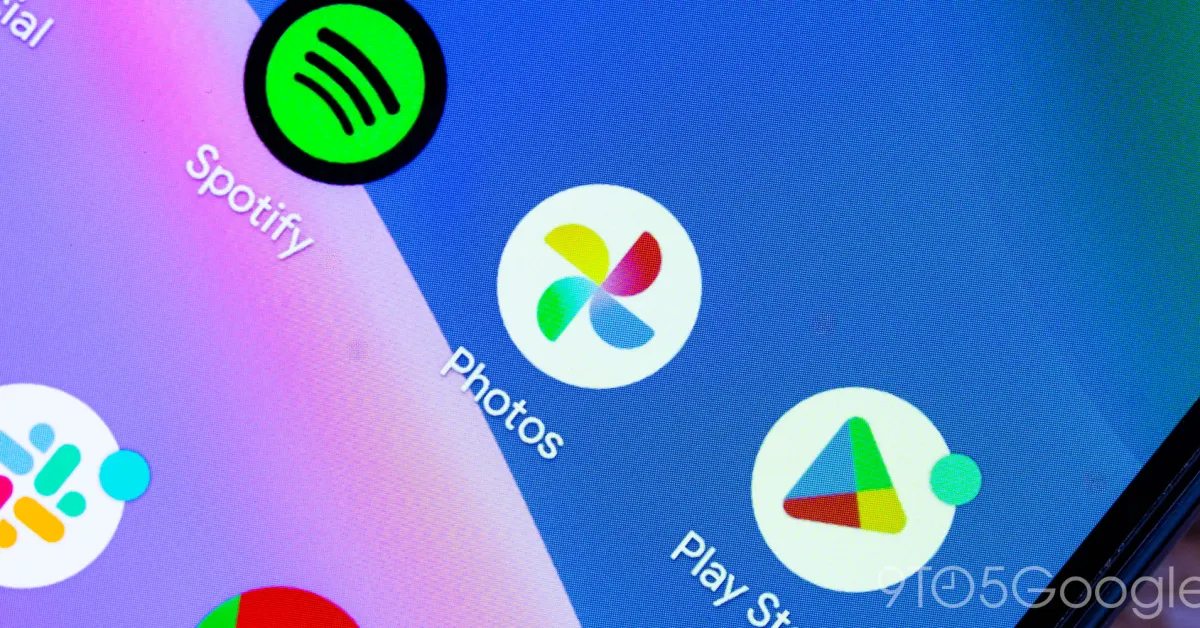
Google Photos is finally rolling out a floating bottom bar redesign on Android that updates how you navigate the app.
Update 7/17: This floating bottom bar is now widely rolled out following a server-side update. Force stop Google Photos 7.83 from App info if you’re not seeing it yet.
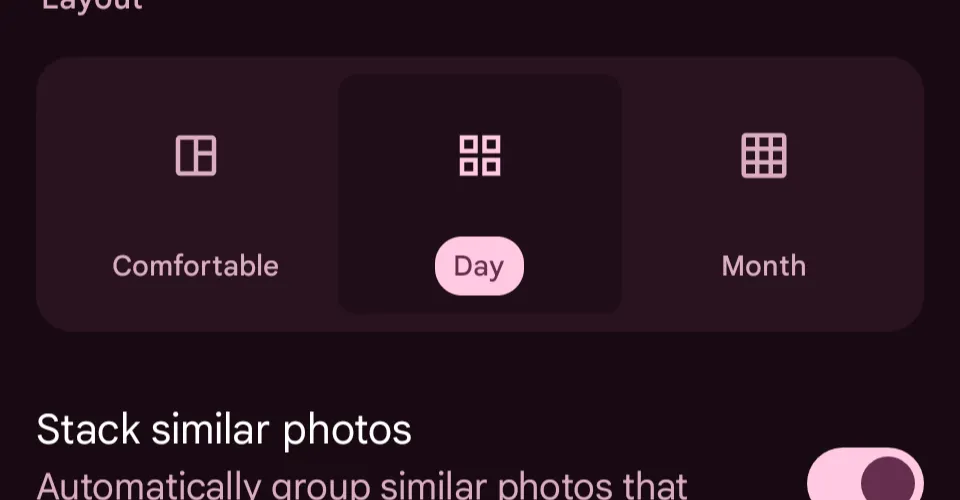
You’ll also notice changes to the main Photos grid. To have dates always appear, scroll down a bit until a three-dot overflow menu appears in the top-right corner. Enable “Show dates in grid” to remove the floating indicator.
Original 7/8: Instead of a bottom bar docked to the bottom edge of the screen, there’s now a floating pill. As such, you can see a little bit more content underneath and to the left/right of this navigation element.
The container has tabs for Photos, Collections, and Create, with an icon appearing at the left to denote your current feed. A circle at the right lets you search and/or access the Gemini-powered Ask Photos.