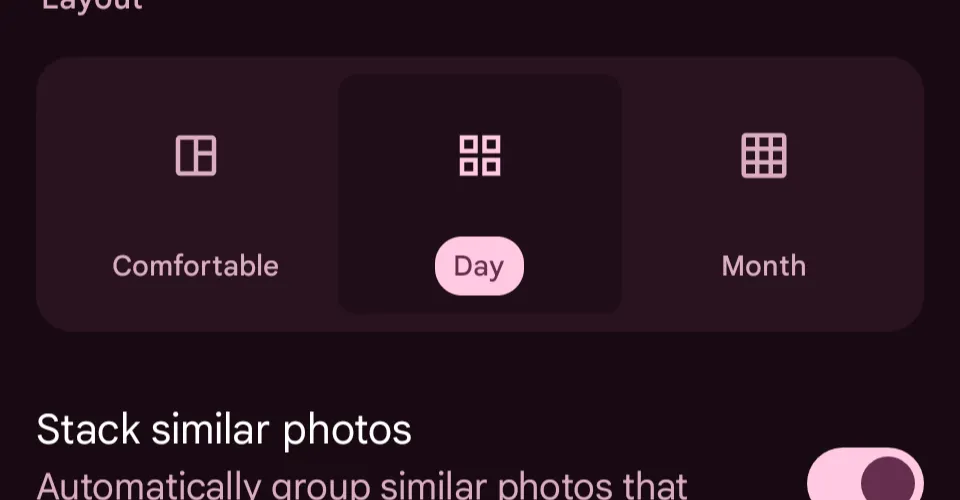
Posted Jul 17, 2026 at 5:35 PM UTCCGoogle Photos got rid of the visual gaps between days, but you can turn them back on.It used to be easy to tell which photos you took on a certain day in Google Photos. I didn’t realize how much I appreciated those little visual gaps breaking up time until a new update removed them, smashburgering my photos and videos, in favor of a persistent bar hovering at the top of the screen. Thankfully, you can reinsert them by clicking the three vertical dots to the right of that floating bar, then select “Show dates in grid.”Follow topics and authors from this story to see more like this in your personalized homepage feed and to receive email updates.Cameron Faulkner
Google Photos got rid of the visual gaps between days, but you can turn them back on.
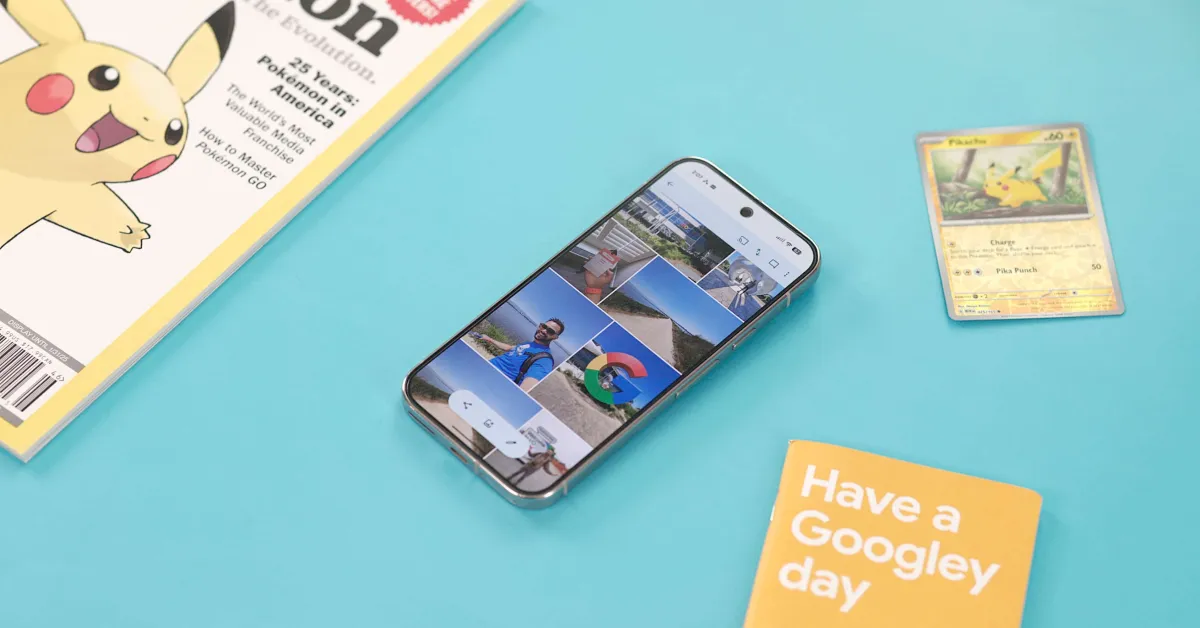
It used to be easy to tell which photos you took on a certain day in Google Photos. I didn’t realize how much I appreciated those little visual gaps breaking up time until a new update removed them, smashburgering my photos and videos, in favor of a persistent bar hovering at the top of the screen. Thankfully, you can reinsert them by clicking the three vertical dots to the right of that floating bar, then select “Show dates in grid.” [Image: https://platform.theverge.com/wp-content/uploads/sites/2/2026/07/Screenshot_20260717-131428.png?quality=90&strip=all]
125 words~1 min read