Google Photos is finally rolling out a floating bottom bar redesign on Android that updates how you navigate the app.
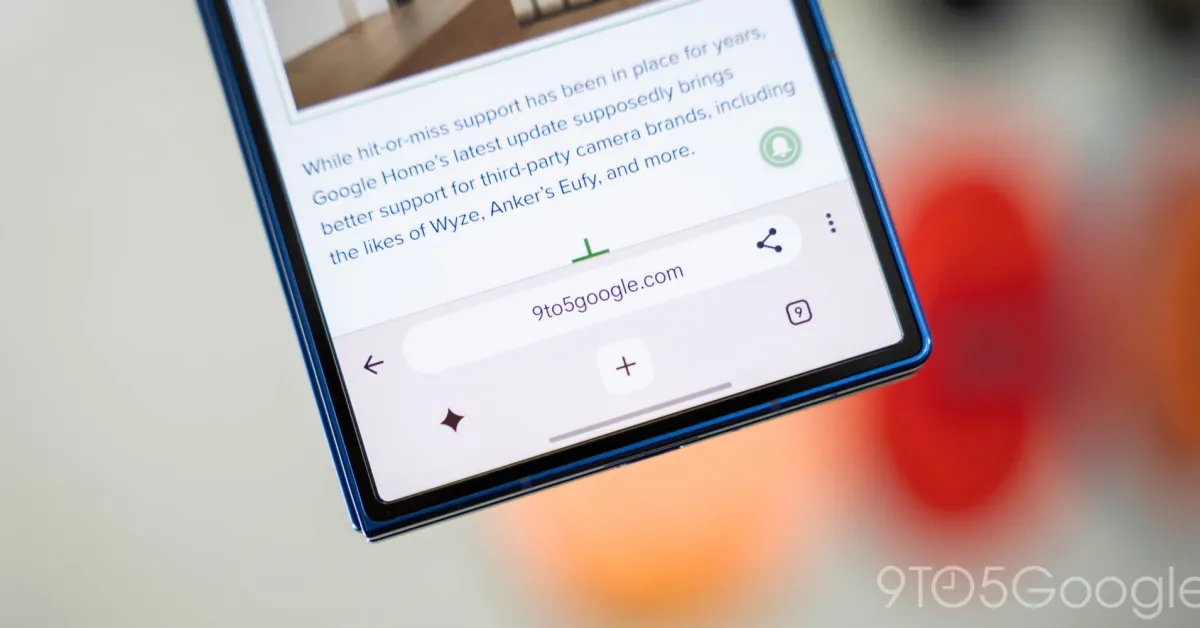
Instead of a bottom bar docked to the bottom edge of the screen, there’s now a floating pill. As such, you can see a little bit more content underneath and to the left/right of this navigation element.
The container has tabs for Photos, Collections, and Create, with an icon appearing at the left to denote your current feed. A circle at the right lets you search and/or access the Gemini-powered Ask Photos.
Old vs. new
As part of this change, Google Photos has moved the day indicator to another floating pill at the top of the screen that appears when you scroll and disappears shortly after.