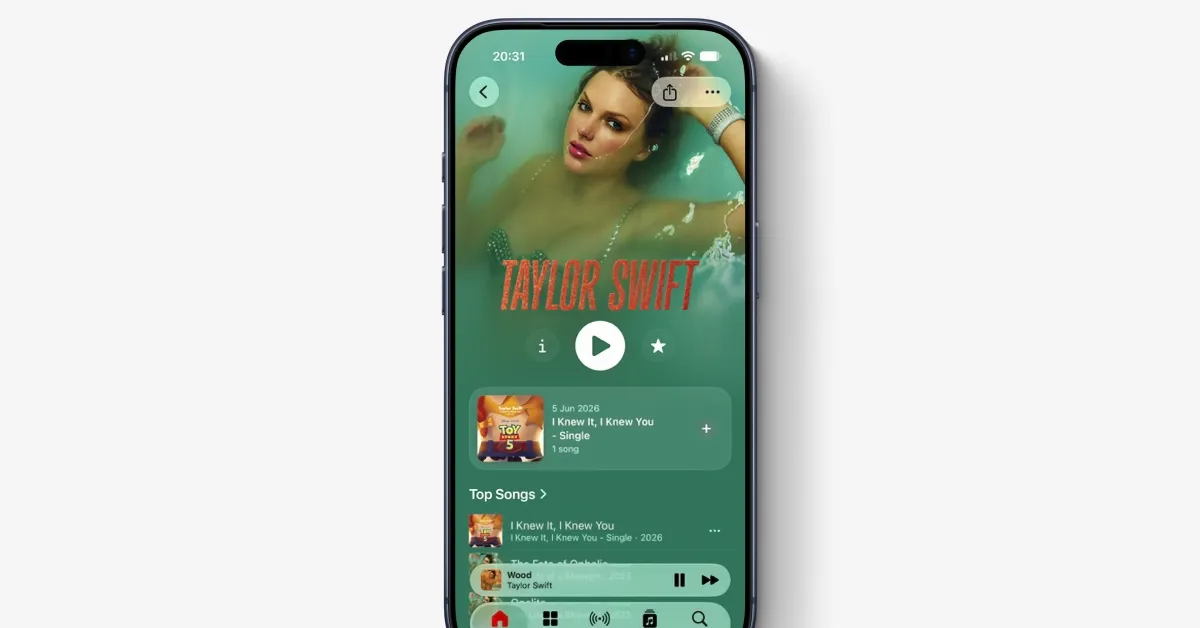
Following the Now Playing redesign in April, the next big YouTube Music change moves Search to the bottom bar.
Update 6/10: This new location for Search that combines the Explore tab is now fully rolled out. Force stop YouTube Music from the App info menu if you’re not seeing it yet.
Original 6/2: Search replaces Explore in the bottom bar, with no changes to the Home, Samples, or Library tabs. The top-right corner of the app is now just for the profile menu and Activity/notifications feed.
Tapping the magnifying glass opens the keyboard to let you start typing, while voice and song search remain in place. You’ll see a list of recent queries and then the previous Explore grid: New releases, Charts, Moods & genres, and Podcasts. This lets you access much of the previous dedicated page experience.
You get more recent searches after that, as well as a “You may also like” section.