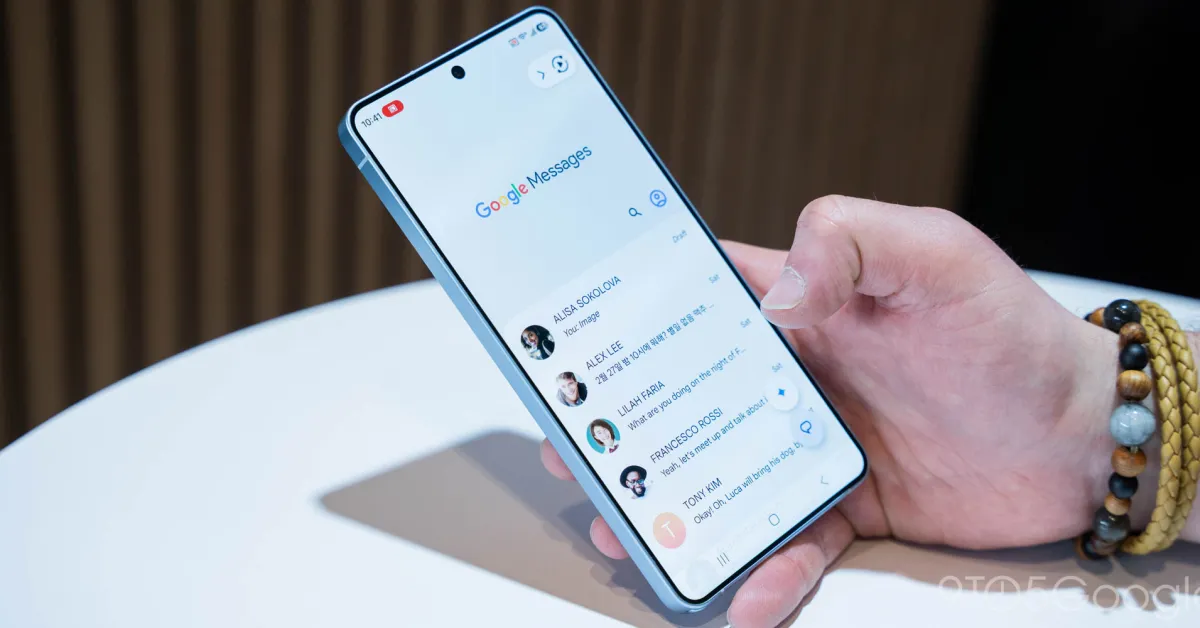
Following the camera and gallery redesign, Google Messages is testing a new long-press menu for text and image actions.
Previously, Google Messages used a toolbar at the top of the screen to surface available actions. Only three actions were surfaced and everything else was placed in an overflow menu.
When you long press on a message or image, Google will now show a floating menu with Remix (photos only), Reply, Forward, Copy (text), Star, Delete, Select more, Info, and Save (photos).
Google will partially center the text or image with a bouncy animation and haptic feedback.
Old vs. new