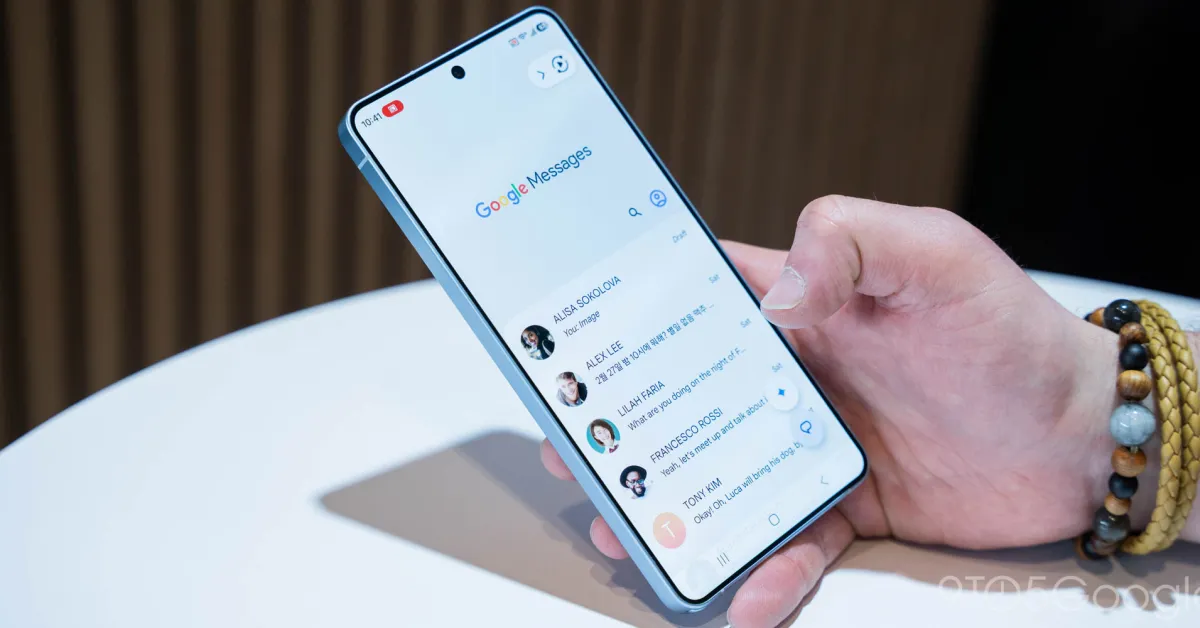
After testing started in January, Google Messages is expanding beta access to a redesign of the long-press menu that aids one-handed usage.
Previously, long-pressing a message would show a toolbar at the top of your screen. You’d see three actions at the right, with everything else in the three-dot overflow menu. Additionally, there’s the pill with emoji actions and Photomoji.
Old
The new design applies a blur effect to the background. Above the text or image, the emoji bar is unchanged. However, a menu now appears below with:
Reply