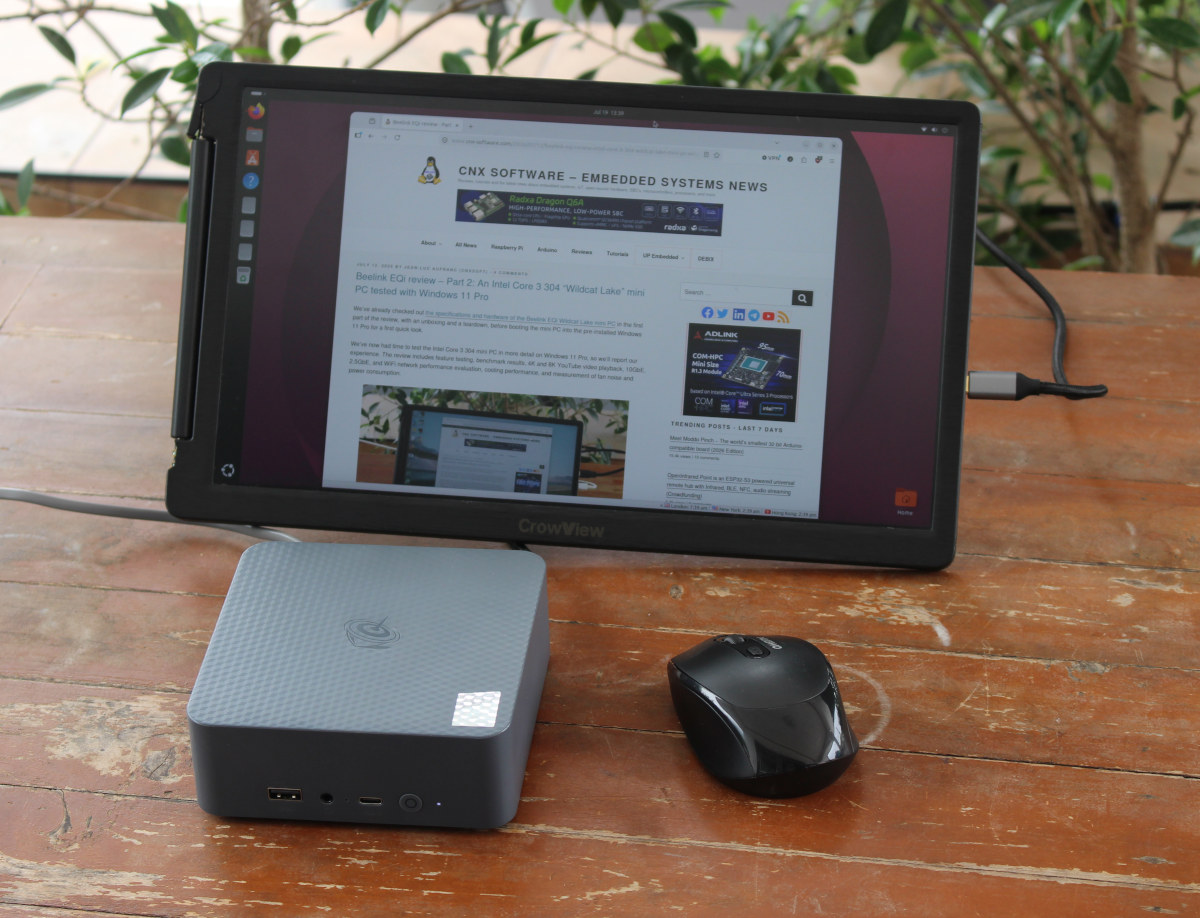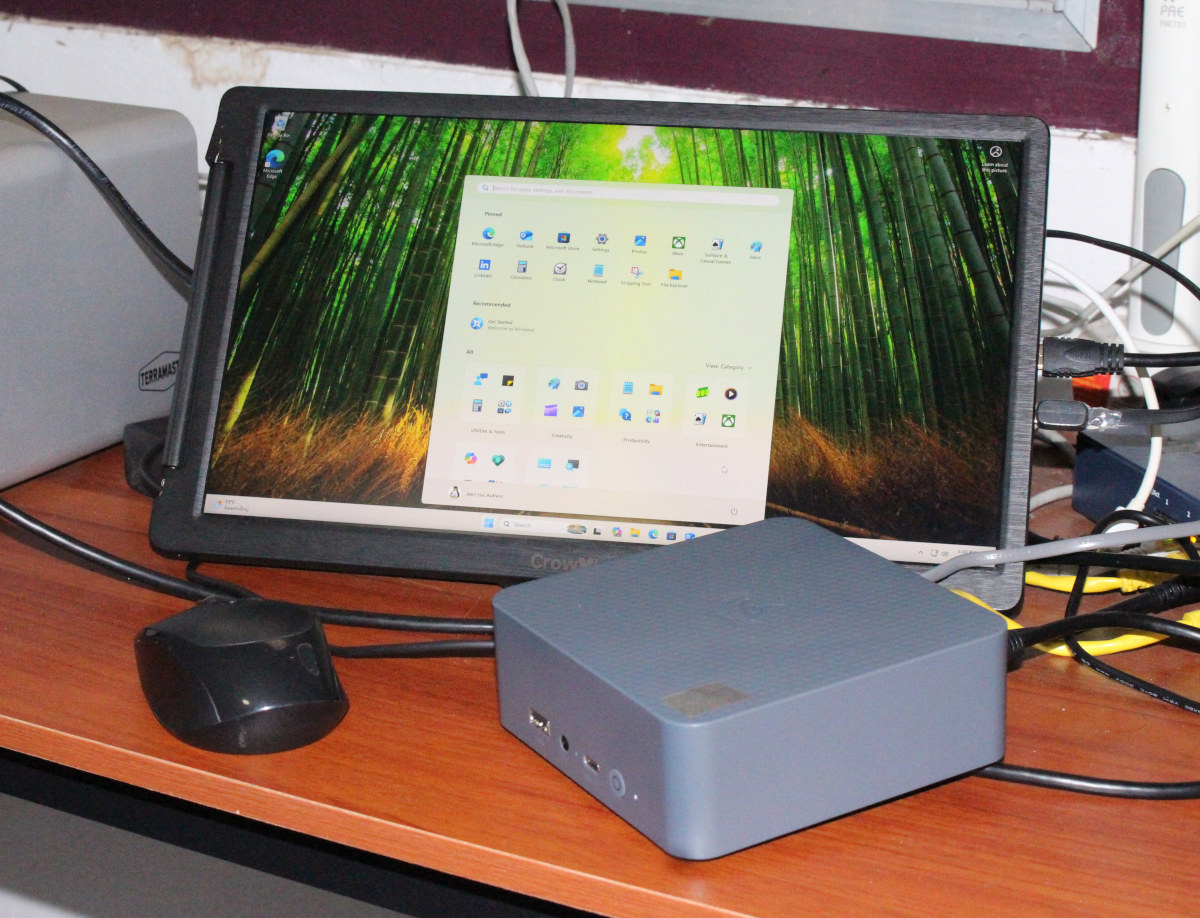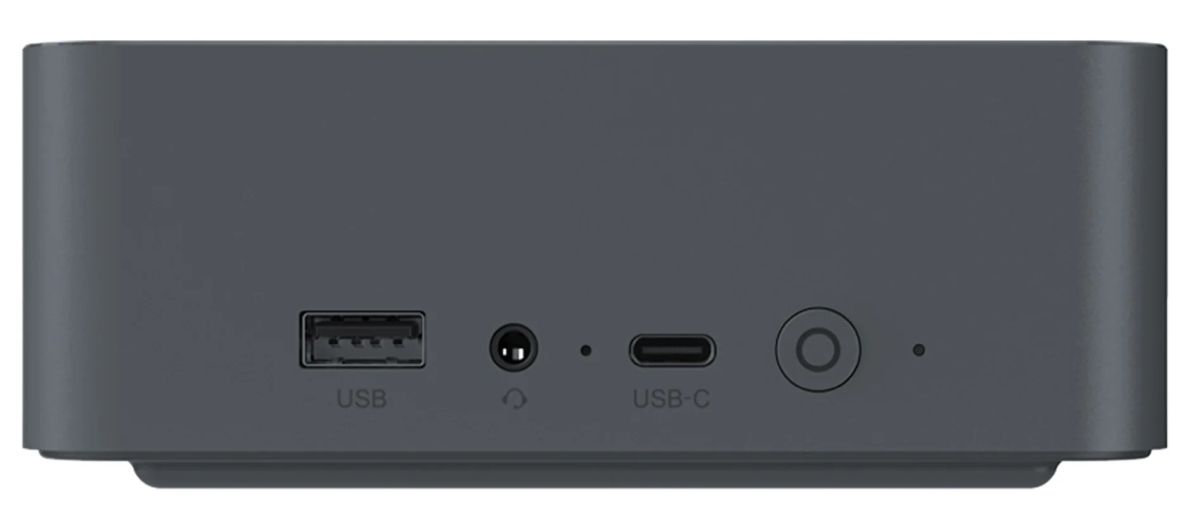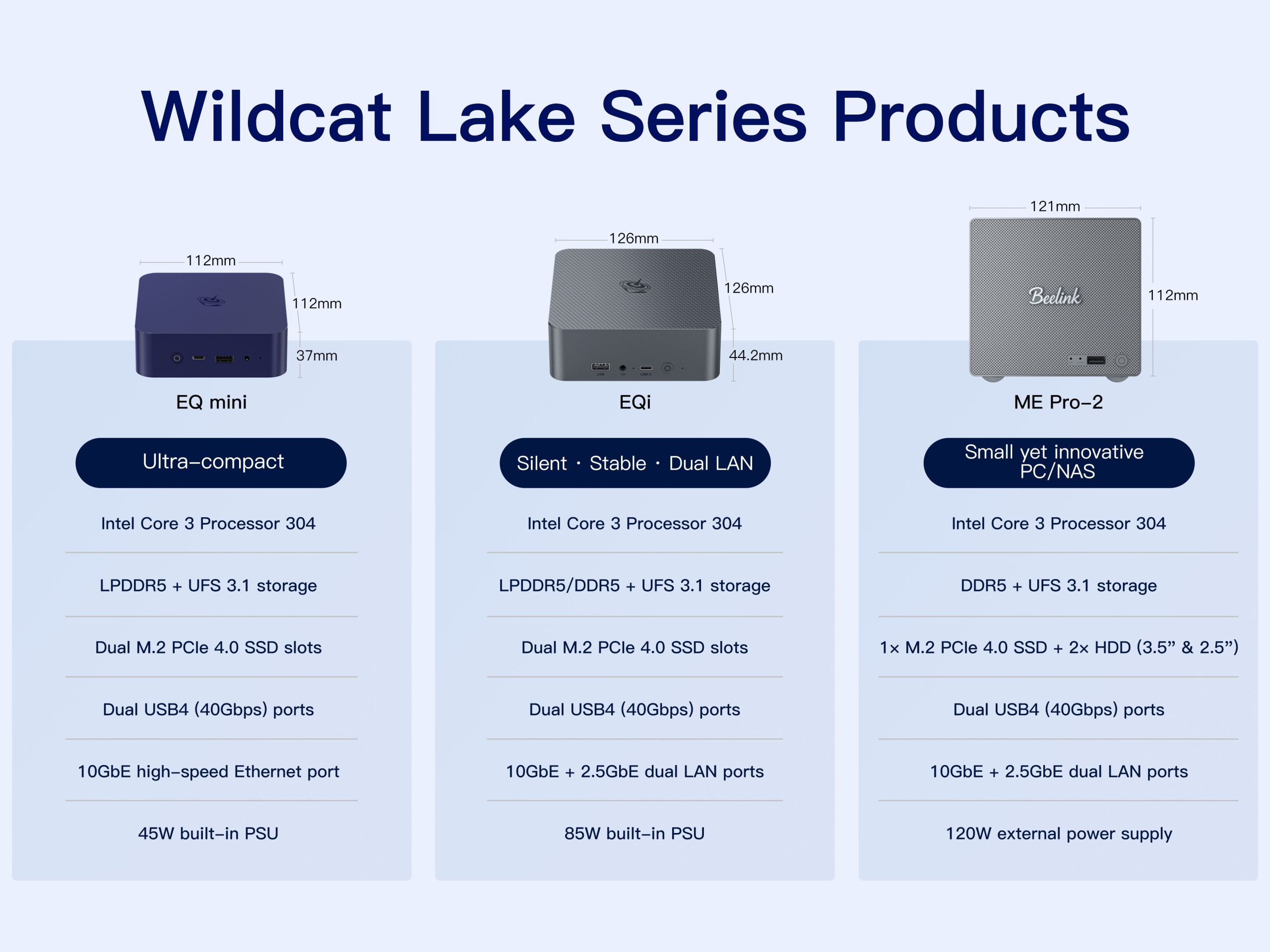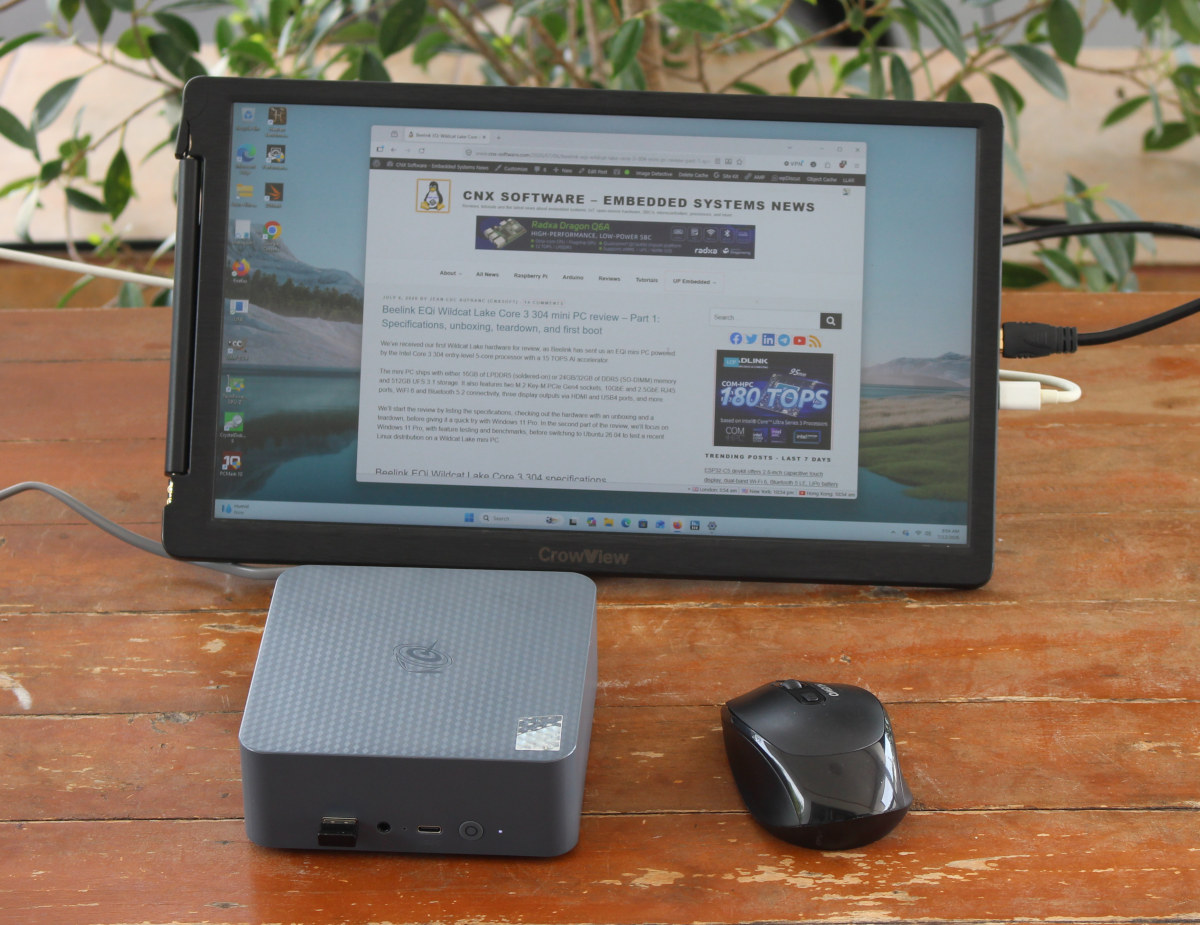
We’ve already checked out the specifications and hardware of the Beelink EQi Wildcat Lake mini PC in the first part of the review, with an unboxing and a teardown, before booting the mini PC into the pre-installed Windows 11 Pro for a first quick look.We’ve now had time to test the Intel Core 3 304 mini PC in more detail on Windows 11 Pro, so we’ll report our experience. The review includes feature testing, benchmark results, 4K and 8K YouTube video playback, 10GbE, 2.5GbE, and WiFi network performance evaluation, cooling performance, and measurement of fan noise and power consumption.Software Overview and Feature TestingAfter fully updating Windows 11 Pro and drivers to the latest version (excluding previews), I went to System > About window again. We still have a 1.50 GHz (base frequency) Intel Core 3 304 processor with 16GB 6400MT/s memory, and 834GB of storage from the UFS chip and the two SSDs I installed. The computer runs the latest Windows 11 Pro 25H2 build 26200.8655.HWiNFO 64 provides more details about the 15W Intel Core 3 304 1P+4E cores Wildcat Lake-U CPU, the AZW EQi motherboard with 16GB LPDDR5 memory, and the integrated graphics with a single Xe core running at 1000 MHz (max is 2300 MHz). We can also notice that Secure Boot is disabled by default in the BIOS.I also ran GPU-Z as usual, but the Intel “FD81” GPU in the Core 3 304 is new and not properly recognized by the utility just yet.Let’s now check the PL1, PL2, and PL4 power limits in HWiNFO 64: 15W (PBP), 35W (MTP), and 80W. The TDP of all Wildcat Lake processors is 15W, so that information looks right.Beelink made two motherboard variants for the EQi Wildcat Lake mini PC: one with 16GB LPDDR5 soldered on the board, and another with a DDR5 SO-DIMM memory socket for the 24GB and 32GB RAM models. I got a sample of the former for review, so my motherboard comes with four 4GB LPDDR5 SDRAM using Micron chips for a total of 16GB.Task Manager confirms that and the speed (6400 MT/s). We can also see that 342 MB of RAM is reserved for the hardware. The GPU appears to use 128 MB of RAM, so the rest might be the Intel AI Boost NPU.Time to check wired and wireless connectivity on the Beelink EQi Wildcat Lake mini PC. It comes with a RealTek RTL8127 10GbE controller,a MediaTek MT7922 Wi-Fi 6E (and Bluetooth 5.x) wireless module connected at 2999 Mbps,and a second Ethernet port relying on an Intel I226-V 2.5GbE controller.I also checked the Bluetooth version in Device Manager->MediaTek Bluetooth Adapter Properties->Advanced tab, where the firmware version is LMP13.xxx, which looks up to Bluetooth 5.4.I also tested Bluetooth file transfers from and to an Android smartphone, and no issues here.I installed two PCIe Gen3 x4 NVMe SSDs into the M.2 sockets of the mini PC. A 128GB model in the PCIe Gen4 x1 socket, and a 256GB model in the PCIe Gen4 x2 socket, meaning we should expect up to PCIe Gen3 x1 (~880 MB/s) and PCIe Gen3 x2 (~1600 MB/s) performance, and that’s exactly what we got here, at least for read speeds.In theory, using a PCIe Gen4 x4 NVMe SSD over PCIe Gen4 x2 should deliver up to 3200 MB/s.We tested the two Thunderbolt 4 ports and two USB 3.2 Gen 2 ports using an ORICO M234C3-U4 M.2 NVMe SSD enclosure and the USB 2.0 Type-A ports with a Seagate USB 3.0 HDD. HWiNFO 64 and CrystalDiskMark were used to list the reported USB version and speed, and test the actual performance.For reference, here are the results for the left USB 3.2 Type-A port on the front panel…… the second (right) USB4/Thunderbolt 4 port on the rear panel…… and the first USB 2.0 port on the rear panel.
Beelink EQi review - Part 2: An Intel Core 3 304 "Wildcat Lake" mini PC tested with Windows 11 Pro - CNX Software
We've already checked out the specifications and hardware of the Beelink EQi Wildcat Lake mini PC in the first part of the review, with an unboxing and a
4,372 words~20 min read