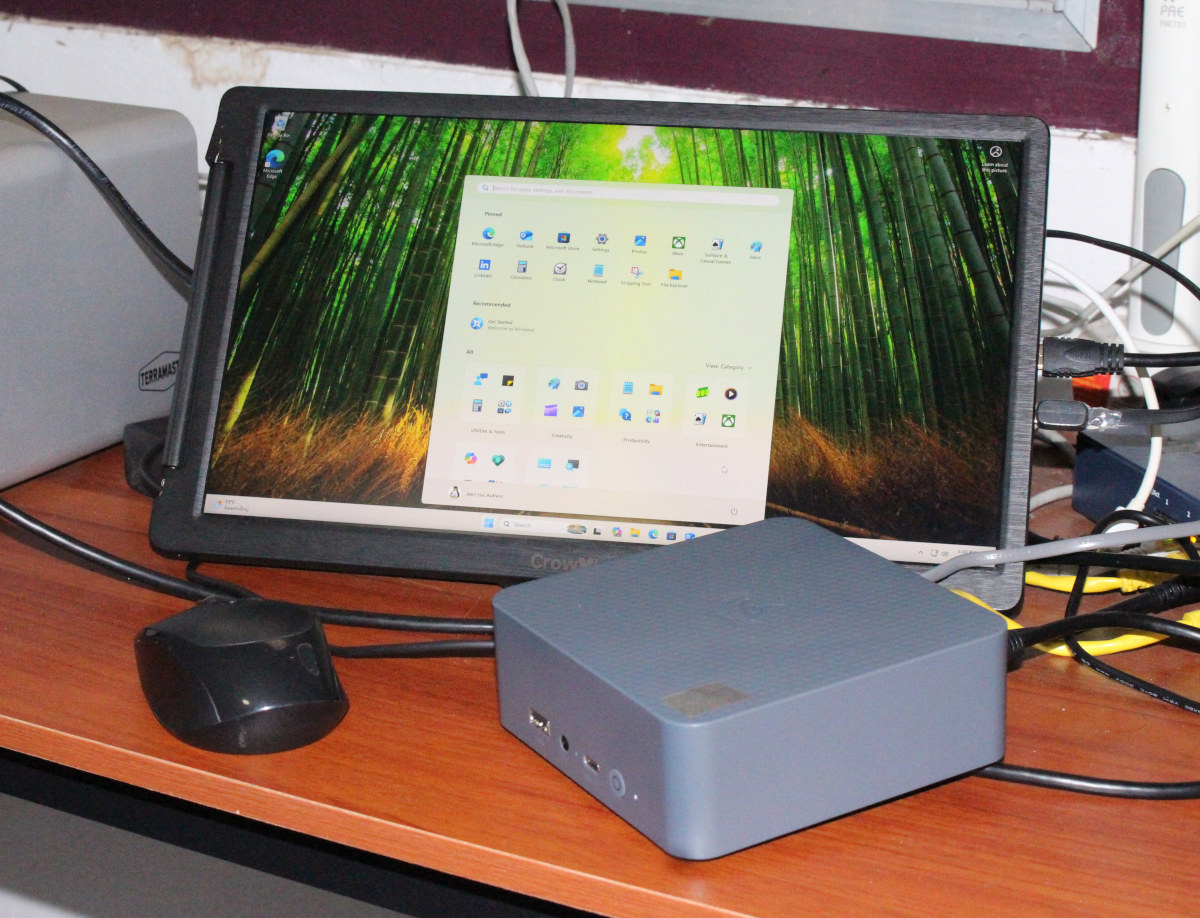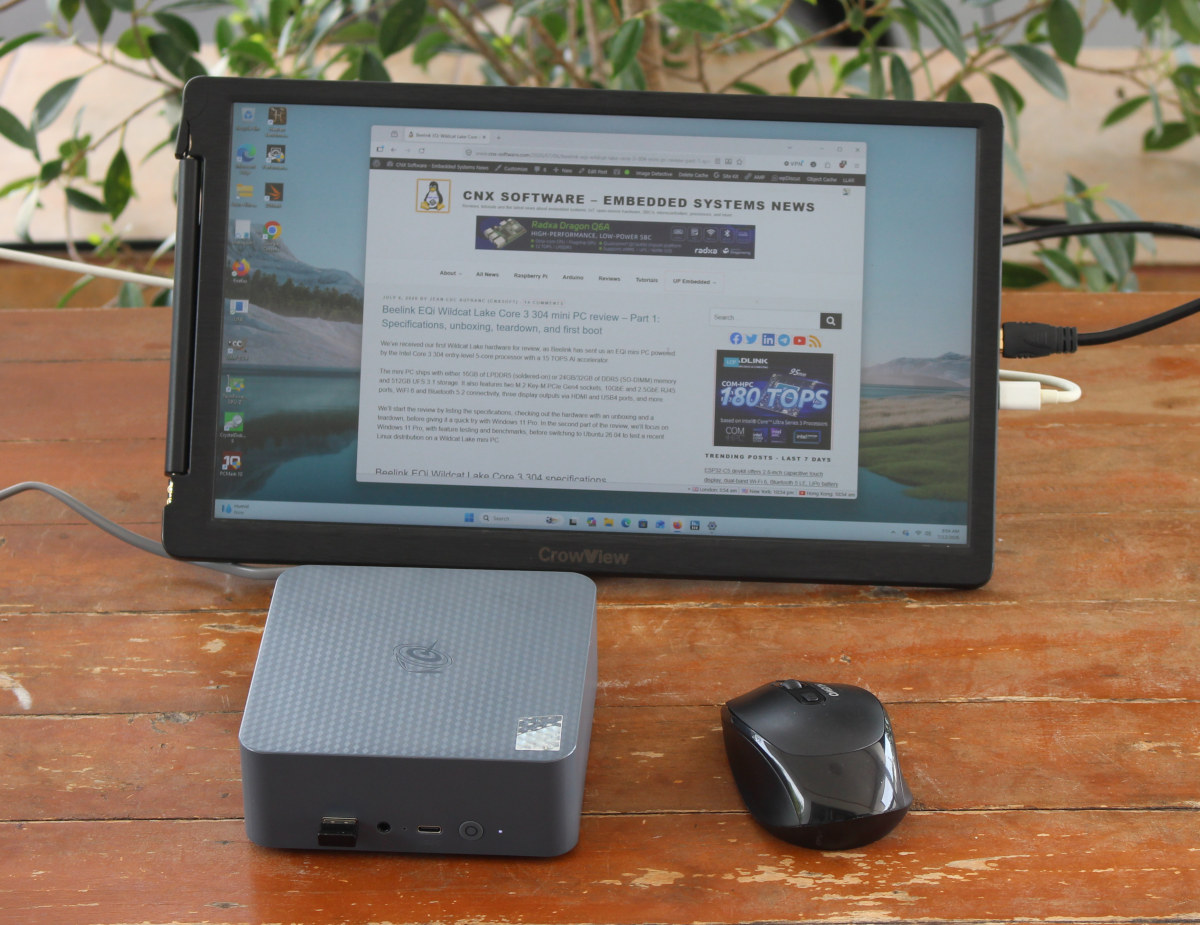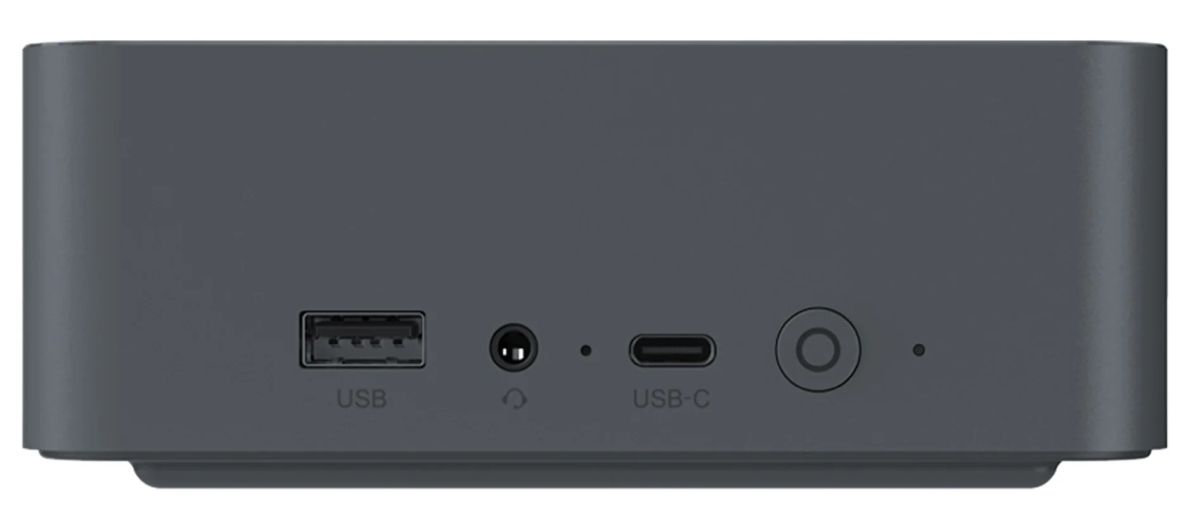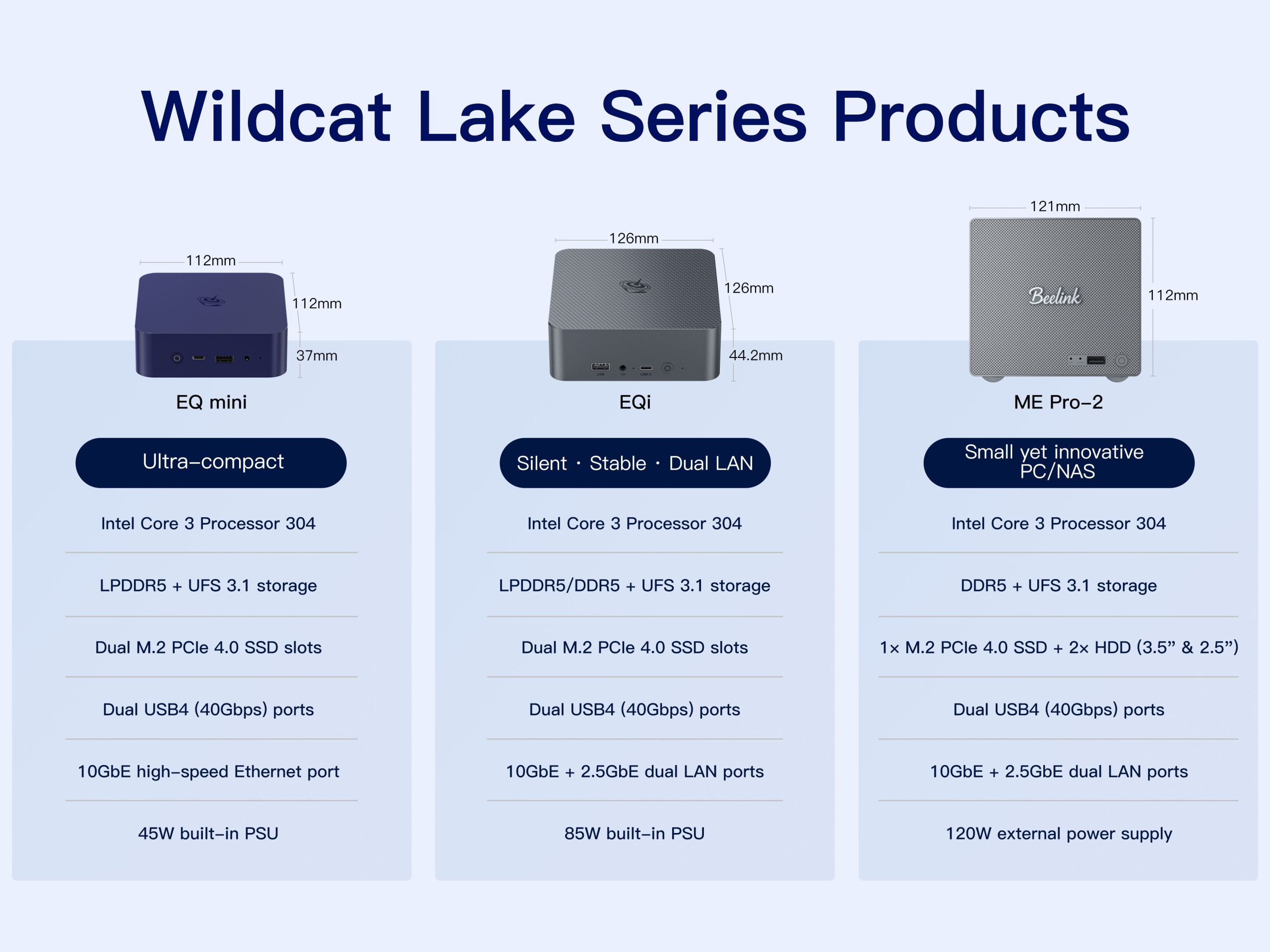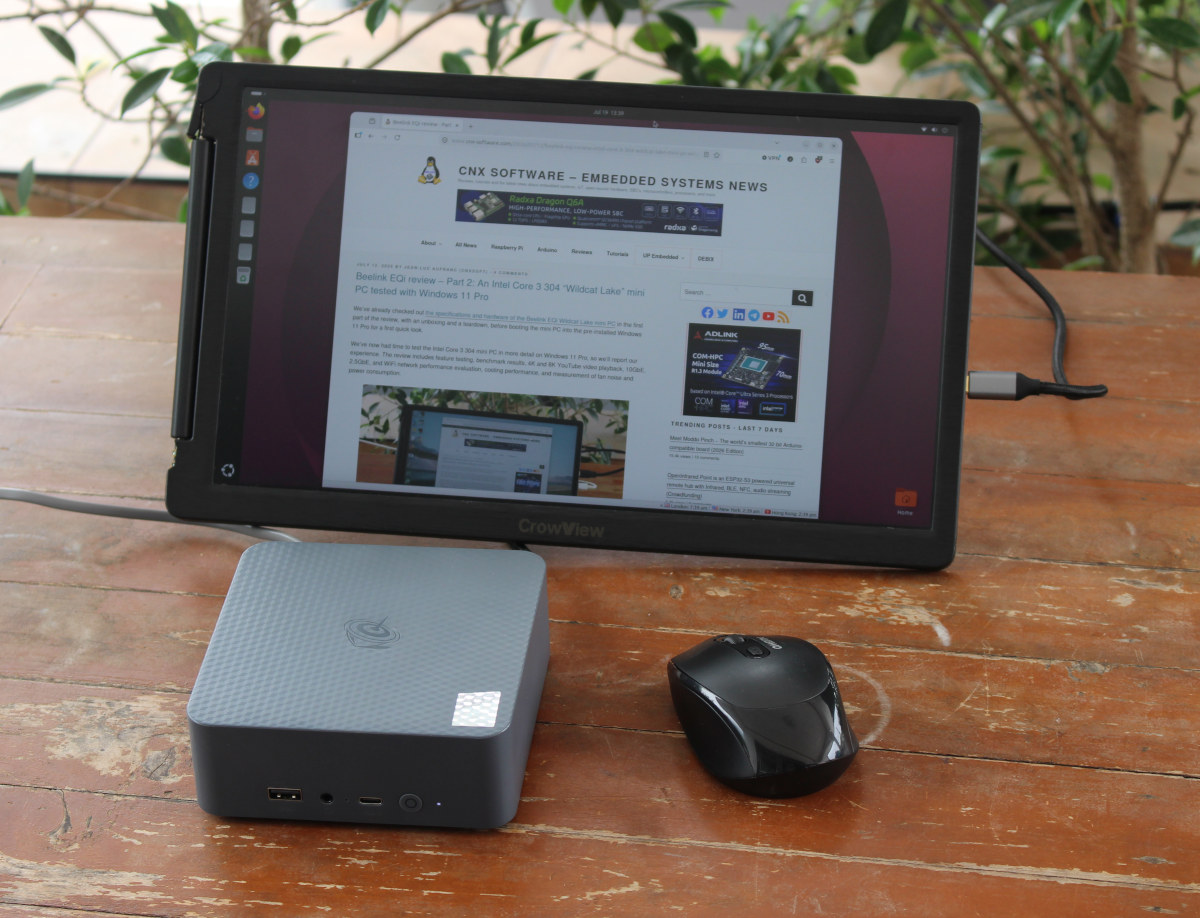
After checking out the hardware with an unboxing and a teardown of the Beelink EQi Wildcat Lake mini PC, we reviewed the Intel Core 3 304 computer with Windows 11 in detail. We’ve now had time to test the Beelink EQi mini PC running Ubuntu 26.04 with Linux 7.0/7.1 kernels.We’ll report our experience with feature testing, benchmark results, 2.5GbE, 10GbE, and WiFi 6 networking evaluation, storage and USB/Thunderbolt tests, and more, including power consumption measurements.Ubuntu 26.04 installation and system informationI’d usually resize the Windows partition to install Ubuntu alongside it in dual boot configuration. However, since the Beelink EQi mini PC also comes with two PCIe Gen4 x1/x2 sockets, I installed Ubuntu 26.04 on a 256GB NVMe (PCIe Gen3 x4) SSD fitted into the PCIe x2 socket and left the Windows 11 partition on the UFS storage alone. Despite the Intel Core 3 304 chip being a brand-new CPU, I had no issues during installation.Going to the Settings -> About window shows we have an AZW EQi computer powered by an Intel Core 3 304 penta-core processor with Intel Graphics (WCL), 16 GB of memory, and a 895.9 GB total disk capacity (built-in UFS + 2x NVMe SSDs) with Ubuntu 26.04 LTS 64-bit and Linux 7.0.0-27 kernel. For reference, Beelink is a brand owned by Shenzhen AZW Technology Co., Ltd.We can get more information with the inxi utility:
Beelink EQi 304 review - Part 3: Ubuntu 26.04 on a Wildcat Lake mini PC - CNX Software
After checking out the hardware with an unboxing and a teardown of the Beelink EQi Wildcat Lake mini PC, we reviewed the Intel Core 3 304 computer with
7,303 words~33 min read