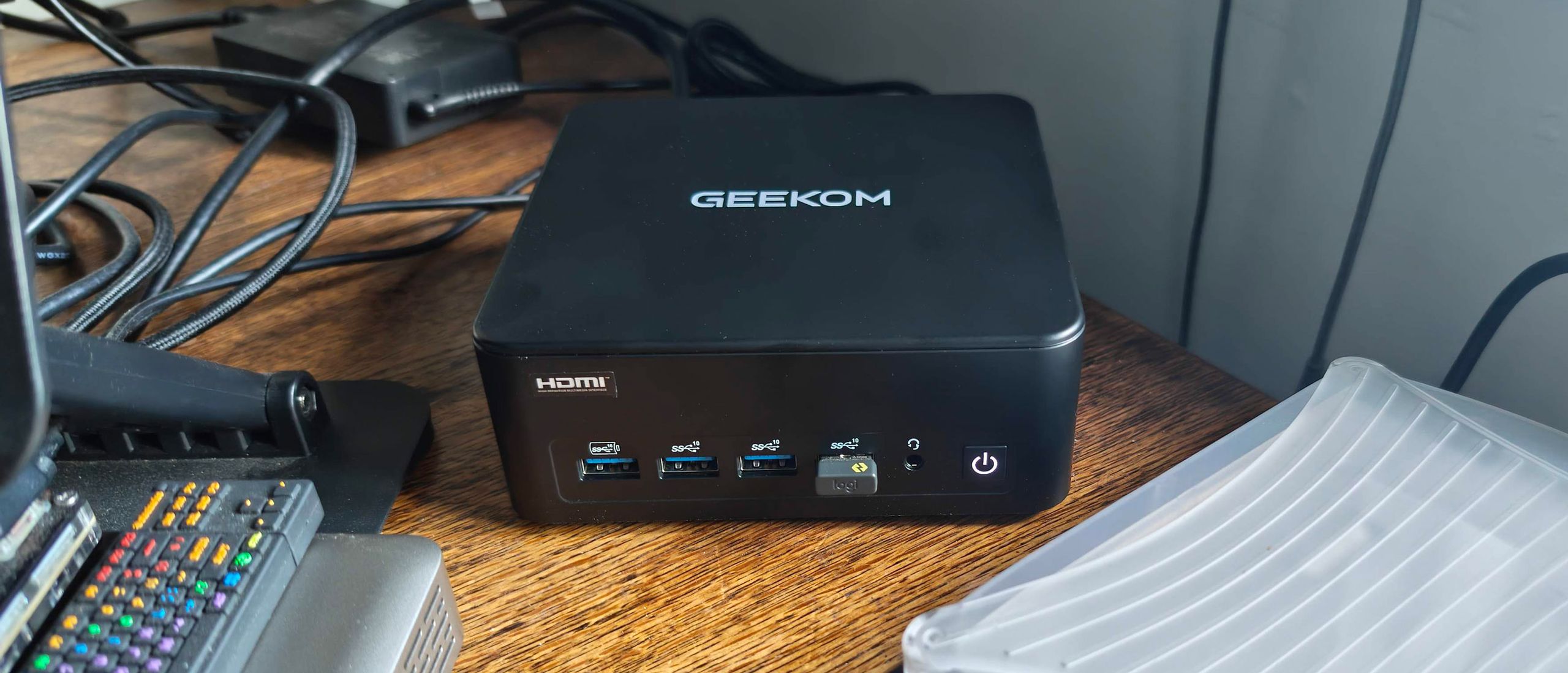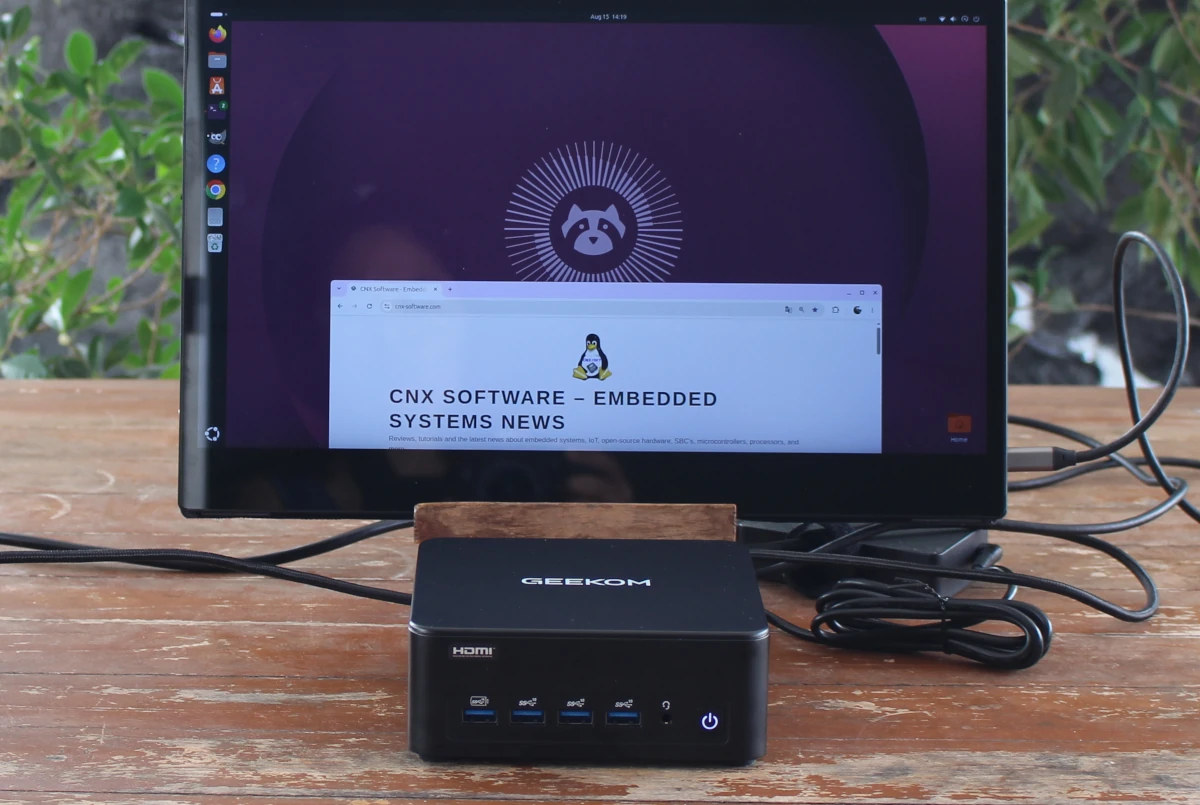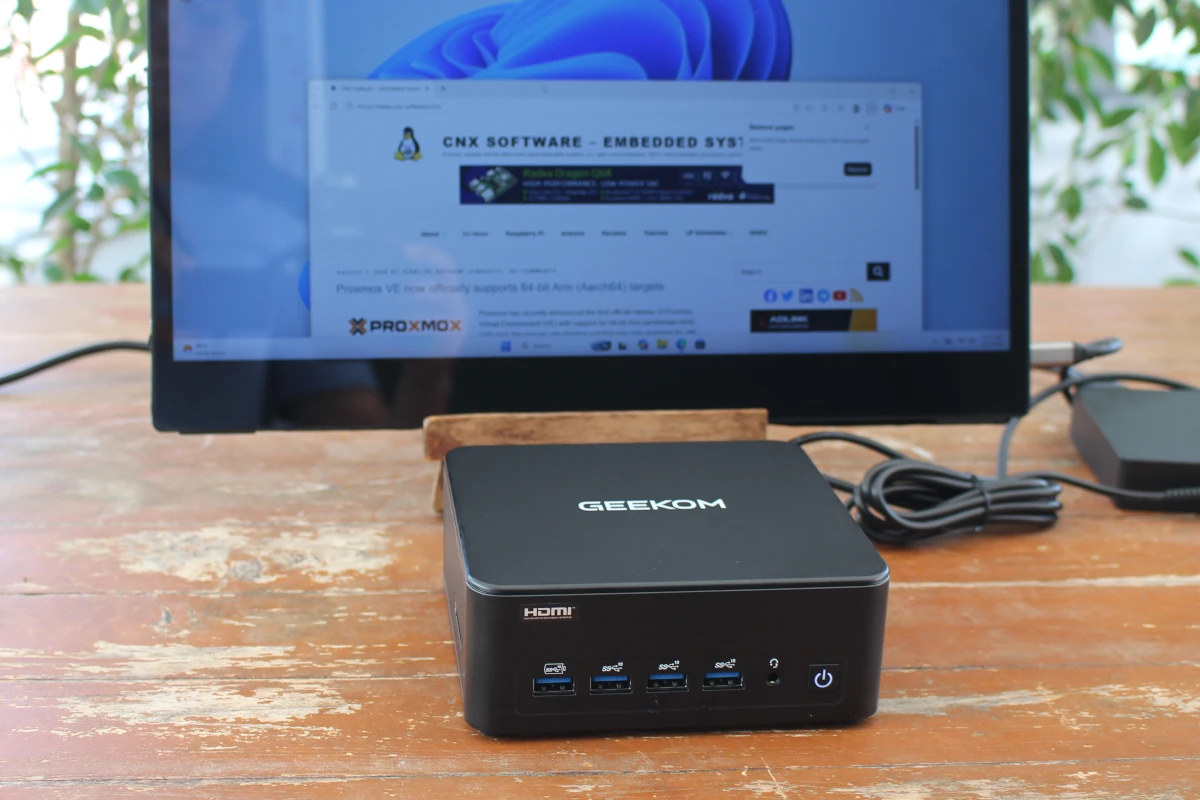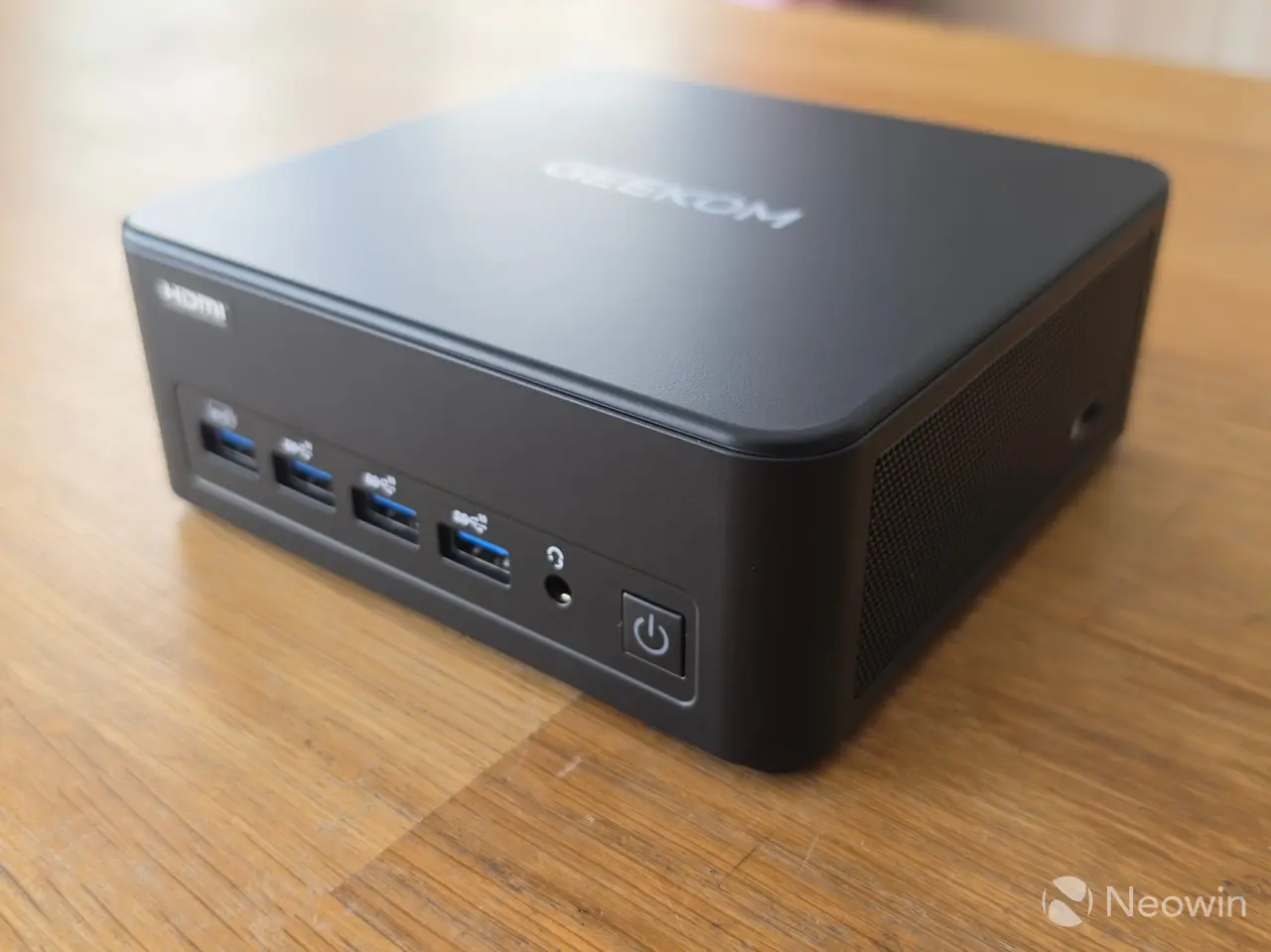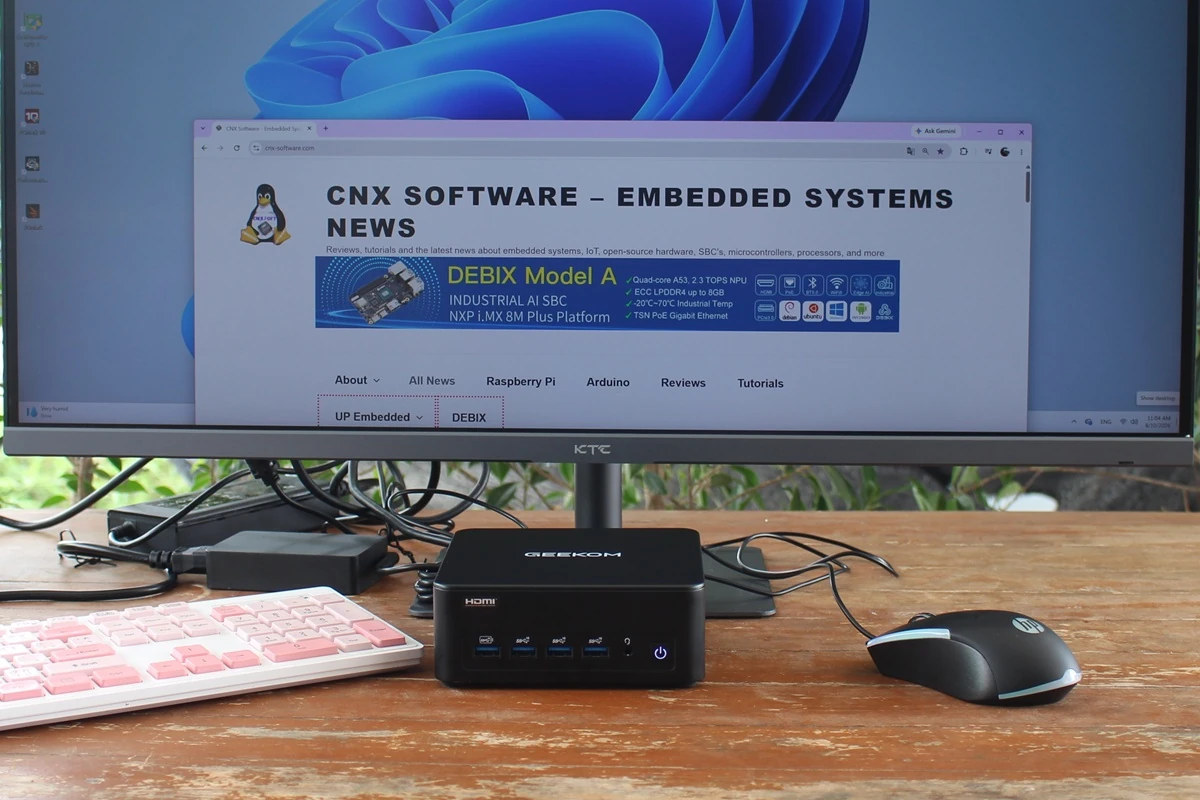
We previously checked out the hardware of the GEEKOM IT13 Max mini PC with an unboxing and teardown of the 16-core Intel Core Ultra 9 185H mini PC in the first part of the review, before booting it up to Windows 11 Pro.We’ve now had time to test it in more detail. So we will report our experience with the GEEKOM IT13 Max on Windows 11 Pro, covering feature testing, system performance benchmarks, AI benchmarks, YouTube 4K and 8K video playback in Firefox, 2.5GbE and WiFi 6 network performance testing, and thermal performance, as well as measurements of fan noise and power consumption. Since we had already reviewed the GEEKOM GT1 Mega mini PC with the same Intel Meteor Lake CPU in 2024, we’ll compare the results to report any improvements or regressions since then.Software Overview and Feature TestingThe System->About window confirms we have an “IT13_Max” computer with a 2.5 GHz (base frequency) Intel Core Ultra 9 185H processor, 24GB of RAM, and a 466 GB SSD running Windows 11 Pro 25H2 64-bit.HWiNFO 64 utility provides additional details about the Intel Core Ultra 9 185H 16-core/22-thread processor, GEEKOM IT13 Max motherboard, and Intel Arc Graphics. It also confirms the system features 24GB LPDDR5 SDRAM and a 500GB SSD (KINGSTON SNV3S500G).TechPowerUp GPU-Z program provides additional information about the integrated GPU, specifically showing that it has 32 ROPs (Render Output Units) operating at a base clock of approximately 800 MHz and boosting up to 2450 MHz.The PL1 and PL2 power limits are set to 45W (PBP) and 70W (MTP), respectively, and PL4 to 120W. TDP is configurable from 35W to 65W, and set to 45WHWiNFO64 reveals the 24GB memory is implemented via eight 3GB LPDDR5 memory chips from WODPOSIT, model: WPL5128MB-023F.Windows Task Manager confirms that the system has 24GB of RAM (23.5GB usable by Windows), installed via eight LPDDR5 chips running at 5,600 MT/s. We’ll also note that the Intel AI Boost NPU is detected in Task Manager.Next, let’s look at the network connections. Device Manager shows two Intel Ethernet Controller I226-V interfaces supporting 2.5GbE networking and an Intel Wi-Fi 7 BE200 wireless module that also supports Bluetooth.HWiNFO64 provides additional details about the two 2.5GbE interfaces…… and the Intel Wi-Fi 7 BE200 320MHz.We returned to Device Manager to check the Bluetooth firmware version “LMP13.xxx”, which looks up to Bluetooth 5.4.We also tested file transfer via Bluetooth successfully from the GEEKOM IT13 Max mini PC to a Redmi Note 14 Pro 5G smartphone.Contrary to some competitors, GEEKOM will usually properly label its USB ports, and the IT13 Max is no different. Having said that, we will still double-check the exact speeds of the USB4, USB 3.2, and USB 2.0 ports on the mini PC using an ORICO M234C3-U4 M.2 NVMe SSD enclosure for testing USB 3.2/USB4 ports and a USB 3.0 hard drive for the USB 2.0 port. We will also use HWiNFO64 to check the port versions and speeds, and CrystalDiskMark to confirm transfer speeds.For reference, here are the results for the front left USB 3.2 Type-A port…the left USB4 port on the rear panel…and the USB 2.0 port:Here is a summary of the results for all eight USB ports from left to right:
GEEKOM IT13 Max review - Part 2: An Intel Core Ultra 9 185H mini PC tested with Windows 11 Pro (in 2026) - CNX Software
We previously checked out the hardware of the GEEKOM IT13 Max mini PC with an unboxing and teardown of the 16-core Intel Core Ultra 9 185H mini PC in the
2,825 words~13 min read