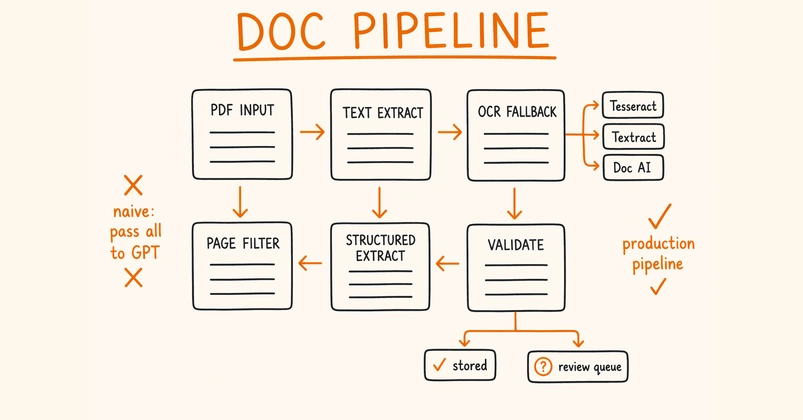
In this tutorial, we build an advanced, self-contained OCRmyPDF workflow. We start by installing the required system and Python dependencies, then create a synthetic image-only PDF for scanning so we can test OCR without relying on external files. From there, we use OCRmyPDF’s real public API to convert scanned documents into searchable PDFs, generate PDF/A outputs, extract sidecar text, validate the results, compare file sizes, tune Tesseract settings, clean noisy scans, handle already-OCRed files, process images with DPI hints, run OCR in memory, and batch-process multiple PDFs. Through this workflow, we understand how OCRmyPDF can serve as a practical document digitization pipeline for archival, search, extraction, and automated processing tasks.
Installing OCRmyPDF System Dependencies
import io
import os
import re