Background
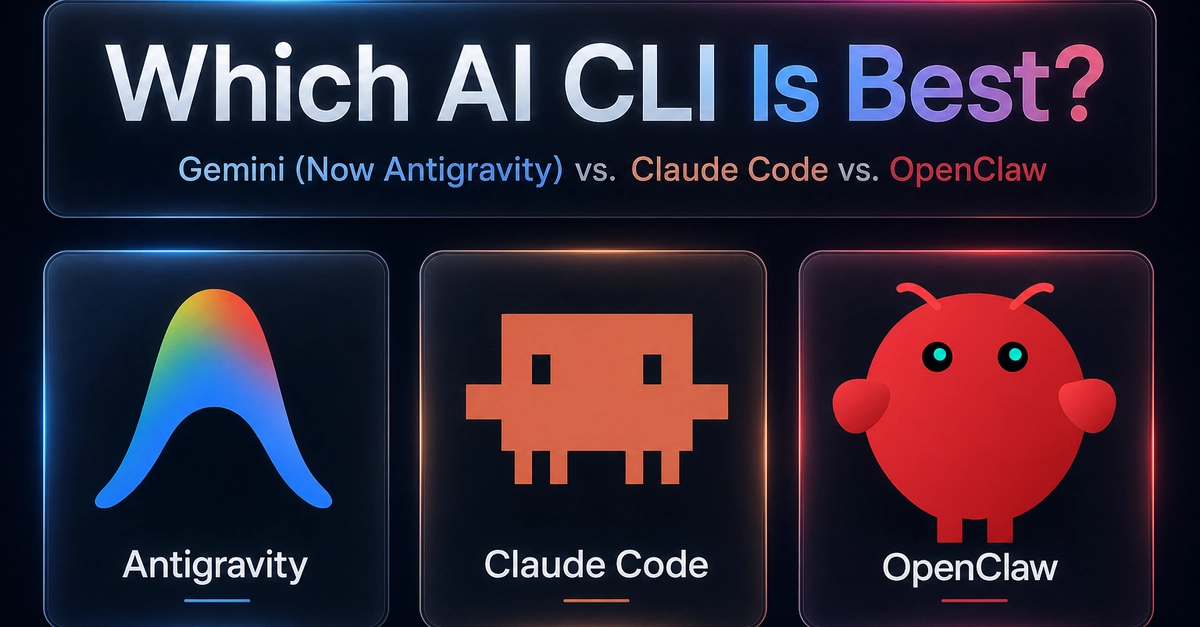
With generative AI entering daily development, the AI assistant in the terminal has also ushered in an epic update! If you are a loyal supporter of the original Gemini CLI, you may already know that this tool will be officially retired on June 18, 2026.
Taking over the torch of this era is Google's stunning launch at I/O 2026, the next-generation lightweight, Go language-driven multi-agent terminal UI assistant —— Antigravity CLI (called agy in the terminal)!
However, the launch of new tools is always accompanied by various pitfalls and surprises. This article will focus on Antigravity CLI (agy), revealing how to deal with the "invisible color scheme hell", how to enable the addictive YOLO no-confirmation frenzy mode, and those terminal black technologies and setting secrets hidden deep within settings.json!
When installing and launching agy for the first time, the first blow that many developers accustomed to macOS / Linux dark background terminals usually face is: "The font is all black, and the text is completely invisible!"