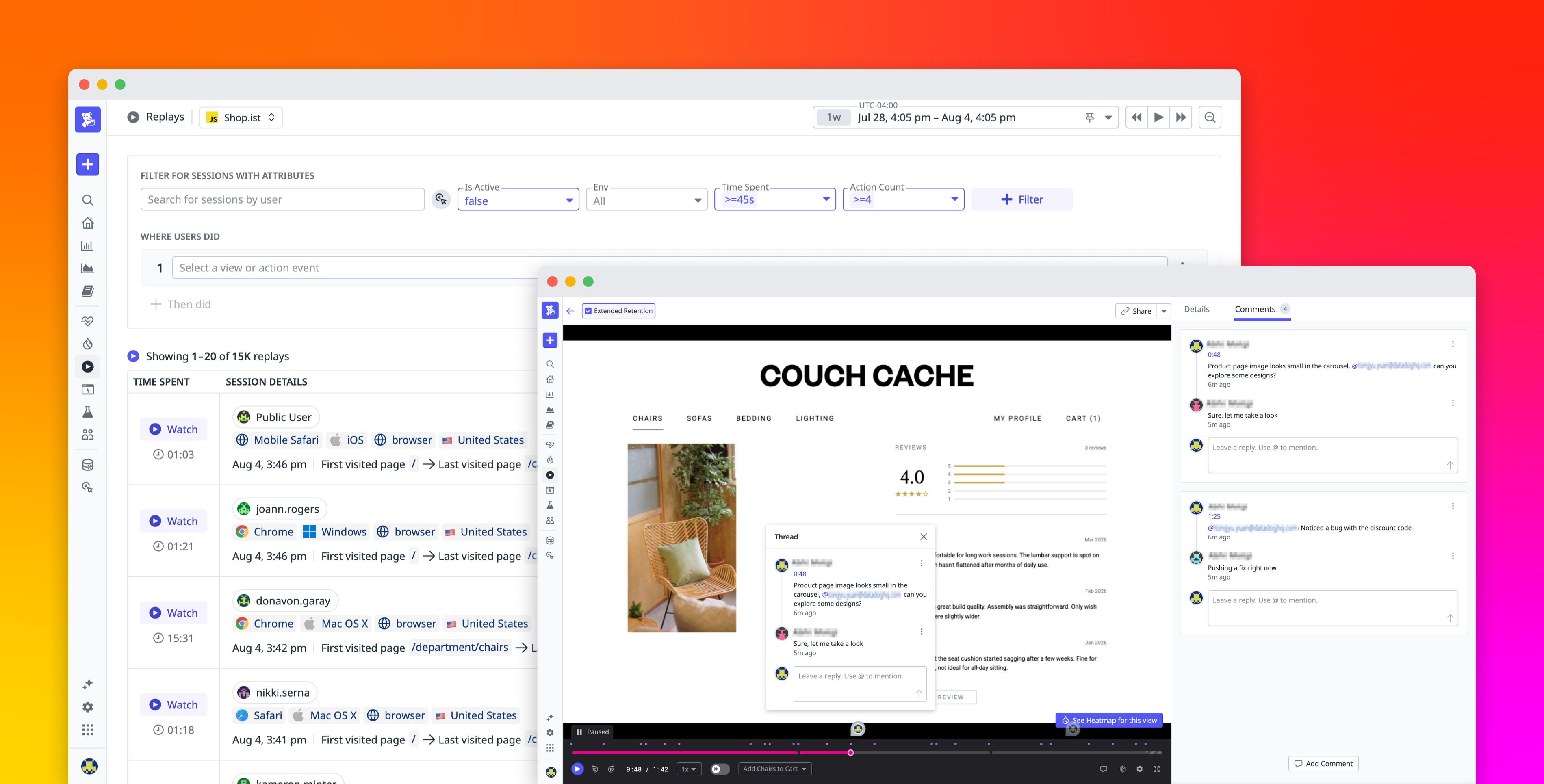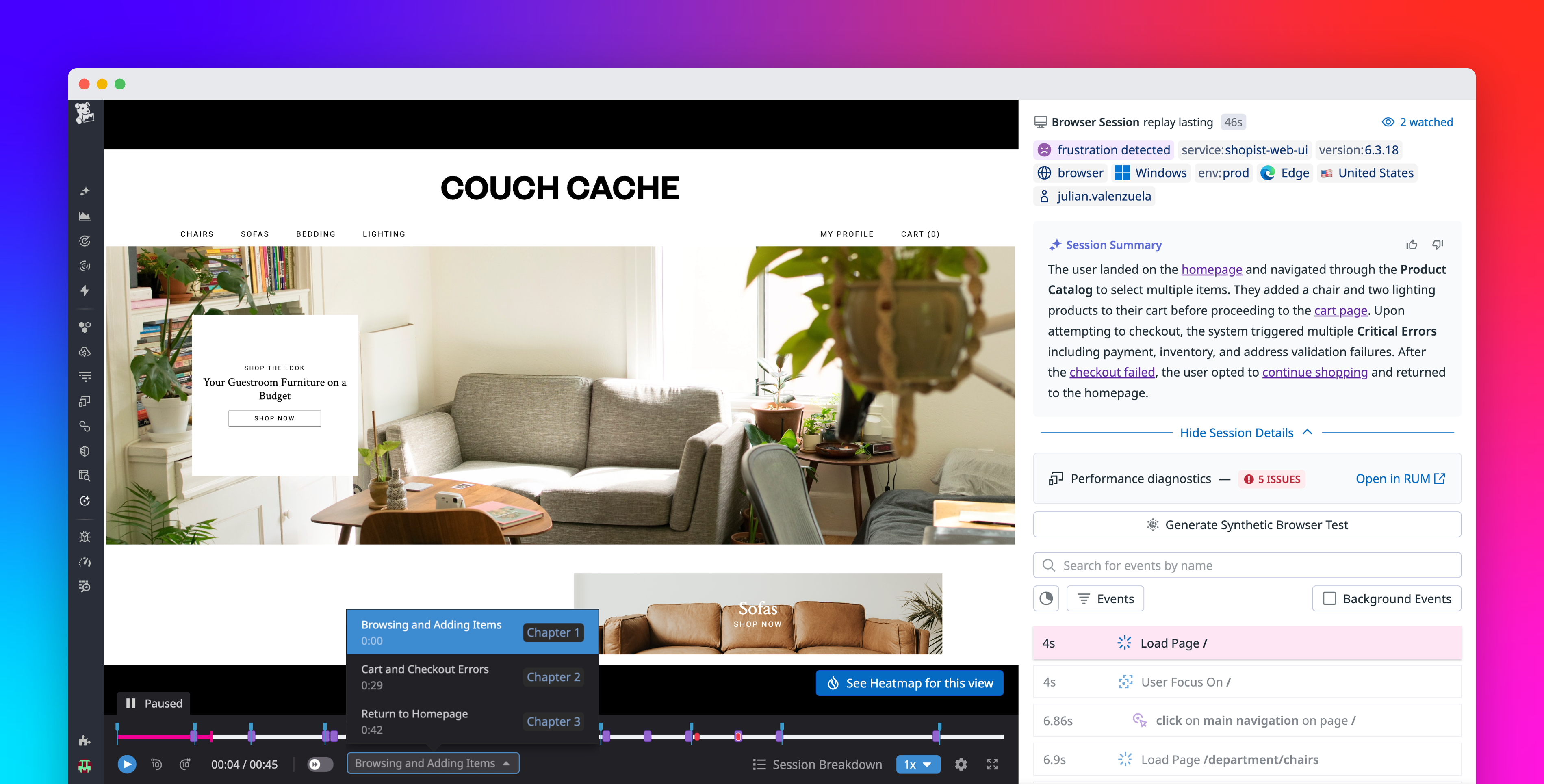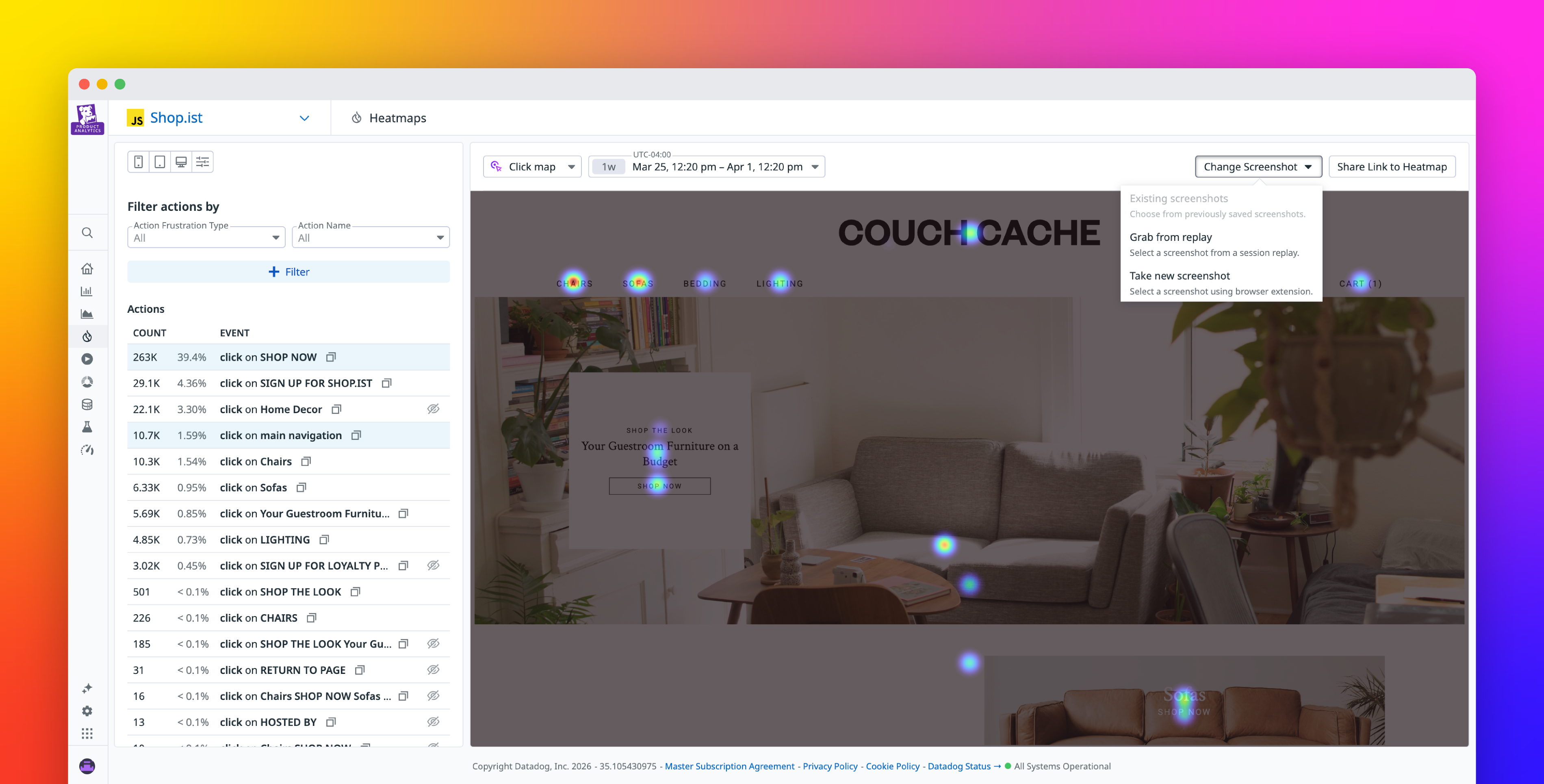
Stella Ma Abhi Motgi Datadog Session Replay heatmaps track where users click, scroll, and engage across your web pages. Each heatmap is overlaid on a screenshot of the page, and that background determines what you can actually analyze. But getting the right screenshot can be tricky. Many UI states are dynamic, rare, or simply impossible to capture from replays, so heatmaps can end up showing the wrong view.
Session Replay is introducing two new capabilities that give teams more direct control over their heatmap backgrounds. With custom heatmap backgrounds, you can open your live site from Datadog, interact with it freely, and capture any UI state you want as your background. You can also save multiple backgrounds for a single heatmap view and switch between them instantly. Saved screenshots are shared across your org and persist across sessions, so teammates can jump straight to a curated set of views.
In this post, we’ll cover how Session Replay now enables you to:
Capture the exact UI state you need for more accurate heatmap analysisKeep the right heatmap views ready for your whole team
Capture the exact UI state you need for more accurate heatmap analysis