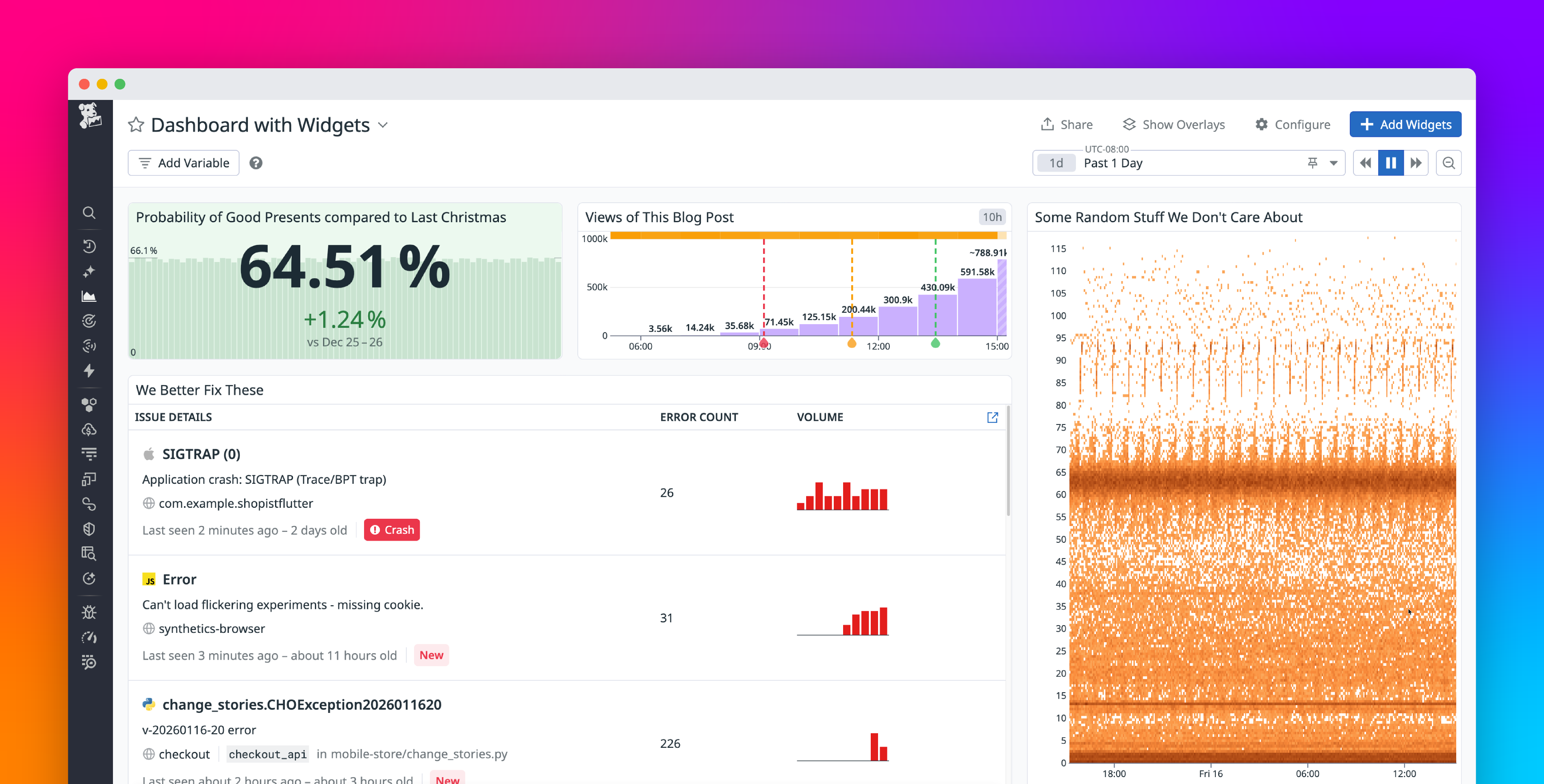
Sharing a visualization from a Datadog dashboard or notebook is simple. You can copy and paste a widget directly into another dashboard, message, or document. Behind the scenes, the widget is stored with a unique sharing URL, which the Datadog app or chat integrations can use to render a live preview or link back to the underlying data.
These live previews are especially powerful when using Datadog Incident Management’s docked view. When an incident is docked, pasting a widget into a Slack incident channel renders it as a fully interactive widget in Datadog, letting users correlate key indicators from an incident with other metrics during investigation and remediation.
A shared widget renders inside a docked incident view, letting responders correlate signals during an investigation. A shared widget renders inside a docked incident view, letting responders correlate signals during an investigation.
Although this feature captures full context for visualizations, many users still prefer to take screenshots.
Screenshots are quick, intuitive, and guarantee a consistent visual snapshot, regardless of context or permissions. However, taking screenshots loses a lot of valuable information, such as the time range, underlying query, visualization type, and the dashboard state at the moment the image was taken.