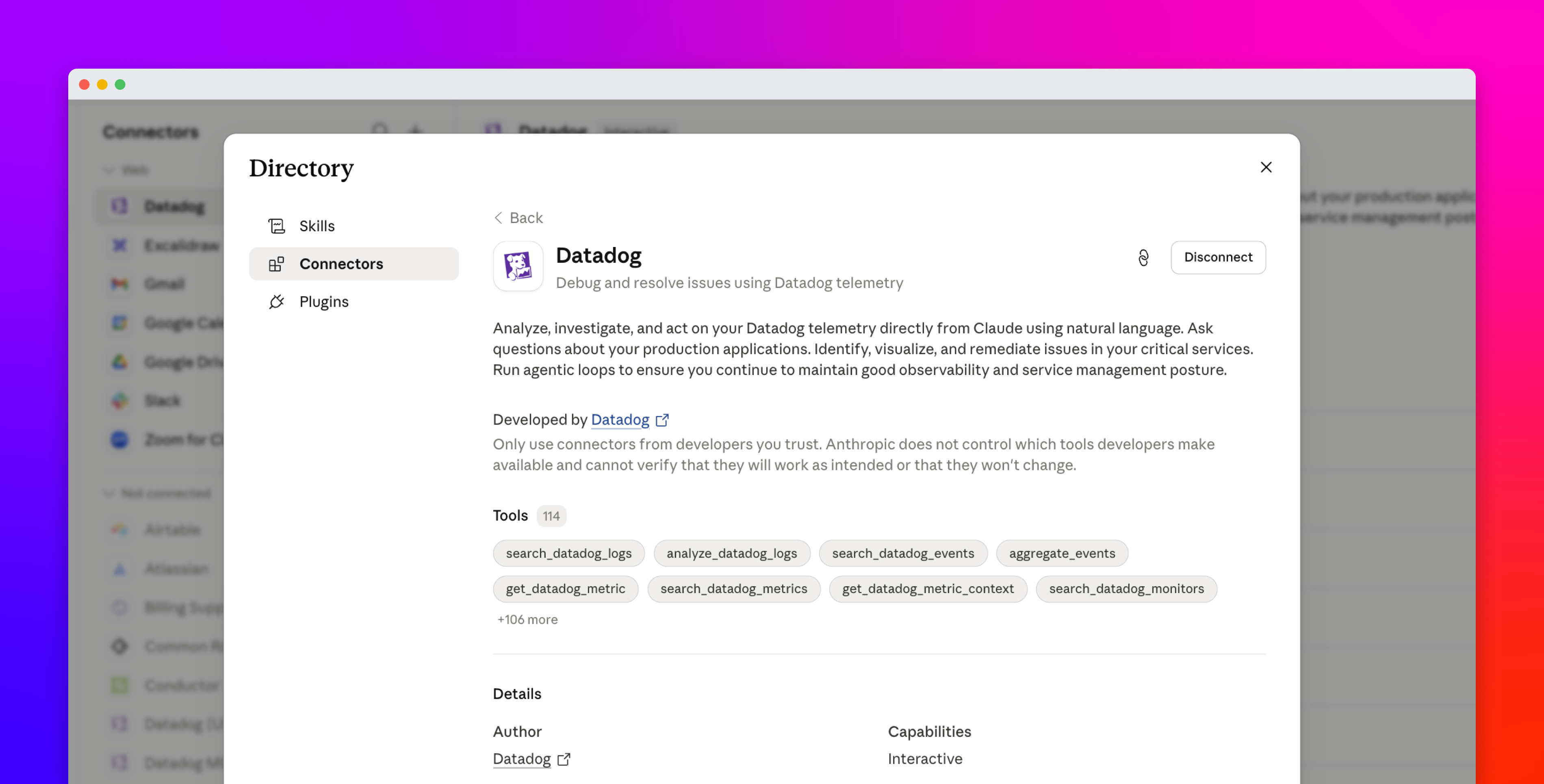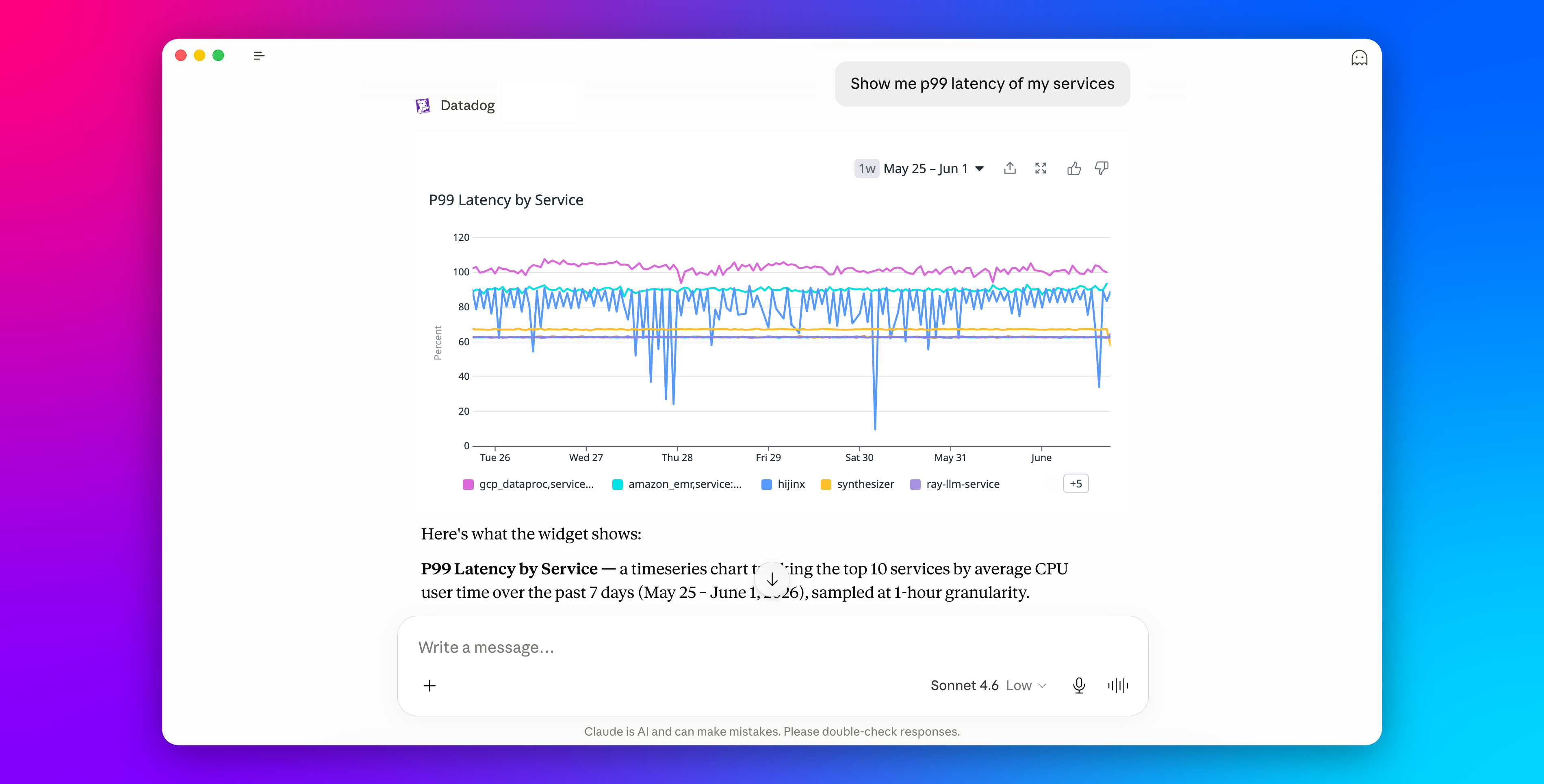
Engineers are increasingly launching investigations from AI tools such as Claude, Cursor, and ChatGPT that can access engineering knowledge and observability data using connectors and MCP servers. However, in these workflows, AI tools typically communicate and summarize data using text. For example, an AI chat interface might tell you that latency spiked following a specific deployment or that a monitor entered an alert state, but you still need to open Datadog to inspect graphs and validate trends before deciding on your next course of action.
MCP Apps are an extension of the Datadog MCP Server that enable our server to return interactive UI elements directly within the AI conversation. This means that instead of reading summaries about your telemetry data, you can inspect live Datadog graphs, monitors, Product Analytics widgets, and more inline with the model’s text response. Whether you are investigating an incident in Cursor, reviewing user behavior in Claude, or troubleshooting latency in ChatGPT, you can interact with the same visual context you would normally open in Datadog without needing to switch contexts or open a separate window.
In this post, we’ll look at how Datadog MCP Apps help you: