
Steven Troughton-Smith, over the weekend:
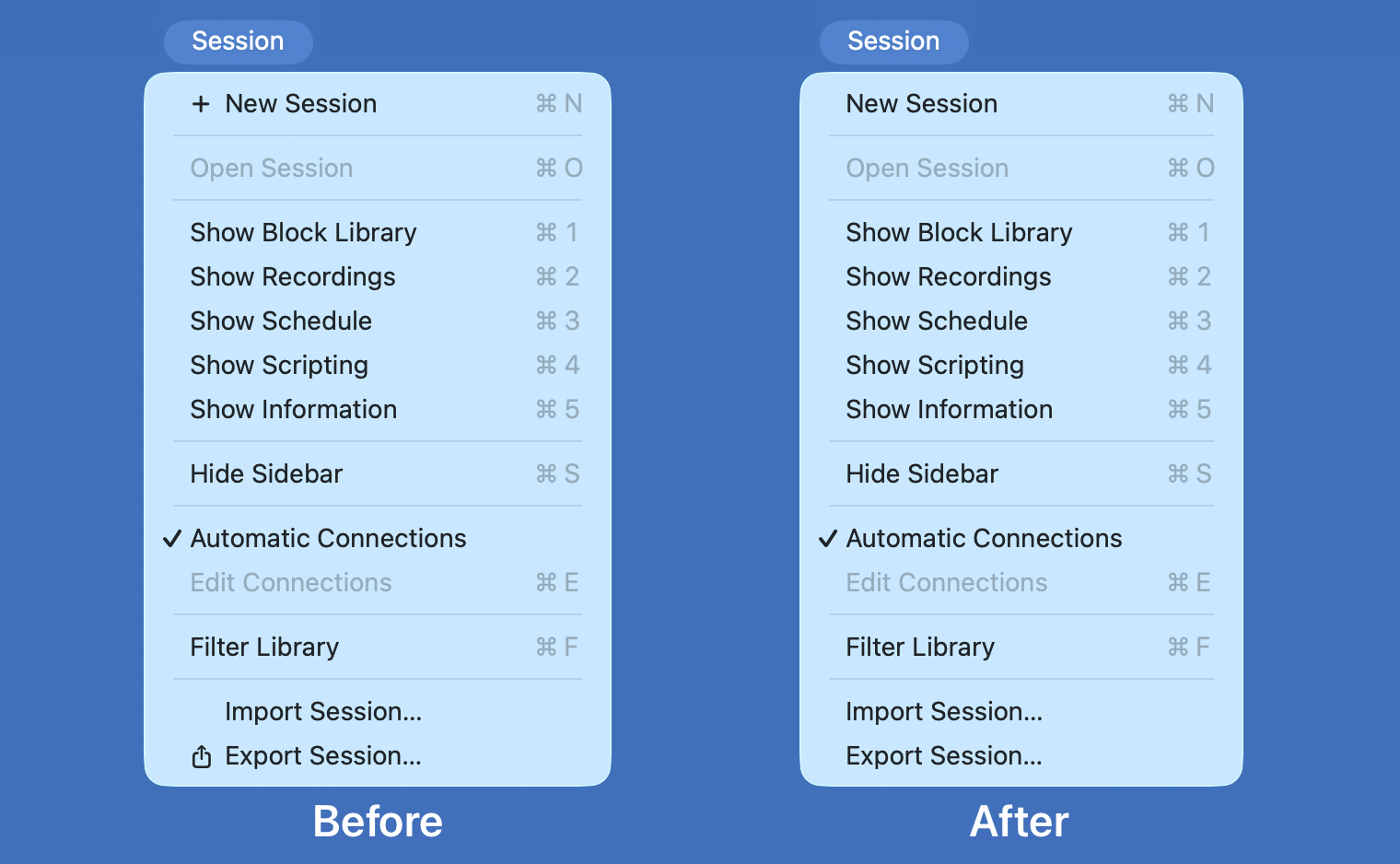
Here’s one for the icons-in-menus haters on macOS Tahoe:
defaults write -g NSMenuEnableActionImages -bool NO
It even preserves the couple of instances you do want icons, like
for window zoom/resize.
If this worked to hide *all* of these cursed little turds smeared across the menu bar items of Apple’s system apps in Tahoe, this hidden preference would be a proverbial pitcher of ice water in hell. As it stands, alas, it’s more like half a glass of tepid water.
Steven Troughton-Smith, over the weekend:
Here’s one for the icons-in-menus haters on macOS Tahoe:
defaults write -g NSMenuEnableActionImages -bool NO
It even preserves the couple of instances you do want icons, like
for window zoom/resize.
We can avoid Apple’s heavy-handed implementation of a questionable idea.

This is my favorite news from all of WWDC this week. I mean that. In a small way I mean it because I so loathe this aspect of…
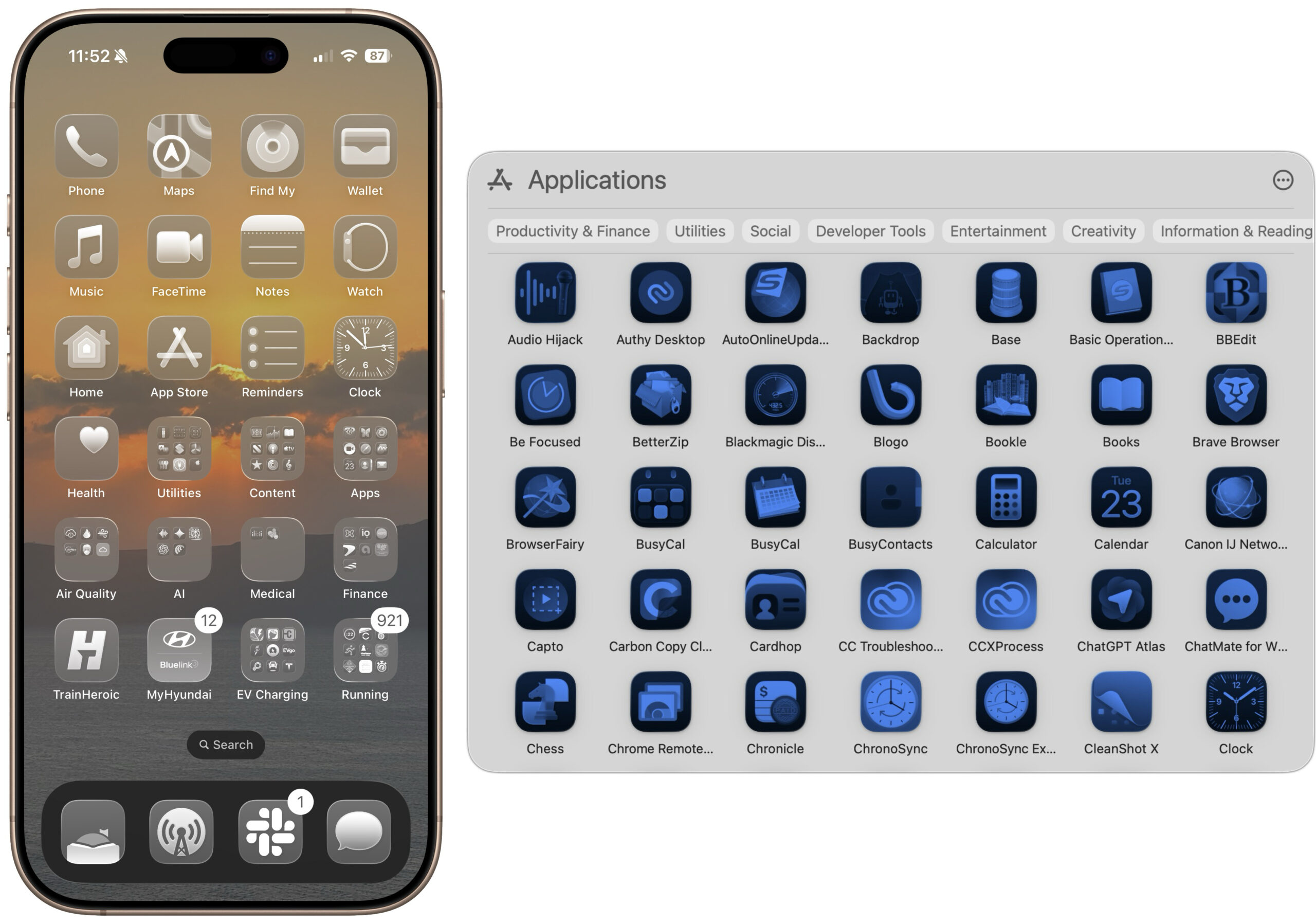
The Clear and Tinted icon options in macOS 26 and iOS 26 might look stylish, but they make identifying individual apps nearly…
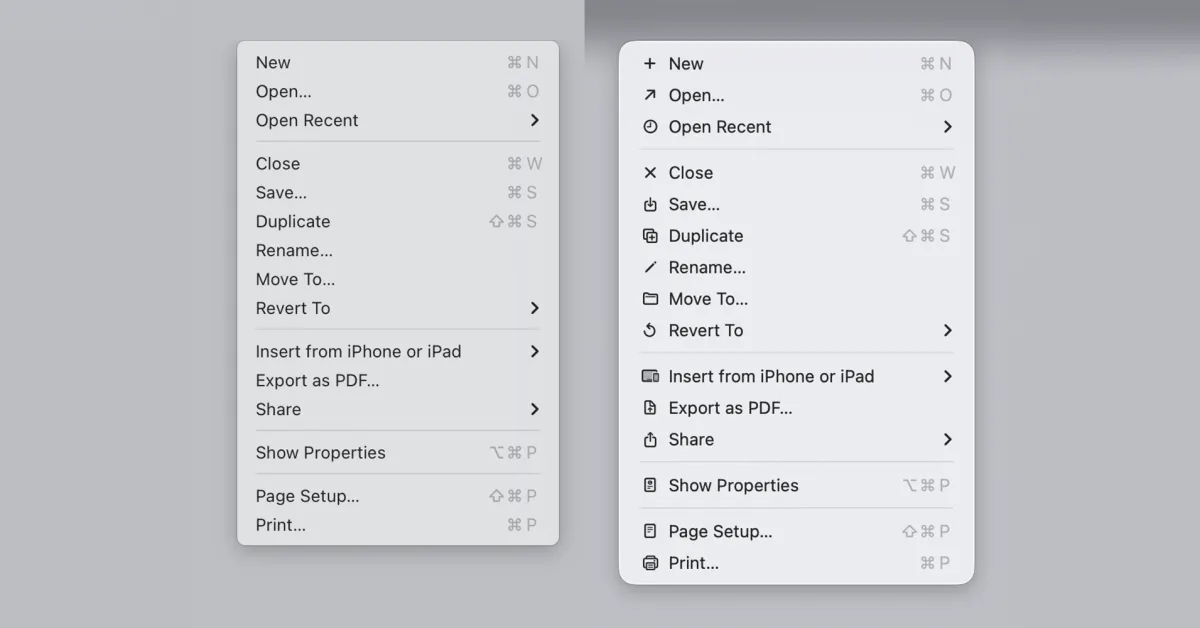
The menu icons in macOS 26 Tahoe were roundly criticized for being both ugly and making Macs harder to use....

Link to: https://tonsky.me/blog/tahoe-icons/
The notch on modern MacBooks gives us beautiful, near-borderless displays. But for heavy...