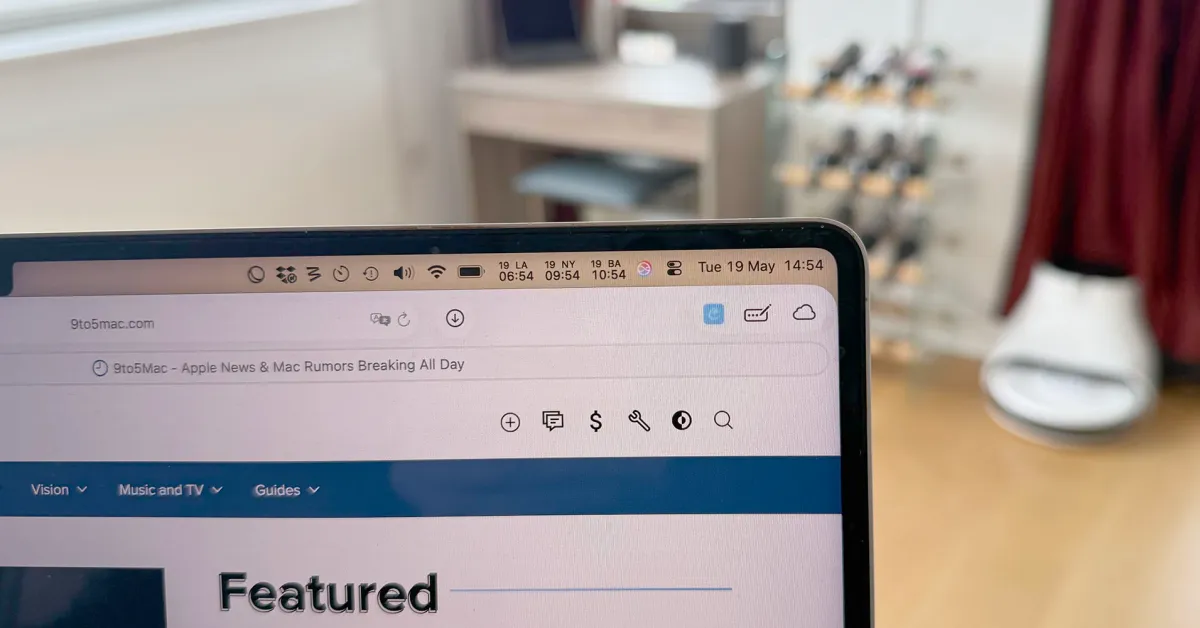
The notch on modern MacBooks gives us beautiful, near-borderless displays. But for heavy multitaskers, it introduces a frustrating design flaw: macOS hides menu bar icons behind the notch when you run out of space. Because Apple provides no native overflow menu, essential utility apps simply disappear into a digital black hole. You shouldn't have to force-quit applications just to access your status icons.
Here is how to quickly reclaim your MacBook menu bar real estate.
1. Condense Everything with "Only Switch" (Free & Open Source)
If your menu bar is cluttered with individual icons for Dark Mode, Keep Awake, Bluetooth, and Night Shift, you are wasting prime real estate.
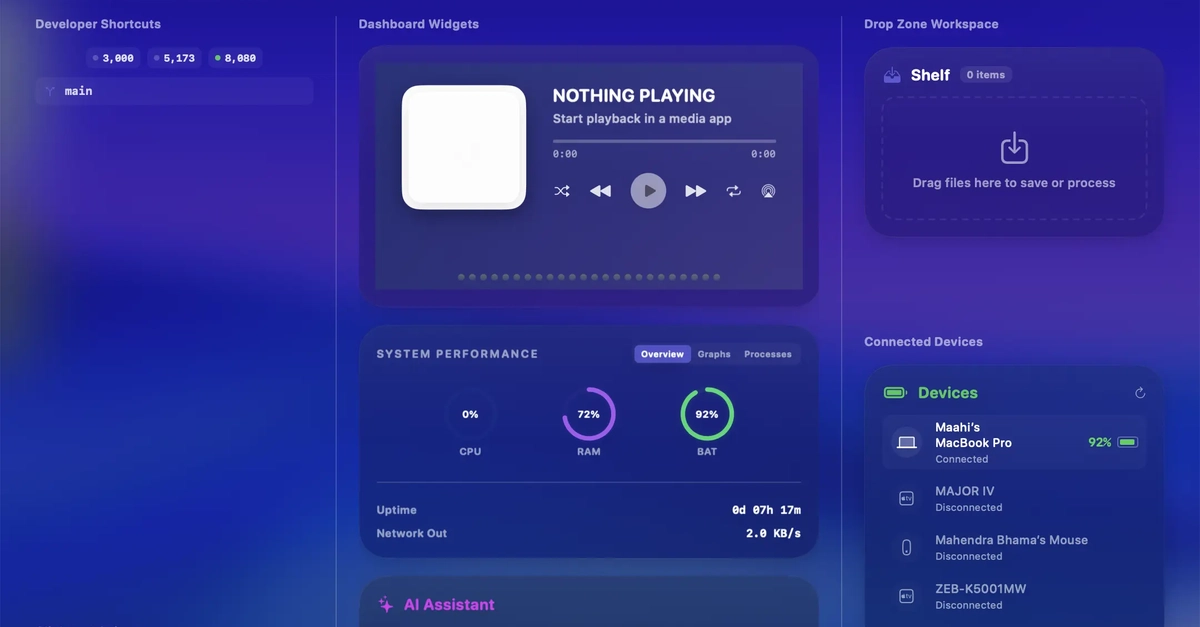
Only Switch is a powerful, open-source utility that consolidates dozens of settings into a single menu bar icon. Clicking it reveals a clean dropdown panel of customizable toggles. By replacing five or six separate app icons with just one, you instantly clear massive space so other apps never get pushed behind the notch.